Can Small Cases Overheat Easily: Risks and Prevention Tips
Have you ever noticed your small electronic case feeling hot after just a short time? It can be worrying when your device or its case overheats quickly.
You might wonder if small cases are more prone to heat buildup and what that means for your gadgets. Understanding why this happens can help you protect your devices and avoid damage. Keep reading to discover the surprising reasons small cases overheat easily and how you can keep your gear cool and safe.
Causes Of Small Case Overheating
Small computer cases often face overheating issues. The tight space inside limits how heat escapes. Several factors cause these temperature rises. Understanding these can help keep your PC cool and safe.
Limited Airflow And Ventilation
Small cases have less room for air to move. Fans may not fit properly or work well. Without good airflow, hot air stays trapped inside. This makes the components heat up quickly.
High-performance Components
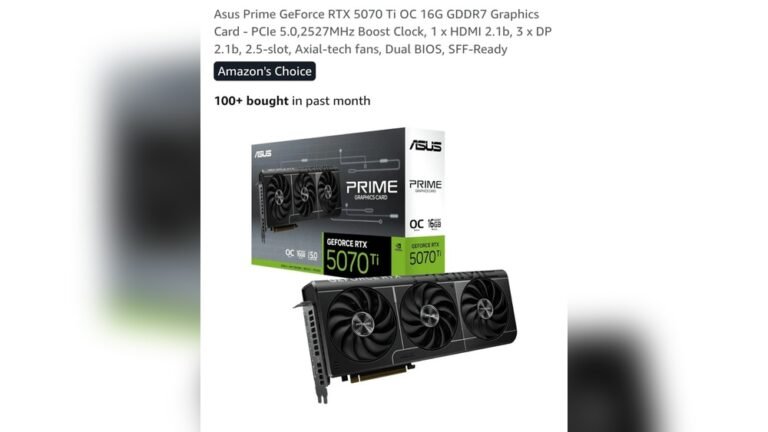
Powerful parts like CPUs and GPUs produce more heat. Small cases hold these parts close together. The heat builds up faster because it cannot spread out. This raises the chance of overheating.
Poor Cable Management
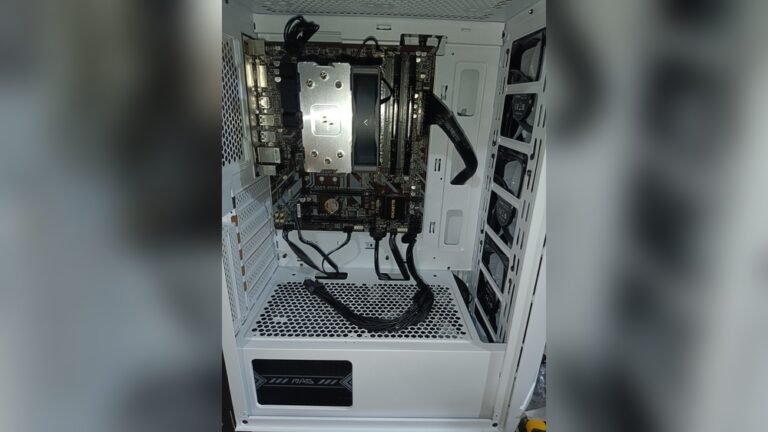
Messy cables block airflow inside the case. They stop cool air from reaching important parts. This causes hot spots where heat collects. Organizing cables helps air flow better and reduces heat.
Environmental Factors
Room temperature affects case heat levels. Hot rooms make it harder for the case to cool down. Dust can clog vents and fans, limiting airflow. Keeping the environment clean and cool helps prevent overheating.
Common Risks From Overheating
Overheating is a common problem in small computer cases. These cases have less space for air to flow. This can cause the inside to get very hot. High temperatures can create serious risks for your device. Knowing these risks can help you avoid damage and keep your system running well.
Hardware Damage
Heat can harm the parts inside your computer. The processor and graphics card can get damaged. Overheated parts may stop working suddenly. This damage can be costly to fix or replace.
System Instability
High heat causes your computer to act strangely. It may freeze or shut down without warning. Programs may crash more often than usual. This makes your computer unreliable and frustrating to use.
Reduced Lifespan
Heat wears down computer parts faster. Over time, this shortens the life of your device. Components may fail long before they should. This means you may need a new computer sooner.
Data Loss
Overheating can cause hard drives to fail. This can lead to loss of important files and documents. Sudden shutdowns increase the risk of corrupting data. Protecting your computer from heat protects your data too.
Cooling Solutions For Small Cases
Small computer cases often trap heat more than larger ones. Good cooling helps keep parts safe and working well. Choosing the right cooling parts can stop overheating in small cases.
Choosing Efficient Fans
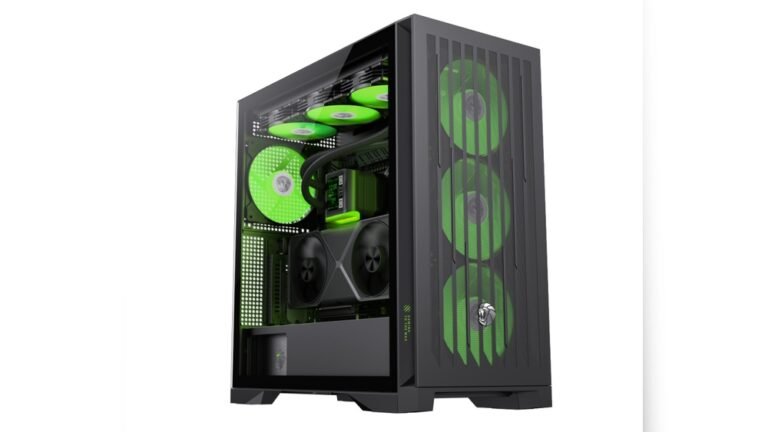
Pick fans that move a lot of air but stay quiet. Look for fans sized to fit your case well. Fans with good airflow and static pressure work best. Place fans to bring cool air in and push hot air out.
Liquid Cooling Options
Liquid cooling uses water to carry heat away from parts. It fits well in tight spaces and cools better than air. Small cases can use compact liquid coolers. These keep the CPU or GPU cooler under heavy use.
Heat Sinks And Thermal Paste
Heat sinks pull heat away from chips. Bigger heat sinks cool better but must fit inside the case. Use good thermal paste between the chip and heat sink. This helps heat move faster and lowers temperatures.
Optimizing Case Layout
Keep cables tidy to improve airflow inside the case. Place hot parts near fans or vents. Avoid blocking airflow paths with large components. Good layout lets cool air reach all parts easily.

Credit: www.amazon.com
Maintenance Tips To Prevent Overheating
Small cases can overheat easily due to limited space inside. Proper maintenance helps keep temperatures low and parts safe. Simple steps can prevent heat build-up and extend your device’s life.
Regular Dust Cleaning
Dust blocks air vents and traps heat inside the case. Clean your small case often using a soft brush or compressed air. Focus on fans, vents, and heat sinks. This keeps airflow steady and parts cool.
Monitoring Temperatures
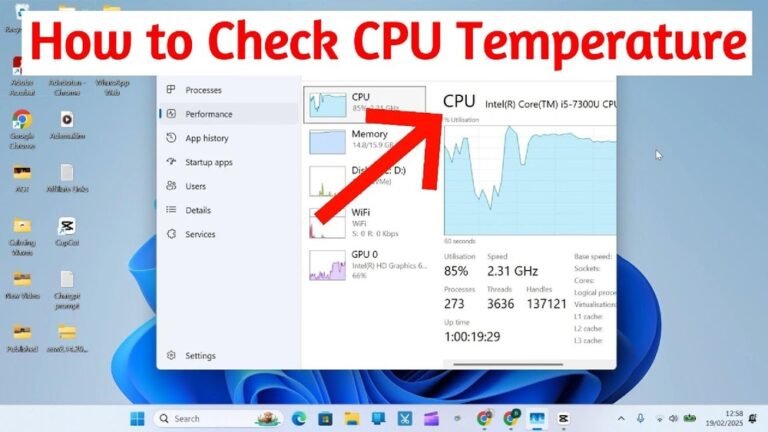
Use software to check your device’s temperature regularly. Watch for spikes or high readings. Early detection helps prevent damage from overheating. Adjust settings or pause heavy use if temperatures rise.
Upgrading Components
Replace old fans with quieter, stronger models. Add extra cooling parts if your case allows. Choose components that fit well to avoid blocking airflow. Better parts reduce heat and improve performance.
Improving Airflow Paths
Arrange cables neatly to stop airflow blocks. Keep space around fans clear for smooth air movement. Use fan filters to stop dust but allow air in. Good airflow helps cool all parts evenly.
Design Considerations For Small Cases
Small computer cases need smart design to avoid overheating. They have less space for airflow. Careful planning helps keep parts cool and working well. Designers focus on airflow paths, materials, and layout. These factors affect heat buildup and cooling efficiency.
Understanding these design elements helps choose the right small case. It also shows how manufacturers solve cooling challenges in compact builds.
Vent Placement And Size
Vents let hot air escape and fresh air enter. In small cases, vent size matters a lot. Bigger vents improve airflow but reduce structure strength. Proper vent placement ensures air moves through the hottest parts. Front, top, and rear vents work best together. Without good vents, heat stays trapped inside.
Material Choices
Case materials affect heat management. Metals like aluminum conduct heat away from components. Plastic cases may trap more heat but are lighter. Some cases use mesh panels to boost airflow. Material thickness also changes heat flow. Strong, thin metals help balance durability and cooling.
Compact Vs Modular Designs
Compact designs fit all parts tightly. This leaves little room for air to move. Modular designs allow parts to be moved or removed. This creates space and improves airflow. Modular cases often include extra fan slots. Compact cases need careful layout to avoid hot spots.

Credit: www.amazon.com
Credit: www.walmart.com
Frequently Asked Questions
Can Small Cases Cause Devices To Overheat Quickly?
Small cases limit airflow, which can trap heat inside. This often causes devices to overheat faster than larger cases with better ventilation.
Does Compact Design Affect Heat Dissipation In Cases?
Yes, compact designs reduce space for heat to escape. This restricts airflow and lowers the efficiency of cooling components.
What Are Common Signs Of Overheating In Small Cases?
Common signs include sudden shutdowns, slower performance, and hot surfaces. These indicate inadequate cooling in small case setups.
How Can I Prevent Overheating In Small Computer Cases?
Improve airflow with additional fans or better cable management. Use high-quality thermal paste and avoid blocking vents for better cooling.
Conclusion
Small cases can overheat more easily than larger ones. They have less space for airflow and cooling. This can cause devices inside to get hot quickly. Using good ventilation helps keep temperatures down. Choosing cases with built-in fans or vents also helps.
Keep dust away to improve cooling performance. Overheating can reduce device life and slow performance. Taking simple steps can prevent these problems. Small cases need extra care to stay cool and work well.