Can Pc Work Without a Gpu: Essential Facts You Must Know
Have you ever wondered if your PC can run without a GPU? Maybe you’re building a budget computer or troubleshooting an issue, and this question is on your mind.
The good news is, your PC might still work without a dedicated graphics card—but there are some important details you need to know. Keep reading to find out how your computer handles graphics without a GPU, what limitations you might face, and when it’s really okay to skip the graphics card.
This could save you money and help you make smarter choices for your setup.

Credit: www.youtube.com
How A Gpu Impacts Pc Performance
The GPU plays a key role in how well your PC handles visual tasks. It affects speed, clarity, and smoothness on the screen. Without a good GPU, some programs might run slow or not work properly.
Many people think only about CPUs, but GPUs take a big load off the processor. This helps the whole system run better, especially for videos, games, and design work.
Role Of Gpu In Graphics Rendering
The GPU is like an artist that draws images on your screen. It processes many pixels quickly and creates smooth pictures. This is important for videos and games to look good without lag.
It handles tasks like shading, texture mapping, and lighting. These tasks make images look real and colorful. Without a GPU, the CPU must do these jobs, which slows down the PC.
Difference Between Integrated And Dedicated Gpus
Integrated GPUs are built into the CPU or motherboard. They share memory with the CPU and use less power. This makes them good for simple tasks like web browsing or office work.
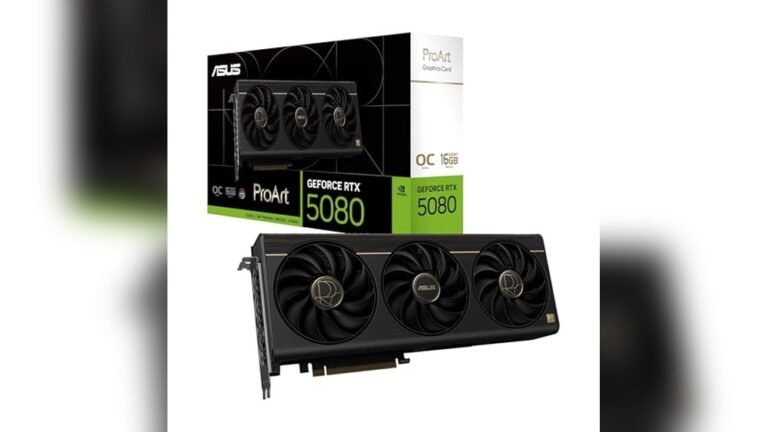
Dedicated GPUs are separate cards with their own memory. They offer higher performance and better graphics quality. These GPUs are needed for heavy tasks like gaming, 3D modeling, or video editing.
Choosing the right GPU depends on what you need your PC to do. Integrated GPUs save money and power but have limits. Dedicated GPUs cost more but boost performance greatly.
Credit: www.partitionwizard.com
Running A Pc Without A Gpu
Running a PC without a GPU is possible for many users. Not all computers need a separate graphics card to work well. Basic tasks like browsing the internet, watching videos, and using office software do not always require a powerful GPU. This makes PCs without dedicated graphics cards a good choice for simple everyday use.
Using Integrated Graphics Solutions
Many modern processors come with integrated graphics built into the CPU. These integrated graphics can handle basic visual tasks without extra hardware. They use shared memory from the main RAM and provide enough power for light gaming and video playback. Integrated graphics reduce the cost and power consumption of a PC. Users can connect monitors directly to the motherboard using video ports supported by integrated graphics.
Limitations Without A Dedicated Gpu
Running a PC without a dedicated GPU means certain limits. High-end games and graphic-intensive software may run poorly or not at all. Video editing and 3D rendering take much longer without a strong GPU. Some programs require specific graphics features only found on dedicated cards. Users should not expect smooth performance for demanding tasks on integrated graphics. Upgrading to a dedicated GPU becomes necessary for heavy graphical work.
When A Gpu Is Necessary
A GPU, or graphics processing unit, plays a key role in many computer tasks. It handles images, videos, and animations. Sometimes, a PC can run without a GPU. Other times, a GPU is a must-have. Knowing when you need a GPU helps in choosing the right PC setup.
Gaming And High-end Graphics Needs
Games often require strong GPUs. They create detailed worlds and smooth animations. Without a good GPU, games may lag or look blurry. High-end games need fast processing to show complex graphics. Gamers benefit from GPUs with more power and memory. Basic graphics chips can’t handle big gaming demands.
Professional Applications And Gpu Dependence
Certain software depends on GPUs for speed and quality. Video editing, 3D modeling, and animation programs need GPUs. These apps use GPUs to render images faster. Scientists and designers use GPUs to process large data sets. Without a GPU, these tasks take much longer. Professionals often choose PCs with dedicated GPUs for better results.
Building A Pc Without A Gpu
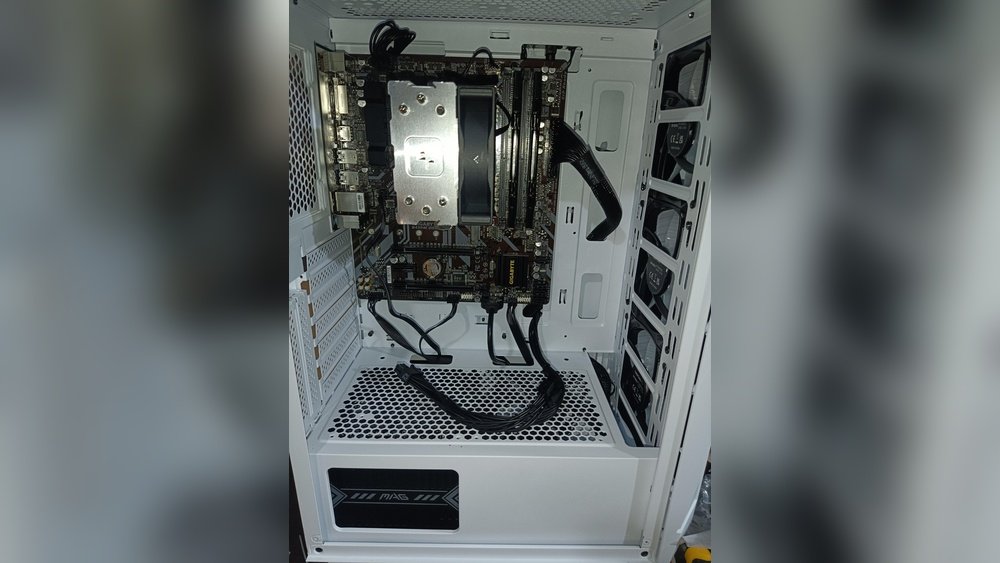
Building a PC without a GPU is possible, especially for basic tasks. Many modern CPUs come with integrated graphics. This means you can run your computer without a dedicated graphics card. It saves money and power. Ideal for office work, web browsing, or media playback.
Choosing the right parts is key. Not all hardware supports running without a GPU. You need to understand which components work well together. Also, some setup steps are important for smooth operation.
Selecting Compatible Hardware
Start with a CPU that has integrated graphics. Intel’s processors with “G” in the name often have this feature. AMD’s Ryzen models with “G” also include integrated graphics. Your motherboard must support the CPU’s integrated graphics. Look for video output ports like HDMI or DisplayPort on the motherboard. These ports connect your monitor directly without a GPU.
Check your RAM and storage options next. They do not affect GPU use but impact overall performance. Ensure power supply wattage fits your build needs. Without a GPU, power demands are usually lower.
Bios And Driver Considerations
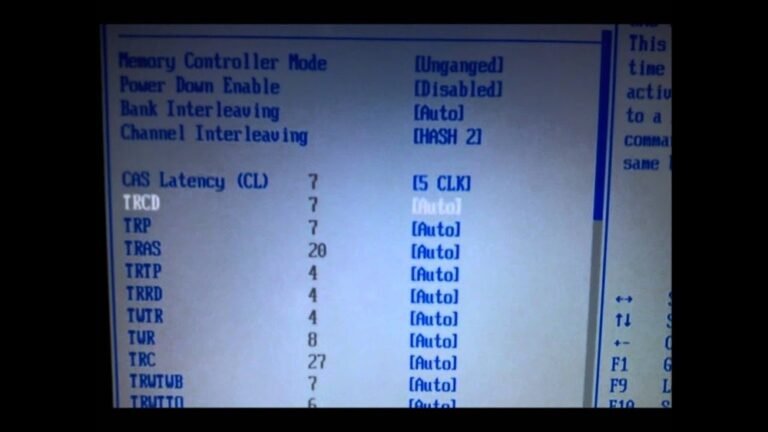
Enter BIOS settings to enable integrated graphics. Sometimes, the PC disables onboard video by default. Find the “Primary Display” or “Initiate Graphics Adapter” option. Set it to use integrated graphics first.
Install the latest drivers for your CPU’s graphics. These drivers improve display quality and system stability. Visit the CPU manufacturer’s website for updates. Keep drivers current to avoid display problems.
Troubleshooting No-gpu Setups
Running a PC without a dedicated GPU can be tricky. Problems might occur because the system relies on integrated graphics or basic display drivers. Troubleshooting these setups helps keep your computer working smoothly. Understanding common issues and ways to fix them improves your experience with no-GPU PCs.
Common Issues And Fixes
No display or blank screen often happens without a GPU. Check if your monitor cable is connected to the motherboard, not a GPU slot. Update your BIOS and chipset drivers to support integrated graphics properly. Sometimes, the system defaults to a disabled video output. Enable integrated graphics in BIOS settings to fix this.
Slow or lagging graphics can frustrate users. Lower your screen resolution and reduce visual effects to improve speed. Make sure Windows updates are installed to get the latest fixes. If the display flickers, check your cables and try different ports.
Performance Optimization Tips
Close apps you don’t use to free up memory and CPU power. Use lightweight programs designed for basic graphics tasks. Adjust power settings for better performance instead of energy saving mode. Keep your drivers updated to avoid bugs and crashes.
Upgrade your RAM if possible; integrated graphics share system memory. More RAM can improve graphics performance. Avoid multitasking with heavy software to reduce slowdowns. Regularly clean your PC to prevent overheating, which can reduce speed.

Credit: www.youtube.com
Frequently Asked Questions
Can A Pc Run Without A Dedicated Gpu?
Yes, a PC can run without a dedicated GPU if it has integrated graphics. Integrated graphics handle basic visual tasks, allowing the system to operate normally for everyday use and light gaming.
What Tasks Can A Pc Do Without A Gpu?
Without a GPU, a PC can perform web browsing, office work, media playback, and simple photo editing. However, it struggles with heavy gaming, 3D rendering, and video editing.
How Does Integrated Graphics Affect Pc Performance?
Integrated graphics share system memory, which can slow down performance compared to dedicated GPUs. They are suitable for basic tasks but not for graphics-intensive applications.
Can Gaming Pcs Work Without A Dedicated Gpu?
Most modern games require a dedicated GPU for smooth gameplay. Some older or less demanding games can run on integrated graphics but with reduced quality and frame rates.
Conclusion
A PC can work without a GPU in many cases. Basic tasks like browsing and word processing run fine. Still, heavy graphics or gaming need a GPU. Some CPUs have built-in graphics for simple use. Without a GPU, video and photo editing get slower.
Choosing a PC depends on what you want to do. For everyday use, skipping a GPU saves money. For better visuals, adding a GPU is smart. Know your needs before deciding about a GPU. This helps you get the best performance and value.