Can You Use Amd Cpu With Nvidia Gpu: Ultimate Compatibility Guide
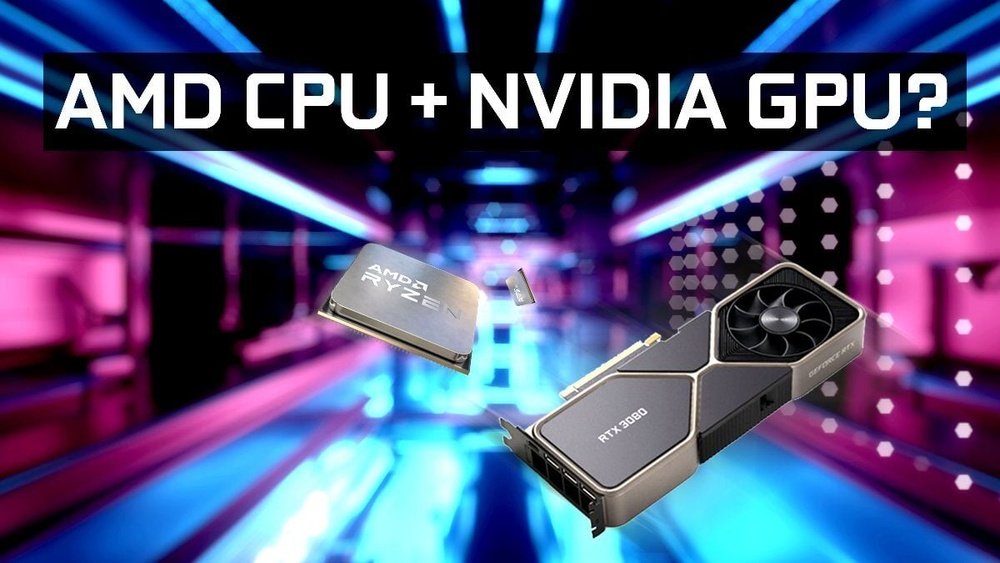
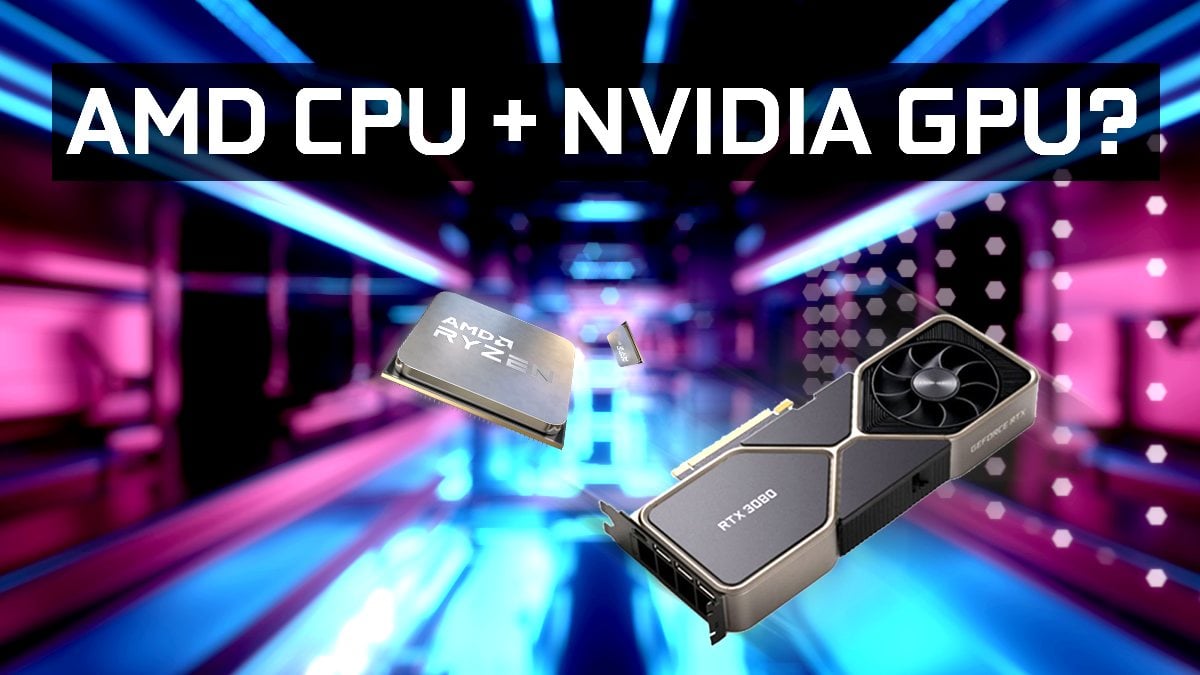
Are you wondering if you can pair an AMD CPU with an Nvidia GPU for your next build? It’s a common question that many PC builders ask.
The answer might surprise you and could save you time and money. Whether you’re gaming, designing, or just curious, understanding how these two powerful components work together is key. Keep reading to find out exactly what you need to know before mixing AMD and Nvidia in your system.
Amd Cpus And Nvidia Gpus Compatibility
Using an AMD CPU with an Nvidia GPU is a common choice among PC builders. These two components come from different companies but work well together. Many users want to know if they can mix them without problems. The good news is they are compatible for most uses. This section explains how they work together and what to check before building your system.
Hardware Compatibility Basics
AMD CPUs and Nvidia GPUs use standard connections. The GPU fits into the PCIe slot on the motherboard. This slot is the same for all modern graphics cards. So, an Nvidia GPU will physically fit in a board with an AMD CPU.
The CPU and GPU also communicate through the motherboard and drivers. Each part uses its own driver software. Nvidia drivers work with any CPU brand. This means you can use Nvidia graphics cards with AMD processors easily.
Socket And Chipset Considerations
The CPU socket type matters for your processor choice. AMD CPUs use sockets like AM4 or AM5. Your motherboard must match the CPU socket. The socket does not affect GPU choice directly.
Chipsets control system features and performance. They support the CPU and provide PCIe lanes for the GPU. Ensure your motherboard chipset supports the PCIe version your GPU needs. Most modern chipsets handle Nvidia GPUs well.
Performance Impact Of Mixing Brands
Mixing an AMD CPU with an Nvidia GPU is common among PC builders. Many wonder if this mix affects performance. The truth is, brand differences do not cause major problems. Performance depends on how well the CPU and GPU work together. Understanding this helps in choosing parts wisely.
Cpu-gpu Bottlenecks
Bottlenecks happen when one part limits the other. A weak CPU can slow down a strong GPU. Or a weak GPU can hold back a fast CPU. Brand names do not cause bottlenecks. The key is matching power levels. Balanced parts give smoother performance and better frame rates.
Gaming And Productivity Scenarios
Games need both CPU and GPU power. Some games rely more on the CPU. Others use the GPU more. Mixing AMD CPUs with Nvidia GPUs works well in most games. For productivity tasks, the GPU handles graphics and calculations. The CPU processes data and runs software. Both brands work fine together here. Choosing the right specs matters most.
Driver Support And Software Integration
Driver support and software integration play a key role in using an AMD CPU with an Nvidia GPU. These components must work well together for smooth performance. The right drivers help the system recognize and use the GPU properly. Without proper support, users can face lag, crashes, or poor graphics quality.
Nvidia and AMD provide separate drivers for their hardware. Nvidia drivers are designed to work with many CPUs, including AMD. This means Nvidia GPUs can run on AMD systems with the correct software installed. Understanding how to install and manage these drivers helps avoid conflicts and ensures stable operation.
Installing Nvidia Drivers On Amd Systems
Start by downloading the latest Nvidia drivers from the official Nvidia website. Choose the correct driver version for your GPU model. Run the installer as an administrator to avoid permission issues. Follow the prompts carefully and select a clean installation if available. This removes old driver files that could cause problems. Restart your PC after installation to apply changes fully.
Common Driver Conflicts And Fixes
Conflicts can occur if old AMD or Nvidia drivers remain on the system. These may cause crashes or display errors. Use tools like Display Driver Uninstaller (DDU) to remove leftover files. Keep your system updated with the latest Windows patches to improve compatibility. Disable automatic driver updates if you want more control over installations. This prevents unwanted driver versions from causing issues.
Credit: www.cgdirector.com
Building A Balanced System
Building a balanced system is key for a smooth computer experience. Matching the CPU and GPU correctly helps avoid slowdowns and bottlenecks. The right parts work together and deliver the best performance for your tasks.
Choosing components also affects power use and heat. This means picking a good power supply and cooling system is important. These parts keep your system stable and safe during heavy use.
Choosing The Right Cpu And Gpu Pair
AMD CPUs work well with Nvidia GPUs. They use standard connections like PCIe, so compatibility is not a problem. Focus on matching the power of both parts. A strong CPU with a weak GPU or the opposite can limit performance. Balance their speeds and features for smooth operation. Check benchmarks to see how different pairs perform in games or apps.
Power Supply And Cooling Requirements
Both AMD CPUs and Nvidia GPUs need enough power. Choose a power supply with enough wattage and good quality. This avoids crashes or damage. Cooling is also important since both parts generate heat. Use good fans or liquid cooling to keep temperatures low. Proper cooling helps your system run longer and faster.
Troubleshooting Compatibility Issues
Troubleshooting compatibility issues between an AMD CPU and an Nvidia GPU can be tricky. Both parts come from different makers with unique designs. Problems can happen during installation or while running software. Finding the cause is key to fixing these issues fast.
Identifying Hardware Conflicts
Start by checking if your motherboard supports both parts. Some older boards have limits on CPU and GPU combos. Look for error messages on your screen or beeps from your computer. These signals can hint at hardware conflicts.
Remove and reinstall your graphics card carefully. Make sure it fits snugly in the PCIe slot. Use only one GPU driver at a time. Mixing AMD and Nvidia drivers can cause crashes or slowdowns.
Bios And Firmware Updates
Outdated BIOS or firmware can block new hardware from working properly. Visit your motherboard maker’s site to download updates. Follow their instructions exactly to avoid mistakes.
Updating BIOS can improve system stability. It also helps the CPU and GPU communicate better. Check for GPU firmware updates on Nvidia’s website. Installing these can fix bugs and boost performance.
Credit: vicentetorns.com
Real-world User Experiences
Many users wonder if AMD CPUs and Nvidia GPUs work well together. Real-world experiences show how these parts perform in actual setups. This section shares user stories and data from tests. It helps understand practical results beyond theory.
Case Studies And Benchmarks
Several case studies show AMD CPUs paired with Nvidia GPUs. Users report smooth gaming and fast performance. Benchmarks reveal good frame rates across popular games. Some tests show AMD Ryzen CPUs handle Nvidia cards without issues. Performance depends on the specific CPU and GPU models. Certain combinations offer a balanced power and speed. Benchmark scores help compare setups before buying.
Community Feedback And Tips
Online forums have many users sharing their experiences. Most agree AMD CPUs run well with Nvidia GPUs. Some mention easy driver installation and updates. Tips include checking motherboard compatibility first. Proper cooling improves system stability. Users suggest updating BIOS and software regularly. Community advice helps avoid common problems. Overall, feedback confirms this combo works for gaming and work tasks.

Credit: vixencomposites.com
Frequently Asked Questions
Can Amd Cpus Work With Nvidia Gpus?
Yes, AMD CPUs are fully compatible with Nvidia GPUs. They work together seamlessly in gaming and productivity tasks, offering great performance.
Do Amd Cpus Limit Nvidia Gpu Performance?
No, AMD CPUs do not bottleneck Nvidia GPUs if properly paired. Performance depends on CPU model and system balance, not brand compatibility.
Is Amd Cpu And Nvidia Gpu Combo Good For Gaming?
Absolutely. AMD CPUs combined with Nvidia GPUs deliver excellent gaming performance, often outperforming other CPU-GPU pairs at similar price points.
How To Install Nvidia Gpu On Amd Cpu Motherboard?
Simply install the Nvidia GPU into a compatible PCIe slot on the AMD motherboard. Then, update GPU drivers for optimal performance.
Conclusion
Yes, you can use an AMD CPU with an Nvidia GPU without issues. These parts work well together and support most software. This combo offers good performance for gaming and daily tasks. Just ensure your motherboard and power supply match the hardware needs.
Drivers are easy to install and update. Mixing AMD CPUs with Nvidia GPUs gives you more choices. It lets you pick the best parts for your budget and needs. Overall, this setup works smoothly and is popular among many users.