Does Adding Ram Improve Pc Speed: Boost Performance Now!
Are you tired of your PC slowing down just when you need it most? You might be wondering if adding more RAM is the secret to speeding things up.
It’s a common belief that more RAM means a faster computer, but is that really true for your setup? You’ll discover how RAM affects your PC’s speed, when upgrading makes a difference, and what else you can do to boost performance.
Keep reading to find out if adding RAM is the simple fix you’ve been looking for.
How Ram Affects Pc Speed
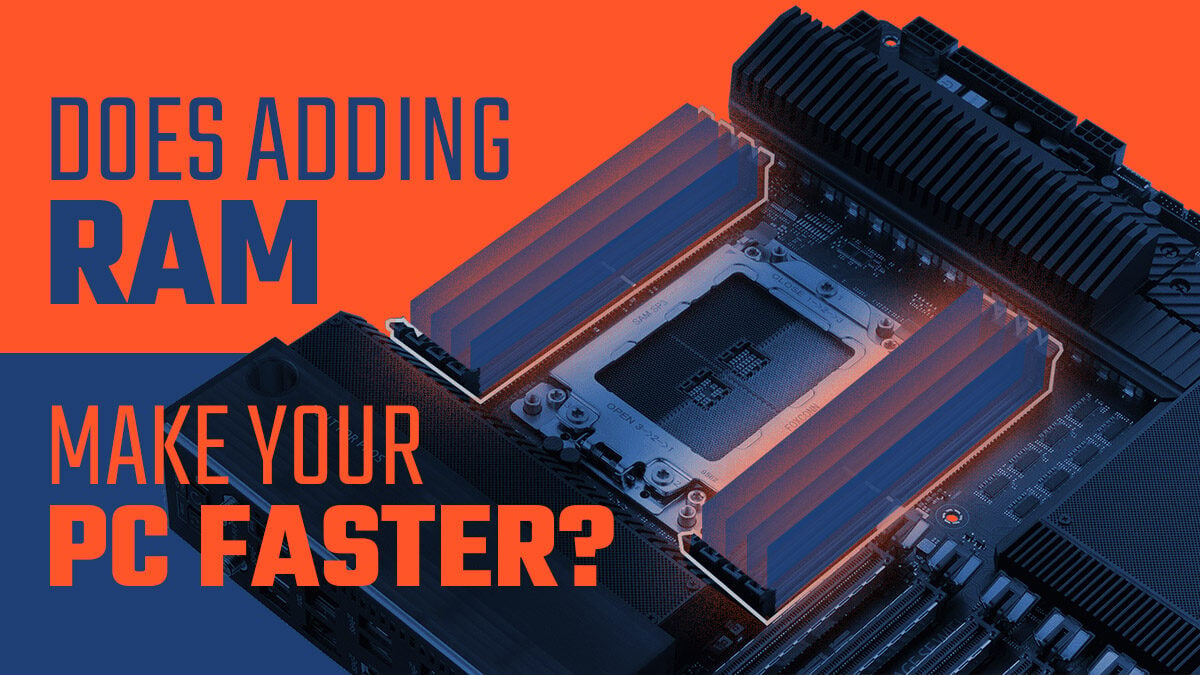
RAM plays a key role in how fast your computer runs. It stores data your PC uses right now. More RAM means your PC can handle more tasks at once. Less RAM can slow down your computer, especially with many programs open.
Understanding RAM’s effect helps you decide if adding more memory improves speed. Let’s see how RAM works and how it compares with other parts of your PC.
Role Of Ram In Computing
RAM is a short-term memory for your PC. It holds the data your computer needs quickly. When you open apps or files, they load into RAM. This makes them faster to access than from a hard drive.
More RAM allows your PC to keep more data ready. This lowers the time your computer spends waiting. It helps with multitasking and running big programs smoothly.
Ram Vs Other Components
RAM is just one part of your PC’s speed. The processor (CPU) controls how fast tasks run. The hard drive stores data but is slower than RAM. A slow hard drive can bottleneck speed, even with enough RAM.
Graphics cards affect games and videos, not general speed. Upgrading RAM helps if your PC uses all current memory. If not, other parts may limit speed more than RAM.
Credit: breezeresidency.com
Signs You Need More Ram
Knowing when your computer needs more RAM helps keep it running smoothly. RAM is the short-term memory of your PC. It stores data your computer uses right now. If RAM is full, your PC slows down. You may see problems during daily use. These signs show your PC needs more RAM.
Slow Program Response
Programs take longer to open and run. Simple tasks become frustrating. Your PC struggles to keep up. You click, but nothing happens fast. This lag often means RAM is too low. The computer uses hard drive space instead. That space is much slower than RAM.
Frequent Freezing Or Crashing
Your computer freezes or crashes often. It stops responding for a few seconds or more. Sometimes, it closes apps without warning. These issues happen when RAM cannot hold all needed data. The system runs out of memory and fails.
High Memory Usage
Check your memory use in the task manager. If RAM usage is near 100%, your PC struggles. Many programs or browser tabs use too much memory. Your computer slows down and may become unstable. This is a clear sign to add more RAM.
Choosing The Right Ram
Choosing the right RAM is important to improve your PC speed effectively. Not all RAM is the same. Selecting the correct type and size helps your computer run smoothly. This guide explains key points to consider when picking RAM for your system.
Capacity Considerations
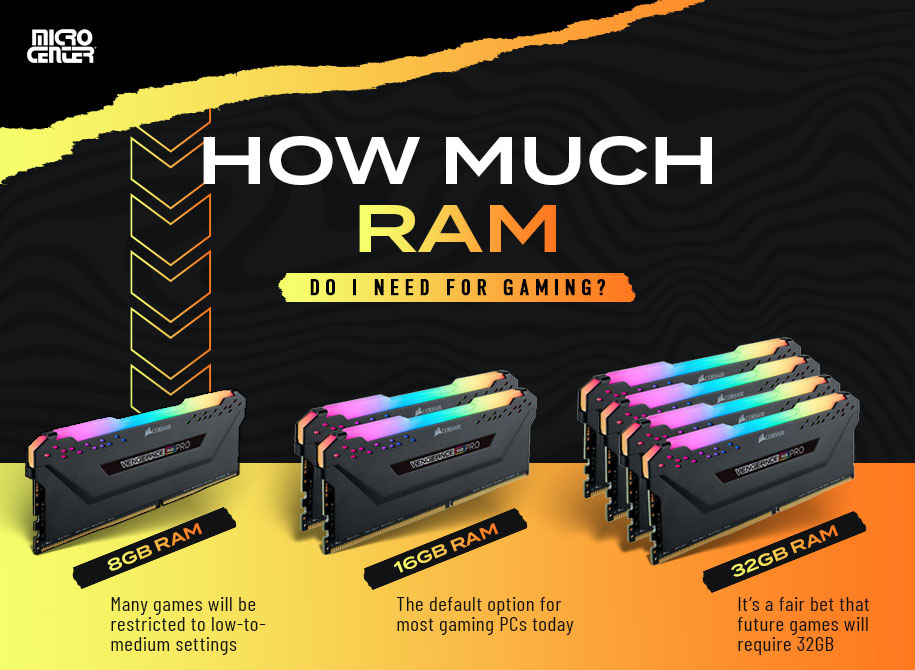
RAM capacity affects how many tasks your PC can handle at once. More RAM means better multitasking. For basic use, 8GB is usually enough. For gaming or video editing, 16GB or more works better. Avoid buying more RAM than your system can support.
Speed And Compatibility
RAM speed matters but only if your motherboard supports it. Check your motherboard’s specifications before buying RAM. Faster RAM can improve performance slightly. Matching RAM speed with your CPU and motherboard gives the best result. Mixing different RAM speeds can cause problems.
Types Of Ram
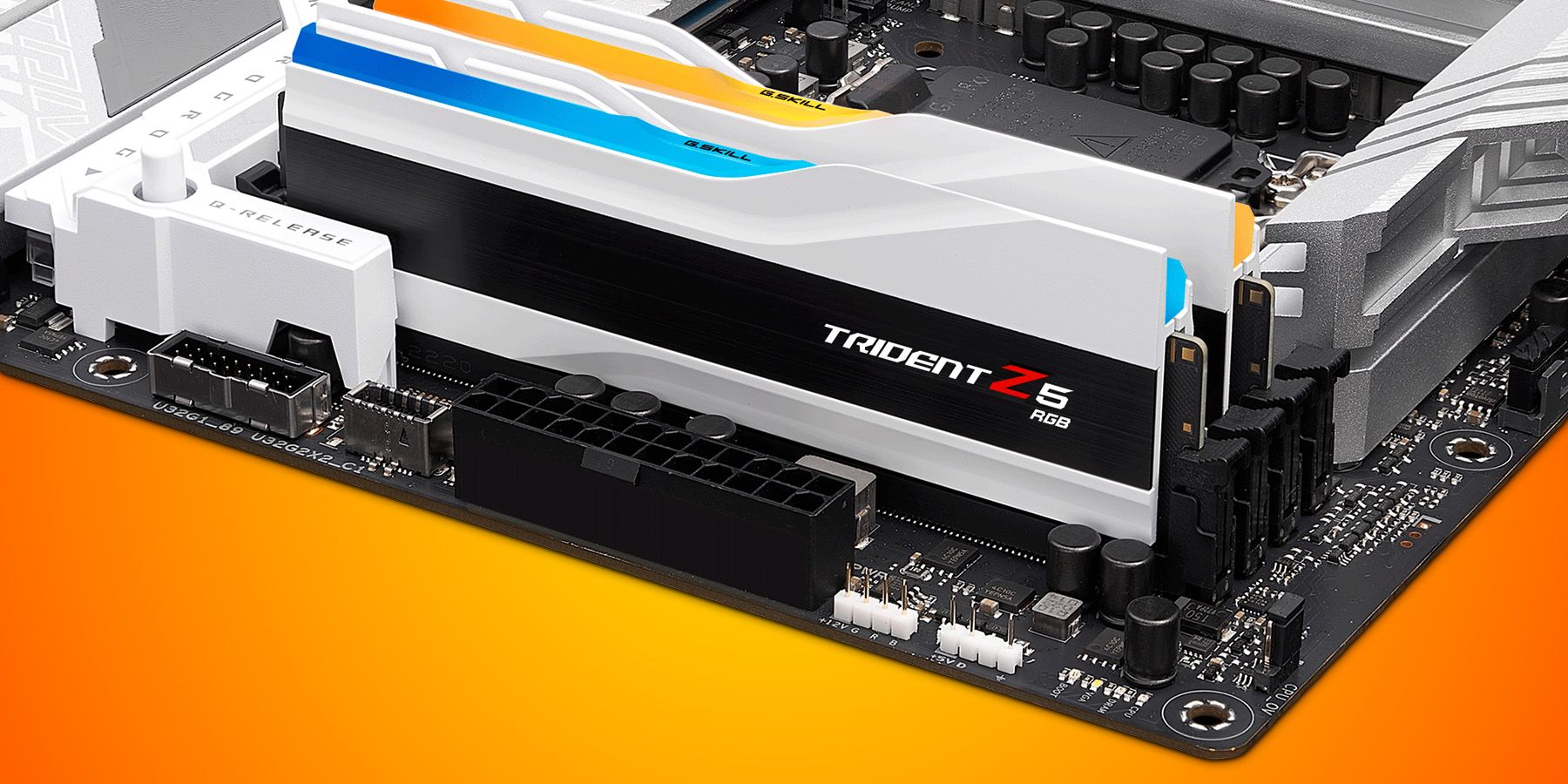
There are different types of RAM like DDR3, DDR4, and DDR5. Newer types offer better speed and efficiency. Most modern PCs use DDR4 or DDR5. Your PC must support the RAM type you want to buy. Using the wrong type will not work or cause errors.
Installing Ram For Better Performance
Installing RAM is a simple way to boost your PC’s speed. More RAM helps your computer handle tasks faster. It improves performance in games, browsing, and running programs. This upgrade is often easy and affordable. Knowing how to install RAM correctly is important for the best results.
Checking System Compatibility
Start by checking your PC’s compatibility with new RAM. Your motherboard supports specific RAM types and speeds. Find your motherboard model in its manual or online. Check the maximum RAM capacity it can handle. Also, see how many RAM slots are available. Match the new RAM type with the existing one. Use DDR3, DDR4, or DDR5 as your system requires. Confirm the RAM speed fits your motherboard’s limits.
Step-by-step Installation Guide
Turn off your PC and unplug it from power. Open the computer case carefully. Locate the RAM slots on the motherboard. Press the clips on the sides of the empty slot. Align the RAM stick with the slot notch. Insert the RAM firmly until the clips snap back. Close the case and plug your PC back in. Turn on the computer and check if RAM is detected. Use your system settings or BIOS to confirm. Restart if needed to apply changes.
Other Ways To Boost Pc Speed
Adding more RAM can help your PC run faster, but it is not the only way. Other improvements can make a big difference. These changes can help your computer start quicker and run smoother. Here are some easy steps to boost your PC speed beyond adding RAM.
Upgrading Storage To Ssd
Switching from a traditional hard drive to a solid-state drive (SSD) speeds up your PC. SSDs read and write data faster than old hard drives. This means your system boots faster and programs open quicker. SSDs also use less power and make less noise.
Optimizing Software
Keeping your software updated improves PC speed. Updates fix bugs and make programs run better. Remove apps you no longer use to free up space. Run antivirus scans to keep your system clean. A tidy software environment helps your PC work faster.
Cleaning Up Startup Programs
Many programs run automatically when your PC starts. This can slow down boot time. Disable unnecessary startup programs to speed up the process. Use the task manager to see which apps start with Windows. Turning off unneeded apps saves memory and CPU power.
Credit: www.esseg.eu
Common Myths About Ram Upgrades
Many people believe adding RAM always makes a PC faster. This idea is common but not always true. RAM helps a computer run several programs at once. But speed depends on many parts, not just RAM.
Some myths about RAM upgrades can lead to wrong choices. Knowing facts helps you decide the right upgrade for your PC.
More Ram Always Means Faster Pc
More RAM does not always speed up your computer. If your PC already has enough RAM for tasks, extra RAM won’t help. The processor and storage type affect speed more.
Adding RAM helps only if your PC runs out of memory. Otherwise, the speed stays the same. Check your PC’s RAM use before upgrading.
Mixing Different Ram Types
Mixing RAM types can cause problems. Different speeds or brands may not work well together. This can slow your PC or cause crashes.
For best results, use RAM sticks with the same speed and size. Matching RAM helps your PC run smoothly and fast.
Credit: www.thorfamilylaw.com
Frequently Asked Questions
Does Adding Ram Always Improve Pc Speed?
Adding RAM improves speed only if your PC lacks sufficient memory. More RAM helps in multitasking and running heavy applications smoothly. However, if your PC already has enough RAM, adding more won’t significantly boost speed.
How Much Ram Do I Need For Faster Pc Performance?
For general use, 8GB RAM is sufficient. For gaming or heavy tasks, 16GB or more is recommended. More RAM allows better multitasking and smoother performance in demanding applications.
Can Upgrading Ram Fix A Slow Computer?
Upgrading RAM can fix slow performance caused by memory shortages. If your system uses a lot of virtual memory, adding RAM reduces lag. But slow speed might also stem from other hardware or software issues.
Is Ram Speed Important For Overall Pc Speed?
RAM speed affects data transfer rates, impacting performance in some tasks. Faster RAM can slightly improve gaming and editing speeds. However, the difference is usually minor compared to RAM size and CPU power.
Conclusion
Adding RAM can help your PC run smoother and faster. It lets your computer handle more tasks at once. But, RAM is just one part of the system. A slow PC might need other upgrades too, like a better processor or SSD.
Check how much RAM your PC already has before buying more. Too much RAM won’t speed up your PC if other parts are slow. Keep your needs in mind and choose wisely. This way, your PC works better without unnecessary expenses.
Simple steps bring noticeable improvements.