How to Reduce Temperature of Cpu: Ultimate Cooling Tips Revealed
Is your computer running hot and slowing down your work or gaming? High CPU temperatures can cause your system to lag, crash, or even damage important parts.
You don’t have to put up with this heat. Imagine your computer running cooler, faster, and more reliably—all without spending a fortune. You’ll discover simple and effective ways to reduce your CPU temperature. By the end, you’ll know exactly how to keep your machine cool and protect your investment.
Ready to unlock your CPU’s full potential? Let’s dive in.

Credit: www.szyunze.com
Causes Of Cpu Overheating
CPU overheating happens when the processor works too hard or cannot cool down well. This causes the computer to slow down or shut off to avoid damage. Knowing what causes overheating helps keep your CPU cool and safe.
High Processing Loads
When the CPU runs many programs or heavy tasks, it heats up quickly. Tasks like gaming, video editing, or running many apps at once use a lot of power. This extra work makes the processor generate more heat than usual.
Poor Ventilation
Computers need good airflow to stay cool. If air cannot move in and out freely, heat builds up inside. Keeping vents clear and placing the PC in open spaces helps air flow well and lowers temperature.
Dust Buildup
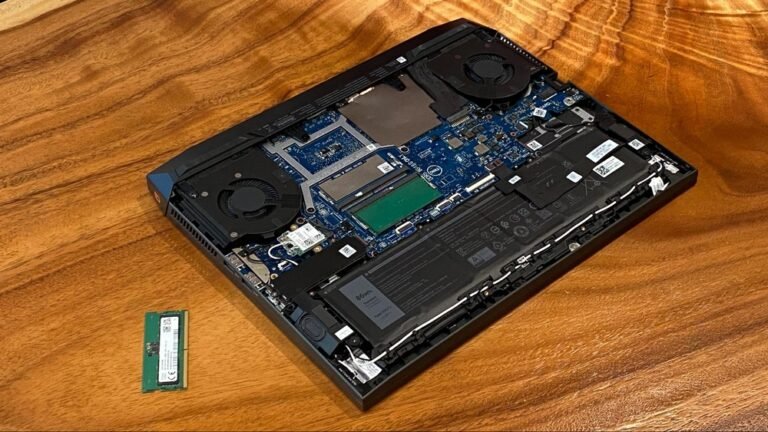
Dust collects inside the computer over time. It blocks fans and vents, stopping air from flowing properly. This trapped heat makes the CPU hotter. Cleaning dust regularly keeps the cooling system working well.
Faulty Cooling Systems
Fans and heat sinks cool the CPU by moving heat away. When these parts break or stop working, the CPU gets very hot. Checking and fixing cooling parts prevents overheating and protects your computer.

Credit: www.youtube.com
Choosing The Right Thermal Paste
Choosing the right thermal paste is key to lowering your CPU temperature. Thermal paste helps fill gaps between the CPU and cooler. It improves heat transfer and keeps your system cooler. Using the right type and applying it well makes a big difference.
Types Of Thermal Pastes
Thermal pastes come in different types. Metal-based pastes have good heat transfer but can conduct electricity. Ceramic pastes are safe and non-conductive but less efficient. Silicone-based pastes are easy to use and affordable. Pick a type that fits your needs and budget.
Application Techniques
Apply thermal paste carefully. Clean the CPU surface before applying paste. Use a small pea-sized drop in the center. Spread it thinly with a plastic card or let the cooler spread it. Too much paste can trap heat. Too little paste will not cover the surface.
When To Reapply
Reapply thermal paste every 1 to 2 years. High CPU temperatures or removing the cooler are signs to reapply. Old paste dries out and loses effectiveness. Fresh paste keeps your CPU cool and working well.
Improving Airflow Inside The Case
Improving airflow inside the case is key to lowering your CPU temperature. Good airflow moves hot air out and brings cool air in. This helps your CPU run cooler and last longer. Proper airflow also stops other parts from overheating.
Optimal Fan Placement
Place fans to create a clear air path. Front fans should pull cool air into the case. Rear and top fans should push hot air out. This flow helps heat escape quickly. Use enough fans but avoid overcrowding. Balanced intake and exhaust fans keep air moving smoothly.
Cable Management Tips
Keep cables tidy and out of airflow paths. Use zip ties or Velcro straps to bundle cables. Route cables behind the motherboard tray if possible. This clears space for air to move freely. Messy cables block airflow and trap heat. Clean cable management improves cooling and looks neat.
Case Selection
Choose a case with good ventilation. Look for cases with mesh panels or vents. Larger cases allow more air circulation. Check for enough fan mounts in different positions. Cases with dust filters help keep air clean. A well-designed case supports better airflow and cooler temperatures.
Upgrading Cooling Solutions
Upgrading your CPU cooling system is a key step to reduce its temperature. Better cooling helps your computer run smoothly and last longer. Choosing the right cooling solution depends on your needs and budget. Here are some popular cooling options to consider.
Air Cooling Options
Air coolers use fans and heat sinks to move heat away from the CPU. They are easy to install and cost-effective. Many models come with large fans and metal fins to improve airflow. Good air coolers keep your CPU temperature low and noise levels down. Ideal for most users who want simple and reliable cooling.
Liquid Cooling Systems
Liquid cooling uses water or coolant to absorb heat from the CPU. This heat is then moved to a radiator where fans cool it down. Liquid cooling is more efficient than air cooling. It can handle higher heat loads and keeps your CPU quieter. Best for users who need strong cooling for high-performance tasks.
Hybrid Cooling Methods
Hybrid cooling combines air and liquid cooling technologies. It uses liquid to cool the CPU and air to cool other parts. This method offers strong cooling power and stable temperatures. Hybrid systems are flexible and can fit different computer builds. They balance performance and noise for demanding users.
Monitoring And Managing Cpu Temperatures
Keeping your CPU temperature in check is important for your computer’s health and speed. High temperatures can slow down your system and cause damage. Monitoring and managing CPU temperatures helps prevent overheating and keeps your PC running smoothly. This section explains how to track and control your CPU heat easily.
Software Tools
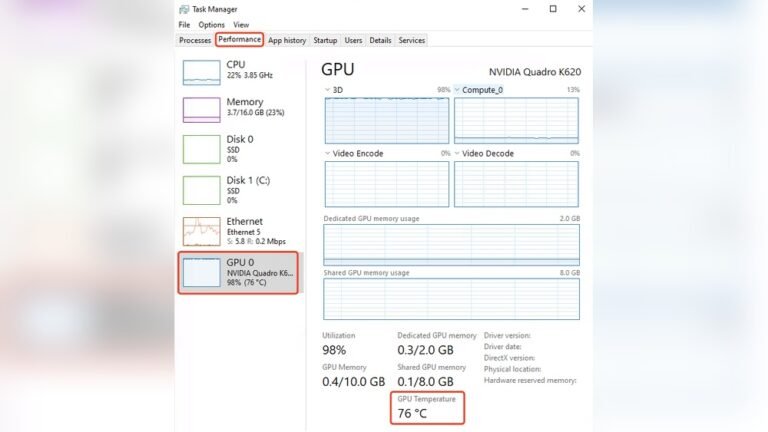
Use software tools to check your CPU temperature in real time. Programs like HWMonitor, Core Temp, and SpeedFan show temperature readings clearly. These tools are simple to install and use. They alert you if the CPU gets too hot. Some software also logs temperature data for later review. This helps spot trends and prevent future issues.
Setting Temperature Thresholds
Set temperature limits to protect your CPU from heat damage. Most monitoring tools allow you to choose safe temperature ranges. When the CPU reaches these limits, the software warns you. You can also configure actions like slowing down the processor or shutting down the system. This keeps your computer safe and extends its lifespan.
Adjusting Performance Settings
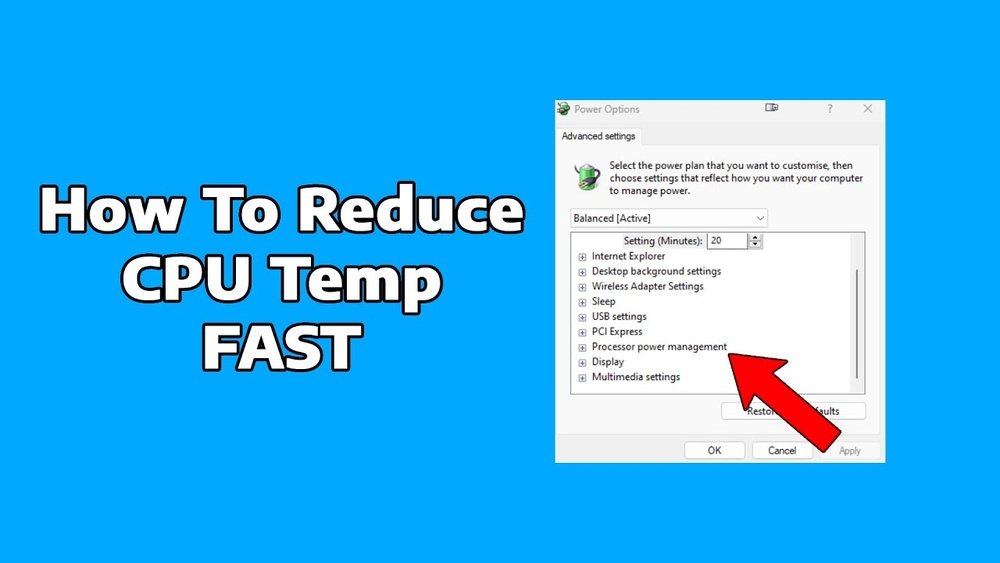
Control CPU heat by adjusting performance settings in your system. Lowering the CPU speed or voltage reduces heat output. Use power management options to balance performance and temperature. Many computers offer built-in tools to limit processor usage. These settings help keep your CPU cooler during heavy tasks or long use.
Environmental Factors Affecting Cpu Heat
Environmental factors play a big role in how hot your CPU gets. The space around your computer can change its temperature a lot. A cool, clean, and well-ventilated area helps keep the CPU cooler. Small changes in your room and PC setup can make a big difference.
Room Temperature Control
Room temperature directly affects CPU heat. Cooler rooms help the CPU stay at a safe temperature. Use fans or air conditioning to keep the room cool. Avoid rooms that get very hot during the day. A steady, moderate room temperature is best for your PC.
Placement Of Pc
Where you place your PC matters. Keep it off the floor to avoid dust and heat buildup. Place it near an open space for better airflow. Avoid tight corners or closed cabinets. Good placement lets heat escape and fresh air flow in.
Avoiding Heat Sources
Keep the PC away from direct sunlight. Avoid placing it near heaters or ovens. Other electronics can also add heat around the PC. Moving your PC away from these sources lowers the overall temperature. Cooler surroundings help your CPU run smoothly.

Credit: www.reddit.com
Frequently Asked Questions
How Can I Lower My Cpu Temperature Effectively?
To lower CPU temperature, improve airflow inside your PC case. Clean dust regularly, use quality thermal paste, and install efficient cooling fans.
What Is The Best Way To Cool A Cpu?
The best way to cool a CPU is using a high-quality air cooler or liquid cooling system. Proper installation and maintenance are essential.
Does Cleaning Dust Help Reduce Cpu Temperature?
Yes, dust blocks airflow and traps heat. Regular cleaning of fans, heatsinks, and vents improves cooling and lowers CPU temperature.
Can Undervolting Reduce Cpu Temperature?
Undervolting decreases CPU voltage, which reduces heat generation without sacrificing performance. It is an effective way to lower CPU temperature safely.
Conclusion
Keeping your CPU cool helps your computer run better and last longer. Simple steps like cleaning dust, improving airflow, and using good thermal paste make a big difference. Choosing the right cooler also lowers temperature effectively. Watch your CPU temperature to avoid damage and slowdowns.
Small efforts prevent big problems. Stay mindful of your computer’s heat to enjoy smooth and safe performance every day.