What Pc Parts Increase Pc Lifespan: Essential Upgrades for Durability
Are you tired of your PC slowing down or breaking just when you need it most? You’re not alone.
The truth is, some PC parts play a bigger role in how long your computer lasts. Knowing which components to invest in can save you time, money, and frustration. You’ll discover the key parts that actually increase your PC’s lifespan.
Keep reading to find out how to build a machine that stays powerful and reliable for years to come.
Choose A Quality Power Supply
Choosing a quality power supply is key to making your PC last longer. The power supply unit (PSU) gives electricity to every part inside your computer. A weak or cheap PSU can cause problems and damage other parts. A good PSU keeps your PC safe and stable over time.
Benefits Of Reliable Psus
A reliable PSU protects your PC from power surges and drops. It helps keep the voltage steady, which stops damage to parts like the motherboard and graphics card. Quality PSUs also run cooler and quieter. They reduce the risk of crashes and unexpected shutdowns. This means your PC works smoothly and lasts longer.
Wattage And Efficiency Ratings
Choosing the right wattage is important for your PC’s needs. Too little power can cause instability and harm parts. Too much power is a waste of energy and money. Look for a PSU with an efficiency rating like 80 Plus. Higher efficiency means less heat and lower electricity bills. Efficient PSUs also last longer because they run cooler.
Invest In A Durable Cpu Cooler
Investing in a durable CPU cooler helps extend your PC’s lifespan. The CPU generates heat during use. Without proper cooling, heat can damage the processor. A strong cooler keeps the CPU at safe temperatures. This reduces wear and improves performance over time. Choosing the right cooler protects your computer’s core parts.
Air Vs Liquid Cooling
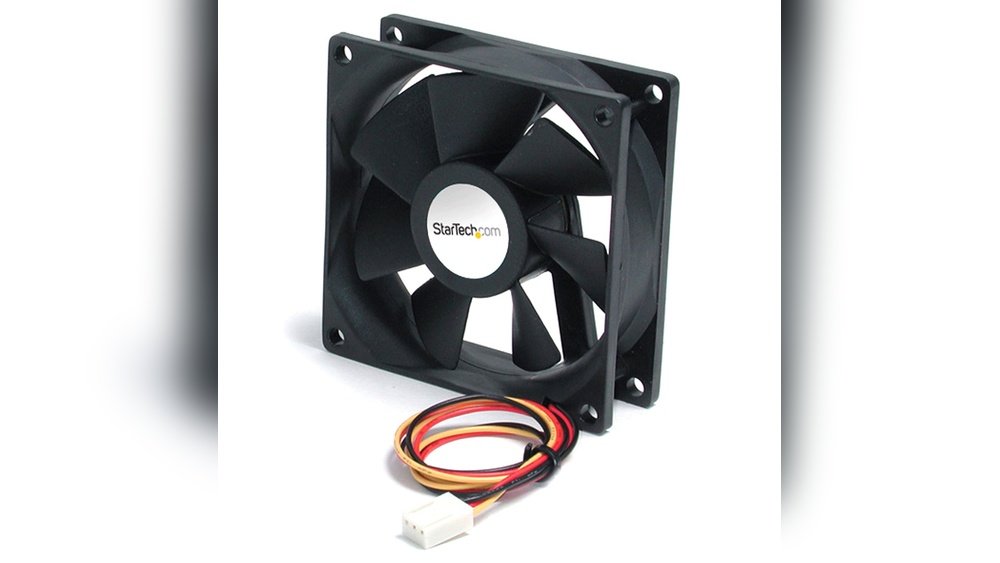
Air coolers use fans to push heat away from the CPU. They are easy to install and maintain. Air coolers are often cheaper and last long. Liquid coolers use a pump and tubes to move heat. They cool more efficiently, especially for powerful CPUs. Liquid cooling can be quieter but needs more care. Both types have pros and cons for durability.
Maintaining Optimal Temperatures
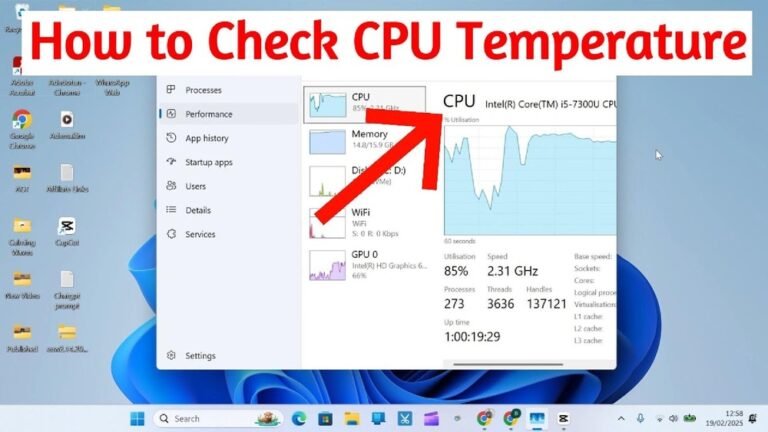
Keep your CPU temperature below the limit set by the maker. High temperatures cause the CPU to slow down or fail. Clean dust from fans and heat sinks regularly. Replace thermal paste every few years to improve heat transfer. Monitor CPU temperature using simple software tools. Good cooling extends the life of your PC parts.
Select Long-lasting Storage Options
Choosing the right storage device is key to a longer PC life. Storage affects speed, data safety, and overall system health. Picking durable storage keeps your PC running well for years. It also lowers the chance of data loss or slowdowns over time. Understanding different storage options helps you make smart choices.
Ssd Vs Hdd Lifespan
Hard disk drives (HDDs) have moving parts. These parts wear out after some years. They can fail from drops or shocks. Solid-state drives (SSDs) have no moving parts. This makes SSDs tougher and less likely to break. SSDs last longer under normal use. Though SSDs have limited write cycles, modern models last many years. SSDs also read data faster, improving performance. For a long-lasting PC, SSDs are often the better option.
Using Nvme Drives For Speed And Reliability
NVMe drives connect directly to the motherboard. They use faster communication than older drives. This gives quicker data access and loading times. NVMe drives are also very reliable. They handle more data without slowing down. These drives often last longer than regular SSDs. Choosing an NVMe drive improves both speed and lifespan. This choice supports smooth operation for years.
Upgrade To High-quality Ram
Upgrading to high-quality RAM can extend your PC’s lifespan. Reliable RAM improves system stability and performance. It reduces crashes and data errors. This upgrade helps your computer run smoothly for years. It also supports better multitasking and faster response times.
Error Correction Features
Error correction features in RAM prevent data corruption. ECC (Error-Correcting Code) RAM detects and fixes memory errors automatically. This reduces system crashes and freezes. ECC RAM is common in workstations and servers. It adds extra protection for critical data and processes.
Optimal Capacity For Longevity
Choosing the right RAM capacity matters for long-term use. Too little RAM causes slowdowns and system strain. Enough RAM lets your computer handle many tasks easily. It also reduces the wear on other components. Aim for enough capacity to meet your daily needs and future software updates.
Choose A Robust Motherboard
The motherboard is the main part that connects all components in your PC. It controls communication between the CPU, memory, storage, and other devices. A strong motherboard lasts longer and supports better upgrades. Picking the right one helps your PC stay useful for many years.
Not all motherboards are made the same. Some have better materials and features that improve lifespan. Understanding what makes a motherboard robust can guide you to a smart choice.
Durability And Build Quality
Good motherboards use high-quality materials. Solid capacitors and strong circuits resist heat and wear. They work well under stress and last through heavy use.
Motherboards with strong build quality reduce the risk of hardware failure. This means fewer repairs and longer PC life. Look for brands known for lasting products.
Expansion And Upgrade Paths
A robust motherboard offers many slots for upgrades. Extra RAM slots, PCIe lanes, and M.2 connectors let you add parts later. This keeps your PC up to date without replacing everything.
More upgrade options mean your PC adapts to new technology. You can improve performance step by step. This extends your PC’s useful time and saves money.
Credit: www.ebay.com
Improve Case And Cooling Fans
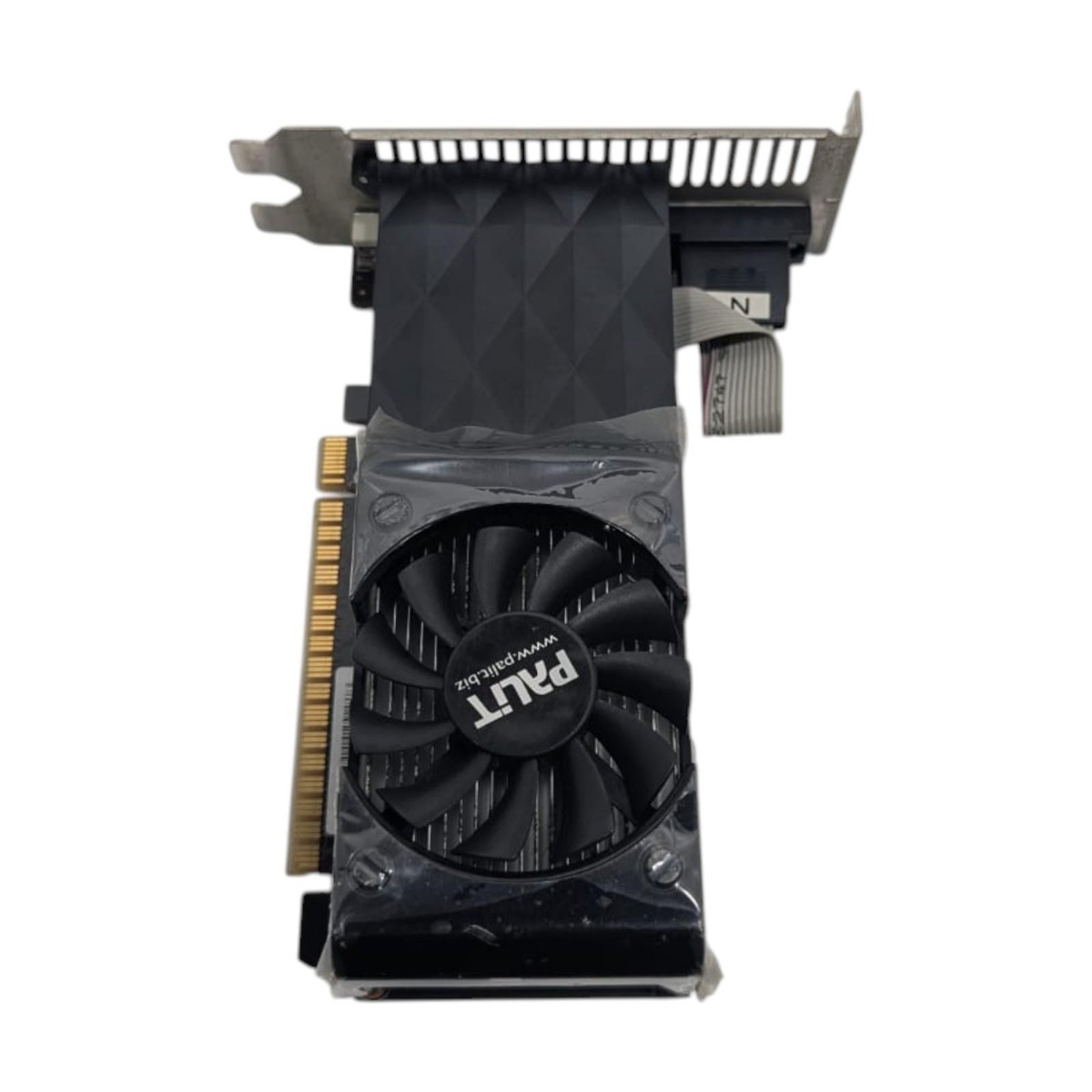
Improving your PC’s case and cooling fans plays a big role in increasing its lifespan. Heat can damage parts and make your PC slow down. Good case design and strong fans help keep the inside cool. This stops parts from getting too hot and breaking early. Clean air flow also helps your PC run smoothly for years.
Enhancing Airflow
Airflow moves hot air out and brings cool air in. A case with good airflow has enough space for air to move freely. Fans should be placed to pull cool air from the front and push hot air out at the back. Too many cables inside the case can block airflow. Keep cables tidy to help air move easily.
Dust Filters And Maintenance
Dust blocks airflow and makes fans work harder. Dust filters catch dirt before it enters the case. Clean these filters regularly to keep air moving well. Wipe dust off fans and inside the case every few months. This simple care keeps parts cool and prevents overheating. A clean PC lasts much longer and stays fast.
Use Surge Protectors And Ups
Using surge protectors and uninterruptible power supplies (UPS) helps keep your PC safe. These devices guard your computer against power problems. They protect important parts from damage. They also keep your PC running during power loss. This can extend your PC’s life.
Preventing Electrical Damage
Surge protectors stop sudden power spikes from harming your PC. Power surges can fry sensitive components inside your computer. Surge protectors absorb these spikes and keep the current steady. This lowers the risk of damage to your motherboard, hard drive, and power supply. Using a surge protector is a simple step to protect your PC’s parts.
Power Backup Benefits
A UPS gives your PC power during outages. This prevents sudden shutdowns that can harm your hardware. It also stops data loss by allowing time to save work. UPS devices give clean, stable power to your PC. This reduces wear on internal parts and keeps the system stable. Power backup helps your computer last longer and work better.
Credit: www.pandasecurity.com
Regular Maintenance And Upgrades
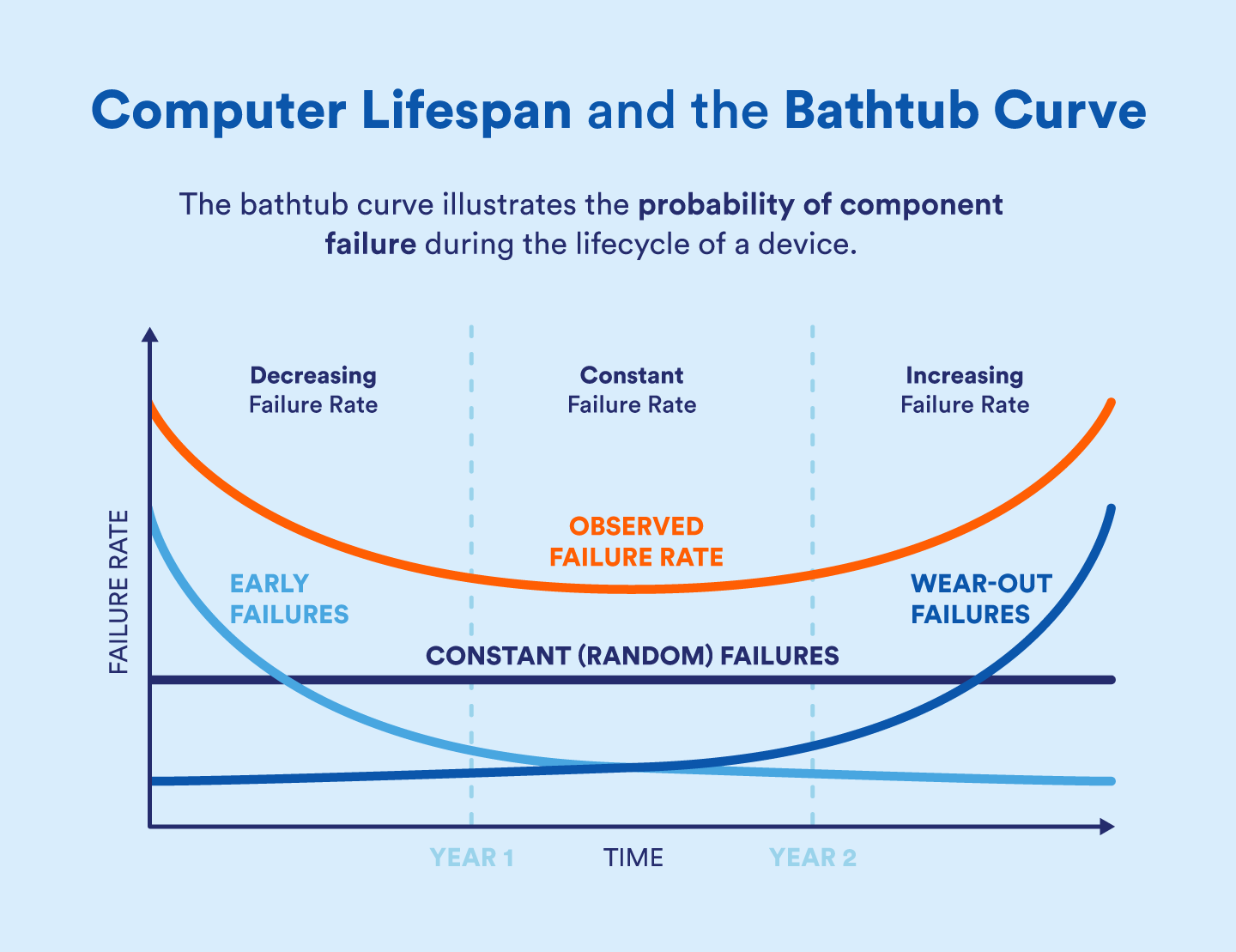
Regular maintenance and upgrades keep a PC running longer and better. These tasks protect parts from damage and slow down wear. A well-maintained PC uses less power and stays cooler. This prevents early failures and reduces repair costs.
Cleaning And Dust Removal
Dust clogs fans and blocks airflow inside the PC. This causes parts to overheat and fail faster. Clean your PC’s inside every few months. Use compressed air to blow dust off fans, heatsinks, and vents. Avoid using a vacuum, which can cause static damage. Keep your workspace dust-free to help, too.
Timely Component Replacements
Parts wear out and slow down over time. Replacing old components keeps the PC fast and reliable. Check the hard drive for errors and replace if needed. Upgrade old thermal paste on the CPU to improve cooling. Swap out failing fans and power supplies before they cause damage. Timely upgrades extend the life of your PC.

Credit: www.technoidgamingpc.com
Frequently Asked Questions
Which Pc Parts Most Affect Lifespan?
The power supply, motherboard, and cooling system greatly impact PC lifespan. High-quality parts ensure stability and reduce failure risks. Efficient cooling prevents overheating, extending component life. Reliable power supplies protect from voltage spikes, enhancing durability.
How Does Ram Influence Pc Longevity?
Good RAM improves system stability and performance, reducing crashes and wear. Higher-quality RAM modules handle tasks efficiently, minimizing errors. Properly functioning RAM supports multitasking without stressing other components, extending overall PC lifespan.
Can Upgrading The Cooling System Increase Pc Lifespan?
Yes, upgrading cooling prevents overheating, a common cause of hardware failure. Efficient fans or liquid cooling maintain optimal temperatures. This reduces thermal stress on components, prolonging their operational life and maintaining system performance.
Does Ssd Or Hdd Affect Pc Lifespan More?
SSDs generally increase PC lifespan due to faster data access and durability. They have no moving parts, reducing mechanical failure risk. HDDs are more prone to wear and tear from physical movement, potentially shortening system longevity.
Conclusion
Choosing the right PC parts helps your computer last longer. Quality components reduce wear and keep your system stable. Good cooling, a strong power supply, and reliable storage make a big difference. Upgrading parts carefully saves money over time. Taking care of your PC also keeps it running smoothly.
Small changes add up to a longer PC life. Keep your system clean and avoid overheating. These steps help you enjoy your computer for years. Simple choices protect your investment and improve performance.