
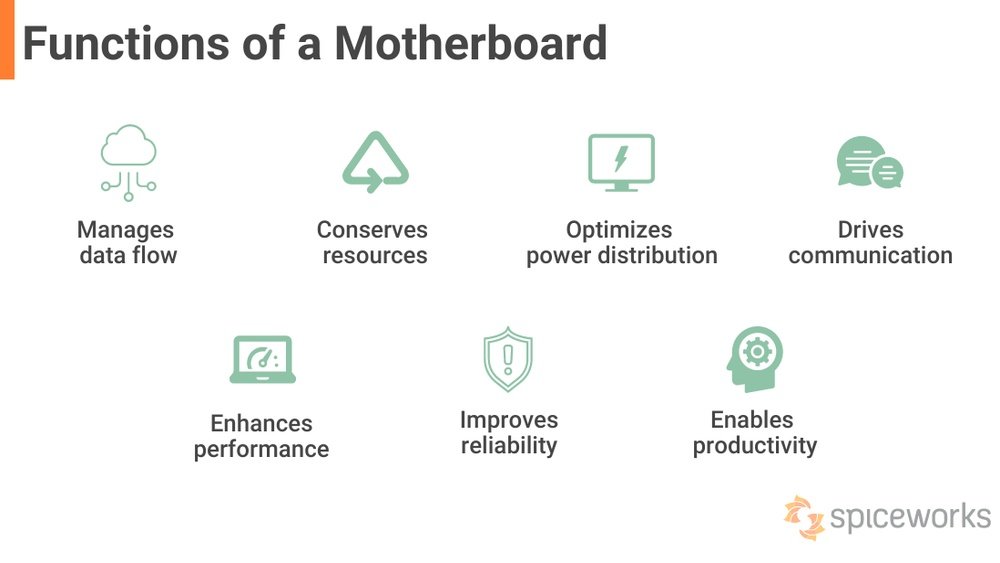
Choosing the right motherboard can be overwhelming with so many options and technical terms. But what really matters when you pick one?
Knowing the key features can save you money, boost your computer’s performance, and make sure everything works smoothly. You’ll discover exactly what motherboard features are important and how they impact your build. By the end, you’ll feel confident making the best choice for your needs.
Keep reading to unlock the secrets that most buyers overlook!
Credit: www.ginger6.com
Essential Motherboard Specs
Choosing the right motherboard is key to building a good computer. The motherboard connects all parts and controls how they work together. Understanding essential specs helps you pick the best fit for your needs.
These specs affect performance and compatibility with other components. Knowing them saves time and money by avoiding mistakes.
Chipset Types
The chipset controls data flow between the CPU, memory, and devices. Different chipsets offer various features and support levels. Some focus on basic tasks, while others support overclocking or multiple graphics cards. Choose a chipset that matches your computer use.
Cpu Socket Compatibility
The CPU socket is where the processor fits on the motherboard. Each CPU type needs a matching socket. Using the wrong socket stops the CPU from working. Check the socket type before buying a motherboard or CPU. Common sockets include Intel’s LGA and AMD’s AM series.
Form Factor Sizes
Motherboards come in different sizes, called form factors. Common sizes include ATX, Micro-ATX, and Mini-ITX. Larger boards have more slots and ports. Smaller boards fit compact cases and save space. Pick a form factor that fits your case and needs.

Credit: www.youtube.com
Memory Support
Memory support is a key feature of any motherboard. It affects how fast your computer runs and how many tasks it can handle. Choosing the right memory support helps your system perform better and last longer. Understanding the details of memory support makes it easier to pick the best motherboard for your needs.
Ram Types And Speeds
Motherboards support different types of RAM. The most common type today is DDR4, but DDR5 is becoming popular. Each type has a specific speed, measured in MHz. Faster RAM speeds improve data transfer and overall performance. Check the motherboard’s specs to see which RAM type and speeds it supports.
Maximum Ram Capacity
Every motherboard has a limit on how much RAM it can handle. This limit is important for future upgrades. A higher maximum RAM capacity means you can add more memory later. It helps if you run many applications or use heavy software. Always choose a motherboard with enough capacity for your needs.
Memory Slots And Channels
Motherboards come with different numbers of memory slots. More slots allow you to install more RAM sticks. Channels refer to how the motherboard accesses RAM. Dual-channel or quad-channel setups improve memory speed. Using the right number of sticks in matching slots boosts performance.
Expansion Options
Expansion options on a motherboard allow you to add extra components to your computer. They help improve performance and increase functionality. Choosing the right expansion options is important for future upgrades and overall system capability.
Pcie Slots And Versions
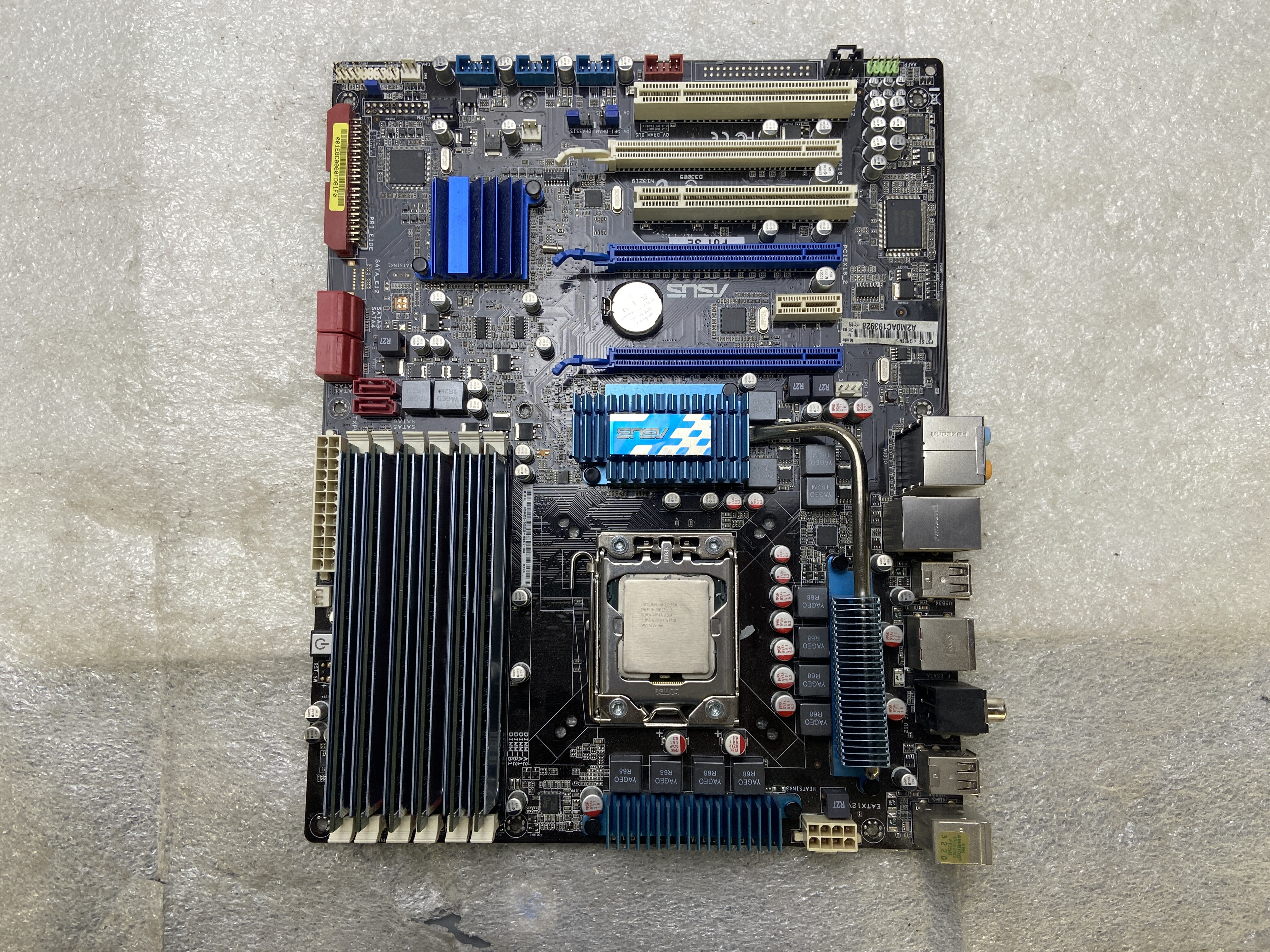
PCIe slots connect devices like graphics cards and sound cards. More slots mean more devices can be added. Different versions, such as PCIe 3.0 or 4.0, offer varying speeds. Newer versions provide faster data transfer for better performance.
M.2 And Sata Ports
M.2 slots are for fast storage devices like SSDs. They save space and boost speed compared to older drives. SATA ports support traditional hard drives and SSDs. Having enough M.2 and SATA ports allows more storage options and better data management.
Additional Expansion Slots
Besides PCIe and storage slots, some motherboards offer extra slots. These include slots for Wi-Fi cards, sound cards, or extra USB controllers. More expansion slots give flexibility to customize your PC for specific needs.
Credit: www.ebay.com
Connectivity Features
Connectivity features on a motherboard control how you connect devices and access networks. These features affect data transfer speed, device compatibility, and overall user experience. A good motherboard offers a variety of ports and support options to meet different needs. Understanding these features helps you choose the right motherboard for your setup.
Usb Ports And Standards
USB ports allow you to connect many devices like keyboards, mice, and external drives. Different USB standards offer different speeds. USB 3.2 and USB 4 provide faster data transfer than older USB 2.0 ports. More USB ports mean you can connect more devices at once. Also, some motherboards include USB-C ports, which are reversible and support faster charging and data transfer.
Ethernet And Wi-fi Support
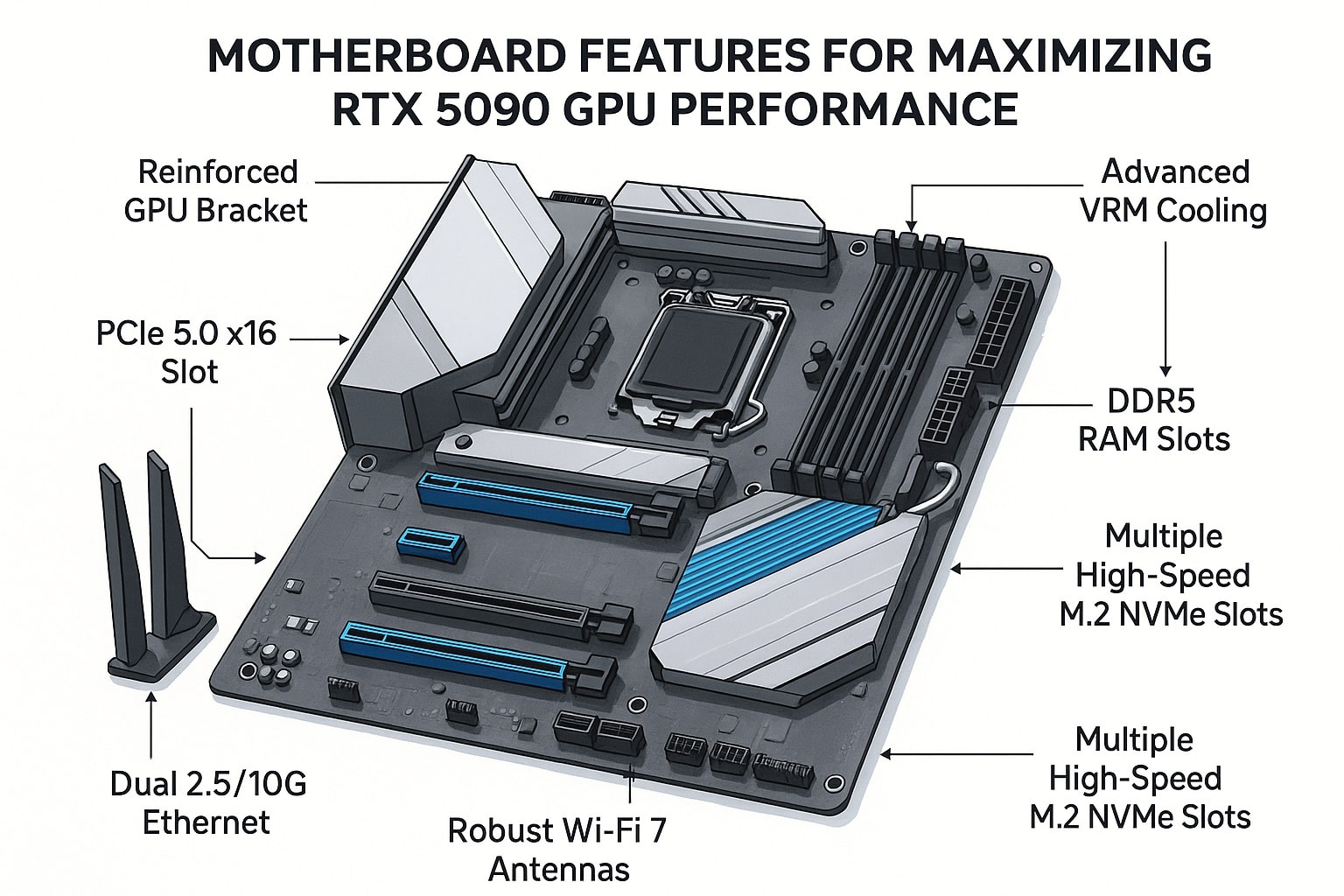
Ethernet ports connect your computer to wired networks for stable internet. Some motherboards offer 1 Gbps, while high-end ones support 2.5 Gbps or more. Wi-Fi support allows wireless internet access without extra devices. Most modern motherboards come with Wi-Fi 5 or Wi-Fi 6, which are faster and more reliable. Built-in Wi-Fi reduces clutter and improves convenience.
Audio And Video Outputs
Audio outputs let you connect speakers and headphones directly to your motherboard. Look for motherboards with high-definition audio codecs for clear sound. Video outputs are essential if you use the CPU’s integrated graphics. Common video ports include HDMI, DisplayPort, and DVI. Multiple video outputs allow you to connect more than one monitor easily.
Power Delivery And Cooling
Power delivery and cooling are key for a stable motherboard. They keep your PC running smooth and safe. Good power delivery stops crashes and boosts performance. Cooling parts stop heat from damaging your system. Both work together for a long-lasting computer.
Vrm Quality And Phases
VRM stands for Voltage Regulator Module. It controls the power sent to your CPU. High-quality VRMs give steady and clean power. More VRM phases mean better power distribution. This reduces heat and stress on parts. Good VRM helps overclocking and keeps your CPU safe.
Fan Headers And Controls
Fan headers connect your cooling fans to the motherboard. More headers mean more fans can run. Fan controls let you adjust speed and noise. Smart controls keep your PC cool without loud fans. This balance protects parts and keeps your PC quiet.
Heatsinks And Thermal Design
Heatsinks sit on hot parts to cool them down. Large and well-placed heatsinks remove heat faster. Good thermal design moves hot air away quickly. This stops overheating and keeps performance steady. Check for motherboards with solid heatsinks for better cooling.
Bios And Firmware
The BIOS and firmware are the heart of your motherboard. They control how your computer starts and runs. A good BIOS makes your PC stable and easy to manage. Firmware updates keep your system secure and add new features. Understanding these elements helps you pick the best motherboard.
User Interface And Features
A clear BIOS interface saves time and effort. Simple menus help you find settings fast. Some BIOS systems offer mouse support and graphics. These features make navigation easier for beginners. Look for BIOS with helpful tools like hardware monitoring. This shows temperatures, voltages, and fan speeds.
Overclocking Support
Overclocking lets you boost your CPU and RAM speed. Not all BIOS support overclocking well. Choose a BIOS with clear overclocking options. It should allow easy changes to voltage and clock speeds. Some BIOS also offer presets for safe overclocking. Good support means better performance and stability.
Firmware Updates
Firmware updates fix bugs and improve hardware compatibility. Easy update methods are important. Many motherboards offer update tools inside the BIOS. This lets you update without extra software. Regular updates keep your system running smoothly. Check if the motherboard brand provides frequent updates.
Aesthetic And Build Quality
The look and strength of a motherboard matter a lot. A good motherboard should not only work well but also look good inside your computer case. A clean, strong build helps your computer last longer and stay cool. This section talks about the key parts of a motherboard’s style and quality.
Rgb Lighting Options
Many motherboards come with built-in RGB lights. These lights can change colors and make your setup look bright and fun. You can often control the colors and patterns using software. RGB lighting helps match your computer’s style with your room or mood.
Durability And Materials
Strong materials make a motherboard last longer and resist damage. Look for boards made with high-quality metals and tough plastics. Good heat dissipation materials keep your parts cool. Durable motherboards avoid problems caused by heat and wear over time.
Layout And Design
A clean layout helps with easy building and future upgrades. Well-spaced slots and ports make installing parts simpler. A good design also improves airflow inside the case. This helps keep your system cool and stable during use.
Frequently Asked Questions
What Motherboard Size Is Best For Gaming Pcs?
The ATX motherboard size is ideal for gaming PCs. It offers ample slots for GPUs, RAM, and cooling options. Micro-ATX and Mini-ITX are compact but may limit expansion and cooling choices.
How Important Is Chipset In A Motherboard?
The chipset controls communication between CPU, RAM, and peripherals. A newer chipset supports advanced features like PCIe 4. 0, faster USB, and better overclocking. Choosing the right chipset ensures compatibility and future-proofing.
Does Motherboard Ram Support Affect Performance?
Yes, motherboard RAM support affects speed and capacity. Check max RAM frequency and slots available. Higher RAM speeds improve multitasking and gaming performance. Ensure compatibility with your chosen CPU.
Why Are Motherboard Expansion Slots Crucial?
Expansion slots allow adding GPUs, sound cards, and storage controllers. More slots offer flexibility for upgrades and improved system capabilities. Choose a motherboard with enough PCIe slots for your needs.
Conclusion
Choosing the right motherboard matters for your computer’s performance. Focus on features like compatibility, slots, and ports. These affect what parts you can use and how fast your system runs. Think about future upgrades too. A good motherboard keeps your PC working well longer.
Take your time and compare options carefully. This helps you build a reliable and efficient computer. Simple but smart choices make a big difference. Your system will thank you later.
