
Have you ever wondered what your PC’s GPU really does? You might think it’s just for gaming or fancy graphics, but it’s much more than that.
Your GPU plays a key role in making your computer fast, smooth, and capable of handling many tasks at once. Understanding how it works can help you get the most out of your machine and even improve your experience. Keep reading to uncover what a GPU does in your PC and why it matters to you.
Role Of Gpu In A Pc
The GPU, or Graphics Processing Unit, plays a key role in a PC. It handles images, videos, and animations. Without a GPU, your screen would be slow and blurry. It makes graphics smooth and clear. This helps with gaming, video editing, and even everyday tasks like watching movies.
The GPU also helps the CPU by taking over complex graphic tasks. This frees the CPU to handle other important jobs. A good GPU improves the overall speed and experience of your computer.
Graphics Rendering Basics
Rendering means creating images from data. The GPU turns code into pictures on your screen. It processes many pixels fast to build detailed images. This happens millions of times per second. The GPU uses many small cores to do this work in parallel. This makes graphics fast and smooth. Without rendering, you would see only text or static images.
Difference Between Gpu And Cpu
The CPU is the brain of the PC. It handles many types of tasks one at a time. The GPU is built to handle many tasks at once. It focuses on graphic and visual work. The CPU is good for logic and decision-making. The GPU is better for math and image processing. Both work together to make your PC run well.

Credit: www.avg.com
How Gpu Enhances Performance
The GPU plays a key role in boosting a PC’s performance. It handles many tasks that the CPU cannot do efficiently. This helps the computer run faster and smoother. The GPU’s design allows it to work on many operations at once. This makes it perfect for graphics and complex calculations.
Parallel Processing Power
GPUs have thousands of small cores. These cores work together to process data in parallel. This means many tasks happen at the same time. CPUs have fewer cores and focus on one task at a time. The GPU’s parallel power speeds up tasks like rendering images and videos. It also helps in scientific computing and artificial intelligence.
Impact On Gaming Experience
The GPU controls how games look and run. It creates detailed graphics and smooth animations. This makes games more realistic and enjoyable. A strong GPU can handle high resolutions and fast frame rates. This reduces lag and screen tearing. Gamers can see better visuals and react faster in games.
Benefits For Video Editing And Design
Video editing needs fast processing of large files. The GPU speeds up rendering and effects in videos. Designers use GPUs to create 3D models and graphics quickly. This reduces waiting time and improves workflow. GPUs help software run smoothly, even with complex projects.
Types Of Gpus
GPUs come in different types to meet various computing needs. They help your PC show graphics on the screen. Choosing the right GPU affects how well your computer runs games, videos, and software.
Understanding GPU types helps pick the best option for your tasks. Some GPUs share memory with the CPU, while others have their own memory for better speed.
Integrated Vs Dedicated Gpus
Integrated GPUs are built into the computer’s processor. They share the system’s memory, making them less powerful. These GPUs are good for basic tasks like browsing and watching videos.
Dedicated GPUs come as separate cards installed inside the PC. They have their own memory and processing power. Dedicated GPUs perform better in games, video editing, and 3D design.
Choosing between integrated and dedicated GPUs depends on your needs. Simple tasks work fine with integrated GPUs. For heavy graphics work, dedicated GPUs are a better choice.
Popular Gpu Brands
NVIDIA and AMD lead the market with popular GPU models. NVIDIA is known for its powerful and efficient graphics cards. AMD offers competitive GPUs often at lower prices.
Intel has entered the GPU market with integrated and dedicated options. Their GPUs suit casual users and office tasks. Brand choice affects performance, price, and software support.
Look for trusted brands to ensure compatibility and driver updates. Well-known brands provide better reliability and customer support.
Gpu Architecture And Components
The GPU, or Graphics Processing Unit, has a complex design that helps it process images and videos quickly. Its architecture includes several parts working together to handle many tasks at once. Understanding these parts shows why GPUs perform better than normal processors for visual tasks.
Each component has a special job. Some focus on calculations, while others manage data flow. This balance allows the GPU to deliver smooth graphics and fast performance.
Core Count And Clock Speed
The core count is the number of small processors inside the GPU. More cores mean the GPU can handle many tasks at once. Each core works on a small part of the image or video.
Clock speed measures how fast these cores work. It is shown in megahertz (MHz) or gigahertz (GHz). Higher clock speeds mean faster processing, but heat and power use also increase.
Memory And Bandwidth
The GPU uses special memory called VRAM to store images and data. VRAM is faster than regular computer memory. More VRAM helps the GPU keep large images and textures ready.
Bandwidth shows how fast data moves between VRAM and the GPU cores. Higher bandwidth lets the GPU access data quickly, which improves performance. It is important for high-resolution images and smooth video.
Optimizing Gpu Usage
Optimizing GPU usage helps your computer run faster and smoother. It improves graphics performance for games, videos, and design work. Proper optimization also extends the life of your GPU and prevents overheating. Small changes can make a big difference in how well your GPU works.
Driver Updates And Software
Keeping your GPU drivers updated is essential. New drivers fix bugs and improve performance. They also add support for new games and software. Check the GPU manufacturer’s website regularly for updates. Use official tools to install drivers safely. Updated drivers help your GPU run at its best.
Overclocking And Cooling
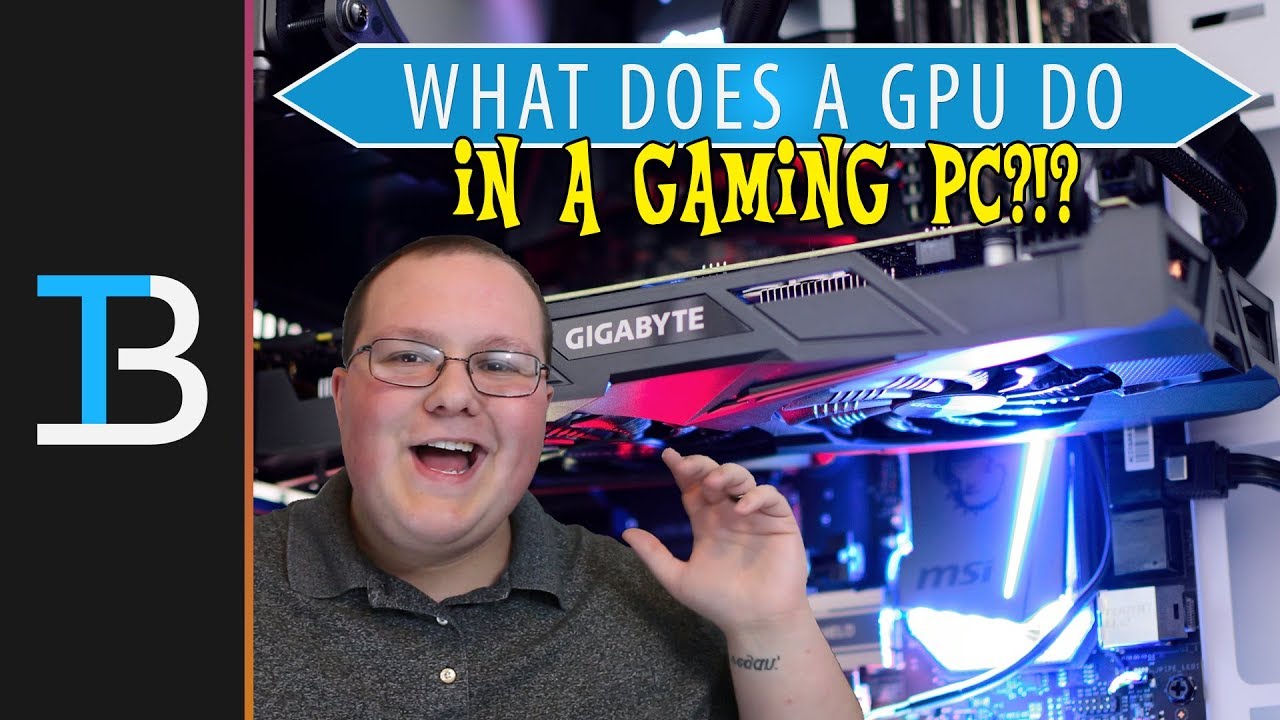
Overclocking makes your GPU run faster than its default speed. It can boost gaming and rendering speeds. But overclocking increases heat output. Cooling is important to avoid damage. Use good fans or liquid cooling systems. Monitor temperatures to keep your GPU safe. Proper cooling allows stable overclocking and better performance.
Credit: www.youtube.com
Future Trends In Gpu Technology
The future of GPU technology promises exciting changes for PCs. GPUs will handle more complex tasks beyond just graphics. These changes will improve how we play games, create art, and run software.
New features and smarter designs will make GPUs faster and more efficient. This means better visuals and smoother performance. AI and cloud computing will play big roles in this future.
Ray Tracing And Ai Integration
Ray tracing improves how light looks in games and videos. It creates more realistic shadows and reflections. GPUs now use ray tracing to make scenes look lifelike.
AI helps GPUs work smarter, not just harder. It speeds up image processing and predicts user actions. AI also helps reduce lag and improve graphics quality.
Gpu In Cloud Computing And Ai
Cloud computing lets you use GPUs over the internet. This means powerful graphics and AI without needing a strong PC. Users can run big programs from simple devices.
GPUs also drive AI research and applications. They process large data sets quickly. This helps in fields like medicine, weather, and language translation.
Credit: www.oceantele.com
Frequently Asked Questions
What Is The Primary Function Of A Gpu In A Pc?
A GPU processes and renders images, videos, and animations. It enhances visual quality and improves gaming and design performance. It offloads tasks from the CPU, ensuring smoother graphics and faster image processing.
How Does A Gpu Improve Gaming Performance?
A GPU handles complex graphics calculations quickly. It renders high-quality visuals, enabling smoother gameplay and higher frame rates. This reduces lag and enhances the overall gaming experience on a PC.
Can A Gpu Boost Video Editing Speed?
Yes, a GPU accelerates video rendering and effects processing. It reduces export times and improves real-time playback. This makes video editing faster and more efficient on a PC.
Is A Gpu Necessary For Everyday Computer Tasks?
For basic tasks like browsing and office work, a GPU is less critical. Integrated graphics often suffice. However, a dedicated GPU is beneficial for multimedia and graphic-intensive applications.
Conclusion
A GPU helps your PC show images and videos clearly. It makes games run smoothly and supports creative work. Without a GPU, many tasks would be slow or impossible. It works alongside the CPU to handle visual data fast. Choosing the right GPU improves your computer’s performance.
Now, you know why a GPU matters in a PC. Simple but powerful.
