
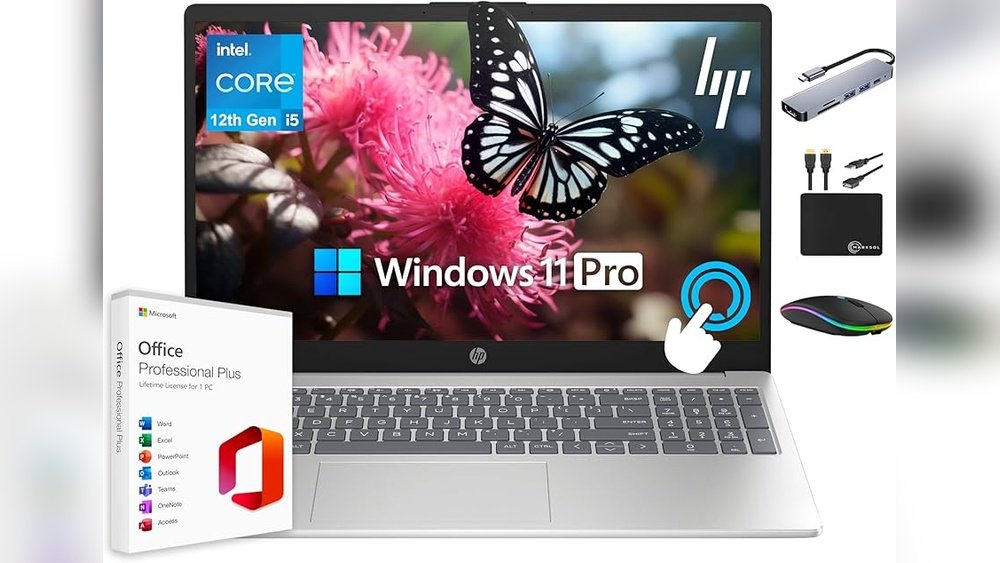
When you’re picking a CPU for your new computer, it can feel confusing. There are so many numbers and terms thrown around—cores, clock speed, cache—and it’s hard to know what really matters.
But don’t worry, you don’t need to be a tech expert to understand this. By focusing on a few key specs, you can make a smart choice that fits your needs and budget. Keep reading, and you’ll learn exactly which CPU features matter most for beginners like you.
This will help you avoid mistakes and get the best performance without overspending.

Credit: acemagic.com
Key Cpu Components
The CPU is the brain of your computer. It handles all tasks and processes. Understanding its key parts helps you choose the right one. This guide covers the most important CPU components for beginners.
Cores And Threads
Cores are the CPU’s individual processors. More cores mean better multitasking. Threads are virtual tasks each core can handle. A CPU with more threads can run more programs smoothly.
Clock Speed
Clock speed shows how fast a CPU works. It is measured in gigahertz (GHz). Higher clock speed means faster task completion. But speed alone does not make a CPU better.
Cache Size
Cache is a small, fast memory inside the CPU. It stores data the CPU uses often. Larger cache speeds up data access. This helps your computer run programs more efficiently.
Integrated Graphics
Some CPUs have built-in graphics. This means no need for a separate graphics card. Integrated graphics handle basic visuals and videos well. Good for everyday use and light gaming.
Performance Factors
Performance factors are key to understanding how a CPU works. These factors affect speed, efficiency, and overall computing experience. Knowing what matters helps beginners pick the right CPU for their needs.
Performance depends on several specs. Each plays a unique role in handling tasks. Focus on these main points to grasp how a CPU performs.
Single-core Vs Multi-core Performance
Single-core performance shows how fast one core runs tasks. Some programs use only one core at a time. Faster single-core speed means quicker response and smooth use.
Multi-core performance measures how well many cores work together. Many apps and games use multiple cores. More cores can handle more tasks at once without slowing down.
Thermal Design Power (tdp)
TDP tells how much heat a CPU produces. Lower TDP means less heat and power use. This is good for small or quiet computers.
Higher TDP CPUs run faster but need better cooling. Good cooling keeps the CPU safe and stable. Check TDP to match your computer’s cooling system.
Overclocking Potential
Overclocking means running a CPU faster than its base speed. Some CPUs allow this; others do not. It can boost performance but needs good cooling.
Beginners should be careful with overclocking. It can cause overheating and damage if not done right. Know if your CPU supports it before trying.
Compatibility Essentials
Choosing the right CPU means checking if it fits your computer. Compatibility is key. It affects how well your system will work and grow. Understanding the basics helps you avoid costly mistakes. Focus on three main things: socket type, chipset, and memory support.
Socket Type
The socket is where the CPU connects to the motherboard. Each CPU fits only one type of socket. Check the socket type on the motherboard before buying a CPU. Common types include LGA and AM4. Using the wrong socket means the CPU won’t fit or work.
Chipset Compatibility
The chipset controls communication between the CPU and other parts. Each motherboard has a specific chipset. Not all chipsets support every CPU model. Match the CPU with a compatible chipset for smooth performance. The right chipset also affects features like USB ports and storage options.
Memory Support
Memory support means the type and speed of RAM the CPU can use. CPUs support different RAM types, like DDR4 or DDR5. Faster RAM can improve overall speed. Check the maximum RAM size the CPU and motherboard allow. Proper memory support helps your computer run apps and games better.

Credit: www.johansens.com
Use Case Scenarios
Choosing the right CPU depends on what you plan to do with your computer. Different tasks need different CPU features. Understanding these helps you pick the best specs for your needs. Let’s explore common use cases and what matters most for each.
Gaming
Games need fast processors for smooth play. High clock speed is key. More cores help with modern games but are less important than speed. A CPU with good single-core performance works best. Also, balance your CPU with a strong graphics card.
Productivity
For office tasks, web browsing, and emails, a mid-range CPU is enough. Focus on power efficiency and enough cores for multitasking. Clock speed matters but does not need to be very high. This keeps costs low and battery life longer.
Content Creation
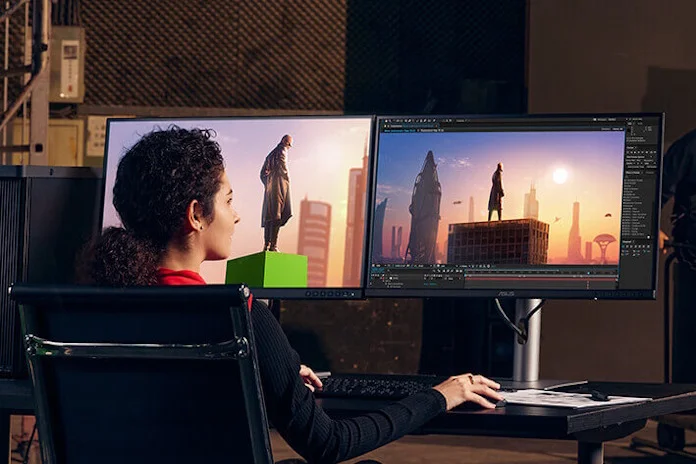
Video editing and 3D work need many cores and high clock speeds. More cores help with rendering and exporting files faster. Look for CPUs with good multi-core performance. A larger cache also improves heavy tasks.
General Use
Everyday activities like streaming, social media, and light apps need a balanced CPU. Four cores with moderate speed work well. Choose a CPU that can handle bursts of activity without overheating. Power efficiency helps with quieter, cooler operation.
Budget Considerations
Budget matters a lot when choosing a CPU. Beginners often have limited funds. Spending wisely ensures you get good value without overspending. Understanding how price links to performance helps. This way, you avoid buying too expensive or too weak a CPU.
Balancing Price And Performance
Focus on CPUs that offer good speed and core count for the price. Avoid the cheapest options as they may run slow. Mid-range CPUs often provide the best balance. Check reviews and benchmarks for real-world results. Prioritize features you really need, like clock speed or multitasking ability.
Future-proofing Tips
Think about how long you want your CPU to last. A slightly better CPU today can save money later. Choose models that support the latest technology and updates. More cores and higher speeds help with future software demands. This avoids early upgrades and keeps your system useful longer.
Credit: edgeup.asus.com
Frequently Asked Questions
What Cpu Specs Are Essential For Beginners?
Beginners should focus on CPU speed, cores, and cache size. These affect performance and multitasking ability. A balanced CPU helps run basic applications smoothly without overspending.
How Many Cpu Cores Do Beginners Need?
For beginners, a quad-core CPU is ideal. It balances cost and performance, allowing smooth multitasking and everyday computing. More cores benefit heavy tasks but aren’t necessary initially.
Why Is Cpu Clock Speed Important For Beginners?
Clock speed determines how fast a CPU processes tasks. Higher speeds mean quicker performance for everyday activities. Beginners benefit from CPUs with at least 3. 0 GHz for smooth operation.
Does Cpu Cache Size Affect Beginner Performance?
Yes, larger cache sizes improve data access speed, enhancing overall CPU efficiency. Beginners experience faster application loading and smoother multitasking with CPUs having 6MB or more cache.
Conclusion
Choosing the right CPU specs helps you get the best performance. Focus on core count, clock speed, and cache size. These parts affect how fast your computer runs. Balance your needs with your budget to find the best fit. Remember, a good CPU makes tasks easier and smoother.
Take your time and compare options before buying. This way, you get a CPU that works well for you. Simple steps lead to smart choices. Your computer will thank you.
