
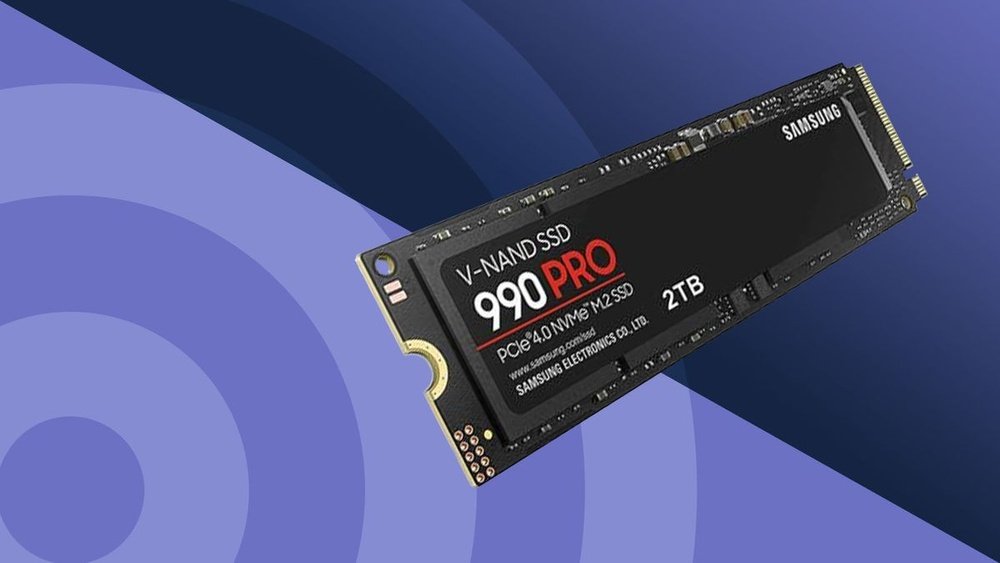
When it comes to choosing the right storage for your PC, you might be wondering: SSD or HDD, which is better for you? This decision can impact how fast your computer runs, how much space you get, and even how long your device lasts.
You want a smooth experience without annoying delays, but also storage that fits your needs and budget. Keep reading, because understanding the key differences between SSDs and HDDs will help you make a choice that feels just right for your setup.
Let’s dive into what really matters for your PC’s storage.
Speed Differences
Speed is a key factor when choosing between SSD and HDD for your PC. It affects how fast your computer works in daily tasks. Speed differences can change your whole experience, from opening files to running programs.
Read And Write Speeds
SSDs have much faster read and write speeds than HDDs. This means they can access data quickly and save it faster. HDDs use spinning disks, which slow down data transfer. SSDs use flash memory, making them quicker and more efficient.
Boot And Load Times
Computers with SSDs start up much faster than those with HDDs. Booting your PC can take seconds with an SSD but minutes with an HDD. Applications also load faster on SSDs, reducing wait times and improving productivity.
Impact On Gaming And Applications
Games and software run smoother with SSDs. Loading screens are shorter, and in-game data loads faster. HDDs may cause delays and longer wait times during gameplay or heavy tasks. SSDs help maintain steady performance, especially in demanding applications.

Credit: www.thorfamilylaw.com
Storage Capacity
Storage capacity plays a big role in choosing between SSD and HDD for your PC. It affects how much data you can keep and how your system performs. Understanding the sizes and options available helps in making the right choice for your needs.
Typical Sizes Available
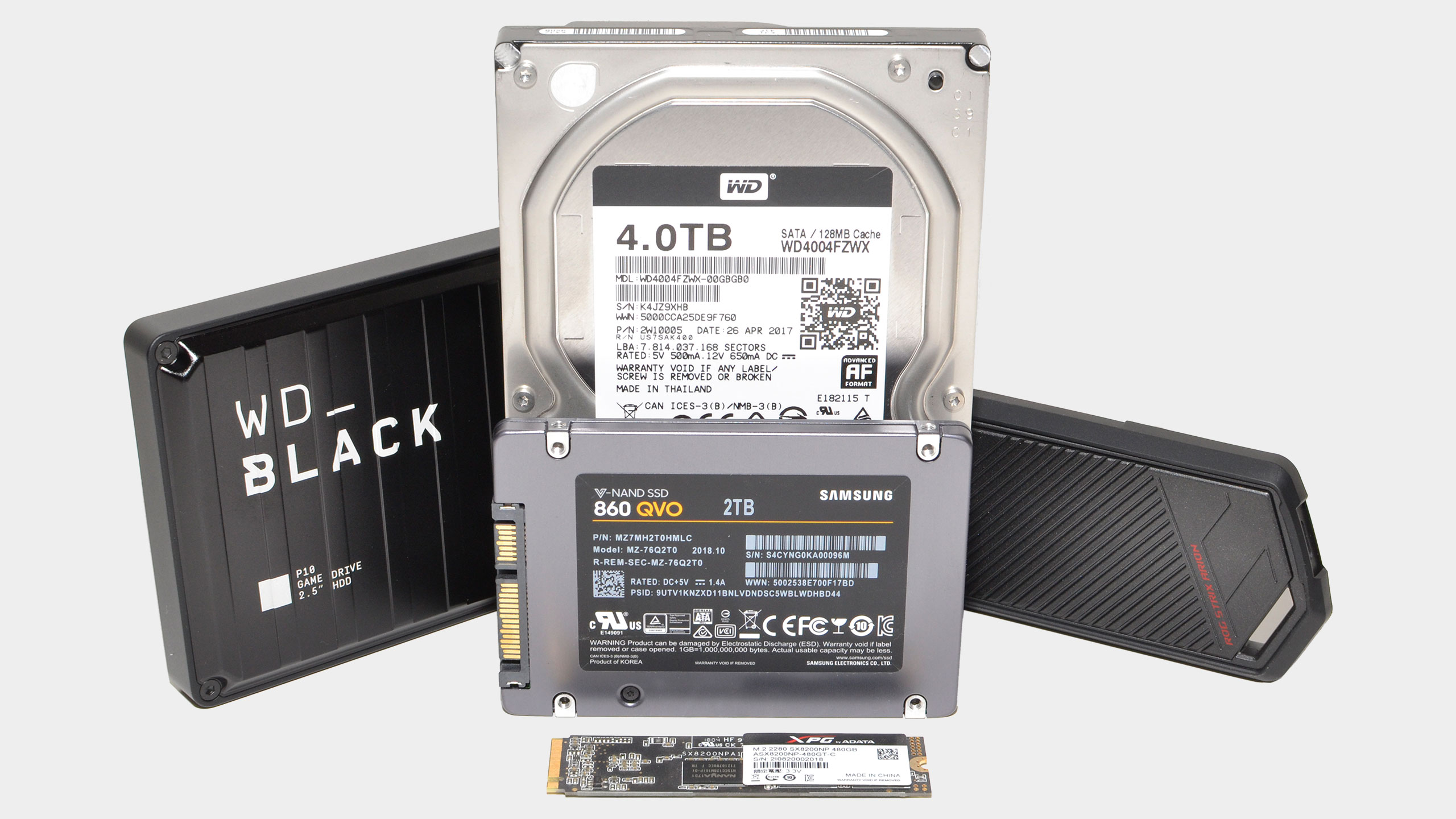
HDDs usually offer larger storage sizes. Common HDD sizes range from 500GB to 4TB or more. SSDs are smaller in capacity but growing. Typical SSD sizes start at 120GB and go up to 2TB. HDDs are better for storing lots of files and backups. SSDs suit users who want speed with moderate storage.
Cost Per Gigabyte
HDDs have a lower cost per gigabyte. This makes them affordable for large storage needs. SSDs cost more for each gigabyte stored. The price difference is due to the technology inside. If budget is tight and space is key, HDD is often preferred. SSDs offer faster access but come at a higher price.
Scalability Options
HDDs allow easier scalability by adding more drives. Many PCs support multiple HDDs for extra space. SSD scalability depends on your PC’s slots and type. External SSDs offer a portable way to expand storage. Combining both drive types can balance speed and capacity. Planning storage growth helps avoid future limits.
Durability And Reliability
Durability and reliability are key factors when choosing between an SSD or HDD for your PC. These qualities affect how long your data stays safe and how well your drive performs over time. Knowing the differences helps you pick the right storage for your needs.
Mechanical Vs Solid State
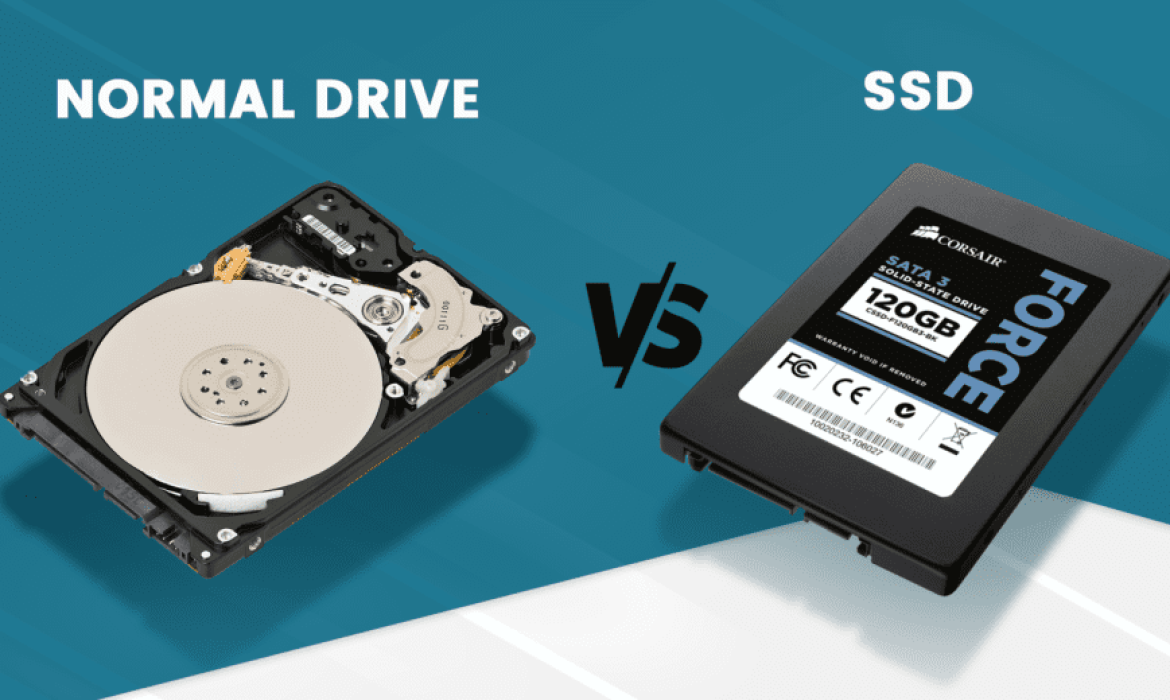
HDDs use moving parts, such as spinning disks and read/write heads. These parts can wear out or break over time. SSDs have no moving parts. They use memory chips to store data. This makes SSDs less likely to fail from mechanical issues.
Lifespan Expectations
HDDs can last several years but may slow down with age. SSDs have a limited number of write cycles. Most users will not reach this limit in normal use. SSDs often last longer in everyday tasks than HDDs.
Resistance To Physical Damage
HDDs are more vulnerable to drops and shocks because of their moving parts. SSDs handle impacts better since they have no moving parts. For laptops and portable devices, SSDs offer stronger protection against damage.
Credit: www.esseg.eu
Energy Consumption
Energy consumption plays a big role in choosing between SSD and HDD for your PC. It affects your electricity bill and device temperature. Lower energy use means less heat and longer battery life. Understanding how SSDs and HDDs use power helps you pick the right drive.
Let’s examine power use, heat generation, and laptop battery life impacts for both storage types.
Power Usage Comparison
SSDs use less power than HDDs. They have no moving parts, so they need less energy. HDDs spin disks and move heads, which uses more electricity. On average, SSDs consume around 2 to 5 watts. HDDs can use 6 to 15 watts while active. This difference saves energy and reduces costs over time.
Heat Generation
HDDs generate more heat due to moving parts. Spinning disks create friction and warmth inside the PC. SSDs stay cooler because they use flash memory. Less heat helps keep other components safe. It also lowers the need for noisy cooling fans in your computer.
Effect On Laptop Battery Life
SSDs improve laptop battery life by using less power. They allow laptops to run longer on a single charge. HDDs drain battery faster since they need more energy to spin disks. Choosing an SSD helps you work or play longer without recharging your laptop.
Noise And Vibration
Noise and vibration are important factors when choosing between an SSD and an HDD for your PC. These elements affect comfort and the overall experience of using your computer. A quieter, stable drive makes long hours at the computer easier and less distracting.
Operational Sound Levels
HDDs create noise because they have moving parts. The spinning disks and read/write heads make a humming or clicking sound. This noise varies by model but is always present during use.
SSDs have no moving parts. They operate silently, producing no noise at all. This makes SSDs ideal for quiet environments or noise-sensitive tasks.
Vibration Impact On Performance
HDDs generate vibration from their spinning disks. This can affect other components inside the PC case. Constant vibration may cause wear over time.
SSDs produce no vibration because they lack mechanical parts. This helps keep the PC stable and reduces the risk of damage from movement.
Price And Value
Choosing between an SSD and an HDD depends a lot on price and value. Both storage types serve the same purpose but differ in cost. Understanding these differences helps you get the best option for your PC.
Initial Cost Differences
HDDs usually cost less per gigabyte than SSDs. This makes them cheaper to buy upfront. SSDs have higher prices because they use newer technology. You pay more for faster speeds and better durability.
Long-term Investment
SSDs last longer and use less power than HDDs. This can save money over time on replacements and electricity. HDDs may need replacing sooner due to moving parts. SSDs offer better value if you keep your PC for years.
Budget-friendly Options
For tight budgets, HDDs offer large storage at low prices. You can find high-capacity HDDs for less money. SSDs are becoming cheaper but still cost more. A mix of SSD and HDD can balance speed and storage.
Use Case Recommendations
Choosing between SSD and HDD depends on how you use your PC. Different tasks need different storage types. Understanding your needs helps pick the right option. Below are recommendations based on common uses.
Best For Gamers
Gamers need fast load times and smooth gameplay. SSDs offer quick data access and reduce game loading. They improve game performance and reduce lag. HDDs are slower and can cause delays. Choosing an SSD enhances the gaming experience significantly.
Ideal For Content Creators
Content creators handle large files like videos and photos. SSDs speed up file transfer and editing tasks. They help save and open projects faster. HDDs provide more storage but slower access. A combination of SSD for work files and HDD for backups works well.
Suitable For Everyday Users
Everyday users browse, stream, and use basic apps. HDDs offer plenty of space at a lower cost. SSDs make the system start faster and apps open quicker. For simple tasks, a small SSD or a large HDD can work well. Balance speed and storage based on your budget.
Hybrid Solutions
Hybrid solutions combine the speed of SSDs with the large storage of HDDs. This option suits users who want the best of both worlds. It balances performance and capacity without high costs. Hybrid drives or setups use both types of drives in one system.
This approach improves boot times and file access. It also keeps many files stored safely without slowing down your PC. Hybrid solutions fit well for daily use and gaming PCs.
Combining Ssd And Hdd
You can install an SSD for your operating system and apps. Use an HDD for storing photos, videos, and documents. This setup lets your computer run fast and store lots of data. The SSD handles quick access tasks while the HDD holds large files. It is a smart way to balance speed and space.
Benefits Of Sshd
SSHD stands for Solid State Hybrid Drive. It mixes SSD and HDD into one device. SSHDs store frequently used files on the SSD part. Less used data stays on the HDD side. This design speeds up loading times without needing two drives. SSHDs cost less than full SSDs and offer more storage than pure SSDs.
How To Optimize Hybrid Storage
Keep your operating system and apps on the SSD. Store big files and backups on the HDD. Regularly clean and organize files to avoid slowdowns. Use software tools to move often-used files to the SSD. This helps your PC run smoothly and fast. Proper setup keeps your hybrid system efficient and reliable.
Credit: www.esseg.eu
Frequently Asked Questions
What Are The Main Differences Between Ssd And Hdd?
SSD uses flash memory, offering faster data access and durability. HDD relies on spinning disks, providing larger storage at lower cost but slower speed. SSDs boost performance, while HDDs offer more capacity for budget builds.
Is Ssd Better For Gaming Than Hdd?
Yes, SSDs reduce game load times and improve performance. Faster data transfer enhances gameplay experience. HDDs may cause longer loading screens and lag due to slower speeds.
How Does Ssd Impact Pc Boot Time?
SSDs significantly decrease boot time by quickly loading system files. PCs with SSDs boot in seconds compared to minutes on HDDs. This improves overall efficiency and user experience.
Which Storage Is More Cost-effective: Ssd Or Hdd?
HDDs offer more storage per dollar, making them cheaper for large data. SSDs cost more but provide speed and reliability benefits. Choose based on budget and performance needs.
Conclusion
Choosing between SSD and HDD depends on your needs and budget. SSDs are faster and use less power. HDDs offer more storage for less money. If speed and performance matter, SSD is the better choice. For large files and storage, HDD works well.
Many people use both for balance and efficiency. Think about how you use your PC daily. Then pick the drive that fits your style best. Both options have clear advantages. Make a choice that suits your computer use.
