
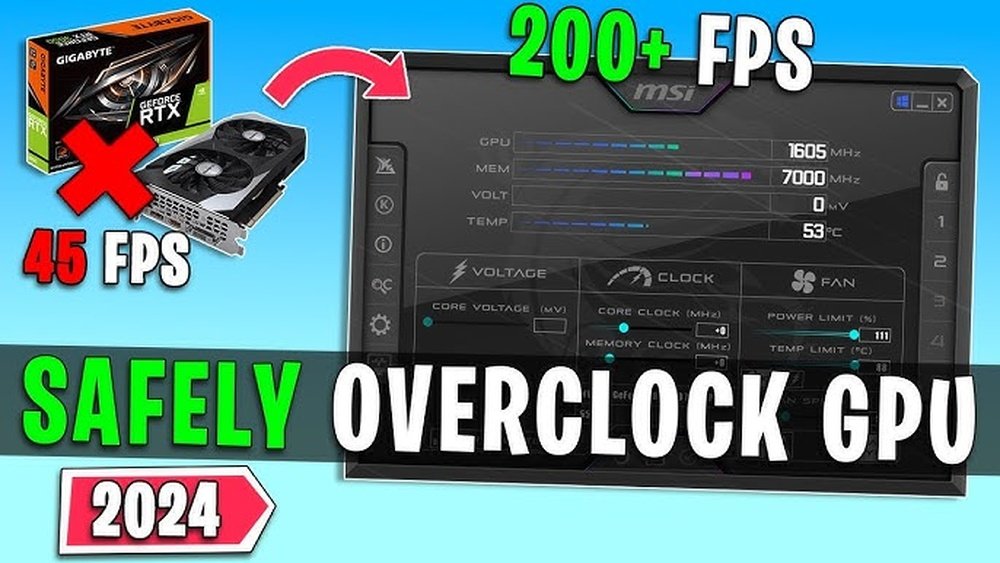
Are you thinking about overclocking your GPU to get that extra boost in gaming or creative work? You’re not alone.
Many people want to push their graphics card beyond its limits to squeeze out more performance. But here’s the big question: Is overclocking your GPU really safe? Before you jump in, it’s crucial to understand what overclocking does to your hardware and what risks you might be taking.
Keep reading, and you’ll discover the truth about overclocking, how it affects your GPU’s health, and whether it’s worth the gamble for your setup.
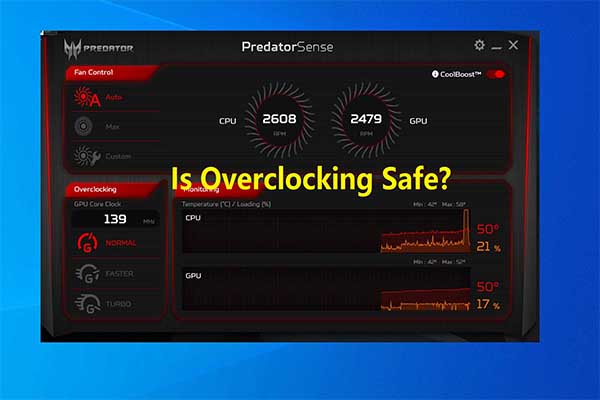
Credit: www.partitionwizard.com
What Is Gpu Overclocking
GPU overclocking means making your graphics card run faster than its factory settings. This process raises the clock speed of the GPU to boost performance. It can help games and applications run smoother and look better.
People overclock GPUs to get more power without buying new hardware. But changing the speed can affect the card’s temperature and stability. Knowing what overclocking involves helps you decide if it is right for you.
What Is Gpu Clock Speed?
The clock speed is how fast the GPU processes data. It is measured in megahertz (MHz) or gigahertz (GHz). Higher clock speeds mean the GPU can handle more tasks per second.
Manufacturers set a base clock speed for safe and stable use. Overclocking pushes this speed beyond the base level.
How Overclocking Works
Overclocking changes the GPU’s clock speed and memory speed. Users adjust these settings through software tools. This forces the GPU to work harder and faster.
The GPU may produce more heat and use more power during overclocking. Cooling systems must manage this extra heat to keep the card safe.
Why People Overclock Gpus
Many overclock to improve game performance and graphics quality. It can also help with video editing and 3D rendering tasks. Overclocking can extend the life of an older card by boosting its power.
Some do it for fun or as a hobby, testing how far their GPU can go.
Credit: www.youtube.com
Potential Risks Of Overclocking
Overclocking a GPU can boost performance but comes with risks. Understanding these risks helps you decide if overclocking is right for you. It is important to know what might happen to your hardware and system stability.
Hardware Damage
Overclocking pushes the GPU beyond its factory settings. This can cause permanent damage to the GPU chip and other parts. Excessive voltage or clock speeds may burn out components. Damage may require costly repairs or replacement.
System Instability
An overclocked GPU may cause your system to crash or freeze. Games and applications might suddenly close without warning. Instability leads to lost work and frustration. Keeping settings within safe limits reduces this risk.
Increased Heat Output
Overclocking raises the GPU’s power consumption. This produces more heat than usual. Without proper cooling, the GPU can overheat quickly. High temperatures can slow down or shut off your system.
Reduced Lifespan
Running a GPU at higher speeds shortens its lifespan. Constant stress wears out components faster than normal. Overclocked GPUs may fail sooner than expected. Proper cooling and moderate settings help extend life.
Benefits Of Overclocking Your Gpu
Overclocking your GPU offers several benefits that can enhance your computer’s performance. It allows you to get more power from your graphics card without buying new hardware. This makes it a popular choice for gamers and creative users who want better results from their current setup.
Understanding these benefits can help you decide if overclocking is right for you. Here are some key advantages.
Improved Performance
Overclocking increases the speed of your GPU’s processor. This leads to faster calculations and smoother graphics rendering. Tasks like video editing and 3D modeling run more efficiently. You will notice quicker load times and less lag during use.
Enhanced Gaming Experience
Games run more smoothly with higher frame rates. Visual effects become clearer and more detailed. Overclocking helps maintain stable performance during intense scenes. This results in a more enjoyable and immersive gaming session.
Better Value For Money
Overclocking lets you extend your GPU’s lifespan without extra cost. It helps you get the most out of your existing hardware. This can delay the need for expensive upgrades. You receive greater performance without spending more money.
Essential Safety Precautions
Overclocking a GPU can boost performance but carries risks. Taking safety steps reduces damage chances and keeps your hardware stable. Follow these essential precautions for a safer overclocking experience.
Adequate Cooling Solutions
Good cooling is key for safe overclocking. GPUs produce more heat when overclocked. Use quality fans or liquid cooling to keep temperatures low. Avoid letting the GPU get too hot. High heat can damage the card and reduce lifespan.
Monitoring Tools
Use software to watch your GPU’s temperature and voltage. Monitoring tools alert you if values rise too high. Keep an eye on performance and heat constantly. This helps catch problems early and avoid crashes or damage.
Gradual Overclocking Process
Increase clock speeds slowly, step by step. Start with small increments and test stability each time. Sudden large boosts can cause errors or hardware failure. Patience helps find the best balance between speed and safety.
Stress Testing
Test your overclock with stress tools to check stability. Run tests for several hours to see if the GPU handles the load. Stress testing reveals crashes and overheating before they cause harm. Stop overclocking if the GPU fails these tests.
Common Overclocking Methods
Overclocking a GPU means increasing its speed beyond the factory settings. Many users want to get extra performance for gaming or creative work. There are several common methods to overclock a GPU. Each method has its own tools and steps. Knowing these methods helps you choose the right one for your needs. It also helps you understand the risks and benefits involved.
Using Manufacturer Software
Many GPU makers offer their own software for overclocking. These programs are easy to use and safe. They let you adjust clock speeds, voltage, and fan settings. The software usually includes built-in profiles for quick tuning. It also shows temperature and performance data. This method suits beginners and those who want simple control.
Bios Tweaks
BIOS tweaks involve changing settings in the GPU’s firmware. This method offers deep control over performance. You can modify voltage, clock speeds, and power limits directly. It requires flashing the BIOS with custom firmware. BIOS tweaking is risky if done wrong. It suits advanced users who want maximum fine-tuning.
Third-party Tools
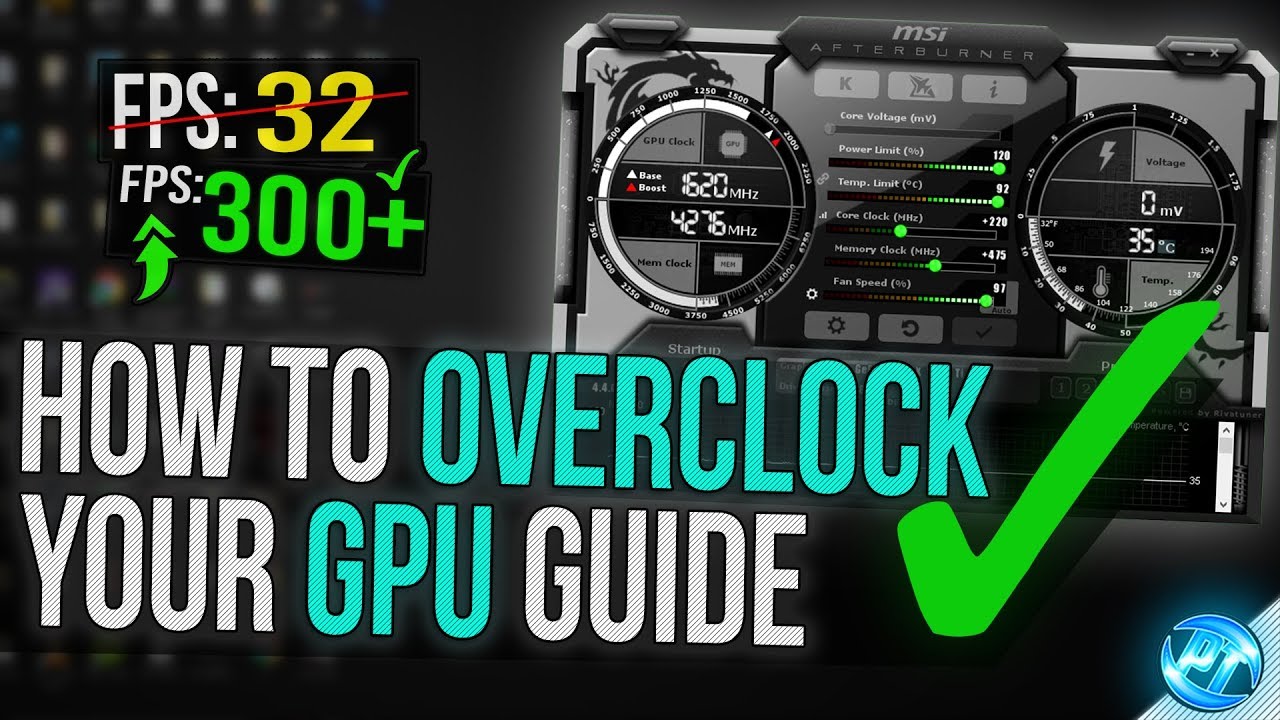
Third-party tools offer flexible options for GPU overclocking. Popular programs include MSI Afterburner and EVGA Precision X1. They support many GPU brands and models. These tools allow manual control of clocks, voltage, and fan speeds. They also provide monitoring and logging features. This method fits users who want detailed tuning without BIOS risks.
Credit: www.reddit.com
Signs Your Gpu Is Overclocked Too Much
Overclocking a GPU can boost performance. Yet, pushing it too far causes problems. Knowing the signs helps protect your hardware. Watch for these clear signals that your GPU is overclocked too much.
Frequent Crashes
Crashes happen when the GPU cannot handle the speed. Your computer may freeze or restart often. Games and apps close unexpectedly. This instability shows the GPU is under stress.
Artifacting And Glitches
Visual errors appear on the screen. Strange colors, lines, or shapes pop up. Textures may flicker or distort during use. These glitches mean the GPU is not stable at the current speed.
Overheating Alerts
Temperatures rise beyond safe limits. Warning messages may appear from your system. Fans run loudly and constantly. Overheating can damage the GPU and reduce its lifespan.
Expert Tips For Safe Overclocking
Overclocking your GPU can boost performance, but safety is key. Following expert tips ensures your hardware stays healthy. These tips help you avoid damage and keep your system stable.
Know Your Hardware Limits
Every GPU has a limit. Pushing beyond can cause overheating or damage. Check your GPU model’s maximum clock speeds. Use monitoring tools to track temperature and voltage. Stop overclocking if temperatures get too high.
Keep Drivers Updated
Updated drivers improve stability and performance. They fix bugs that may cause crashes. Download the latest drivers from your GPU maker’s website. Regular updates keep your system running smoothly.
Backup Important Data
Overclocking can cause system crashes or data loss. Always save your files before starting. Use cloud storage or external drives for backups. This protects your work and saves time in case of errors.
Frequently Asked Questions
Is Overclocking A Gpu Safe For Beginners?
Overclocking a GPU can be safe if done carefully. Beginners should increase clock speeds gradually. Proper cooling and monitoring are essential to prevent damage. Avoid pushing hardware beyond its limits to maintain stability and longevity.
How Does Overclocking Affect Gpu Lifespan?
Overclocking increases heat and power usage, which may reduce GPU lifespan. However, proper cooling and moderate overclocking minimize risks. Avoid excessive voltage and high temperatures to keep the GPU running longer.
What Are The Risks Of Gpu Overclocking?
Risks include overheating, system crashes, and potential hardware damage. Overclocking voids warranties and can cause instability. Proper cooling, monitoring, and gradual adjustments help mitigate these risks.
Can Overclocking Improve Gaming Performance Significantly?
Yes, overclocking can boost gaming performance by increasing frame rates. The extent depends on the GPU model and cooling efficiency. Gains vary but often enhance smoothness and responsiveness in games.
Conclusion
Overclocking your GPU can boost its speed and performance. It also raises heat and power use. This may shorten the GPU’s life if not done carefully. Always watch temperatures and test stability to avoid damage. Know your hardware limits and use trusted tools.
Overclocking is not risk-free but can be safe with caution. Decide if the extra power is worth the possible risks. Take time to learn before making changes. Safety first, performance second.
