

Are you wondering whether Call of Duty (COD) puts more strain on your CPU or GPU? Knowing this can make a huge difference in how you set up your gaming rig.
If your system struggles during intense battles or your frame rates drop, it might be because one part is working overtime. You’ll discover exactly which component COD relies on the most. This insight will help you get smoother gameplay and better performance.
Keep reading—you’re about to unlock the secret to optimizing your gaming experience.
Call Of Duty Performance Basics
Call of Duty is a popular first-person shooter series that runs on many devices. Understanding how it uses your computer’s parts helps improve your gaming experience. The game needs both the CPU and GPU to work well. Knowing which part is more important can guide your upgrades and settings.
Game Engine And Optimization
Call of Duty uses a custom game engine designed for fast action. This engine handles physics, graphics, and player movement. It balances work between the CPU and GPU to keep gameplay smooth. The developers optimize the game to use multiple CPU cores. This helps with AI, game logic, and networking tasks. The GPU focuses on rendering detailed graphics and effects. Good optimization means the game runs well on many systems.
Typical Hardware Requirements
Call of Duty needs a mid-range to high-end CPU for best results. A strong CPU handles many tasks at once, like enemy movement and game rules. The GPU must be powerful to show high-quality visuals and fast frame rates. Most players benefit from a quad-core or better CPU. Graphics cards like Nvidia GTX 1060 or AMD RX 580 are common choices. RAM also plays a role, with 8GB minimum suggested. Balancing CPU and GPU power avoids bottlenecks and keeps the game running smoothly.

Credit: www.reddit.com
Cpu Demands In Call Of Duty
Call of Duty demands a strong CPU for smooth gameplay. The game processes many tasks at once. This includes player actions, enemy movements, and game physics. A powerful CPU helps handle these tasks quickly. It reduces lag and keeps the game responsive.
Core Count And Clock Speed Impact
Core count affects how many tasks the CPU can handle. Call of Duty uses multiple cores but favors high clock speeds. A CPU with fewer cores but faster speeds often performs better. Games like Call of Duty rely on quick data processing. Higher clock speed means faster instructions per second. This improves frame rates and overall gameplay smoothness.
Background Processes And Multithreading
Background processes can slow down the CPU. Running many apps while playing can reduce game performance. Closing unnecessary programs frees up CPU power. Call of Duty supports multithreading to use several cores. This allows the game to split tasks across cores. Multithreading improves performance but depends on CPU design. A balanced CPU with good cores and threads enhances the experience.
Gpu Workload In Call Of Duty
Call of Duty demands a lot from your GPU to deliver smooth gameplay and sharp visuals. The graphics card handles most of the heavy lifting. It processes textures, lighting, shadows, and effects in real time. This workload varies with game settings and screen resolution. Understanding how the GPU workload changes helps gamers optimize performance and visuals.
Graphics Settings And Resolution Effects
Higher graphics settings push the GPU harder. Details like shadows, reflections, and textures become more complex. This increases the GPU’s workload and lowers frame rates. Resolution also plays a big role. Higher resolutions mean more pixels to render. The GPU must work longer to draw every frame clearly. Lowering graphics settings or resolution can reduce strain on the GPU.
Frame Rate And Visual Fidelity
Frame rate affects how smooth the game looks. Higher frame rates need the GPU to render more frames each second. This can reduce visual quality if the GPU struggles. Some players prefer smooth gameplay over sharp visuals. Others want the best image quality even if frame rates drop. Balancing frame rate and visual fidelity depends on the GPU’s power and player preference.

Credit: digitalssync.com
Balancing Cpu And Gpu For Best Fps
Playing Call of Duty smoothly needs both CPU and GPU working well together. The CPU handles game logic, AI, and physics. The GPU renders images and effects fast. Too much load on one part can slow your game.
Good balance helps keep your frames per second (FPS) high and steady. It stops lag and stutter, making gameplay fun. Understanding how to balance these parts improves your gaming setup.
Bottleneck Identification
A bottleneck happens when one component limits the other. If your CPU is weak, it may slow the GPU’s work. Or a weak GPU can hold back a fast CPU. Both cause lower FPS and poor game quality.
Check your system’s performance while playing. Use tools to see CPU and GPU usage. If one is at 100% and the other is low, you found your bottleneck. Fixing this improves FPS and game smoothness.
Optimal Hardware Pairings
Pair a strong CPU with a powerful GPU for best results. Mid-range CPUs and GPUs work well for balanced gaming. Avoid pairing a top GPU with a slow CPU or vice versa.
Choose hardware that fits your budget and gaming needs. Upgrading both parts together keeps your system balanced. This balance ensures steady FPS and better gameplay in Call of Duty.
Benchmarking Call Of Duty On Different Systems
Benchmarking Call of Duty on different systems helps understand its hardware needs. It shows how the game runs on various CPUs and GPUs. This testing reveals which parts of the hardware affect gameplay most. It also guides players to choose the right setup for smooth play. Understanding these details can improve gaming experience and system performance.
Low-end Vs High-end Builds
Low-end builds often struggle to maintain steady frame rates. The CPU might bottleneck the system, causing lag and stuttering. Graphics settings need to be lowered to improve performance. High-end builds handle the game with ease at higher settings. They deliver smoother gameplay and better visuals. The GPU plays a larger role in rendering detailed scenes here. Both CPU and GPU work together, but the GPU shines in high-end systems.
Impact Of Overclocking
Overclocking can boost both CPU and GPU speeds. It often leads to better frame rates and reduced lag. CPU overclocking improves game logic and AI processing speed. GPU overclocking enhances rendering and graphics performance. Stability depends on cooling and power supply quality. Overclocking must be done carefully to avoid crashes. It can provide noticeable improvements, especially in mid-range systems.
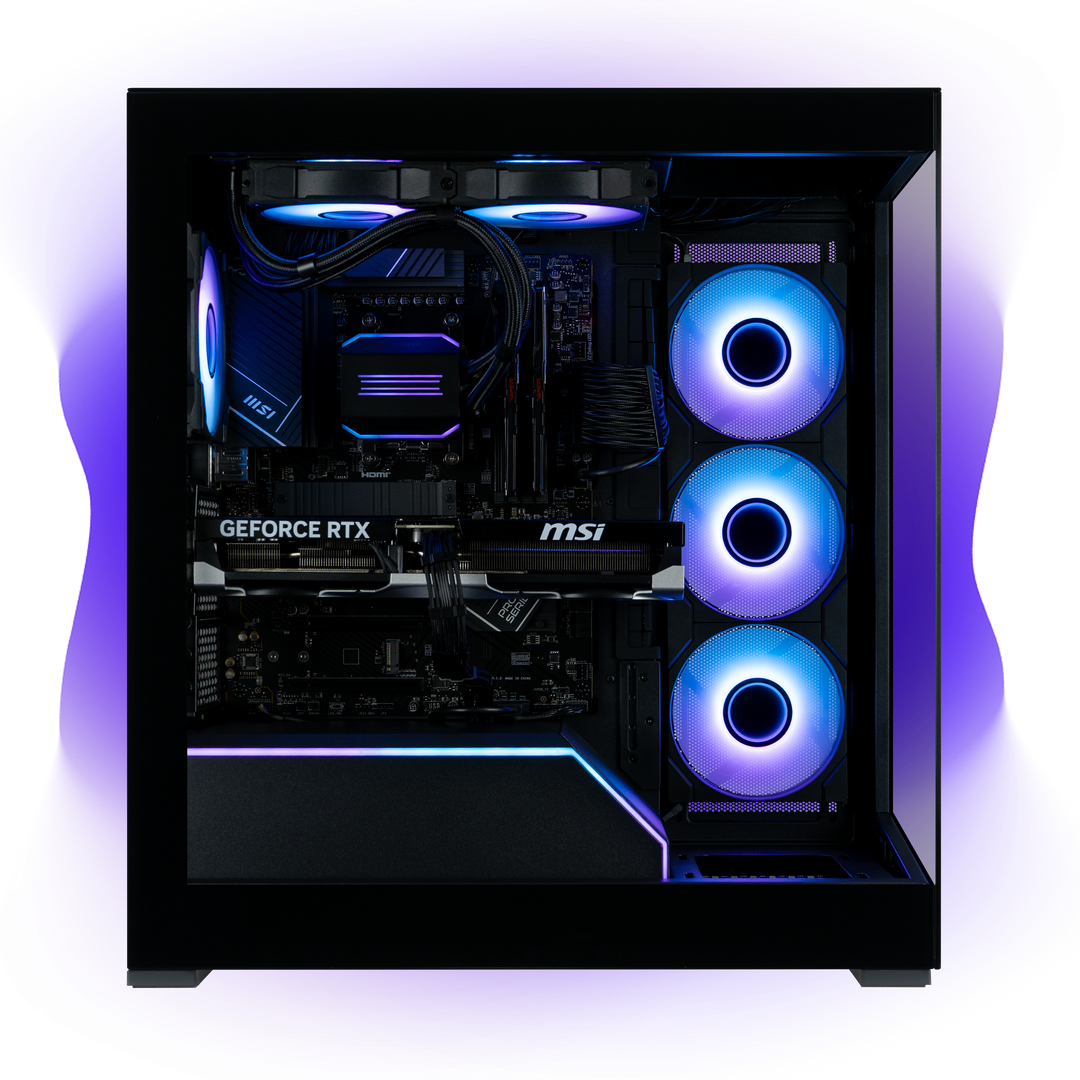
Credit: www.sietesetenta.com.ar
Tips To Improve Call Of Duty Performance
Improving Call of Duty performance can make your gaming experience much better. Small changes to your system and hardware can help the game run smoother. This guide offers simple tips to boost your gameplay without stress.
System Tweaks And Settings
Adjust game settings to lower graphics quality. Reduce shadows, textures, and effects for better speed. Turn off V-Sync to reduce input lag. Close background apps to free up CPU and memory. Update your graphics drivers to the latest version. Use game mode in Windows to focus resources on Call of Duty. Lower resolution if your frame rate is too low. These tweaks help your CPU and GPU work more efficiently.
Hardware Upgrades Worth Considering
Upgrade your CPU if it is old or slow. A faster processor handles game tasks better. Get more RAM if you have less than 8GB. This helps the game load faster and run smooth. Choose a better graphics card for higher frame rates. SSDs reduce game loading times compared to HDDs. A good monitor with low response time improves gameplay feel. These hardware changes enhance your overall gaming setup.
Frequently Asked Questions
Is Call Of Duty More Cpu Or Gpu Intensive?
Call of Duty relies more on the CPU for game logic and physics. However, the GPU handles graphics rendering and effects, making both important for optimal performance.
How Does Cpu Affect Call Of Duty Gameplay?
The CPU processes game mechanics, AI, and physics, impacting smooth gameplay and responsiveness. A strong CPU ensures better frame rates and fewer stutters.
Why Is Gpu Important For Call Of Duty Graphics?
The GPU renders visuals, textures, and lighting effects. A powerful GPU enhances image quality and maintains higher frame rates for a better gaming experience.
Can A Weak Cpu Bottleneck Call Of Duty Performance?
Yes, a weak CPU can limit frame rates and cause lag, even with a good GPU. Balanced hardware is crucial for smooth gameplay.
Conclusion
Call of Duty relies more on the CPU than the GPU. The CPU handles game logic, physics, and AI tasks. The GPU mainly processes graphics and visuals. A strong CPU improves gameplay smoothness and responsiveness. A decent GPU still matters for good graphics quality.
Balancing both components gives the best gaming experience. Choose hardware based on your budget and needs. This knowledge helps you build or upgrade your gaming setup smartly. Play better by understanding what your system really needs.
