
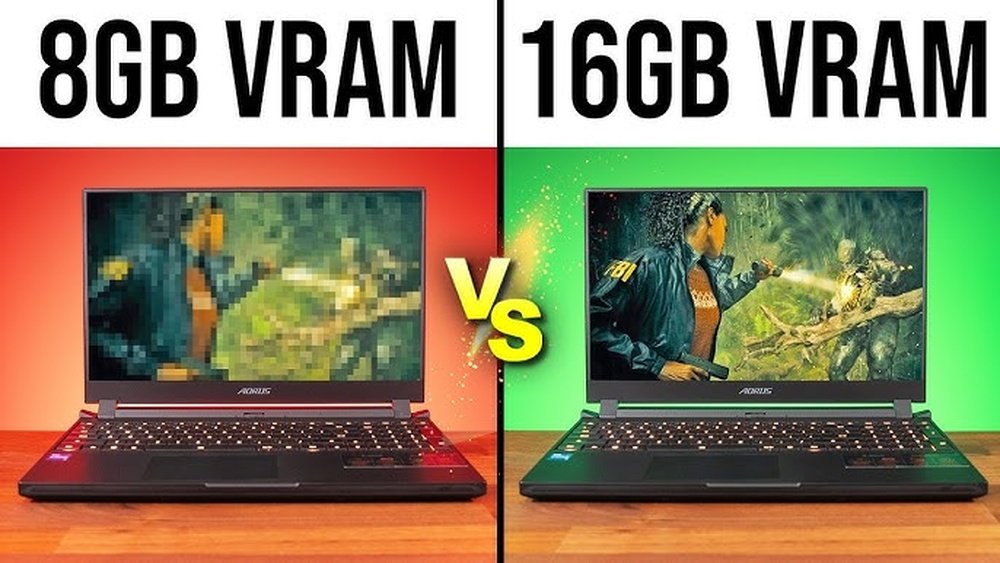
Are you wondering if an 8GB GPU is enough for your gaming needs? Choosing the right graphics card can make or break your gaming experience.
You want smooth gameplay, vibrant visuals, and no frustrating lag. But how much video memory do you really need? You’ll discover how an 8GB GPU performs with popular games, what kind of settings you can expect, and whether it’s a smart choice for your setup.
Keep reading to find out if 8GB is the sweet spot for your gaming adventure.

Credit: www.reddit.com
Gpu Memory And Gaming
GPU memory plays a key role in gaming performance. It stores textures, models, and other game data. More memory helps games run smoothly at higher settings. Understanding GPU memory helps you choose the right graphics card for gaming.
Many gamers wonder if 8GB of GPU memory is enough. The answer depends on the games and settings you use. Let’s explore how GPU memory affects gaming today.
Role Of Gpu Memory
GPU memory holds game assets like textures and shadows. These assets must load quickly for smooth gameplay. If memory is low, the GPU swaps data with slower system RAM. This causes stuttering and lower frame rates. More GPU memory means fewer slowdowns in games.
Modern games use detailed graphics. They need more memory to store these details. Higher resolution and quality settings also demand more GPU memory. So, GPU memory size directly impacts game quality and speed.
8gb In Modern Games
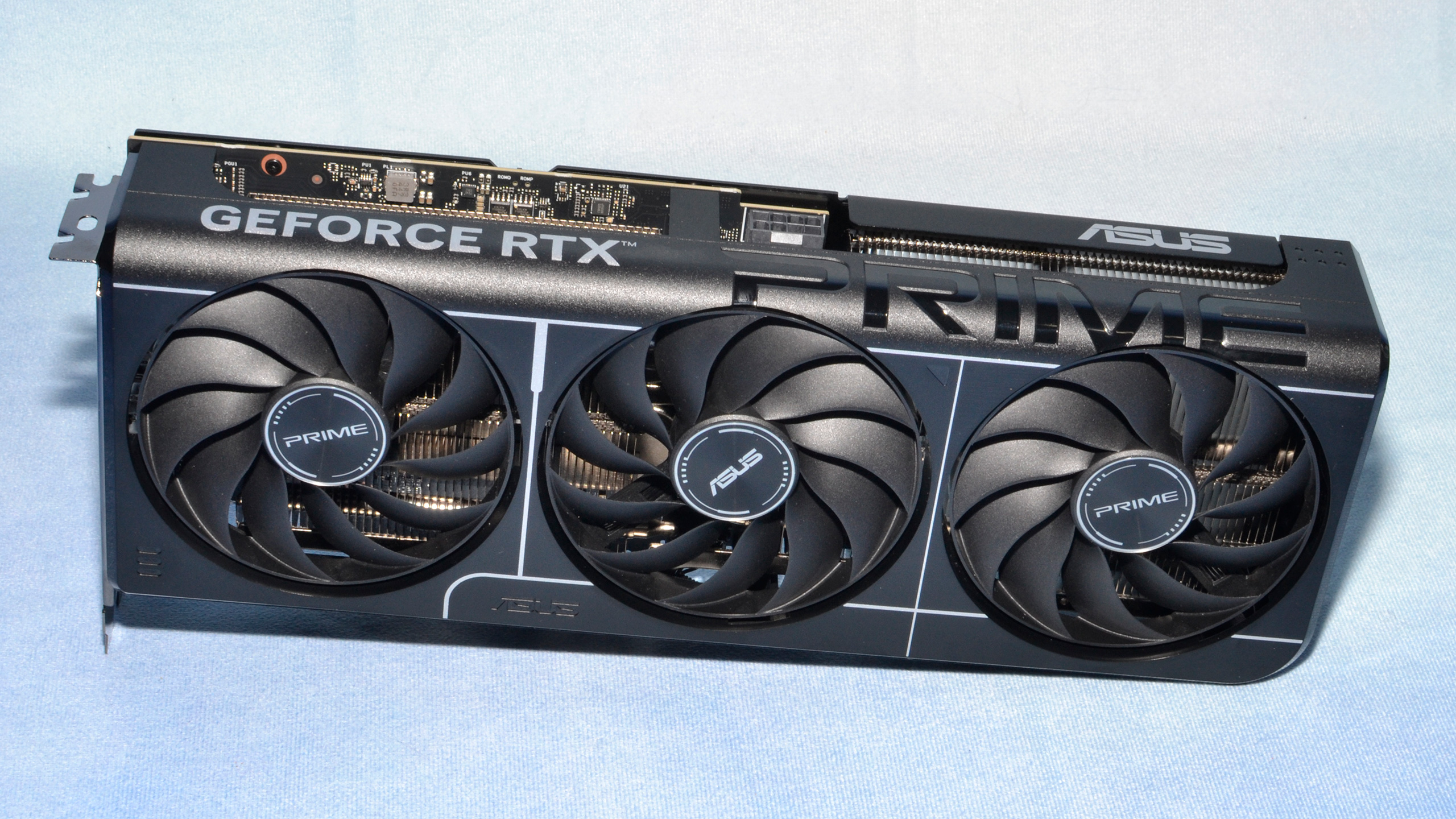
Eight gigabytes of GPU memory suits most modern games. It allows high settings at 1080p and even 1440p resolutions. Many popular titles run well with 8GB of memory. It supports detailed textures and stable frame rates.
Some very demanding games or 4K gaming might need more than 8GB. But for casual and many serious gamers, 8GB provides a good balance. It keeps games looking great without causing lag or crashes.
Credit: www.tomshardware.com
Performance In Popular Titles
Understanding how an 8GB GPU performs in popular games helps you decide if it suits your gaming needs. Different game types use graphics memory in various ways. Some games demand more power and memory, while others run smoothly on modest hardware. Let’s explore the performance of an 8GB GPU across different gaming categories.
Aaa Games
AAA games often require a lot of video memory and processing power. An 8GB GPU can handle many of these titles at medium to high settings. Games like “Cyberpunk 2077” or “Red Dead Redemption 2” may need some settings lowered for smooth play. You may see stable frame rates on 1080p or 1440p resolution. Ultra settings with ray tracing might be too much for 8GB. Still, it offers decent playability for most big releases.
Esports And Competitive Games
Esports games usually focus on performance over graphics quality. Titles like “Fortnite,” “Valorant,” and “CS: GO” run very well on an 8GB GPU. These games do not need extreme memory usage to maintain high frames per second. Players get smooth gameplay and low input lag, which is important in competition. An 8GB GPU often provides a good balance of speed and visuals here.
Indie And Less Demanding Games
Indie games and less demanding titles rarely use more than 4GB of VRAM. An 8GB GPU easily handles these games at high or maximum settings. Popular indie games like “Stardew Valley” or “Hollow Knight” run flawlessly. This GPU size gives extra headroom for future updates or mods. It ensures a pleasant experience without needing expensive hardware.
Resolution And Settings Impact
The performance of an 8GB GPU depends heavily on the resolution and graphics settings you choose. Higher resolutions demand more from your GPU’s memory and processing power. Settings like textures, shadows, and effects also affect how well the GPU handles games. Understanding these factors helps you get the best gaming experience.
1080p Gaming
At 1080p, an 8GB GPU performs very well. Most games run smoothly with high or ultra settings. The memory size is enough for detailed textures and effects. Frame rates stay high, offering a good balance of quality and speed. This resolution is ideal for gamers who want sharp visuals without overloading the GPU.
1440p And 4k Gaming
1440p requires more GPU memory than 1080p. An 8GB GPU can handle many games but may struggle with ultra settings. Some titles need lower graphics settings for smooth play. At 4K, 8GB is often not enough for modern games. Lowering settings or choosing games with modest demands helps maintain playability at this resolution.
Effect Of Graphics Settings
Graphics settings directly affect GPU memory use and performance. High settings use more memory for textures and effects. Lower settings reduce the load on the GPU. Balancing settings lets you enjoy better graphics without lag. Adjusting shadows, anti-aliasing, and effects can improve frame rates on an 8GB GPU.

Credit: www.reddit.com
Comparing 8gb Gpus With Others
Comparing 8GB GPUs with other graphics cards helps gamers choose the right one. The video memory size affects game performance and visuals. Different GPU memory sizes suit different gaming needs.
This section breaks down key differences between 8GB GPUs and others. Understanding these helps decide if 8GB is enough or if more memory is needed.
6gb Vs 8gb Gpus
6GB GPUs are common in budget and mid-range cards. They handle most games at medium to high settings. But 6GB can limit performance in newer games with large textures.
8GB GPUs offer more memory for detailed graphics and smoother gameplay. They perform better in 1080p and 1440p gaming. The extra 2GB helps reduce stuttering in demanding titles.
For casual gamers, 6GB may be enough. Serious gamers benefit from the extra memory in 8GB GPUs.
8gb Vs 12gb And Higher
12GB and higher GPUs target high-end gaming and creative work. They support 4K gaming and heavy multitasking. More memory helps with future-proofing your system.
8GB GPUs still deliver strong performance at 1080p and 1440p. But they may struggle with ultra settings in the latest games. Larger memory cards handle bigger textures and complex scenes better.
Choosing between 8GB and 12GB depends on your resolution and game demands.
Budget Vs High-end Gpus
Budget GPUs usually come with 4GB to 6GB memory. They suit entry-level gaming and older games. These cards save money but limit graphics quality.
High-end GPUs offer 8GB or more memory. They deliver smoother gameplay and higher frame rates. These GPUs support new technologies and VR gaming.
Gamers on a tight budget can go for 6GB or 8GB cards. Enthusiasts may prefer high-end GPUs with 12GB or more.
Future-proofing Your Gpu
Choosing a GPU with 8GB of memory can affect how long your graphics card stays useful. Future-proofing means picking a GPU that handles new games and tech well. This helps avoid early upgrades and keeps your system running smoothly for years.
Upcoming Game Demands
New games need more video memory and power. Games are larger and use better graphics. An 8GB GPU can run most current games well. But future titles might require more memory to load textures and effects. It may handle mid-range settings for a few years.
Vr And Ray Tracing
Virtual reality (VR) needs fast and strong GPUs. Ray tracing adds realistic light and shadow effects. Both VR and ray tracing use extra video memory and processing. An 8GB GPU can support basic ray tracing and VR. For smoother experiences, higher memory GPUs might be needed soon.
Software And Driver Updates
GPU makers release updates to improve performance and fix bugs. These updates help older cards run new games better. An 8GB GPU benefits from these improvements. Regular updates can extend the life of your graphics card. Still, hardware limits may slow down future upgrades.
Tips To Maximize 8gb Gpu Performance
Using an 8GB GPU for gaming can deliver good performance with the right approach. Small changes in settings and maintenance help get the most from your GPU. These tips focus on smart ways to boost your gaming experience.
Optimizing Game Settings
Lowering game resolution reduces the load on your GPU. Turn off extra effects like shadows and reflections. Adjust texture quality to medium or high, not ultra. These changes keep games smooth and use less memory.
Managing Background Processes
Close programs running in the background before playing. Background apps use CPU and GPU power without help. This frees resources for your game. Check your task manager and stop unnecessary processes.
Regular Driver Updates
Keep your GPU drivers up to date. Drivers improve performance and fix bugs. Visit the GPU maker’s website or use update software. Updated drivers help games run better and avoid crashes.
Frequently Asked Questions
Is 8gb Gpu Enough For Modern Games?
An 8GB GPU can handle most modern games at 1080p and 1440p resolutions. It provides smooth gameplay and decent graphics settings for popular titles. However, very demanding games or 4K gaming may require more VRAM for optimal performance.
Can 8gb Vram Support High Graphics Settings?
Yes, 8GB VRAM supports high graphics settings in many games. It allows textures and effects to load smoothly without lag. Still, some ultra settings or future games might push beyond 8GB, causing occasional stutters or lowered frame rates.
How Does 8gb Gpu Affect Gaming Performance?
An 8GB GPU balances performance and memory capacity well. It ensures good frame rates and detailed visuals in most games. Performance depends on other factors too, like GPU architecture and CPU power, but 8GB VRAM is a solid choice for gaming.
Is 8gb Gpu Future-proof For Gaming?
An 8GB GPU is moderately future-proof for gaming. It handles current games well but may struggle with upcoming titles needing more VRAM. For casual or mid-range gamers, it’s a reliable option, but enthusiasts might consider higher VRAM for longevity.
Conclusion
An 8GB GPU fits well with many popular games today. It handles most titles at medium to high settings smoothly. Playing new games on ultra settings might be tough. Gamers who want high resolution or future-proof options may need more VRAM.
Still, 8GB offers good value for casual and budget players. Consider your gaming needs and budget before choosing. This helps you enjoy games without overspending. Overall, 8GB GPUs remain a solid choice for many users.
