
Is 85 Celsius hot for your GPU? If you’ve ever checked your graphics card temperature and seen that number, you might be wondering if it’s safe or if your computer is about to overheat.
Your GPU works hard, especially when gaming or running heavy programs, but knowing what temperature is too high can save you from costly damage. Stick with me, and you’ll learn exactly what 85°C means for your GPU, how to keep it cool, and when you should start worrying.
Let’s clear up the confusion and protect your hardware together.
Gpu Temperature Basics
Understanding GPU temperature basics helps protect your computer. GPUs generate heat during tasks like gaming or video editing. Managing heat keeps your graphics card safe and working well. Knowing normal temperature ranges prevents damage and boosts performance.
Normal Operating Ranges
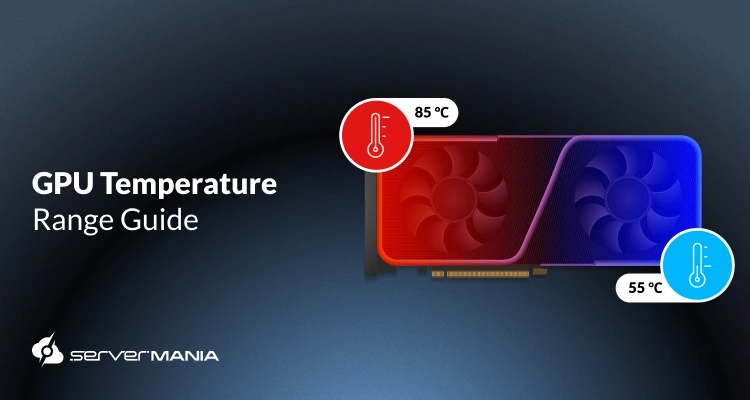
Most GPUs work safely between 30°C and 85°C. Idle temperatures often sit around 30°C to 45°C. During heavy use, temperatures rise to 65°C to 85°C. Some GPUs can handle up to 90°C but staying below 85°C is better. Higher temperatures may shorten the GPU’s lifespan.
Factors Affecting Gpu Heat
Several things cause GPU temperatures to rise. The first is workload intensity. More graphics power means more heat. Poor airflow inside the computer case traps heat. Dust buildup on fans and heatsinks blocks cooling. Overclocking pushes the GPU harder, raising temperature. Room temperature also affects GPU heat. Higher room heat means higher GPU heat.
Is 85 Celsius Too Hot?
Is 85 Celsius too hot for a GPU? Many wonder if this temperature can harm their graphics card. Understanding GPU temperatures helps keep your hardware safe and running well. Let’s explore what 85°C means for your GPU’s health and performance.
Comparing With Manufacturer Limits
Most GPU makers set a maximum safe temperature. Many modern GPUs can handle up to 90-100°C. At 85°C, your GPU is warm but still below the danger zone. This temperature is close to the upper limit but usually safe for short periods. Staying below these limits avoids damage and long-term wear.
Performance Impact At High Temps
High temperatures can reduce GPU performance. At 85°C, some GPUs may start to slow down. This is called thermal throttling. It helps prevent overheating by lowering the clock speed. You might notice lower frame rates or slower graphics processing. Cooling your GPU helps keep performance steady and prevents throttling.
Risks Of High Gpu Temperatures
High GPU temperatures can cause serious problems for your computer. Heat affects the parts inside your GPU and can make your system less reliable. Understanding these risks helps protect your hardware and maintain good performance.
Hardware Damage
Excess heat can harm the GPU’s components. The silicon chips inside can crack or wear out faster. Solder joints may melt or loosen, causing permanent damage. This damage may lead to costly repairs or replacement.
Reduced Lifespan
Running a GPU at high temperatures shortens its life. Constant heat stress breaks down materials inside the card. Over time, this leads to failure or slower speeds. Cooler temperatures help your GPU last longer and stay efficient.
System Instability
High heat makes your system unstable. Your computer may crash or freeze unexpectedly. Graphics glitches or artifacts can appear on the screen. Keeping your GPU cool ensures smooth and stable operation every time.
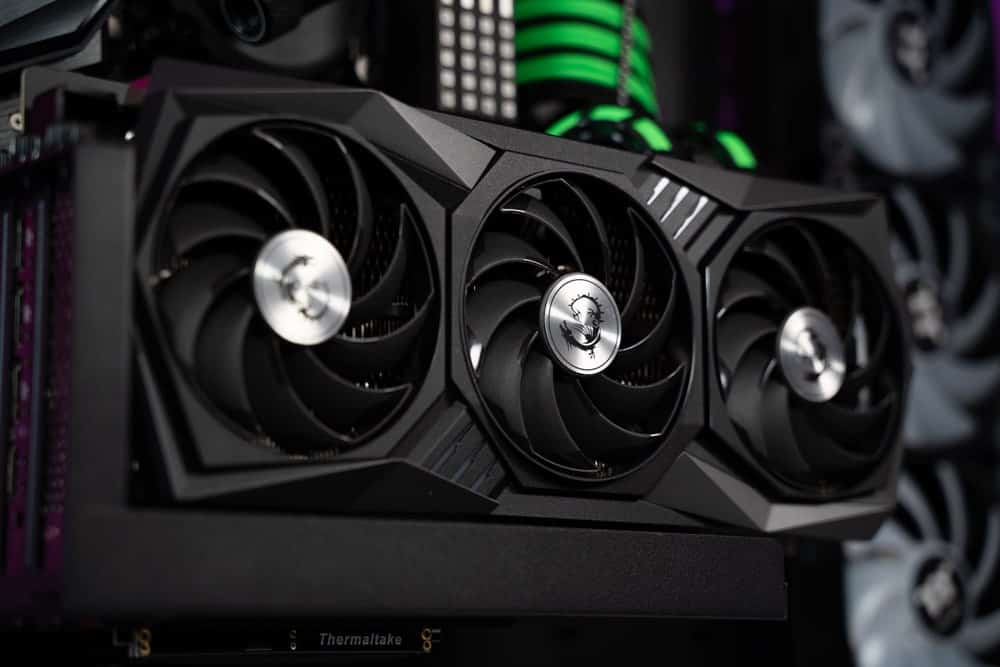
Credit: www.wepc.com
Effective Cooling Solutions
Effective cooling solutions keep your GPU temperature safe. High temperatures reduce performance and may damage your card. Proper cooling helps your GPU run better and last longer.
Many ways exist to cool your GPU. Small changes can lower heat a lot. Focus on airflow, cooling systems, and thermal paste for best results.
Improving Airflow
Good airflow moves hot air away from your GPU. Keep cables tidy to avoid blocking fans. Add extra case fans to increase air movement. Use a clean case to stop dust buildup. Dust can block airflow and trap heat.
Upgrading Cooling Systems
Stock coolers may not cool well under heavy use. Consider aftermarket air coolers for better heat removal. Liquid cooling offers even lower temperatures but costs more. Choose a cooling system that fits your budget and needs. Proper cooling lowers GPU temperature and boosts performance.
Using Thermal Paste Properly
Thermal paste helps heat move from GPU to cooler. Old or poorly applied paste reduces cooling efficiency. Clean old paste before adding new paste. Apply a small, even amount on the GPU chip. Proper paste improves heat transfer and lowers temperature.
Monitoring And Maintenance Tips
Keeping an eye on your GPU temperature is very important. High temperatures can reduce your GPU’s life. Proper maintenance helps keep it cool and running well. Simple steps can stop your GPU from overheating and having problems.
Software Tools For Temperature Tracking
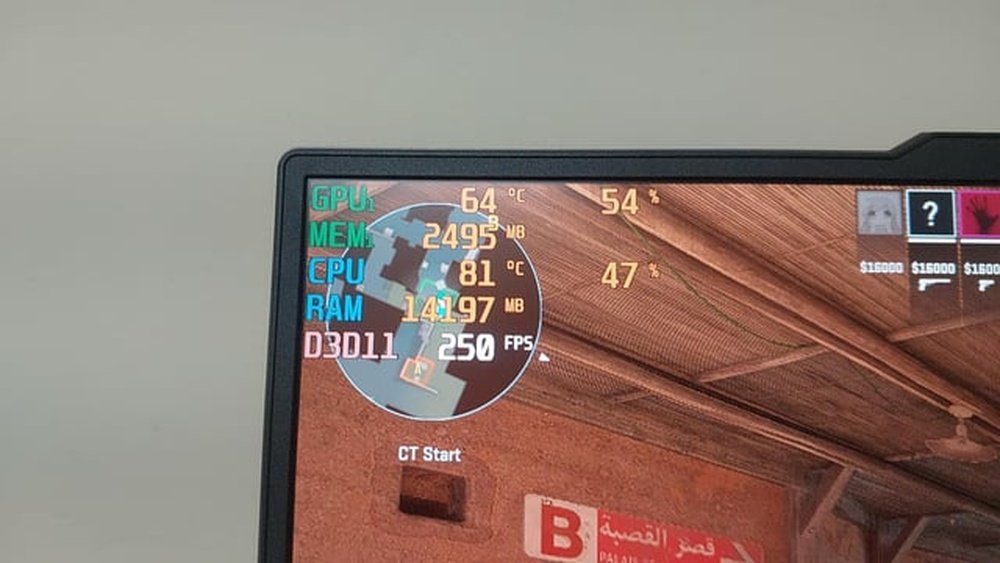
Use software to check your GPU temperature anytime. Programs like MSI Afterburner and HWMonitor show real-time heat levels. These tools also let you set alerts for high temperatures. Watching these numbers helps you act before damage happens.
Regular Cleaning Practices
Dust and dirt block airflow and raise GPU heat. Clean your computer often to keep air moving freely. Use a soft brush or compressed air to remove dust from fans and heatsinks. Avoid harsh cleaners that can harm parts. Clean parts help your GPU stay cooler and last longer.
Credit: www.servermania.com

Credit: www.reddit.com
Frequently Asked Questions
Is 85 Celsius Hot For A Gpu During Gaming?
Yes, 85°C is on the higher side but still safe for most GPUs. Prolonged exposure can reduce lifespan, so ensure good cooling.
Can 85 Degrees Celsius Damage My Gpu Permanently?
At 85°C, permanent damage is unlikely if temperatures stay stable. However, consistently higher temps can degrade performance and hardware over time.
How To Lower Gpu Temperature From 85 Celsius?
Improve airflow, clean dust from fans, and consider better thermal paste. Lowering graphics settings can also reduce GPU heat output.
Is 85°c Normal For Gpu Under Full Load?
Yes, many GPUs reach 80-85°C under full load. This is generally safe, but cooler temps are preferable for longevity.
Conclusion
Running a GPU at 85 Celsius is quite common during heavy use. Most modern GPUs handle this temperature without issues. Still, keeping your GPU cooler helps it last longer and work better. Good airflow and regular cleaning can lower temperatures easily.
Watch your GPU’s temperature during gaming or work. If it stays too high, consider better cooling options. Staying aware keeps your computer safe and fast. Remember, a cooler GPU means smoother performance.
