
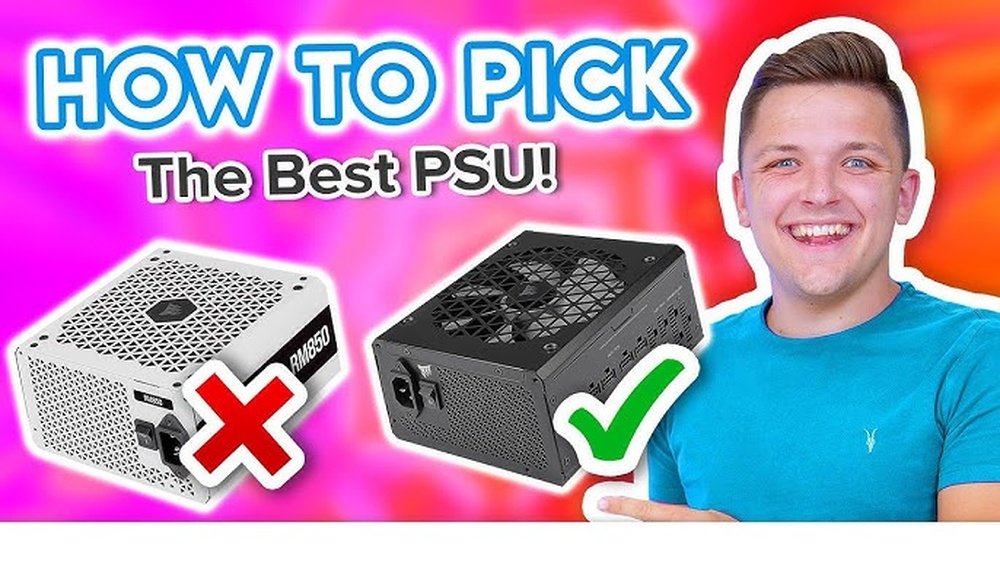
Choosing the right power supply for your PC build can feel confusing, but it doesn’t have to be. Your power supply is the heart of your system—it keeps every part running smoothly and safely.
Picking the wrong one can lead to crashes, damage, or even wasted money. You’ll discover simple, clear steps to find the perfect power supply that fits your needs and budget. By the end, you’ll feel confident making a choice that powers your PC without any stress.
Keep reading to avoid common mistakes and get your build off to the best start.
Power Supply Basics
Choosing the right power supply is key for a good PC build. The power supply unit (PSU) sends power to every part inside the computer. It keeps your PC running smoothly and safely. Understanding the basics helps pick the best PSU for your needs.
This section explains what a PSU is and its role in PC performance. Simple facts to help you make a smart choice.
What Is A Psu?
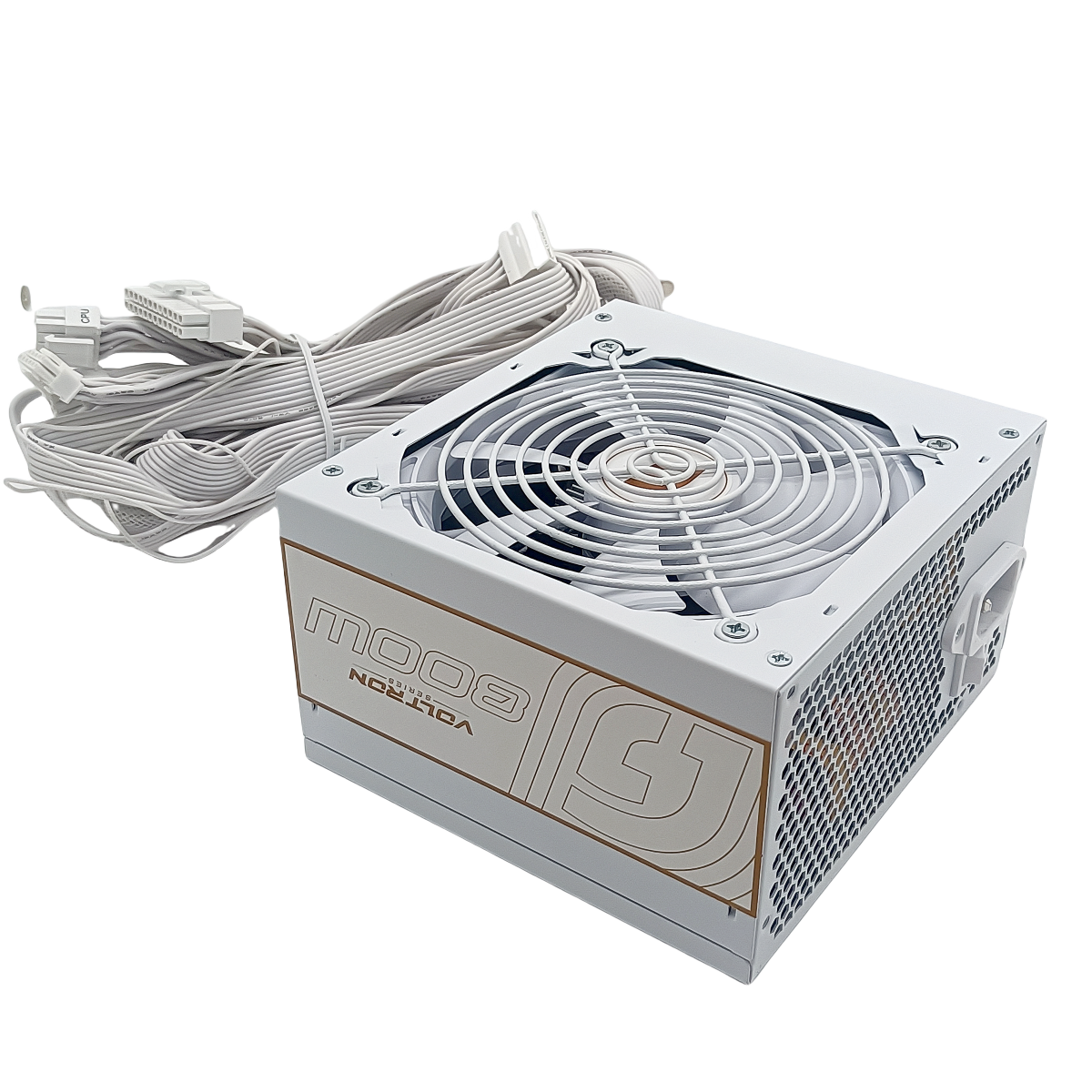
A PSU is a device that converts electricity from the wall outlet. It changes high voltage AC power to low voltage DC power. The PC parts need this low voltage to work properly. The PSU also controls the amount of power each part gets.
Without a PSU, your computer cannot function. It is one of the most important parts inside the case.
Role In Pc Performance
The PSU affects the stability of your PC. A good PSU delivers steady power without drops or surges. This helps prevent crashes and freezes. Poor power supply can damage parts or cause data loss.
Efficiency is also important. A high-efficiency PSU wastes less electricity and runs cooler. This leads to a quieter and more reliable PC.
Choosing the right PSU size and quality ensures your PC performs well over time.
Credit: smartbuy.alibaba.com
Wattage Requirements
Choosing the right wattage for your PC power supply is key. Too little power can cause crashes and damage. Too much power wastes money and space. Understanding wattage needs helps build a stable PC.
Each part in your PC uses power. The CPU, graphics card, drives, and fans all add up. Knowing the total power need ensures your system runs smoothly without power issues.
Calculating Total Power Needs
Start by checking the power use of each component. The CPU and GPU usually need the most power. Add the wattage of your RAM, drives, and fans. Use online calculators to help add everything up easily. Always round up to avoid shortages. This gives a safe estimate for your power supply.
Future-proofing Your Build
Plan for upgrades or extra parts in the future. Choose a power supply with more wattage than your current need. This avoids buying a new PSU later. A 20-30% higher wattage than your total need is a good rule. It keeps your system ready for new parts or overclocking.
Efficiency Ratings
Efficiency ratings show how well a power supply converts electricity from your wall into usable power for your PC. Higher efficiency means less energy is wasted as heat. This helps your PC run cooler and reduces electricity bills. Understanding efficiency ratings helps you pick the right power supply for your needs.
80 Plus Certification Levels
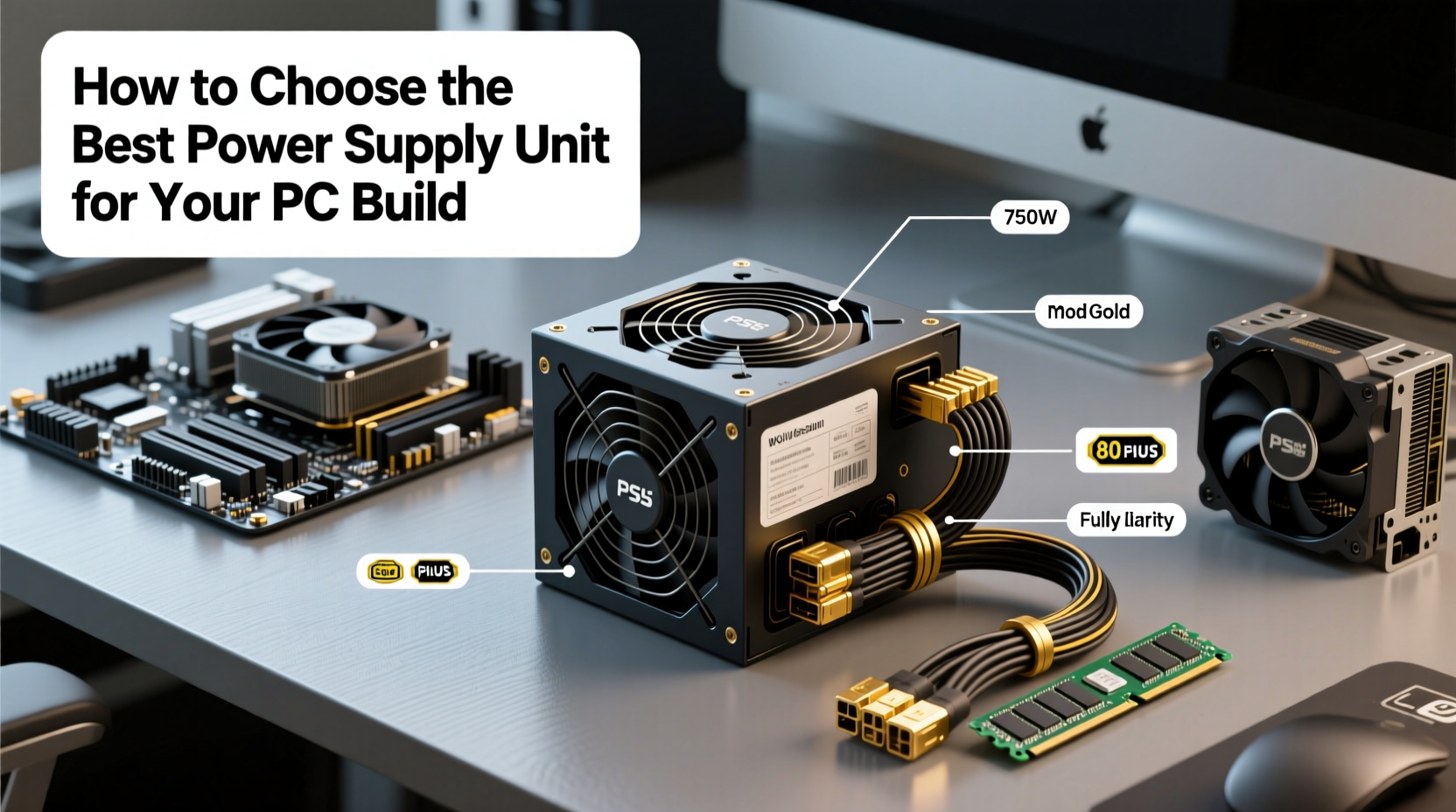
The 80 Plus certification tells you the efficiency level of a power supply. It has several levels: Bronze, Silver, Gold, Platinum, and Titanium. Each level means the power supply meets a minimum efficiency at different loads. For example, a Gold-certified PSU is at least 87% efficient at 20% load. Higher levels mean better efficiency but often higher cost.
Impact On Energy Consumption
More efficient power supplies use less electricity to power your PC. This lowers your energy bills over time. It also reduces heat output, which can make your PC run quieter. Choosing a power supply with a good efficiency rating saves money and helps the environment. It is a smart choice for any PC build.
Credit: smartbuy.alibaba.com
Modular Vs Non-modular
Choosing the right power supply is key for a smooth PC build. One big choice is between modular and non-modular power supplies. Both types provide power to your PC, but they differ in cable design and flexibility. Understanding these differences helps you pick what fits your needs best.
Pros And Cons Of Each Type
Modular power supplies let you attach only the cables you need. This reduces clutter and improves airflow inside the case. They often cost more than non-modular units. The extra cost pays off with easier cable management and cleaner looks.
Non-modular power supplies have all cables fixed to the unit. This means you get cables you might not use. Extra cables can create clutter and block airflow. On the plus side, non-modular units are usually cheaper and simpler to install.
Cable Management Tips
Use zip ties or Velcro straps to bundle cables neatly. Route cables behind the motherboard tray when possible. Keep power cables away from fans to avoid blocking airflow. Label cables to spot connections easily during upgrades. For non-modular units, tuck extra cables into unused drive bays or corners.
Form Factors And Compatibility
Choosing the right power supply for your PC build involves more than just wattage. The form factor and compatibility with your case and motherboard matter a lot. This ensures your components fit well and work efficiently. Understanding different power supply sizes helps avoid common building problems.
Atx
ATX is the most common power supply size. It fits most standard desktop cases and motherboards. ATX power supplies usually offer many connectors for different components. They are easy to find and have good variety in power options.
Sfx
SFX power supplies are smaller than ATX units. They fit in compact or small form factor cases. SFX units provide enough power for many builds but have fewer connectors. Choose SFX if your case supports only small power supplies.
Other Sizes
Besides ATX and SFX, there are other sizes like TFX and Flex ATX. These are rare and meant for very small or specialized cases. Always check your case manual to see which sizes it supports. Using the wrong size can cause fitting issues.
Matching Psu With Case And Motherboard
Check your case specifications before buying a power supply. The case should support the PSU size you choose. Also, verify the motherboard power connector type and count. This ensures the PSU cables match your motherboard ports. Proper matching saves time and prevents hardware damage.
Connectors And Cables
Choosing the right connectors and cables is crucial for a stable PC build. They link your power supply to all components. Without the correct connectors, parts may not work or could get damaged.
Cables carry electricity safely and efficiently. Their length and flexibility matter for neat cable management. The right cables make installation easier and improve airflow inside the case.
Essential Connector Types
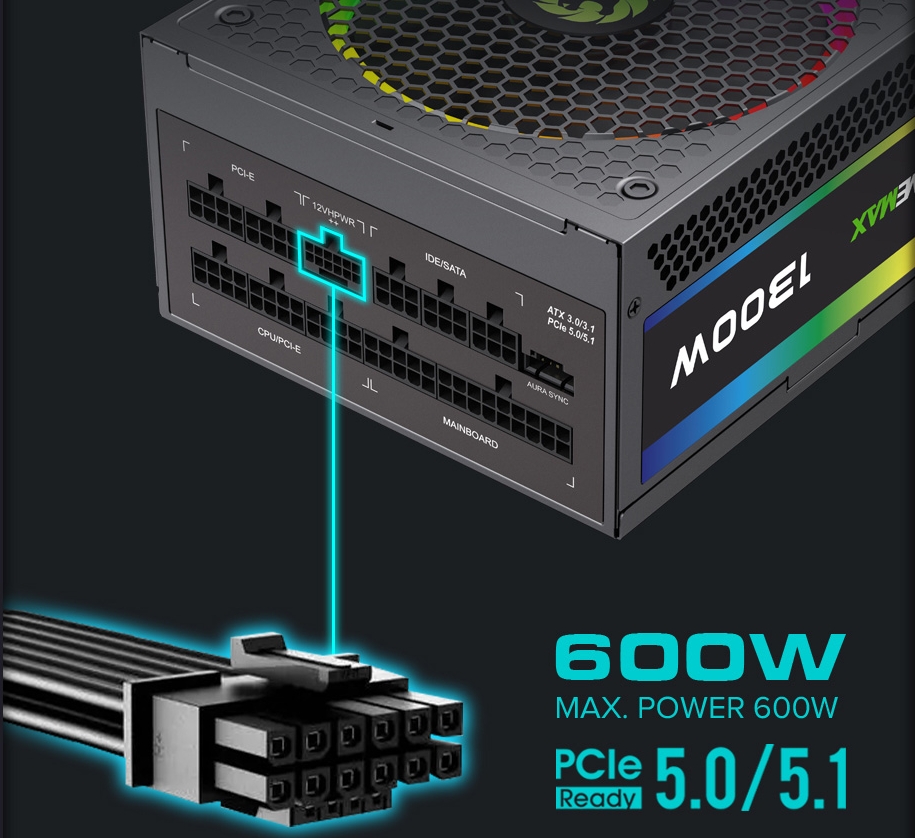
Motherboards need a 24-pin main power connector. CPUs require a 4-pin or 8-pin CPU power connector. Graphics cards often use 6-pin or 8-pin PCIe power connectors.
Storage devices like SSDs and HDDs use SATA power connectors. Older drives might need Molex connectors. Fans and other accessories may also need separate power cables.
Ensuring Compatibility With Components
Check the power needs of each component before buying a power supply. Confirm the power supply has the right connectors and enough cables. Some power supplies offer modular cables for easier customization.
Make sure cables are long enough to reach all parts inside your case. Avoid using adapters if possible. They can cause power issues or damage components.
Brand And Warranty
Choosing the right power supply unit (PSU) for your PC build involves more than just wattage and efficiency. The brand and warranty play a big role in ensuring your system runs smoothly and safely. A trusted brand offers reliability, quality parts, and better performance. Warranty coverage protects your investment and gives peace of mind.
Trusted Psu Manufacturers
Brands like Corsair, Seasonic, EVGA, and Cooler Master are well-known for quality PSUs. These companies have proven records of making durable and efficient power supplies. Choosing a PSU from a trusted manufacturer reduces the risk of failure. It also ensures the unit meets safety standards and performs as expected. Reading reviews and checking user feedback helps find reliable brands.
Importance Of Warranty Coverage
A good warranty shows the manufacturer’s confidence in their product. Most quality PSUs come with warranties from 5 to 10 years. This coverage protects you against defects and early failures. A longer warranty means less worry about replacing the PSU soon. Always check the warranty terms before buying. It saves money and hassle if problems arise.
Credit: gamemaxpc.com
Noise Levels And Cooling
Noise levels and cooling are key factors when choosing a power supply for your PC build. A noisy power supply can ruin your quiet workspace or gaming experience. Proper cooling keeps the PSU safe and extends its life. Understanding fan types and control helps you pick the right PSU.
Fan Types And Control
Most power supplies use fans to cool internal parts. Fans come in different sizes and designs. Larger fans run slower and create less noise. Smaller fans spin faster, making more noise but cooling well.
Some PSUs have smart fan control. This means the fan speed changes based on temperature. Fans spin slowly or stop when the load is low. This reduces noise during light use.
Quiet Psu Options
Silent or semi-silent PSUs use advanced cooling techniques. Some have fanless designs that rely on passive cooling. These work best in low-power builds.
Look for PSUs with zero RPM mode or hybrid fan control. These options keep noise very low during normal tasks. Check reviews for real-world noise levels.
Safety Features
Choosing a power supply with strong safety features protects your PC and your data. It helps prevent damage from electrical problems. Safety features reduce risks like overheating, short circuits, and power surges. These features keep your PC stable and working well.
Overvoltage And Short Circuit Protection
Overvoltage protection stops too much voltage from reaching your PC. It prevents damage to parts like the motherboard and CPU. Short circuit protection cuts power immediately if a wiring fault occurs. This avoids sparks and fires inside the power supply or PC. Both protections keep your system safe from electrical faults.
Thermal And Surge Safeguards
Thermal safeguards monitor the temperature inside the power supply. If it gets too hot, the power supply lowers its output or shuts down. This stops overheating and possible damage. Surge protection blocks sudden spikes in electrical power. These spikes can come from lightning or grid issues. Surge safeguards protect all PC parts from these dangerous spikes.
Budget Considerations
Budget plays a key role in choosing the right power supply for your PC build. A power supply unit (PSU) must fit your price range without sacrificing safety or performance. Spend wisely to avoid problems later.
Many think the cheapest PSU will do. That can lead to issues like power failure or damage. Better to find a balance between cost and quality. This section helps you make smart choices for your budget.
Balancing Cost And Quality
Choose a PSU that matches your PC’s power needs. Avoid buying the lowest price just to save money. Cheap PSUs often have poor parts and low efficiency. This can cause unstable power and shorten PC life.
Look for a PSU with at least 80 Plus certification. This shows good energy efficiency. A mid-range PSU usually offers the best balance. It keeps your system safe and runs cooler without costing too much.
Where To Invest For Best Value
Focus on the PSU’s wattage and build quality. Buy one that meets or exceeds your total power needs. Don’t buy a unit that is too weak or overly strong for your setup.
Invest in reliable brands with good reviews. Quality PSUs have better components and protections. Spend a bit more here. It saves money on repairs and upgrades later.
Modular cables can add convenience but are not essential. Prioritize stable power output and efficiency over extra features. This approach gives the best value for your budget.
Frequently Asked Questions
What Wattage Power Supply Do I Need For My Pc?
Choose a power supply with wattage 20-30% higher than your PC’s max power use. This ensures stability and future upgrades.
How Important Is The Power Supply Efficiency Rating?
Efficiency ratings like 80 Plus Gold save energy and reduce heat. Higher efficiency means better reliability and lower electricity bills.
Should I Get A Modular Or Non-modular Power Supply?
Modular PSUs offer better cable management and airflow. Non-modular PSUs are cheaper but less tidy. Choose based on your build needs.
Can A Low-quality Power Supply Damage My Pc?
Yes, poor-quality PSUs can cause unstable power, crashes, or hardware damage. Always invest in a reputable brand for safety and durability.
Conclusion
Choosing the right power supply keeps your PC safe and running well. Check the wattage to meet your parts’ needs. Pick a reliable brand to avoid issues. Look for efficiency ratings to save energy and reduce heat. Make sure it has the right connectors for your build.
A good power supply means fewer problems and longer PC life. Take your time and choose carefully. Your computer will thank you.
