
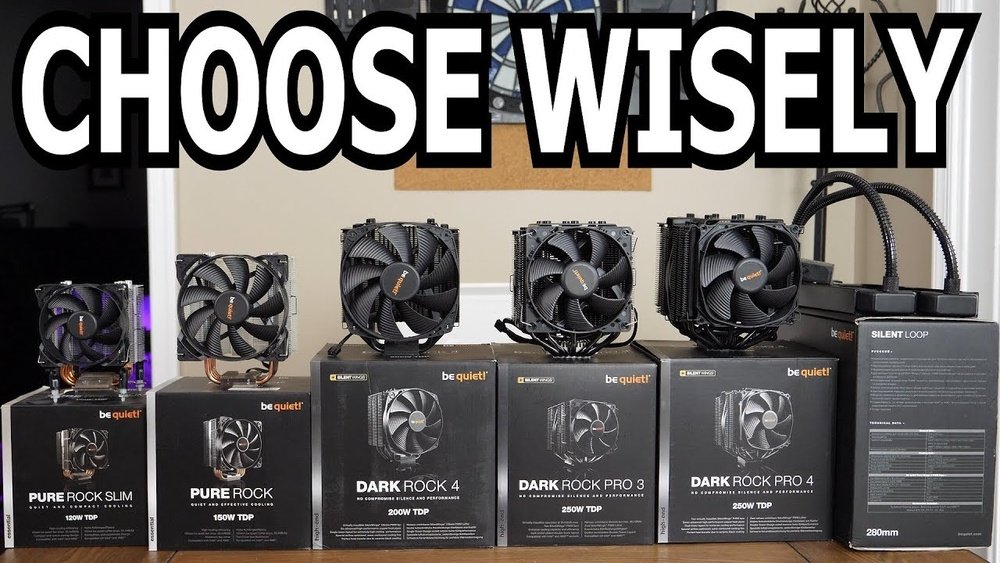
Choosing the right CPU cooler can make a huge difference in your computer’s performance and lifespan. If you want to keep your system running smoothly without overheating, you need to pick the cooler that fits your needs perfectly.
But with so many options out there, how do you know which one is best for you? In this guide, you’ll discover simple, clear steps to find the ideal CPU cooler that matches your setup and budget. Keep reading, and you’ll never have to worry about your computer getting too hot again.
Types Of Cpu Coolers
Choosing the right CPU cooler is key for your computer’s performance and lifespan. Different types of coolers suit different needs and setups. Understanding the main types helps you pick the best one for your system.
Air Coolers
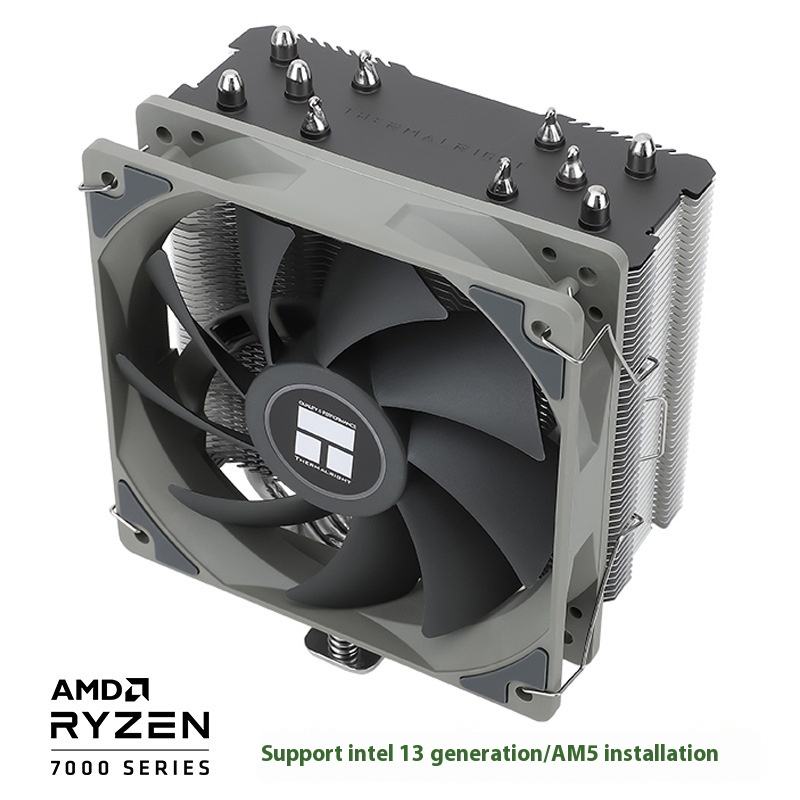
Air coolers use fans and heatsinks to move heat away from the CPU. They are the most common and affordable option. These coolers are easy to install and work well for most users. Larger heatsinks and better fans improve cooling power. They also make some noise but usually stay quiet.
Liquid Coolers
Liquid coolers use water or coolant to transfer heat from the CPU. They offer better cooling than air coolers, especially for high-performance systems. These coolers have a pump, radiator, and tubes. Installation is more complex but results in lower CPU temperatures. Liquid coolers are quieter but cost more than air coolers.
Passive Cooling Solutions
Passive coolers have no fans and rely on heatsinks alone. They work silently and require no power. These coolers suit low-power CPUs or silent PC builds. Passive cooling is less effective for high heat output. Good airflow inside the case helps improve their cooling ability.
Credit: smartbuy.alibaba.com
Key Cooling Features To Consider
Choosing the right CPU cooler means looking at some important features. These features affect how well your CPU stays cool and how your computer runs. Understanding these key points helps you pick a cooler that fits your needs and system.
Cooling Performance
Cooling performance shows how well the cooler removes heat from the CPU. Good coolers keep the CPU temperature low during heavy use. Look for coolers with strong fans and good heat pipes. Liquid coolers often cool better than air coolers. Check reviews and tests for real performance data.
Noise Levels
Noise levels matter if you want a quiet PC. Some coolers make more noise because of bigger or faster fans. Choose coolers with quiet fans or noise-dampening features. A silent cooler helps you focus on work or enjoy games without distractions. Noise levels are measured in decibels (dB).
Size And Compatibility
Size affects if the cooler fits inside your case. Measure your PC case space before buying. Some coolers are tall and need more clearance. Check if the cooler fits your CPU socket type. Compatibility with RAM and motherboard is also important. A cooler that does not fit well can cause installation problems.
Maintenance Requirements
Maintenance means how often you need to clean or service the cooler. Air coolers need occasional dusting to keep fans spinning well. Liquid coolers may need more care, like checking for leaks. Choose a cooler with easy maintenance to save time. Less maintenance means a longer-lasting cooler and better performance.
Matching Coolers With Cpu Types
Choosing the right cooler for your CPU is crucial. Different CPUs need different cooling solutions. A cooler that fits one CPU might not work well with another. Matching coolers with CPU types helps keep your computer safe and fast.
Understanding the specific needs of Intel and AMD processors is important. Each brand has unique designs and heat outputs. This affects the type of cooler that suits them best. Cooling also depends on how much power your CPU uses and your computer’s tasks.
Coolers For Intel Cpus
Intel CPUs often use a specific socket type. Coolers must match this socket to fit properly. Many Intel processors come with stock coolers for basic use. These work well for everyday tasks.
For better performance, aftermarket coolers are popular. They offer improved airflow and lower temperatures. Air coolers and liquid coolers both support Intel CPUs. Choose a cooler that supports your Intel socket model.
Coolers For Amd Cpus
AMD CPUs have different socket types from Intel. Coolers must fit these sockets to attach correctly. AMD often includes stock coolers with their processors. These are suitable for standard use and moderate loads.
Many users pick stronger coolers for AMD Ryzen processors. This helps keep temperatures down during heavy work. Both air and liquid coolers are available for AMD CPUs. Make sure the cooler matches your AMD CPU’s socket type.
Overclocking Considerations
Overclocking increases CPU speed beyond factory settings. This creates more heat that needs better cooling. Stock coolers usually cannot handle the extra heat from overclocking.
High-quality air coolers or liquid cooling systems are best. They provide more cooling power and keep the CPU stable. Choosing a cooler with a larger heatsink or radiator helps. Fans with higher airflow also improve cooling performance.
Installation Tips
Installing a CPU cooler can seem tricky. Proper installation helps your PC stay cool and run well. Follow these simple tips to install your cooler correctly. Each step is important for a smooth setup and good performance.
Preparing Your Pc
Turn off your PC and unplug all cables. Open the case carefully to reach the CPU area. Clean the old thermal paste from the CPU surface. Use a soft cloth or a special cleaning wipe. Make sure the area is dry and free of dust.
Applying Thermal Paste
Apply a small amount of thermal paste on the center of the CPU. A pea-sized dot is enough. Spread it evenly by pressing the cooler on top later. Too much paste can cause poor heat transfer. Too little paste will not cover the CPU properly.
Mounting The Cooler
Align the cooler with the mounting holes on the motherboard. Attach the cooler carefully, pressing it down evenly. Tighten screws or clips in a cross pattern for balance. Avoid overtightening to prevent damage. Check that the cooler sits firmly on the CPU.
Cable Management
Connect the cooler’s fan cable to the CPU fan header on the motherboard. Use cable ties or clips to secure loose wires. Keep cables away from fan blades and other components. Good cable management improves airflow inside the case. It also makes your PC look neat and organized.
Budgeting Your Cooler Purchase
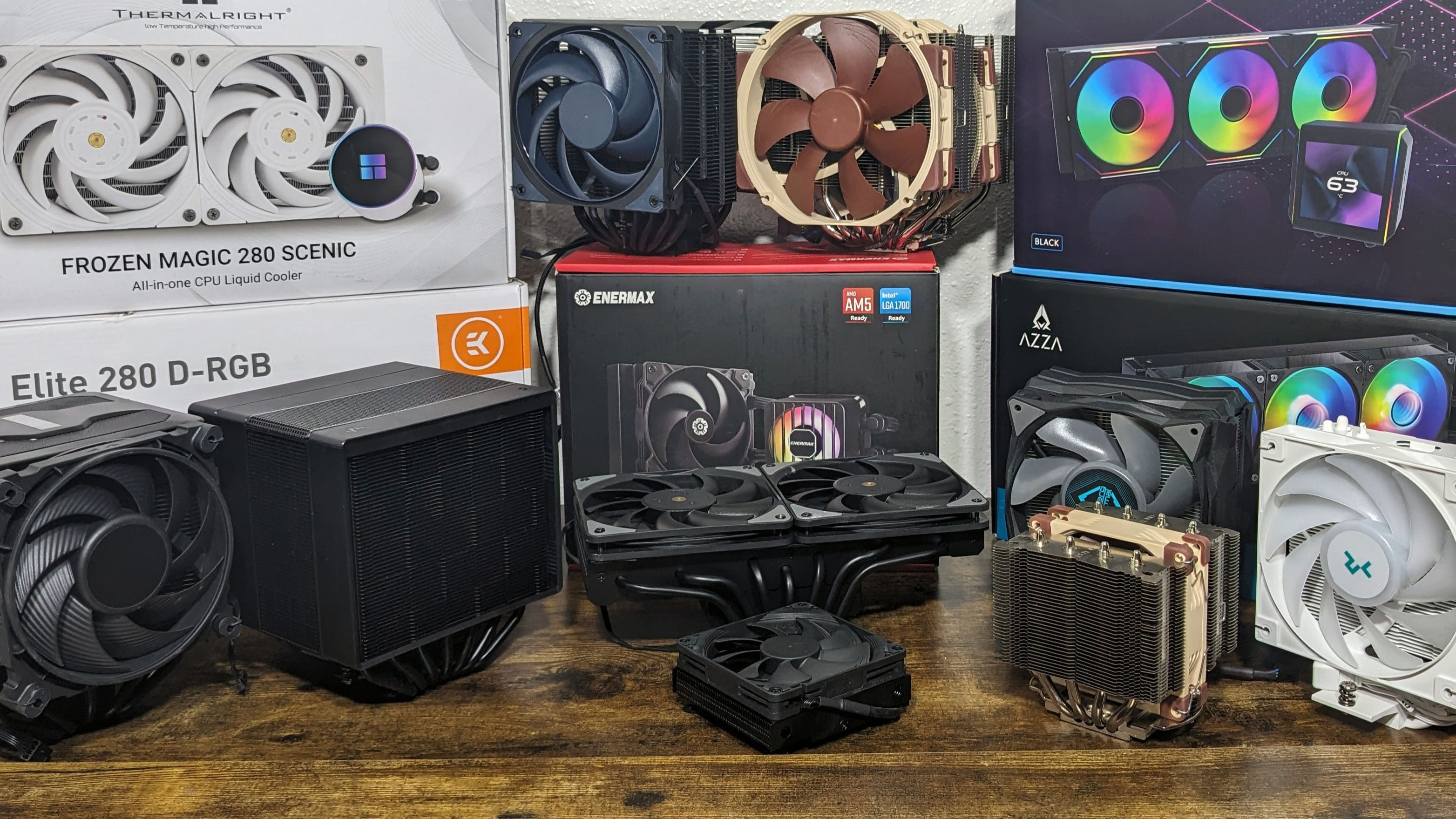
Choosing the right CPU cooler depends a lot on your budget. A good cooler keeps your computer safe from heat. It also helps your CPU run smoothly. Spending the right amount will give you the best value. You can find coolers at different price points. Each type fits different needs and budgets. Read on to see options by price range.
Entry-level Options
Entry-level coolers are budget-friendly and basic. They usually come with the CPU or cost a little extra. These coolers work well for everyday tasks. They keep the CPU from getting too hot during simple work. Quiet operation is common but not always guaranteed. These coolers are easy to install and maintain. Ideal for users who don’t do heavy gaming or editing.
Mid-range Solutions
Mid-range coolers offer better performance and features. They handle higher CPU temperatures during gaming or multitasking. These models often have bigger fans or multiple heat pipes. Noise levels tend to be lower than entry-level coolers. Some include RGB lights or better build quality. They provide a good balance between price and power. Suitable for most users who want smooth performance.
High-end Coolers
High-end coolers deliver top cooling power for demanding tasks. These include large air coolers or liquid cooling systems. They keep CPUs cool during long gaming sessions or heavy workloads. They run quietly even under full load. High-end coolers often come with extra features. Installation might be more complex than cheaper models. Best for users who want the best cooling and low noise.
Credit: www.tomshardware.com
Common Mistakes To Avoid
Choosing the right CPU cooler is key for your computer’s health and performance. Many people make simple mistakes that cause trouble later. Avoid these common errors to get the best cooling for your system.
Ignoring Compatibility
Check if the cooler fits your CPU socket type. Not all coolers work with every motherboard. Also, consider your case size. A big cooler may not fit in a small case. Measure space before buying. Compatibility saves time and money.
Overlooking Noise
Some coolers are very loud. Noise can distract and annoy you. Look for coolers with quiet fans. Read reviews about noise levels. A silent cooler keeps your workspace calm.
Skipping Maintenance
CPU coolers need regular cleaning. Dust blocks airflow and raises temperature. Clean the cooler every few months. Check fan blades and heat sinks. Proper care keeps your cooler working well for years.
Upgrading Your Cooling System
Upgrading your CPU cooler can greatly improve your computer’s performance and lifespan. A better cooling system keeps your CPU temperature low. This prevents overheating and reduces the chance of damage. It also helps your PC run quieter and more efficiently. Knowing when and how to upgrade is key to making a smart choice.
When To Upgrade
Upgrade your CPU cooler if your computer overheats. Watch for sudden shutdowns or slow performance. High CPU temperatures over 80°C need better cooling. Also, upgrade if your current cooler is noisy or old. Newer CPUs may need stronger coolers too.
Choosing Add-ons
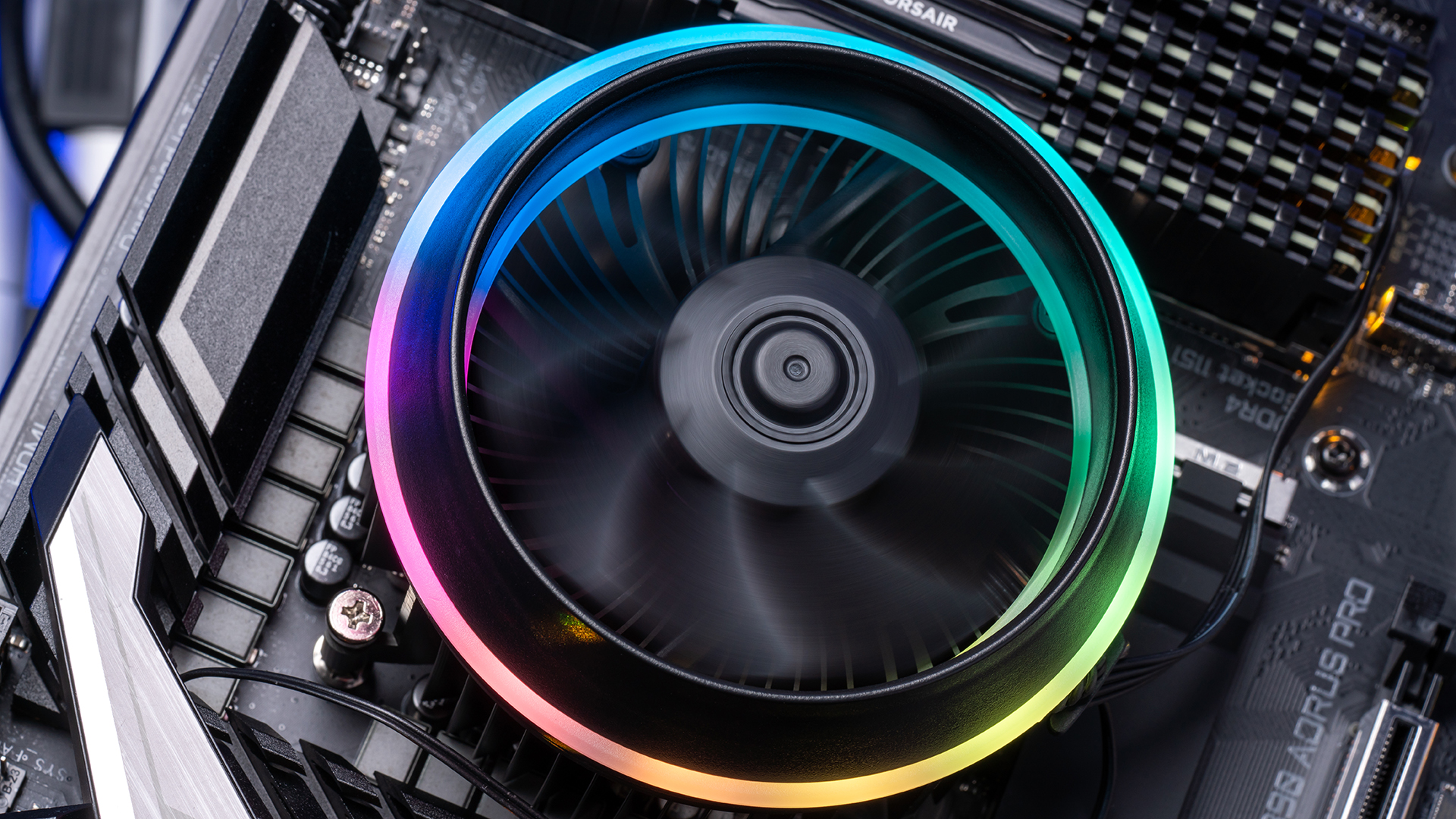
Add-ons like extra fans or thermal paste improve cooling. Extra fans push more air through your case. Good thermal paste helps heat transfer from the CPU to the cooler. Some coolers come with RGB lights and quiet fans. Pick add-ons that fit your budget and needs.
Improving Airflow
Good airflow is essential for a strong cooling system. Arrange fans to bring cool air in and push hot air out. Keep cables neat to avoid blocking airflow paths. Clean dust from fans and vents regularly. Proper airflow lowers CPU temperatures and keeps your PC stable.
Credit: www.newegg.com
Frequently Asked Questions
What Factors Should I Consider When Choosing A Cpu Cooler?
Consider your CPU socket type, cooler size, noise level, and cooling performance. Also, check compatibility with your PC case and budget.
Is Air Cooling Or Liquid Cooling Better For Cpus?
Air cooling is affordable and easy to install. Liquid cooling offers better performance and quieter operation but costs more.
How Do I Know If A Cpu Cooler Fits My Case?
Check the cooler’s height and your case’s maximum cooler clearance. Also, verify motherboard socket compatibility before purchase.
Can A Cpu Cooler Improve Gaming Performance?
Yes, efficient cooling prevents CPU overheating, allowing stable high performance and avoiding thermal throttling during gaming sessions.
Conclusion
Choosing the right CPU cooler helps your computer run cooler and last longer. Check the size, noise level, and cooling power before buying. Remember to match the cooler with your CPU socket type. Good airflow inside your case improves cooling too.
A quiet cooler makes your computer more pleasant to use. Take your time to compare options and read reviews. A well-chosen cooler keeps your system stable and fast. Stay cool, and enjoy better computer performance every day.
