
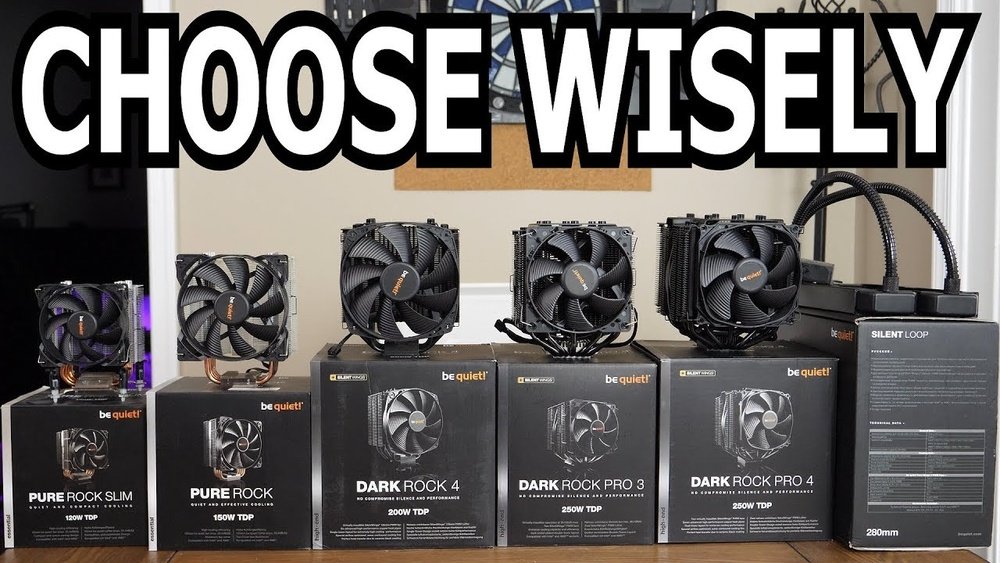
Choosing the right CPU cooler can make a huge difference in your computer’s performance and lifespan. If your CPU gets too hot, it can slow down or even get damaged.
But with so many options out there, how do you know which one fits your needs? You’re about to find out exactly what to look for, so you can keep your system running cool and smooth without wasting money. Keep reading, and by the end, you’ll feel confident picking the perfect CPU cooler for your setup.
Types Of Cpu Coolers
Choosing the right CPU cooler is key to keeping your computer running smoothly. CPU coolers come in different types. Each type has unique features and benefits. Understanding these types helps you pick the best cooler for your needs.
Air Coolers
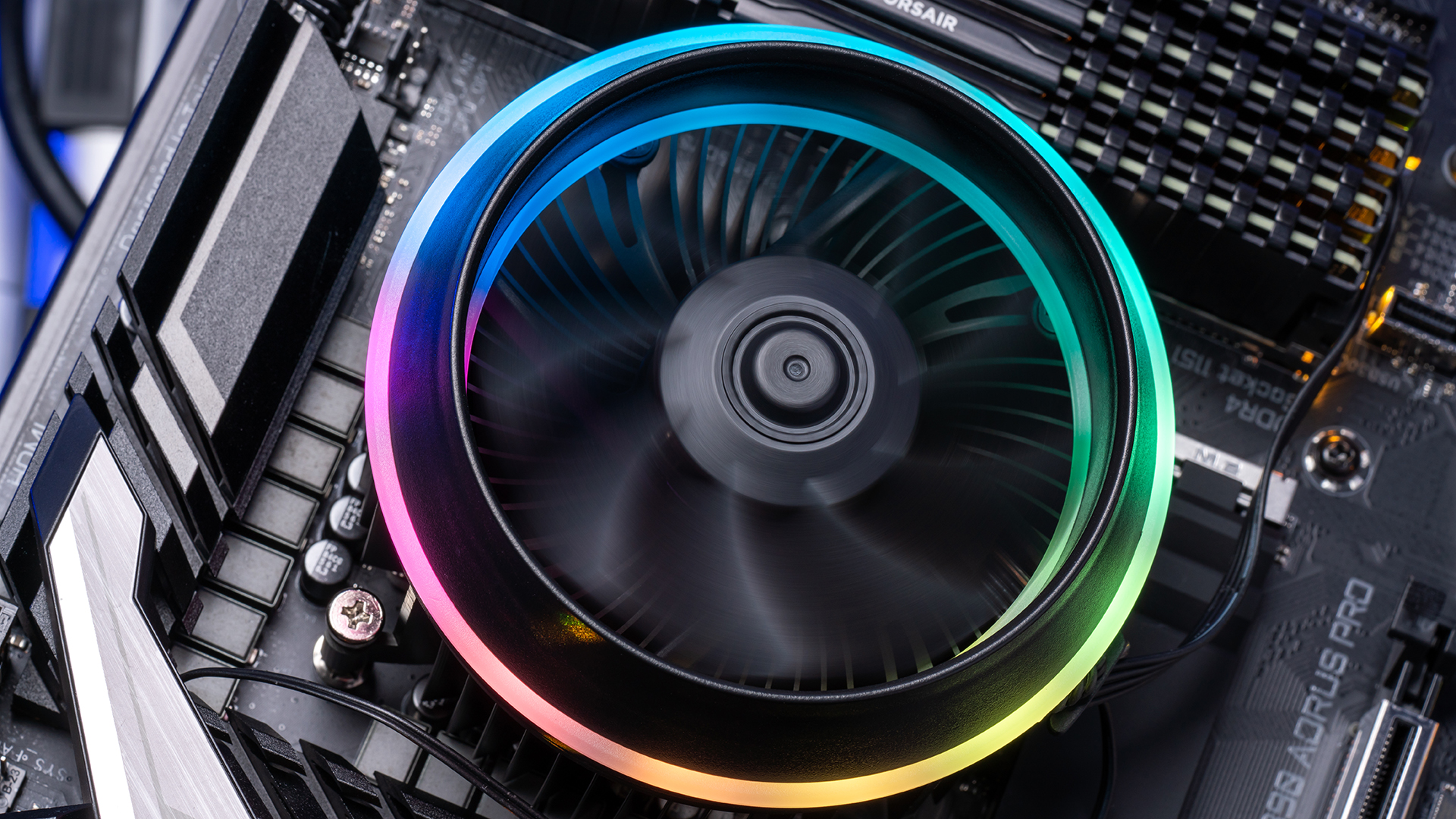
Air coolers use fans and heat sinks to cool the CPU. They push air over metal fins to remove heat. These coolers are common and easy to install. They work well for most users and come at a low price. Air coolers are reliable and require little maintenance.
Liquid Coolers
Liquid coolers use water or coolant to absorb heat from the CPU. The liquid moves through tubes to a radiator where fans cool it down. These coolers are efficient and keep temperatures low. They are good for high-performance computers. Liquid coolers can be quieter but need more care.
Passive Coolers
Passive coolers do not have fans. They use large metal surfaces to spread heat away from the CPU. These coolers are silent because they have no moving parts. They work best for low-power CPUs. Passive coolers need good airflow inside the case to be effective.

Credit: www.maketecheasier.com
Key Factors To Consider
Choosing the right CPU cooler is important for your computer’s health and performance. Several key factors will guide your decision. These factors affect how well your CPU stays cool and how quiet your system runs. Understanding these points helps you pick the best cooler for your needs.
Compatibility With Cpu And Case
Check if the cooler fits your CPU socket type. Different CPUs need specific coolers. Also, measure your case space. Some coolers are too tall or wide for small cases. Ensure your cooler fits well inside your case without blocking other parts.
Cooling Performance
Look at the cooler’s ability to remove heat. High-performance coolers keep your CPU temperature low. This prevents overheating and slows down. Air coolers and liquid coolers have different strengths. Choose one that matches your computer’s power and use.
Noise Levels
Coolers make noise when fans spin fast. Some models are quieter than others. If you want a silent PC, pick a cooler with low noise ratings. Quiet coolers make long work or play sessions more pleasant.
Size And Clearance
Measure the space around your CPU socket. Some coolers are bulky and block RAM slots or PCIe cards. Make sure the cooler clears all nearby components. Size matters to avoid installation problems and damage.
Installation Complexity
Some coolers are easy to install. Others need more steps and tools. Beginners should choose coolers with simple mounting systems. Complex installations can cause errors or damage. Read instructions and watch tutorials before starting.
Materials And Build Quality
Choosing the right CPU cooler means paying close attention to its materials and build quality. These parts affect how well the cooler removes heat and how long it lasts. Strong materials help the cooler work better and resist wear and tear. Good build quality also means the cooler will fit well and stay quiet.
Heat Pipes And Fins
Heat pipes carry heat away from the CPU to the fins. Copper is the best metal for heat pipes because it moves heat fast. Aluminum fins help spread the heat so the fan can cool it. Look for coolers with many thin fins. This design increases the surface area and cools more effectively.
Fan Quality
The fan moves air through the fins to cool the CPU. Fans with good build quality run quietly and last longer. Check for fans with smooth bearings, like fluid dynamic or ball bearings. These fans spin better and produce less noise. Also, fans with adjustable speeds give better control over cooling and sound.
Pump Durability In Liquid Coolers
Liquid coolers use a pump to move coolant through the system. The pump’s build quality is very important. A weak pump can fail quickly or make noise. Look for pumps made with strong materials and tested for long life. A good pump keeps coolant flowing smoothly and cools the CPU well.
Budget And Price Ranges
Choosing a CPU cooler depends a lot on your budget. Coolers come in many price ranges. Each range offers different features and performance. Understanding these options helps you pick the right cooler for your needs and wallet.
Entry-level Options
Entry-level coolers are the most affordable. They suit basic computers with low to medium heat output. These coolers often use simple air cooling designs. They are quiet and easy to install. Ideal for users who want a budget-friendly solution.
Mid-range Choices
Mid-range coolers offer better cooling power. They work well with most gaming and productivity CPUs. These coolers often feature larger fans and improved heat pipes. They balance cost and performance nicely. A good pick for most users who want reliable cooling.
High-end Solutions
High-end coolers provide top cooling performance. They handle overclocked or high-performance CPUs with ease. Many use advanced liquid cooling or large air coolers. These coolers tend to be louder and more expensive. Perfect for users seeking maximum cooling and low temperatures.
Brands And Warranty
Choosing the right CPU cooler means checking the brand and warranty carefully. These two factors affect the cooler’s reliability and your peace of mind. Good brands often provide better quality and performance. A strong warranty shows the company stands behind its product. Both help you avoid problems later.
Trusted Manufacturers
Pick CPU coolers from brands known for quality. Brands like Noctua, Cooler Master, and be quiet! are popular choices. They use good materials and design coolers that last long. Trusted manufacturers test their products well. This means fewer issues and better cooling for your CPU. Buying from a known brand reduces risk.
Warranty And Support
A good warranty protects your investment. Most CPU coolers come with warranties from one to five years. Longer warranties often mean better product quality. Look for clear warranty terms. Some brands offer easy replacement or repair services. Good customer support helps if problems arise. Check if the company has local support in your area.

Credit: www.youtube.com
Tips For Optimal Cooling
Choosing the right CPU cooler is important for keeping your computer cool. Proper cooling helps your CPU work well and last longer. Here are some simple tips to get the best cooling from your CPU cooler.
Thermal Paste Application
Thermal paste helps heat move from the CPU to the cooler. Apply a small, pea-sized amount in the center of the CPU. Too much paste can block heat transfer. Too little paste leaves gaps. Spread it evenly for the best result.
Proper Airflow Management
Good airflow moves hot air out and cool air in. Place fans to push air through the case. Keep cables neat to avoid blocking airflow. Use intake fans at the front and exhaust fans at the back or top.
Regular Maintenance
Dust buildup can block airflow and reduce cooling. Clean your CPU cooler and fans every few months. Use a soft brush or compressed air. Check fan speed and replace any noisy or slow fans.
Credit: www.newegg.com
Frequently Asked Questions
What Factors Affect Cpu Cooler Compatibility?
CPU socket type, case size, and RAM clearance affect compatibility. Always check cooler specs with your motherboard and case before buying.
How To Choose Between Air And Liquid Cpu Coolers?
Air coolers are affordable and reliable. Liquid coolers offer better performance but cost more and need maintenance. Choose based on budget and cooling needs.
Does Cpu Tdp Influence Cooler Choice?
Yes, CPU TDP indicates heat output. Select a cooler rated for your CPU’s TDP to ensure efficient cooling and avoid overheating.
How Important Is Noise Level In Cpu Coolers?
Noise matters if you want a quiet PC. Low-noise coolers use bigger fans or liquid cooling for silent operation. Check decibel ratings before purchase.
Conclusion
Choosing the right CPU cooler keeps your computer safe and fast. Think about your budget and the cooler’s size first. Noise level and cooling power matter a lot too. Don’t forget to check compatibility with your CPU and case. A good cooler helps your system run smoothly and last longer.
Take your time to pick one that fits your needs well. This way, your computer stays cool and works better every day.
