
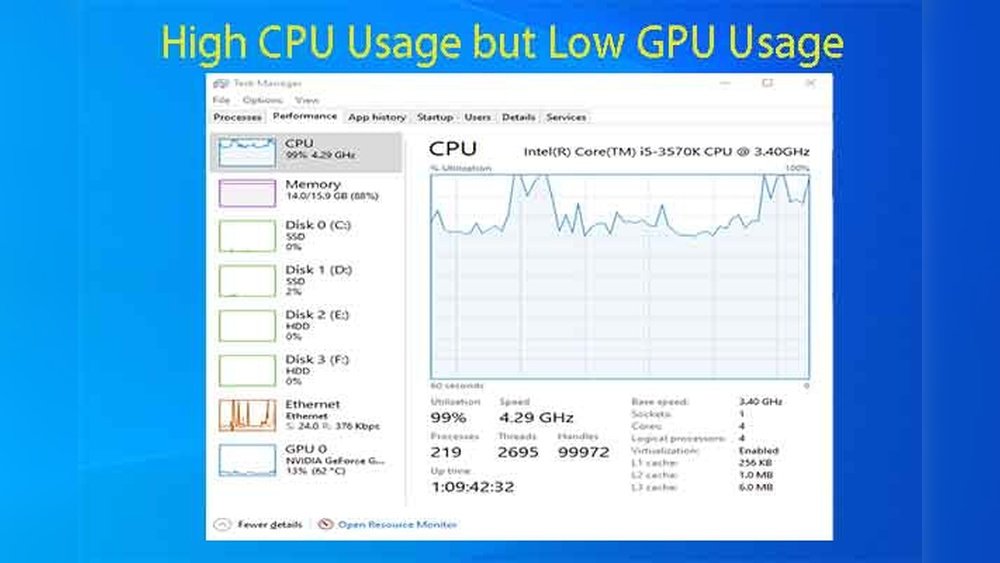
Have you ever wondered how much GPU usage is normal when you’re gaming, streaming, or just browsing? It can be confusing to see those numbers spike and drop without knowing what’s typical or what might signal a problem.
Understanding your GPU’s normal usage helps you keep your computer running smoothly and avoid unexpected slowdowns or damage. You’ll discover what GPU usage levels you should expect in different situations and learn how to spot when something isn’t right. Keep reading to take control of your computer’s performance like a pro.
Typical Gpu Usage In Gaming
Understanding typical GPU usage in gaming helps you keep your system healthy. It shows how hard your graphics card works while playing games. Knowing this can help you spot problems early and improve game performance.
Average Usage During Gameplay
Most games use between 60% and 90% of your GPU. Simple games may use less than 50%. Heavy games with high graphics can push the GPU to 100%. Running at full capacity often means your card is working hard.
Factors Affecting Gpu Load
Game type plays a big role in GPU usage. Open-world games need more power than simple puzzles. Screen resolution also matters. Higher resolution means more pixels to process. Background apps can reduce available GPU power too.
Impact Of Game Settings On Usage
Graphics settings change how much work your GPU does. Higher settings like shadows and textures increase GPU load. Lowering these settings can reduce usage and improve frame rates. Balance settings to get smooth gameplay and safe GPU use.
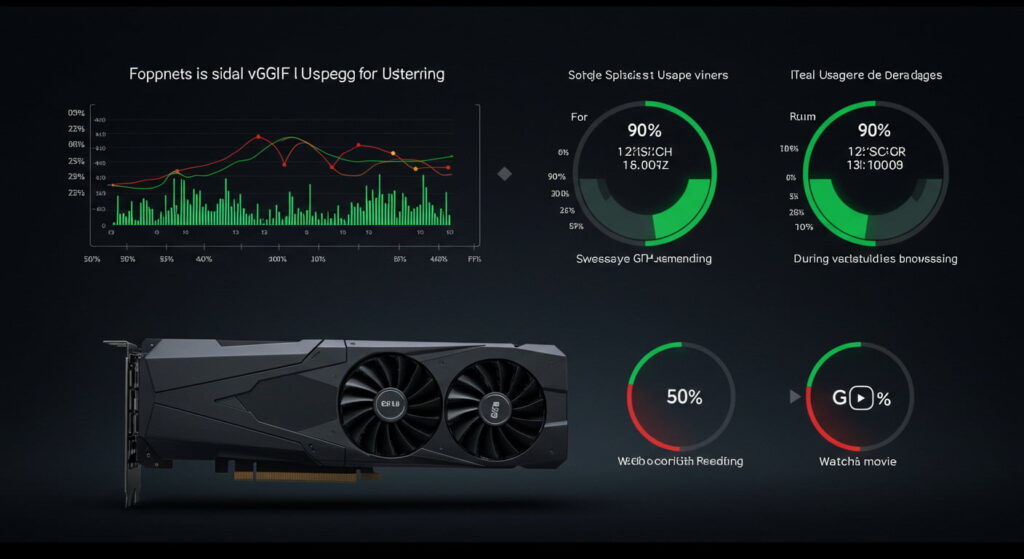
Credit: durostechs.com
Signs Of Abnormal Gpu Usage
Abnormal GPU usage can cause many problems for your computer. It can slow down your system, cause crashes, or even damage your hardware. Knowing the signs of unusual GPU activity helps you spot issues early. This way, you can fix problems before they get worse.
Overheating And Throttling
High GPU usage may cause the card to heat up. Overheating forces the GPU to lower its speed to cool down. This is called throttling. Throttling reduces performance and can cause your computer to lag. Watch for very hot temperatures or loud fan noise. These signs show your GPU might be working too hard.
Unexpected Spikes In Usage
Sudden jumps in GPU usage without running heavy programs are not normal. These spikes can mean background tasks or malware use your GPU. Unexpected spikes may drain your battery faster on laptops. Check your system if the GPU usage jumps for no clear reason.
Performance Drops And Stuttering
Unusual GPU use often leads to slowdowns and stuttering in games or videos. Your screen might freeze or skip frames. This happens because the GPU cannot keep up with tasks. If your experience feels choppy or delayed, the GPU could be overloaded or faulty.
Monitoring Gpu Performance
Monitoring GPU performance helps keep your computer running smoothly. It shows how much work your graphics card is doing. This information helps find problems early. You can also see if your GPU is working too hard or underused. Regular checks protect your system from overheating and slowdowns.
Tools For Tracking Usage
Many tools show GPU usage in real time. Task Manager on Windows is simple to use. It gives basic data like memory and GPU load. More detailed tools include MSI Afterburner and GPU-Z. These provide temperature, clock speeds, and power consumption. Choose a tool that fits your needs and skill level.
Interpreting Usage Data
High GPU usage means the card is busy. This is normal during gaming or video editing. Low usage shows the card is idle or tasks are light. Sudden spikes may indicate background processes or errors. Watch temperature numbers too. High temps with high usage can cause damage.
Setting Usage Benchmarks
Benchmarks help know what usage is normal for your tasks. Run tests during typical activities like gaming or streaming. Note the average and peak usage values. Compare these over time to spot changes. Adjust settings or cool your GPU if usage is too high.
Optimizing Gpu Usage For Gaming
Optimizing GPU usage for gaming helps improve your experience. Proper GPU use means smoother gameplay and less lag. It also keeps your system cool and quiet. Understanding how to manage GPU load is key to better gaming.
This section covers easy steps to get the most from your graphics card.
Adjusting Graphics Settings
Lower graphics settings reduce GPU load and improve frame rates. Start by turning off shadows or lowering texture quality. Reduce resolution if your game runs slowly. These changes make games run smoother on weaker GPUs. Test settings to find the best balance for your system.
Driver Updates And Maintenance
Keep your GPU drivers up to date for best performance. Updated drivers fix bugs and improve game support. Use official websites or software to update drivers safely. Clean your PC regularly to avoid dust buildup. Proper maintenance helps your GPU run cooler and longer.
Balancing Performance And Quality
Find a good balance between graphics quality and speed. High settings look great but can cause slowdowns. Lower settings increase speed but reduce visual detail. Adjust options gradually to see what works best. This keeps gameplay smooth without losing too much quality.
Common Gpu Issues And Fixes
GPU usage varies depending on the task and system setup. Problems with GPU performance are common. Many issues come from incorrect settings, outdated drivers, or hardware limits. Understanding these problems helps keep your GPU running smoothly. Fixes often involve simple steps anyone can follow.
Resolving High Usage Problems
High GPU usage can cause lag and overheating. Check for background programs using the GPU. Close apps that use GPU power unnecessarily. Update your graphics drivers to improve efficiency. Lower game or software graphics settings to reduce load. Clean your PC’s fans and vents to prevent heat buildup. Adjust power settings for balanced performance and temperature.
Dealing With Low Usage Concerns
Low GPU usage may signal poor performance. Verify the software uses the GPU, not the CPU. Set your program to run on the GPU in system settings. Update drivers to fix compatibility issues. Disable power-saving modes that limit GPU power. Check for bottlenecks like slow CPU or insufficient RAM. Reinstall the software if it still does not use GPU properly.
When To Consider Hardware Upgrades
Older GPUs struggle with modern software and games. Upgrade when your GPU can’t handle needed tasks. Signs include constant overheating, crashes, or very low performance. Consider better cooling or more powerful GPUs for upgrades. Match your new GPU with your CPU and power supply. Hardware upgrades can extend PC life and improve speed.

Credit: www.reddit.com
Credit: www.reddit.com
Frequently Asked Questions
What Is Considered Normal Gpu Usage During Gaming?
Normal GPU usage during gaming typically ranges from 70% to 95%. High usage shows your GPU is working efficiently. Lower usage may indicate CPU or software bottlenecks. Consistent 100% usage can suggest the game is very demanding or your GPU is maxed out.
How Much Gpu Usage Is Normal When Idle?
GPU usage when idle should ideally be very low, around 0% to 5%. Background tasks or software may cause small spikes. Consistently high idle usage could indicate a software issue or malware affecting your GPU performance.
Is 100% Gpu Usage Harmful To My Graphics Card?
100% GPU usage is generally safe if temperatures are within limits. Modern GPUs are designed to handle full load for extended periods. Ensure proper cooling and ventilation to avoid overheating or thermal throttling during high usage.
Why Does Gpu Usage Fluctuate During Normal Use?
GPU usage fluctuates due to varying workloads from applications or games. Background processes, screen refresh rates, and power-saving modes affect usage. Fluctuations are normal and indicate your GPU is dynamically adjusting performance based on demand.
Conclusion
Normal GPU usage varies by task and device. Light tasks use less power, while games push GPUs harder. Watching usage helps spot problems early. Keep an eye on temps and performance. If usage stays too high for long, your GPU may overheat or slow down.
Regular checks keep your system healthy. Understanding usage helps you manage your computer better. Stay aware, and your GPU will run smoothly for years.
