
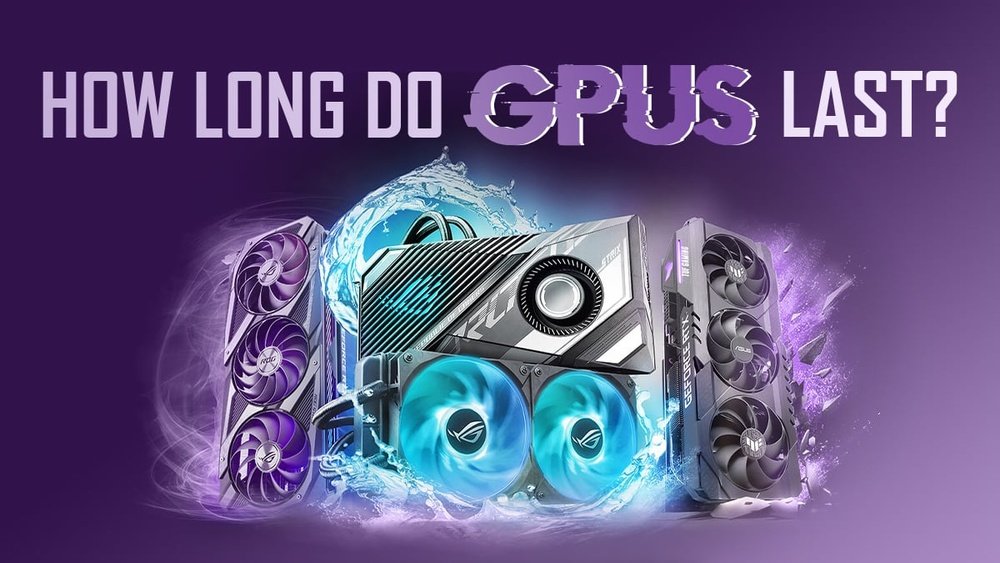
Are you wondering how long your GPU will really last? Whether you’re a gamer, a designer, or someone who relies on your computer daily, knowing the lifespan of your graphics card can save you from unexpected crashes and costly replacements.
You’ll discover the key factors that affect your GPU’s durability and learn simple tips to extend its life. Keep reading to find out exactly how long your GPU can keep up with your needs and when it might be time to upgrade.
Gpu Lifespan Factors
The lifespan of a GPU depends on many factors. These factors affect how long your GPU works well. Understanding them helps you take better care of your device. Here are some key elements that influence GPU life.
Build Quality And Components
High-quality GPUs use better parts. These parts handle heat and stress well. Cheap GPUs may use low-grade materials. This can cause faster wear and tear. Quality affects durability and performance over time.
Usage Patterns And Workloads
Heavy use shortens GPU life. Running demanding games or software stresses the GPU. Constant high workloads cause more heat and wear. Light use, like casual browsing, keeps it safer. Balance use to extend the GPU’s life.
Environmental Conditions
Heat and dust harm GPUs. Poor airflow in your PC case raises temperatures. Dust blocks cooling fans and vents. High humidity can cause corrosion. Keep your PC in a clean, cool place for best results.
Maintenance And Care
Regular cleaning removes dust buildup. Check and replace thermal paste when needed. Updating drivers ensures smooth operation. Avoid overclocking to reduce stress. Small steps in care keep your GPU healthy longer.
Credit: emcd.io
Signs Of Gpu Aging
GPUs do not last forever. Over time, they show signs of aging. Spotting these signs early helps avoid bigger problems. Watch for changes in how your GPU works and behaves.
Performance Drops
Your GPU may run slower than before. Games and apps may lag or stutter. Frame rates can drop even in simple tasks. This slowdown happens as the GPU’s parts wear out. It struggles to keep up with new software demands.
Artifacts And Display Issues
Strange lines or colors may appear on the screen. You might see flickering or flashing pixels. These visual errors are called artifacts. They happen when the GPU memory or chip gets damaged. Display issues often mean the GPU is failing.
Overheating And Noise
The GPU may get hotter during use. Fans could run louder or spin constantly. Overheating can reduce performance and damage parts. Dust buildup or dried thermal paste cause heat problems. Noise and heat are clear signs of aging hardware.
Driver And Software Problems
New drivers might not work well with your GPU. Crashes or errors can happen more often. Software updates may cause compatibility issues. Older GPUs may lose support from manufacturers. These problems show the GPU is near its end.
Maximizing Gpu Longevity
Maximizing the life of your GPU helps save money and keeps your system running well. A GPU that lasts longer means fewer repairs and upgrades. Simple steps can protect your graphics card from damage and wear. These steps focus on cooling, cleaning, power use, and settings.
Taking care of your GPU is easier than you think. Small habits can make a big difference in its lifespan.
Effective Cooling Solutions
Heat is the main enemy of your GPU. Good cooling keeps the card at safe temperatures. Use quality fans or liquid cooling systems. Make sure air flows well inside the computer case. Avoid blocking vents or exhausts. Cooler GPUs work better and last longer.
Regular Cleaning And Dust Removal
Dust builds up on the GPU and fans over time. Dust blocks airflow and traps heat. Clean your GPU and case every few months. Use compressed air or a soft brush. Keep your workspace clean to reduce dust entry. Clean GPUs maintain good cooling and performance.
Proper Power Supply Usage
A stable power supply protects your GPU from damage. Use a power supply with enough wattage for your GPU. Avoid cheap or low-quality power units. Power spikes or drops can harm the graphics card. Proper power helps the GPU run smoothly and safely.
Avoiding Overclocking Risks
Overclocking pushes the GPU beyond its limits. This causes more heat and stress on the card. Overclocking may shorten the GPU’s lifespan. Run the GPU at manufacturer settings for safety. If you overclock, do it carefully and watch temperatures. Safer use means longer GPU life.
Credit: softwareg.com.au
Performance Optimization Tips
Optimizing your GPU’s performance helps it run better and last longer. Small changes can make a big difference in how smooth games and apps feel. This section covers simple tips to keep your GPU working well without stress.
Updating Drivers And Firmware
Keep your GPU drivers updated. New drivers fix bugs and improve speed. Check the GPU maker’s website regularly for updates. Firmware updates also help the GPU run stable. These updates can fix hardware issues and add new features.
Adjusting Game And Application Settings
Lowering game settings reduces the load on your GPU. Turn down details like shadows, resolution, and effects. This helps maintain steady frame rates and reduces heat. Many games have preset options like “medium” or “low” for easier adjustments.
Using Monitoring Tools
Use software tools to watch your GPU’s performance. These tools show temperature, usage, and clock speed in real time. Monitoring helps spot problems before they get worse. Common tools include MSI Afterburner and GPU-Z.
Balancing Performance And Temperatures
High temperatures shorten GPU life. Make sure your PC case has good airflow. Use fans or cooling pads to keep the GPU cool. Avoid running the GPU at full power all the time. Balance speed and cooling for steady performance and longer lifespan.
When To Replace Your Gpu
Knowing when to replace your GPU saves money and avoids frustration. A GPU might still run but no longer meet your needs. Watch for signs that your graphics card can’t keep up.
Assess your current and future use before deciding on a replacement. This helps you choose the right time to upgrade.
Evaluating Performance Needs
Check how well your GPU handles your tasks. Slow game loading, low frame rates, or lag in video editing are red flags. If your GPU struggles with new games or apps, it may be time for a change. Performance should match your daily use and software demands.
Compatibility With New Software
New software often needs newer GPU features. Older cards might not support the latest updates or drivers. This causes crashes or poor visuals. Ensure your GPU works well with your favorite programs. Lack of updates signals a need for replacement.
Cost Vs. Benefit Of Repairs
Fixing a broken GPU can be expensive. Sometimes repairs cost almost as much as a new card. Consider the age and condition of your GPU. If repair costs are high, buying a new one makes better sense. This avoids future repair expenses.
Upgrading For Future-proofing
Buy a GPU that lasts several years. Newer models support upcoming games and software. Upgrading early ensures smooth performance later. It saves money over time by delaying the next replacement. Choose a card with good support and features.

Credit: www.reddit.com
Common Myths About Gpu Lifespan
Many people have wrong ideas about how long a GPU lasts. These myths can confuse buyers and users. Understanding the truth helps you take better care of your graphics card. It also helps you make smart choices when buying or upgrading your GPU.
Gpus Burn Out Quickly
Some believe GPUs stop working fast. The truth is, most GPUs last many years. Good cooling and normal use keep them healthy. Many users enjoy their GPUs for 5 to 8 years or more. Sudden failure is rare without physical damage.
Overclocking Always Causes Damage
Overclocking means running the GPU faster than normal. It does increase heat and power use. But careful overclocking with good cooling does not always harm the GPU. Problems occur mainly when overclocking is extreme or cooling is poor. Many gamers overclock safely without shortening GPU life.
More Expensive Gpus Last Longer
Price does not guarantee longer life. Expensive GPUs often have better parts and cooling. This can help durability. But cheaper GPUs can also last long with good care. Lifespan depends more on use and cooling than price.
Idle Gpus Do Not Age
Some think a GPU does not age when not used. All electronics age over time. Heat, dust, and humidity affect idle GPUs too. Still, a GPU in storage lasts longer than one in heavy use. Keeping it clean and dry helps preserve it.
Frequently Asked Questions
How Long Does A Gpu Typically Last?
A GPU usually lasts 3 to 7 years depending on usage and maintenance. Heavy gaming or mining can shorten its lifespan. Proper cooling and regular cleaning help extend its durability significantly.
What Factors Affect Gpu Lifespan The Most?
Heat, power fluctuations, and dust accumulation are the main factors. Overclocking without proper cooling also reduces lifespan. Using quality power supplies and keeping the GPU cool improves longevity.
Can A Gpu Last Longer With Proper Maintenance?
Yes, regular cleaning of fans and heatsinks prevents overheating. Updating drivers optimizes performance and stability. Avoiding extreme overclocking and ensuring good airflow helps GPUs last longer.
When Should I Consider Replacing My Gpu?
Replace your GPU if it shows performance drops, crashes, or artifacts. If new software or games demand higher specs, upgrading is beneficial. Also, consider replacement if repair costs exceed a new GPU’s price.
Conclusion
A GPU can last several years with good care. Heat and heavy use can shorten its life. Cleaning and proper cooling help it stay strong. Upgrading depends on your needs and budget. Watch for signs like crashes or slow performance.
Regular checks keep your GPU running well. Choose wisely and maintain it for best results. Your GPU’s lifespan varies but lasts longer with care. Stay patient and enjoy smooth graphics for many years.
