
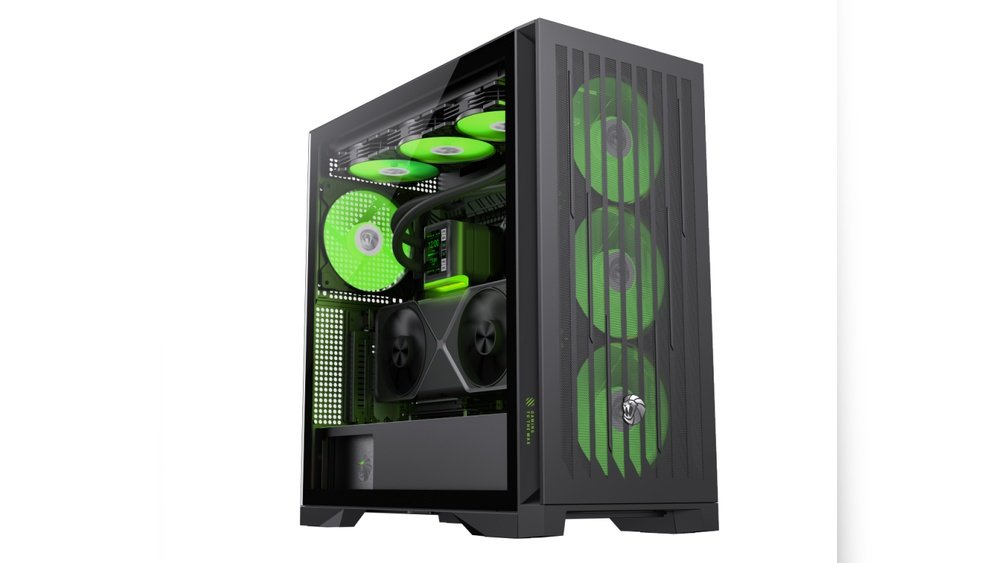
Have you ever wondered if your PC case is making your computer hotter than it should be? You might think that only the hardware inside matters, but the case you choose plays a big role in keeping your system cool.
If your PC runs too hot, it can slow down, crash, or even get damaged over time. You’ll discover how your PC case affects temperature and what you can do to keep your computer running smoothly and cool. Keep reading—your system’s health depends on it!

Credit: www.amazon.com
Impact Of Case Size On Cooling
The size of a PC case plays a key role in its cooling ability. A larger or smaller case affects how air moves inside and how heat escapes. Understanding this impact helps choose the right case for better temperature control.
Large Cases And Airflow
Large cases offer more space for air to flow freely. This space allows for bigger fans and more fan mounting spots. More fans help push hot air out and pull cool air in. Larger cases reduce the chance of hot spots forming inside. They also create room for better cable management. Clean cable paths improve airflow and lower temperatures. This makes large cases better for cooling high-performance parts.
Compact Cases And Heat Retention
Compact cases have less space, which limits airflow. Small spaces trap heat near components. Fans in compact cases often work harder and louder. The limited room also makes cable management difficult. Poor airflow and heat buildup can cause higher temperatures. Compact cases suit low-power builds but may struggle with strong cooling. Choosing the right cooling setup is crucial in smaller cases.
Credit: www.amazon.com
Role Of Case Material
The material of a PC case plays a key role in managing heat inside the system. It affects how well the case can move heat away from components. Choosing the right material helps keep the PC cool and stable. Different materials have unique properties that impact cooling performance and noise levels.
Metal Vs Plastic Cases
Metal cases often use steel or aluminum. Metal can absorb and spread heat faster than plastic. This helps lower the temperature inside the case. Plastic cases are lighter and usually cheaper. They do not conduct heat well. Plastic can trap heat, making it harder for fans to cool the system.
Metal cases are better at keeping hardware cool. Plastic cases need strong airflow to avoid heat buildup. Each material offers different benefits depending on your setup.
Effect On Heat Dissipation
Heat dissipation means moving heat out of the PC parts. Metal cases help spread heat through the case walls. This reduces hot spots near the CPU or GPU. Plastic cases hold heat inside more, which can raise temperatures.
Good heat dissipation lowers the risk of overheating. It also helps parts last longer. Metal cases usually support better airflow designs. This improves cooling without extra noise. Proper case material choice improves overall PC temperature control.
Ventilation And Fan Placement
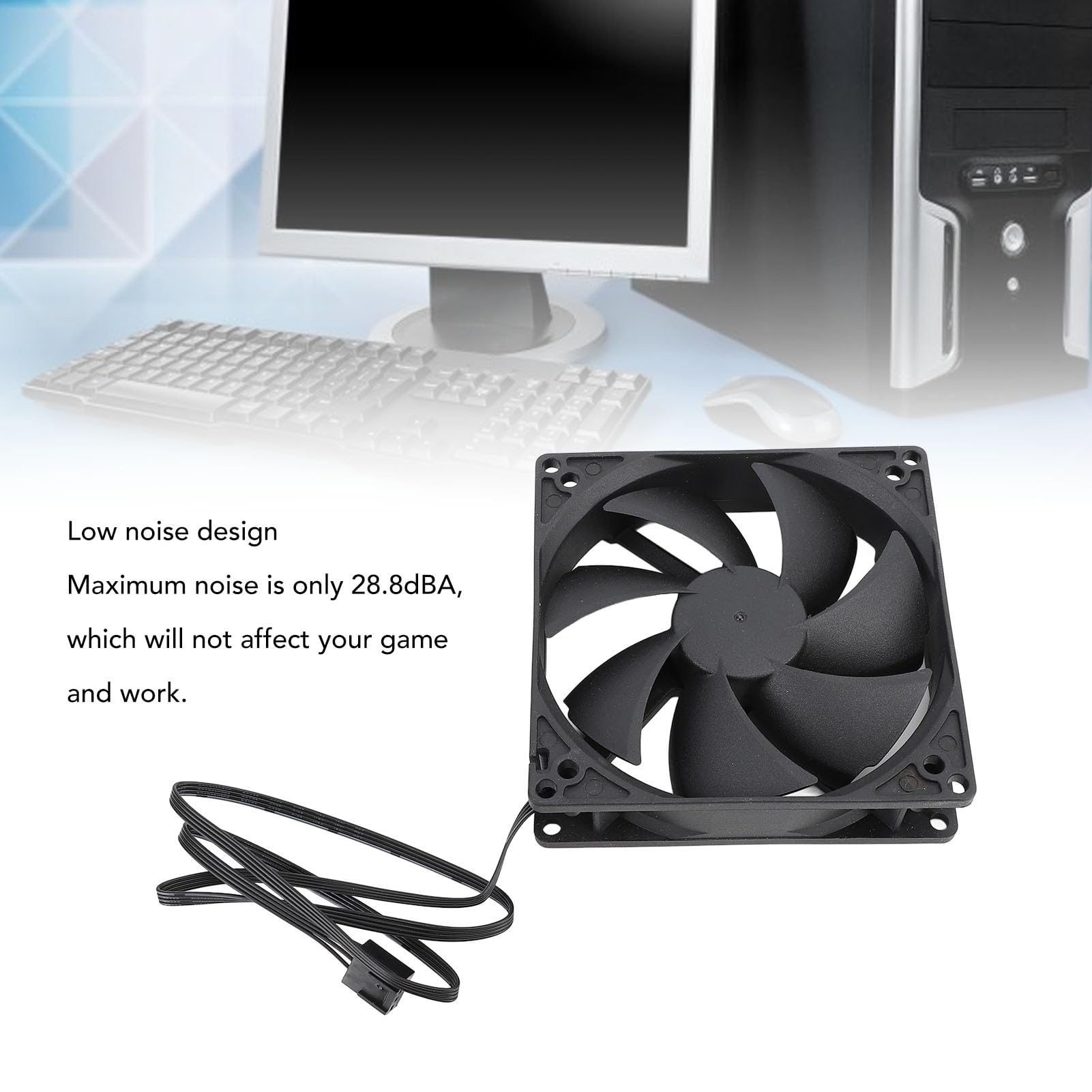
Ventilation and fan placement play a key role in controlling PC temperature. Good airflow helps remove heat from inside the case. Poor ventilation traps hot air, causing components to run hotter. Fans move air through the case, cooling parts like the CPU and GPU.
Correct fan placement guides fresh air in and pushes hot air out. This balance prevents heat build-up. Even a powerful cooling system fails without proper airflow paths. Understanding how fans work together improves your PC’s temperature control.
Optimal Fan Configurations
Place intake fans at the front or bottom of the case. These fans pull cool air inside. Exhaust fans belong at the top or rear. Hot air naturally rises, so top exhaust fans help remove it.
Use at least one intake and one exhaust fan. More fans can improve airflow but avoid too many. Overcrowding fans may cause turbulence and reduce efficiency.
Intake And Exhaust Balance
Balance intake and exhaust fans to create steady airflow. More intake fans create positive air pressure. This keeps dust out and cool air in.
More exhaust fans create negative air pressure. This pulls air in from unfiltered gaps, bringing dust inside. Aim for equal intake and exhaust fans for best results.
Check fan speed settings. Faster intake fans bring more air. Faster exhaust fans remove heat quicker. Adjust speeds to keep airflow smooth and consistent.
Cable Management’s Effect On Airflow
Cable management plays a key role in keeping your PC cool. Poorly arranged cables can block airflow inside the case. This blockage raises the internal temperature and slows down cooling. Clean and organized cables help air move smoothly. This makes fans work better and keeps parts cooler.
Good cable management also helps avoid dust buildup. Dust clogs fans and vents, reducing airflow. Arranged cables allow easier cleaning and less dust collection. This keeps your PC running cooler and longer.
Reducing Airflow Blockages
Cables that are tangled or placed randomly block air paths. Air cannot flow freely through the case. This causes hot air to stay near parts that need cooling. Organized cables create clear paths for air to move. This improves overall cooling efficiency. It lowers the risk of overheating and slows down hardware wear.
Tools And Techniques
Use zip ties or Velcro straps to bundle cables neatly. Routing cables behind the motherboard tray hides them and frees space. Modular power supplies help by reducing extra cables inside the case. Cable combs keep cables straight and tidy. Planning cable routes before installation saves time. These simple tools and methods improve airflow and cooling.
Dust Filters And Maintenance
Dust filters play a key role in keeping a PC case clean. They stop dust from entering the case and settling on the parts. Dust buildup can block airflow and cause heat to rise inside the case. Proper maintenance of dust filters helps keep temperatures low and parts safe.
Impact On Cooling Efficiency
Dust filters trap dust but can also reduce airflow if clogged. When filters fill with dust, air moves slower through them. This lowers the cooling power of fans and heatsinks. Clean filters let air flow freely, keeping the PC cool and working well.
Cleaning Frequency
The speed of dust buildup depends on where the PC is placed. In dusty places, clean filters every two weeks. In cleaner rooms, once a month is enough. Remove filters gently and use a soft brush or air blower. Regular cleaning prevents dust from harming PC parts and temperature control.

Credit: www.reddit.com
Case Design Features Enhancing Cooling
Case design plays a big role in keeping your PC cool. Good cooling helps your computer run better and last longer. Some case features help air flow and reduce heat inside the case. These features guide cool air in and push hot air out efficiently. Understanding these design elements can help you choose the right case for your needs.
Mesh Panels And Venting
Mesh panels allow air to flow freely into the case. They act like a screen, stopping dust but letting air pass. Venting holes on the case also help hot air escape fast. More vents mean better air movement. Cases with mesh fronts or tops usually have cooler inside parts. This design prevents heat from building up around the CPU and GPU. Mesh panels and vents work together to keep temperatures low.
Side Panels And Window Effects
Side panels affect air flow inside the case. Solid panels block air, which can trap heat. Window panels show off your PC parts but may reduce air flow. Some window panels have extra vents or holes to help air move. Choosing the right side panel depends on your cooling needs. Balanced air flow is key to avoid hot spots inside the case.
Compatibility With Cooling Solutions
Choosing the right PC case affects how well cooling parts fit inside. Not all cases support every cooling method. Some cases have more room for fans and coolers. Others are made for liquid cooling systems. The case must match your cooling parts for good airflow and temperature control. Cooling needs vary by PC parts and use. Understanding compatibility helps you build a cooler, quieter PC.
Air Coolers And Case Clearance
Air coolers need enough space inside the case. Tall air coolers may not fit in small cases. Check the maximum cooler height allowed by the case. Also, remember the width and fan size of the cooler. Tight spaces can block airflow and raise temperatures. Cases with good clearance allow better air movement. This keeps the CPU cooler and improves system stability.
Liquid Cooling Support
Liquid cooling needs more room than air coolers. Cases with mounting points for radiators work best. Radiator size matters for cooling power and case fit. Some cases support 120mm, 240mm, or 360mm radiators. Check if the case has space for the radiator and tubes. Good liquid cooling support means better heat removal from the CPU or GPU. It also helps keep noise levels low by using fewer fans.
Real-world Temperature Comparisons
Real-world temperature comparisons reveal how PC cases impact system heat. Testing with actual hardware shows clear differences in cooling performance. Case design, airflow, and materials all play roles in how hot components get under load.
These comparisons help users choose cases that keep their PCs cooler. Lower temperatures can improve performance and extend hardware life. Here, we explore real tests and user feedback on case temperature effects.
Benchmarking Different Cases
Benchmarking measures temperature changes using various PC cases. Tests run the same components in different cases to track heat levels. Open-air designs often show lower temperatures than compact cases.
Cases with better airflow and fan placement reduce CPU and GPU heat. Some cases have mesh panels, which allow more fresh air inside. Solid panels may trap heat, causing higher temperatures.
Results show that case quality can change temperatures by 5 to 15 degrees Celsius. This difference matters for gamers and heavy PC users. Proper case choice helps maintain stable and safe temperatures.
Case Studies And User Experiences
User experiences confirm benchmarks. Many report cooler systems after upgrading to cases with improved airflow. Some note quieter operation due to less fan speed needed.
Case studies highlight specific models that excel in cooling. Users share tips on fan setups and cable management to boost airflow. Poor cable routing can block air and raise temperatures.
Overall, real users find that case choice impacts temperature and comfort. Listening to these experiences helps pick cases that fit needs and budgets.
Frequently Asked Questions
Does Pc Case Size Impact Internal Temperature?
Yes, larger PC cases usually offer better airflow, reducing internal temperatures. Smaller cases can trap heat, leading to higher component temperatures.
How Does Case Ventilation Affect Pc Cooling?
Proper ventilation allows hot air to exit and cool air to enter. Good airflow prevents overheating and maintains optimal component performance.
Can Case Material Influence Pc Temperature?
Yes, metal cases dissipate heat better than plastic ones. Materials with higher thermal conductivity help reduce overall internal temperatures.
Do Additional Fans Lower Pc Case Temperature?
Adding more fans improves airflow and cooling efficiency. Properly placed intake and exhaust fans help maintain lower internal temperatures.
Conclusion
Choosing the right PC case does affect your computer’s temperature. Good airflow helps keep parts cool and working well. A case with enough fans and vents makes a big difference. Small or closed cases can trap heat and cause problems.
Think about size, airflow, and cooling options before buying. Cooler parts last longer and perform better. So, pay attention to your PC case to avoid overheating. It’s a simple step for a healthier, faster computer.
