
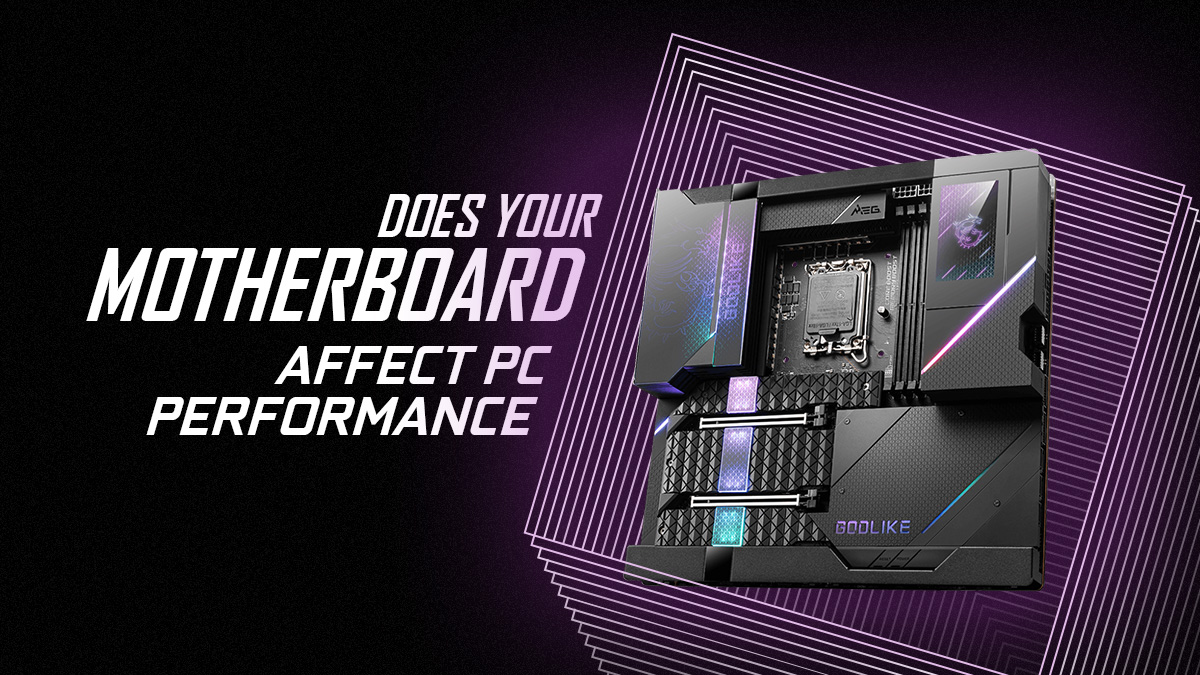
Have you ever wondered if your motherboard is holding back your PC’s performance? You might think the CPU or graphics card are the only parts that matter, but your motherboard plays a bigger role than you realize.
It’s the backbone that connects everything inside your computer. If it’s not up to the task, your whole system could slow down or fail to reach its full potential. Keep reading to discover how your motherboard affects your PC’s speed, stability, and upgrade options—so you can make smarter choices for your next build or upgrade.
Role Of The Motherboard
The motherboard plays a crucial role in a computer’s performance. It acts as the main platform where all parts connect. Without a good motherboard, other components cannot work efficiently. The right motherboard ensures smooth communication between hardware parts. It affects speed, compatibility, and overall system stability.
Central Hub For Components
The motherboard connects the CPU, RAM, storage, and graphics card. It allows these parts to send and receive data. Think of it as a traffic controller for all computer signals. If the motherboard is slow or outdated, data can bottleneck. A strong motherboard supports fast, stable connections among components.
Impact On Data Transfer Speeds
Data transfer speed depends on motherboard technology. Modern motherboards use faster buses and interfaces. These improve how quickly data moves between parts. For example, newer motherboards support PCIe 4.0 or 5.0, boosting graphics card speeds. Slow motherboards can limit the full power of your hardware.
Compatibility With Hardware
Motherboards must match the CPU and RAM types. They also dictate what kind of storage and cards you can install. Using incompatible hardware can cause errors or prevent booting. Choosing the right motherboard ensures all parts work together well. It also allows future upgrades without full replacement.
Motherboard Chipsets And Performance
The motherboard chipset plays a key role in PC performance. It acts as the communication hub for your computer’s components. The chipset controls data flow between the CPU, RAM, storage, and other parts. Choosing the right chipset affects your system’s speed and capabilities.
Not all chipsets offer the same features or support. Some are designed for basic tasks, while others target high-performance setups. Understanding chipset differences helps you build a balanced and efficient PC.
Differences Between Chipsets
Chipsets vary by brand and model. They differ in the number of supported USB ports, PCIe lanes, and SATA connections. Entry-level chipsets offer fewer features and slower data paths. Higher-end chipsets provide better bandwidth and more options for expansion. The chipset also defines compatibility with CPUs and memory types.
Influence On Overclocking
Some chipsets allow CPU and memory overclocking. Overclocking raises clock speeds for better performance. Basic chipsets often block these adjustments. Performance-oriented chipsets offer tools to tweak settings. This control can improve gaming and heavy tasks. Without chipset support, overclocking is limited or impossible.
Support For High-speed Ram
The chipset determines the maximum RAM speed your PC can handle. Faster RAM improves data transfer and multitasking. Budget chipsets usually support lower RAM speeds. Advanced chipsets enable higher frequencies and better stability. Choosing a chipset that supports fast RAM boosts overall system responsiveness.
Expansion Slots And Connectivity
Expansion slots and connectivity on a motherboard play a key role in PC performance. They allow you to add extra parts and connect devices. These slots and ports decide how fast and how many devices your PC can support. Choosing the right motherboard affects your system’s flexibility and speed.
Good expansion options let you upgrade your PC easily. More slots mean more cards, like graphics or sound cards. Better connectivity helps your PC communicate faster with storage and networks.
Pcie Versions And Bandwidth
PCIe slots connect important parts like graphics cards. Different PCIe versions offer different speeds. For example, PCIe 4.0 is faster than PCIe 3.0. Faster PCIe means better data flow and quicker performance.
Bandwidth limits how much data moves at once. Higher bandwidth supports high-end GPUs and fast SSDs. A motherboard with newer PCIe versions helps your PC run smoothly and faster.
Storage Interface Options
Storage interfaces connect hard drives and SSDs to the motherboard. Common types include SATA and NVMe. NVMe drives connect through M.2 slots and offer much faster speeds than SATA.
More storage options allow you to add multiple drives. This improves storage space and speeds up data access. A motherboard with several M.2 slots supports faster and larger storage setups.
Usb And Network Capabilities
USB ports connect many devices, like keyboards and external drives. Faster USB versions mean quicker data transfers. USB 3.2 and USB-C offer high speeds compared to older USB versions.
Network options include Ethernet and Wi-Fi. Faster Ethernet ports and newer Wi-Fi standards improve internet speed and stability. A motherboard with strong network features keeps your PC connected without lag.
Power Delivery And Stability
Power delivery and stability are key to a motherboard’s role in PC performance. It controls how electricity flows from the power supply to the processor and other parts. Good power delivery keeps components stable, especially under load. Stability means the PC runs smoothly without crashes or errors. A weak or unstable power supply can cause slowdowns and damage. This section explains how power delivery affects your PC’s strength and reliability.
Vrm Quality And Overclocking
VRMs (Voltage Regulator Modules) manage voltage from the power supply. High-quality VRMs give clean, steady power to the CPU. This helps the processor work better and last longer. VRM quality matters most during overclocking. Overclocking pushes the CPU beyond its normal speed. Poor VRMs may fail to deliver enough power. This causes system crashes or reduced performance. Strong VRMs support higher speeds and stable overclocking.
Thermal Management
Power delivery creates heat inside the motherboard. Good thermal management keeps VRMs and chips cool. Heat sinks and cooling designs help reduce temperature. Cooler components work more efficiently and last longer. Poor heat control can cause overheating and slowdowns. It may also shorten the motherboard’s lifespan. Proper thermal solutions improve power stability and overall PC health.
Long-term Reliability
Stable power delivery reduces wear on PC parts. Constant voltage spikes can damage the CPU and RAM. Quality motherboards use better materials and design for durability. They protect the system from power fluctuations. This increases the PC’s lifespan and reduces failures. Investing in a reliable motherboard helps maintain performance over years.
Motherboard And Cpu Interaction
The motherboard and CPU work closely to make your PC run smoothly. The motherboard holds the CPU and lets it talk to other parts. This connection affects how well your computer performs. Choosing the right motherboard can help your CPU do its best job.
Socket Compatibility
The CPU must fit the motherboard socket perfectly. Each CPU type has a specific socket design. Using a wrong socket stops the CPU from working. Check the socket type before buying a motherboard. This ensures the CPU and motherboard match well.
Bios Updates And Performance
The BIOS controls basic motherboard functions. It helps the CPU work with new features. Updating the BIOS can fix bugs and improve speed. Some CPUs need the latest BIOS to run correctly. Keep BIOS updated for better CPU support.
Feature Support For Cpus
Motherboards offer different features for CPUs. Features like overclocking and power delivery affect performance. Some motherboards support multiple CPU generations. Others only work with specific models. Choose a motherboard with features that match your CPU needs.
Credit: www.cgdirector.com
Impact On Gaming And Productivity
The motherboard plays a key role in both gaming and productivity tasks. It acts as the main hub connecting all components. The quality and features of a motherboard can impact system speed and stability. This affects how smoothly games run and how well your PC handles work tasks. Small differences in hardware support can change your experience. Choosing the right motherboard helps balance performance for gaming and productivity.
Frame Rates And Latency
Frame rates depend mainly on the GPU and CPU. Still, the motherboard affects data flow between parts. A good motherboard supports faster data transfer and better power delivery. This can lead to more stable frame rates in games. Lower latency means quicker response times in gaming. A motherboard with efficient design reduces delays. This helps in fast-paced games where every millisecond counts.
Multitasking Efficiency
Motherboards with more RAM slots allow higher memory capacity. More RAM improves multitasking and running heavy applications. Also, better chipsets handle multiple processes without slowing down. This benefits video editing, programming, and office work. Some motherboards support faster storage devices. This speeds up loading and saving files. Overall, a solid motherboard improves your workflow and task switching.
Benchmark Comparisons
Benchmarks show how different motherboards perform in tests. Higher-end models often score better in speed and stability. They handle overclocking and advanced features well. Budget motherboards may limit maximum performance. Yet, many mid-range boards offer good results for gamers and workers. Checking benchmark scores helps pick a board that fits your needs. It shows how motherboard choice affects real-world performance.
Choosing The Right Motherboard
Choosing the right motherboard is key for building a good PC. It affects how all parts work together. The motherboard sets limits on the CPU, RAM, and storage you can use. Picking the right one helps your PC run smoothly and last longer. Consider your needs and budget carefully.
Balancing Features And Budget
Motherboards come with many features. Some have more USB ports, better audio, or faster networking. Think about what you really need. More features usually cost more money. Avoid paying for extras you won’t use. Choose a board that fits your budget but still meets your needs.
Future-proofing Considerations
Plan for upgrades. A good motherboard supports newer CPUs and more RAM. Check for extra slots for storage and cards. This helps your PC stay useful longer. Avoid very old models that limit future upgrades. Future-proofing saves money over time.
Brand And Model Recommendations
Choose well-known brands for quality and support. Brands like ASUS, MSI, and Gigabyte are popular. They offer reliable motherboards for different budgets. Look for models with good reviews and solid warranty. Trust matters when building a PC that lasts.

Credit: www.youtube.com
Credit: www.cgdirector.com
Frequently Asked Questions
Does Motherboard Quality Impact Pc Speed?
Yes, motherboard quality affects PC speed by supporting faster data transfer and better component compatibility. A good motherboard ensures stable power delivery and efficient communication between CPU, RAM, and storage, enhancing overall performance.
Can A Motherboard Limit Cpu Performance?
Yes, a motherboard can limit CPU performance if it lacks proper chipset support or power phases. This restriction can prevent the CPU from running at its full potential, causing reduced speed and efficiency.
How Does Motherboard Affect Gaming Performance?
Motherboards influence gaming performance by supporting high-speed RAM, advanced GPUs, and faster data buses. They enable better overclocking and improved thermal management, which helps maintain stable and smooth gaming experiences.
Does Motherboard Size Affect Pc Performance?
Motherboard size itself does not affect performance directly. However, larger boards often offer more expansion slots and better cooling options, indirectly enhancing performance through improved hardware choices.
Conclusion
A good motherboard supports your PC’s key parts well. It helps your processor, memory, and graphics card work smoothly. Choosing the right motherboard can prevent slowdowns and errors. It also affects how much you can upgrade later. So, a strong motherboard plays a clear role in PC performance.
Think of it as the foundation for your computer’s speed and stability. Without a solid base, other parts cannot shine. Keep this in mind when building or upgrading your PC.
