
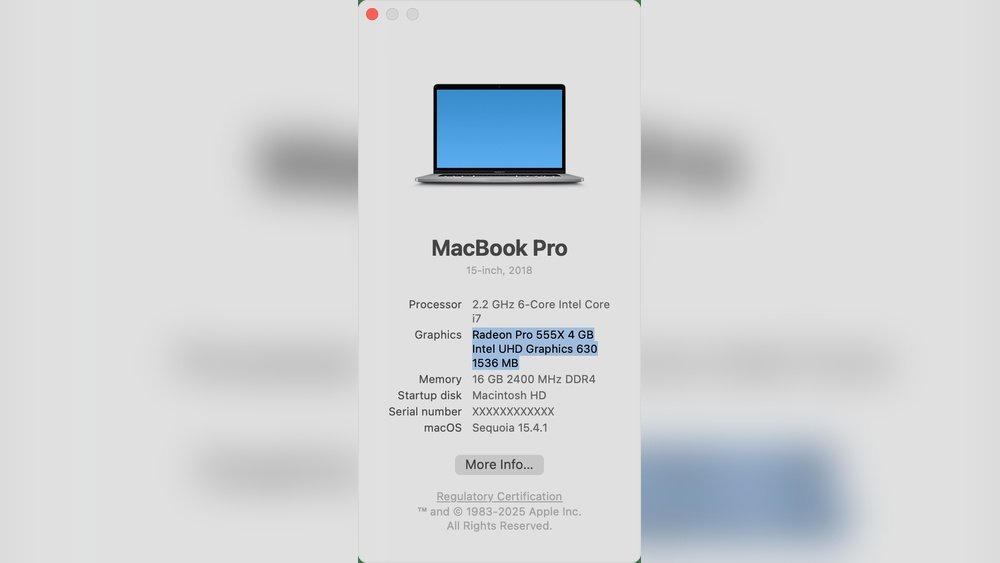
Are you wondering if your Mac has a GPU and what that means for your everyday tasks? Whether you’re editing photos, playing games, or just curious about your computer’s power, understanding your Mac’s graphics capabilities is key.
This article will clear up the confusion and help you know exactly what’s inside your Mac. By the end, you’ll be confident about how your Mac handles graphics—and why it matters to you. Keep reading to find out more!
Mac Graphics Overview
Mac computers include graphics processors to handle images, videos, and games. Graphics processing units (GPUs) help display clear visuals and smooth animations. Macs use different types of GPUs depending on the model and its purpose.
Understanding the difference between integrated and dedicated GPUs helps choose the right Mac. The rise of Apple Silicon also changed how Macs handle graphics. This overview explains the main GPU types in Macs.
Integrated Vs Dedicated Gpus
Integrated GPUs are built into the main processor. They use the computer’s memory to perform graphics tasks. This design saves power and space. Integrated GPUs work well for everyday tasks like browsing and watching videos.
Dedicated GPUs are separate chips with their own memory. They deliver higher performance for heavy tasks like video editing and gaming. Macs with dedicated GPUs can handle complex graphics faster. These GPUs use more power and generate more heat.
Apple Silicon And Graphics
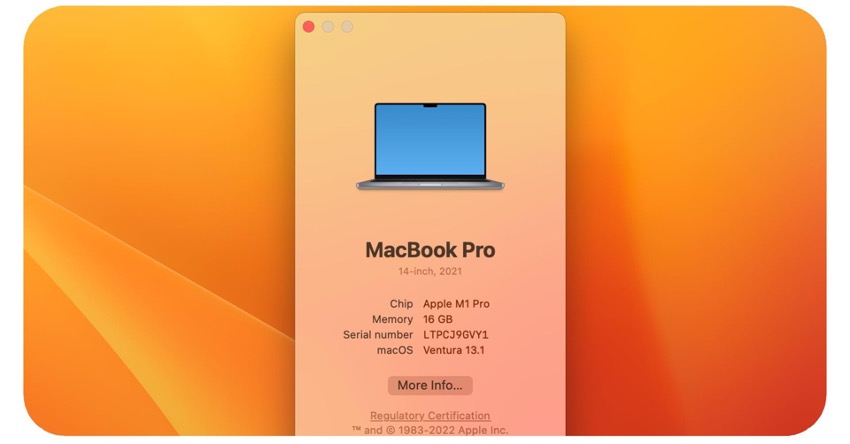
Apple Silicon changed how Macs process graphics. The new chips combine CPU, GPU, and other parts in one unit. This design improves speed and power efficiency. Apple Silicon GPUs offer strong performance even without dedicated chips.
New Macs with Apple Silicon handle graphics smoothly in apps and games. The integrated GPU in these chips can support high-resolution displays and complex visuals. This shift means many users get great graphics without extra hardware.
Credit: sierramadrenews.net
Gpu Options In Mac Models
Mac computers offer different GPU options depending on the model. These graphics processing units help with tasks like video editing, gaming, and 3D design. Some Macs use integrated GPUs, while others have dedicated graphics cards. Understanding these choices helps you pick the right Mac for your needs.
Macbook Air And Macbook Pro Gpus
The MacBook Air usually has an integrated GPU built into the processor. This setup saves battery life and keeps the laptop thin. The MacBook Pro offers more powerful options. Some models have integrated GPUs, while others include dedicated GPUs for better graphics performance.
Imac And Mac Mini Graphics Choices
The iMac features stronger GPU options to support its larger screen. It can have integrated or dedicated graphics depending on the model. The Mac Mini mainly uses integrated GPUs, but some versions offer improved graphics for better visuals and speed.
Mac Pro Graphics Capabilities
The Mac Pro is designed for heavy graphics work. It supports multiple high-end dedicated GPUs. These powerful GPUs help with 3D rendering, video production, and scientific simulations. Mac Pro users can upgrade and customize GPU options to meet specific needs.
Apple Silicon Gpu Architecture
Apple Silicon GPU architecture is a key part of Apple’s new chips. It changes how Macs handle graphics and speed. The design blends the CPU and GPU closely for better performance. This integration helps Macs run apps and games smoothly.
The architecture focuses on fast data sharing and energy saving. It uses fewer parts and less power than old systems. This design fits perfectly with Apple’s goal for efficient, powerful computers.
M1 And M2 Chip Graphics
The M1 and M2 chips have built-in GPUs. These GPUs are made by Apple and fit inside the chip. The M1 GPU has up to 8 cores, while M2 goes up to 10 cores. More cores mean better graphics and faster image processing.
Both chips support high-quality visuals and smooth video playback. They handle 3D graphics well for games and creative work. The integrated GPU saves space and reduces heat inside the Mac.
Unified Memory And Performance
Apple Silicon uses unified memory, which the CPU and GPU share. This design lets both parts access data fast and easily. It removes the need to copy data between separate memory pools.
Unified memory improves speed and responsiveness in apps. It helps with tasks like video editing and gaming. The system uses less power while running demanding tasks.
Energy Efficiency Advantages
Apple Silicon GPUs use less energy than older Mac GPUs. This efficiency comes from the tight integration of chip parts. It means longer battery life on MacBooks and less heat production.
Lower power use helps Macs stay cool and quiet. Users get a better experience without big fans or noise. Efficient GPUs support longer work sessions and better mobile use.
Credit: discussions.apple.com
Performance In Real-world Tasks
Mac computers have GPUs that affect how well they perform in daily tasks. These GPUs help speed up graphic-heavy work and improve overall system speed. The real test lies in how Macs handle gaming, video editing, and 3D design tasks.
Gaming On Mac
Macs are not made mainly for gaming, but they can run many popular games. The GPU in a Mac handles games at medium settings smoothly. Some high-end games may run slower or need lower settings. Casual gamers will find Macs good enough for most games.
Video Editing And Rendering
Video editing needs strong GPU power for fast previews and rendering. Macs with dedicated GPUs perform well with apps like Final Cut Pro and Adobe Premiere. The GPU helps reduce the time it takes to render videos. This makes editing more efficient and less frustrating.
3d Modeling And Design
3D modeling requires a powerful GPU to handle complex shapes and textures. Macs with advanced GPUs can manage 3D software like Blender and Maya. These GPUs allow smoother navigation and faster rendering of models. Designers can work comfortably without long delays.
External Gpu Support
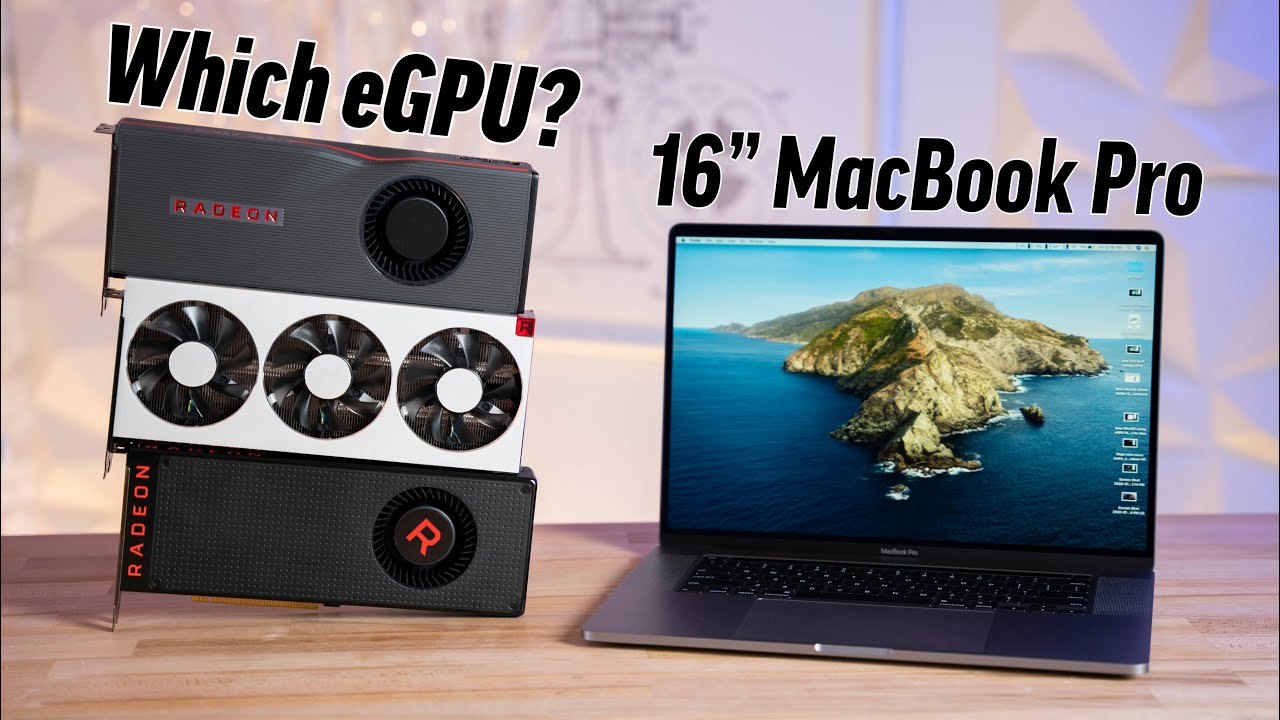
External GPU support allows Macs to boost graphics power beyond their built-in GPUs. Users can connect a separate graphics card via Thunderbolt ports. This option helps with tasks like video editing, 3D design, and gaming. External GPUs (eGPUs) provide more graphics power without buying a new Mac.
Egpu Compatibility With Intel Macs
Intel Macs support external GPUs through Thunderbolt 3 ports. Many models from 2016 onwards can use eGPUs to improve graphics performance. macOS offers native support for eGPUs, making setup easy. Users can connect popular eGPU enclosures and compatible graphics cards. This setup benefits creative professionals and gamers using Intel-based Macs.
Limitations With Apple Silicon Macs
Apple Silicon Macs have limited support for external GPUs. Currently, macOS does not fully support eGPUs on M1 and M2 chips. This restricts users from connecting most external graphics cards. Apple focuses on improving integrated graphics in these chips. Users needing extra GPU power may face challenges with Apple Silicon Macs today.
Future Of Mac Graphics
The future of Mac graphics is exciting and full of promise. Apple continues to invest in better graphics technology. This will improve performance and visuals on Mac computers. Users can expect faster, smoother, and more detailed graphics soon.
These improvements will affect many areas, including gaming, video editing, and design work. Macs will handle complex tasks more easily. This makes them a strong choice for creative professionals and casual users alike.
Upcoming Gpu Developments
Apple is developing new graphics processors for Macs. These new GPUs are designed to be faster and more energy-efficient. They will use advanced technology to boost performance without draining the battery quickly. Apple’s move to its own chips helps control this development closely.
Future Mac GPUs will support higher resolutions and better color accuracy. This is important for photo and video editing. Expect improvements in 3D graphics and gaming experiences too. The new GPUs will help Macs stay competitive with other computers.
Impact On Creative Industries
Better Mac graphics will benefit artists, designers, and video editors. They will see faster rendering times and smoother workflows. Complex projects will take less time to complete. This can increase productivity and creativity.
Animation and 3D modeling will also improve with stronger GPUs. Creatives can work on more detailed projects without lag. The improved graphics power makes Macs a preferred tool in many studios. This trend will continue as Apple enhances its GPU technology.
Credit: www.shoshitamam.com
Frequently Asked Questions
Does Every Mac Come With A Built-in Gpu?
Most Macs include a built-in GPU, either integrated or dedicated. Entry-level models often have integrated GPUs, while higher-end Macs feature dedicated GPUs for better performance.
Can Mac Users Upgrade Their Gpu?
Most Macs do not allow GPU upgrades due to integrated designs. However, some Mac Pro models support external GPU (eGPU) solutions for enhanced graphics power.
What Gpu Options Does Mac Support For Gaming?
Mac supports a range of GPUs, including integrated and dedicated ones. For optimal gaming, Macs with dedicated GPUs or external eGPUs provide better graphics performance.
How Does Mac’s Gpu Affect Video Editing?
A powerful GPU accelerates rendering and playback in video editing apps. Macs with dedicated GPUs or eGPU setups deliver faster, smoother editing experiences.
Conclusion
Mac computers do have GPUs, but the type varies by model. Some use integrated graphics, while others have dedicated GPUs for better performance. Knowing your Mac’s GPU helps with tasks like gaming or video editing. Always check the specifications before buying.
This ensures the Mac fits your needs well. Understanding the GPU options makes choosing easier and smarter.
