
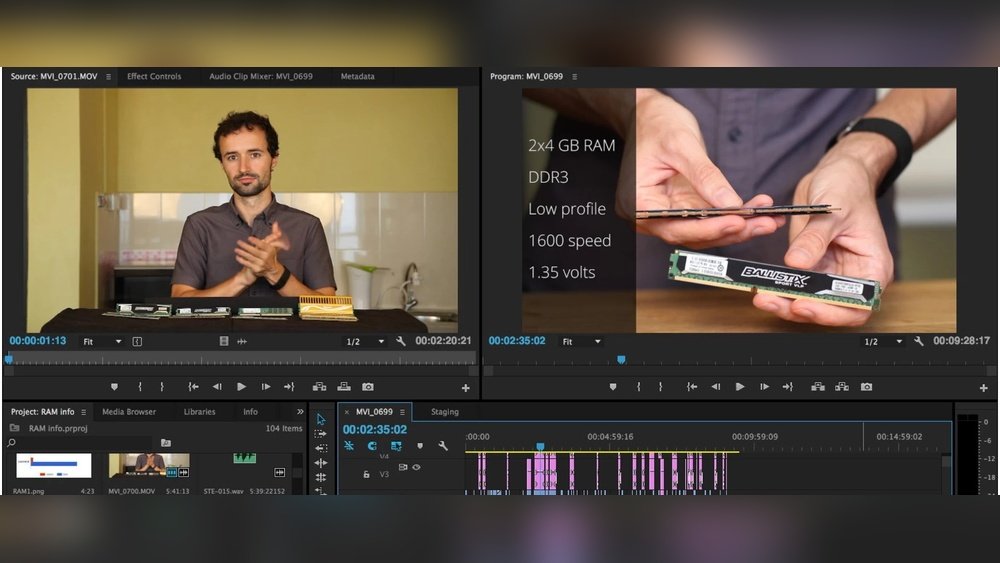
When you sit down to edit your videos, you want everything to run smoothly and quickly. But have you ever wondered if your GPU really makes a difference in how well your video editing software performs?
Understanding how your graphics card affects your workflow can save you time, frustration, and even money. You’ll discover exactly why your GPU matters and how it can transform your editing experience. Keep reading to find out how to get the most out of your setup and take your videos to the next level.
Role Of Gpu In Video Editing
The GPU plays an important role in video editing. It helps process images and videos faster. The GPU works alongside the CPU to handle complex tasks. This makes editing smoother and more efficient. Understanding the GPU’s role helps editors choose the right hardware for their needs.
Gpu Vs Cpu In Editing
The CPU handles most general tasks in video editing. It processes instructions one by one but very quickly. The GPU has many smaller cores that work on tasks simultaneously. This makes the GPU better for handling graphics and video data. Both work together, but the GPU speeds up specific parts of editing.
How Gpus Accelerate Rendering
Rendering is the process of creating the final video output. The GPU can process many pixels and effects at once. This reduces the time it takes to render videos. GPUs use special technology to handle effects like color correction and transitions. This makes the final video ready faster than using the CPU alone.
Impact On Real-time Playback
Real-time playback means watching the video while editing without pauses. A strong GPU helps play high-quality videos smoothly. It manages complex effects and multiple video layers without lag. This allows editors to see their work instantly. Good playback helps make quick decisions and improves editing flow.
Credit: www.pugetsystems.com
Choosing The Right Gpu
Choosing the right GPU is important for smooth video editing. A good GPU helps process images and videos faster. It can reduce waiting time and improve your workflow. Not all GPUs work the same for editing tasks. Understanding key features helps pick the best option for your needs and budget.
Key Gpu Features For Editing
Video editing needs specific GPU features to work well. Look for a GPU with enough video memory (VRAM). At least 4GB VRAM is good for basic editing. More VRAM helps with high-resolution videos like 4K. The GPU should support hardware acceleration to speed up effects and rendering. Check if it works with your editing software. CUDA cores or stream processors boost performance. Cooling and power consumption also matter for long sessions.
Comparing Popular Gpu Models
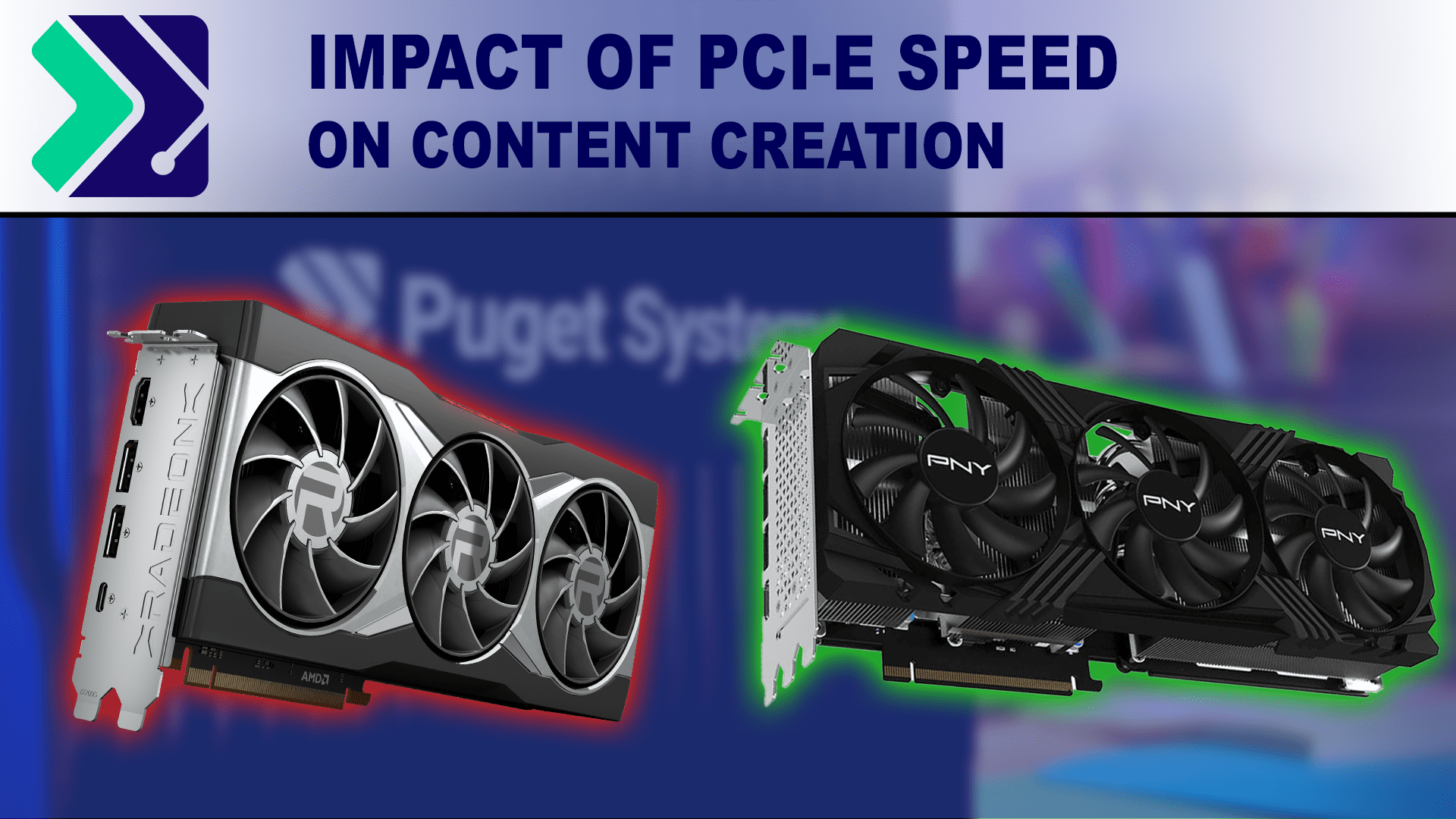
Nvidia and AMD offer popular GPUs for video editing. Nvidia’s RTX series is strong in hardware acceleration. It supports many editing programs well. AMD’s Radeon cards provide good performance at lower prices. The GTX series works fine for beginners and moderate editing. Professional cards like Nvidia Quadro offer stability but cost more. Compare specs like VRAM, clock speed, and software support. Choose a model that fits your editing style and PC setup.
Budget-friendly Options
Editing does not need the most expensive GPU. Budget-friendly GPUs can handle basic to mid-level editing. Look for used or older models with 4GB to 6GB VRAM. Nvidia GTX 1650 or AMD RX 5500 XT are good choices. These cards provide decent speed without high costs. Avoid very low-end GPUs that lack hardware acceleration. Balance price with features for the best value. This way, you get smoother editing without overspending.
Software Compatibility
Software compatibility plays a key role in how a GPU affects video editing. Different editing programs use GPU power in various ways. Some programs rely heavily on the GPU to speed up tasks. Others use it less or in different ways.
Understanding which software supports your GPU helps you get better editing results. It also helps avoid slowdowns or crashes during work. Knowing how to optimize your settings can improve performance. Troubleshooting common GPU issues can save time and frustration.
Gpu Support In Editing Programs
Many popular video editors use GPUs to boost performance. Programs like Adobe Premiere Pro, DaVinci Resolve, and Final Cut Pro support GPU acceleration. They use the GPU for rendering, effects, and playback. Some software requires specific GPU models or drivers. Checking official support lists helps find the right GPU for your editing software.
Optimizing Settings For Performance
Adjusting software settings improves GPU use. Enable GPU acceleration in the program preferences. Choose the right GPU if your system has more than one. Lower playback resolution to reduce GPU load. Update GPU drivers regularly for better stability. These steps help your GPU work efficiently during editing.
Common Gpu-related Issues
GPU problems can cause slow rendering or crashes. Outdated drivers may lead to errors or glitches. Overheating can reduce GPU performance and cause shutdowns. Incompatibility between GPU and software may block some features. Monitoring GPU temperature and updating software fixes many issues.

Credit: filtergrade.com
Boosting Workflow With Gpu
Using a good GPU can make video editing much easier. It helps speed up many tasks that take a long time with just a CPU. This means less waiting and more creating. A strong GPU supports your software to work faster and smoother. It lets you focus on your project, not on slow computers.
Here are some ways a GPU improves your video editing workflow.
Faster Export And Rendering Times
Rendering and exporting videos can take a lot of time. A powerful GPU processes these tasks quicker than a CPU alone. It handles complex calculations and graphics faster. This reduces the wait time for final videos. Faster exports mean more time to work on other projects or revisions.
Smoother Effects And Transitions
Adding effects and transitions often slows down editing. A strong GPU manages these effects in real time. This lets you see changes immediately without lag. Smooth playback helps check your edits accurately. It improves the overall editing experience and saves frustration.
Handling High-resolution Footage
Editing 4K or higher resolution videos demands more power. GPUs are designed to handle large files efficiently. They reduce the strain on your computer during playback and editing. This keeps your workflow steady and uninterrupted. High-resolution footage becomes easier to work with using a good GPU.
Future Trends In Gpu And Editing
The future of video editing is closely tied to advances in GPU technology. As video files grow larger and more detailed, GPUs will play a bigger role in handling editing tasks. Faster and smarter GPUs will help editors work more smoothly and create higher-quality videos in less time.
New trends in GPU design focus on making editing faster, smarter, and ready for future video formats. These changes will affect how editors use software and hardware together.
Ai And Machine Learning Integration
GPUs now support AI and machine learning features. These tools help automate tasks like color correction and scene detection. AI can reduce editing time and improve video quality. Machine learning also helps with noise reduction and image enhancement. This makes editing easier for beginners and faster for professionals.
Emerging Gpu Technologies
New GPU designs use better power efficiency and higher core counts. These changes allow GPUs to process video faster and handle complex effects. Technologies like ray tracing improve lighting and shadows in videos. Future GPUs will also support real-time collaboration, letting editors work together smoothly online.
Preparing For 8k And Beyond
Video resolution is growing, and 8K is becoming common. GPUs must handle huge files and heavy processing. Future GPUs will have more memory and faster data transfer speeds. This support will make 8K editing smoother and reduce lag. It also prepares editors for even higher resolutions in the future.
Credit: www.cgdirector.com
Frequently Asked Questions
Does Gpu Improve Video Editing Speed?
Yes, a powerful GPU accelerates rendering and playback. It handles effects and color grading smoothly, boosting editing speed.
How Does Gpu Impact Video Rendering Quality?
GPU enhances rendering quality by efficiently processing complex effects. It reduces lag and ensures smoother, high-quality video output.
Can Video Editing Work Without A Dedicated Gpu?
Basic editing is possible without a GPU, but performance suffers. A dedicated GPU is essential for smooth, professional video editing.
Which Gpu Features Matter Most For Video Editing?
Video memory (VRAM) and CUDA cores are crucial. They improve processing power and allow handling of high-resolution footage efficiently.
Conclusion
A good GPU helps video editing run faster and smoother. It handles effects and previews without lag. Without a strong GPU, editing can feel slow and frustrating. Choosing the right GPU depends on your video needs and budget. Don’t forget other parts like CPU and RAM also matter.
In short, a GPU plays a key role in video editing quality. It makes the process easier and saves time. Think about your editing tasks before picking a GPU. This way, your work feels less like a chore and more like fun.
