
Have you ever wondered if your GPU really makes a difference in how fast your everyday PC runs? You might think the graphics card only matters for gaming or video work, but what if it affects your whole computer’s speed?
Understanding this can help you get the most out of your machine without spending money on parts you don’t need. Keep reading, and you’ll discover how your GPU plays a role in your PC’s performance—sometimes in surprising ways.
Role Of Gpu In A Pc
The GPU, or Graphics Processing Unit, plays a specific role in a computer. It mainly handles images and videos. This helps make visuals clear and smooth. The GPU works alongside the CPU but focuses on different tasks.
Many people wonder if the GPU affects the overall speed of their PC. Understanding the GPU’s role helps answer this question. The GPU’s power matters most in certain tasks.
Basic Functions Of A Gpu
The GPU processes graphics and visual data. It creates images, videos, and animations on the screen. This reduces the work of the CPU. The GPU also helps in 3D rendering and video playback. It speeds up tasks that need heavy graphic calculations.
Gpu Vs Cpu Responsibilities
The CPU handles general tasks like running programs and managing files. It is the brain of the computer. The GPU focuses on visual tasks and graphics. This division allows both parts to work efficiently. The CPU processes data, and the GPU displays it.
For normal everyday use, the CPU impacts speed more than the GPU. The GPU becomes important for graphics-heavy tasks like gaming or video editing. Knowing these roles helps decide if a better GPU will improve your PC speed.

Credit: www.avg.com
Gpu Influence On Everyday Tasks
The GPU, or graphics processing unit, mainly handles images and videos on a PC. Many people wonder if it also affects daily computer speed. The truth is, the GPU plays a small role in everyday tasks. Most normal activities rely more on the CPU and RAM than the GPU.
This section explains how the GPU influences common tasks. It covers web browsing, office work, video playback, and streaming. Understanding this helps users know what to expect from their PC performance.
Web Browsing And Office Work
Web browsing uses the GPU to show images and animations smoothly. Simple pages do not need a strong GPU. The CPU and internet speed matter more here.
Office programs like word processors and spreadsheets rely mostly on the CPU. The GPU helps a little with rendering text and graphics. A basic GPU is enough for these tasks.
Video Playback And Streaming
Playing videos depends more on the GPU than web browsing. The GPU helps decode video files faster and saves CPU power. A better GPU means smoother video playback, especially in high definition.
Streaming videos online uses both the CPU and GPU. The GPU improves picture quality and reduces lag. For 4K streaming, a decent GPU is helpful but not always required.
Gaming And Graphics-intensive Applications
Gaming and graphics-heavy apps need more power from your PC parts. The GPU plays a big role in how smooth and fast these apps run. It handles images, videos, and 3D graphics. This helps the CPU focus on other tasks.
Many games and apps use the GPU to make visuals clear and fast. A strong GPU means better graphics and fewer slowdowns. This section explains how the GPU affects game frame rates and load times.
Gpu Impact On Frame Rates
The GPU controls how many frames per second (FPS) your game shows. Higher FPS means smoother motion and better gameplay. A weak GPU can lower FPS, causing choppy images and lag. Games with detailed graphics need powerful GPUs to keep high FPS.
FPS affects your reaction time and gaming experience. Faster GPUs render frames quicker. This reduces delays and screen tearing. Lower-end GPUs struggle with high settings and complex scenes.
Effect On Game Load Times
The GPU also helps load game textures and effects. A better GPU speeds up this process. Games open faster and switch scenes smoothly. Slow GPUs make load times longer, which can disrupt play.
Though the CPU and storage affect load times too, the GPU plays a key part. It quickly processes graphics data during loading. This means less waiting before you start playing or move to new areas.
System Performance Factors
System performance depends on many parts working together. The GPU is important for graphics, but other components also affect how fast your PC runs. Understanding these system factors helps explain why GPU alone does not change normal PC speed much. Let’s explore key parts that influence overall performance.
Cpu And Ram Interaction
The CPU processes most tasks and runs your programs. It works closely with RAM, which stores data the CPU uses quickly. If the CPU is slow or RAM is limited, the PC will lag. Even with a strong GPU, a weak CPU or low RAM reduces system speed. Fast RAM and a good CPU improve how fast your PC handles daily tasks.
Storage And Software Optimization
Storage type affects how fast files and programs open. Solid State Drives (SSDs) load data quicker than traditional hard drives. Slow storage causes delays in starting apps and saving files. Software also matters. Well-optimized programs use less power and run smoothly. Poor software can slow down your PC no matter your hardware. Both storage and software shape your overall experience.
When Gpu Can Slow Down Your Pc
A GPU usually helps a PC run faster, especially for games and videos. Still, there are times when the GPU can slow your PC down. Problems inside your computer or with the GPU itself can cause this. Knowing when and why this happens can save you time and frustration.
Some issues are easy to fix. Others need more care. The key is to spot the signs early and act fast.
Driver Issues And Conflicts
GPU drivers tell your PC how to use the graphics card. Old or broken drivers cause errors. These errors can make your PC slow or freeze. Sometimes, drivers from different hardware clash. This conflict can also reduce speed. Keeping drivers updated helps avoid these problems. Use the official website to find the latest drivers.
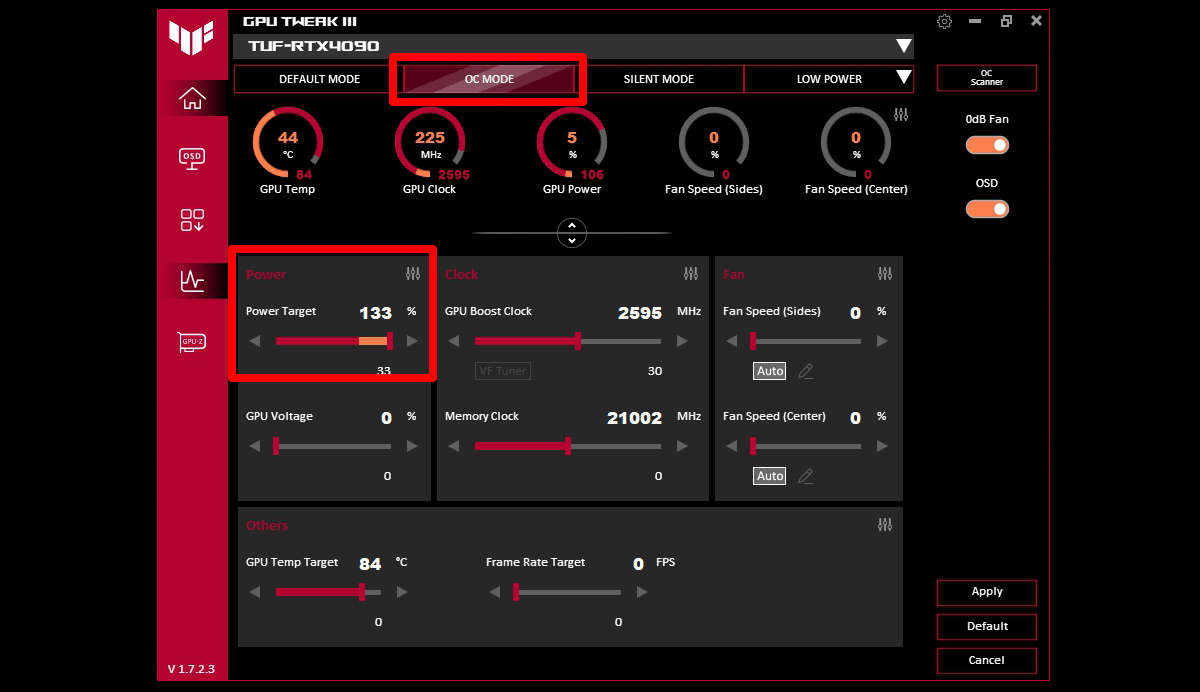
Overheating And Power Consumption
A hot GPU works slower to protect itself. Dust or poor airflow can raise GPU temperature. This heat forces the GPU to lower speed. A GPU using too much power can strain the PC’s power supply. This strain can cause random shutdowns or slowdowns. Cleaning the PC and checking power settings help keep the GPU cool and stable.
Credit: rog.asus.com
Upgrading Gpu For Better Speed
Upgrading your GPU can improve your PC’s performance in many ways. A better GPU handles graphics tasks faster and smoother. This upgrade helps with gaming, video editing, and even general use. It can also reduce slowdowns during heavy tasks.
Not all GPUs work the same. Choosing the right one matters to get the best speed boost. Also, your PC’s parts must work well together. This avoids bottlenecks that slow down your system.
Choosing The Right Gpu
Pick a GPU that fits your needs and budget. Check its speed, memory, and power use. For basic tasks, a simple GPU is enough. For gaming or editing, choose a stronger model. Read reviews to see real-world performance. Avoid very old or very new models without support.
Compatibility And Bottlenecks
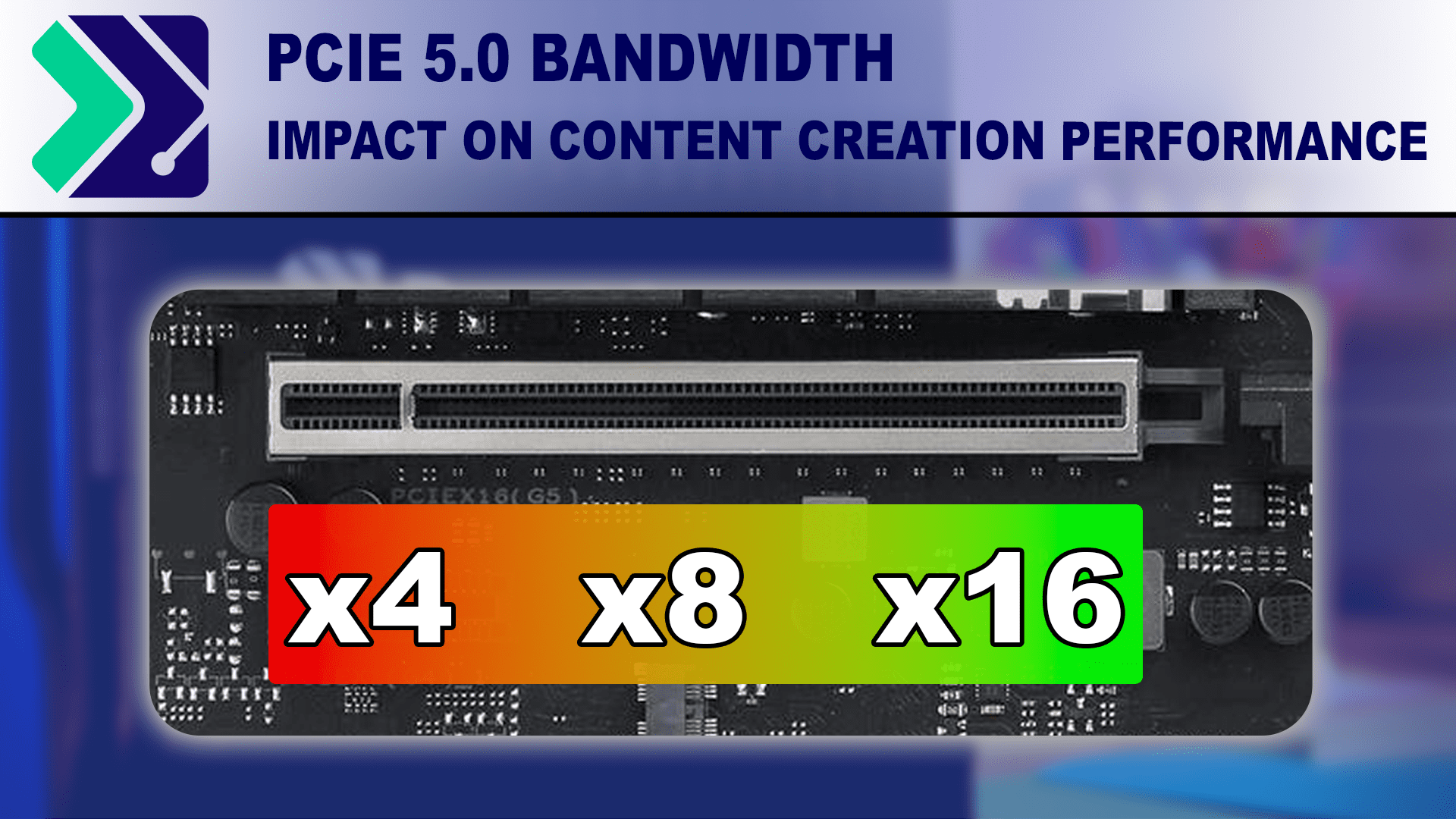
Make sure your PC supports the new GPU. Check the power supply and physical space inside the case. Your CPU should be fast enough to keep up with the GPU. Otherwise, the CPU will limit the GPU’s speed. Also, the motherboard must have the right slot and support. Avoid mixing very old and new parts. This balance keeps your PC running smoothly and fast.
Integrated Vs Dedicated Gpus
Choosing between integrated and dedicated GPUs affects your PC’s performance. Integrated GPUs share resources with the CPU and use system memory. Dedicated GPUs have their own memory and power. This difference shapes how your PC runs daily tasks and heavy graphics work.
Performance Differences
Integrated GPUs are built into the CPU chip. They handle simple graphics like videos and basic games well. Dedicated GPUs have separate hardware. They offer faster processing and better graphics quality. This makes them ideal for gaming, video editing, and 3D work. Integrated GPUs use less power and produce less heat. Dedicated GPUs consume more power but deliver higher performance.
Impact On Normal Pc Tasks
For normal tasks like web browsing, email, and document editing, integrated GPUs perform fine. They keep your PC running smoothly without extra cost or power use. Dedicated GPUs do not significantly speed up these tasks. They mainly improve tasks that need heavy graphics. Using a dedicated GPU in a normal PC does not always increase overall speed. It mostly benefits users with demanding graphic needs.
Credit: www.pugetsystems.com
Frequently Asked Questions
Does Gpu Impact Overall Pc Speed?
Yes, GPU mainly affects graphics tasks. It has minimal impact on general PC speed or everyday tasks like browsing or document editing.
Can A Better Gpu Improve Non-gaming Pc Performance?
A better GPU won’t significantly boost non-gaming tasks. CPU, RAM, and storage play a bigger role in general PC performance.
How Does Gpu Affect Video Editing Speed?
A good GPU accelerates video rendering and editing. It helps process graphics-heavy tasks faster, improving video workflow efficiency.
Will Upgrading Gpu Speed Up Internet Browsing?
Upgrading GPU does not speed up internet browsing. Browsing depends mostly on CPU, RAM, and internet connection speed.
Conclusion
A GPU mainly helps with graphics and video tasks. It does not speed up regular programs or web browsing. Your PC’s overall speed depends more on the CPU, RAM, and storage. A good GPU improves gaming and design work but not everyday use.
Choose parts that fit your needs and budget. A balanced system works best for smooth performance. Keep your drivers updated and avoid unnecessary programs. Simple steps can keep your PC running well every day.
