
Are you wondering whether your CPU or GPU has a bigger impact on your gaming experience? If you’ve ever felt confused about which part to upgrade first, you’re not alone.
Choosing the right component can make the difference between smooth gameplay and frustrating lag. You’ll discover which one truly matters more for gaming and how to get the best performance without wasting money. Keep reading, because understanding this could change the way you play forever.

Credit: www.howtogeek.com
Role Of Cpu In Gaming
The CPU plays an important role in gaming. It handles many tasks that keep the game running smoothly. Without a strong CPU, games can lag or run poorly. The CPU works with the GPU but focuses on different parts of the game. Understanding the CPU’s role helps you choose the right parts for your gaming setup.
Game Logic And Ai Processing
The CPU controls the game’s logic and artificial intelligence. It calculates player actions, enemy moves, and game rules. This process happens in real time and needs fast computing. A better CPU makes the game smarter and more responsive. It keeps the game world active and believable.
Frame Rate Stability
The CPU helps maintain steady frame rates during gameplay. It sends data to the GPU for rendering images. If the CPU is slow, frames may drop or stutter. A stable frame rate means smooth and enjoyable gaming. The CPU’s speed affects how well the game runs over time.
Impact On Multiplayer Games
Multiplayer games depend on the CPU for network and player management. It processes data from other players and the game server. A good CPU reduces lag and improves synchronization. This results in fair and fast gameplay with less delay.
Role Of Gpu In Gaming
The GPU, or graphics processing unit, plays a key role in gaming. It handles the visuals and makes games look good. A strong GPU means smoother gameplay and better images. It works hard to process all graphics quickly.
Without a good GPU, games may run slow or look blurry. It helps create detailed scenes and realistic effects. Gamers often choose GPUs carefully to get the best experience.
Rendering Graphics And Textures
The GPU renders all graphics and textures in games. It draws the images you see on the screen. This includes characters, environments, and objects. The GPU processes textures that add detail and color. It makes game worlds look real and vibrant.
Rendering happens many times per second. The GPU must work fast to keep up with game speed. A better GPU means clearer and sharper graphics.
Handling High Resolutions
Playing games at high resolutions needs a powerful GPU. High resolution means more pixels on the screen. More pixels require more work from the GPU. It must process every pixel to keep images smooth.
GPUs designed for high resolutions prevent lag and stuttering. They keep the game fluid even on large monitors. This improves player control and enjoyment.
Ray Tracing And Visual Effects
Ray tracing is a modern effect that GPUs handle. It creates realistic lighting and shadows in games. This makes scenes look more natural and immersive. Only certain GPUs support ray tracing well.
The GPU also manages other visual effects like reflections and particle effects. These add depth and life to game worlds. A strong GPU delivers these details without slowing gameplay.
Cpu Vs Gpu Bottlenecks
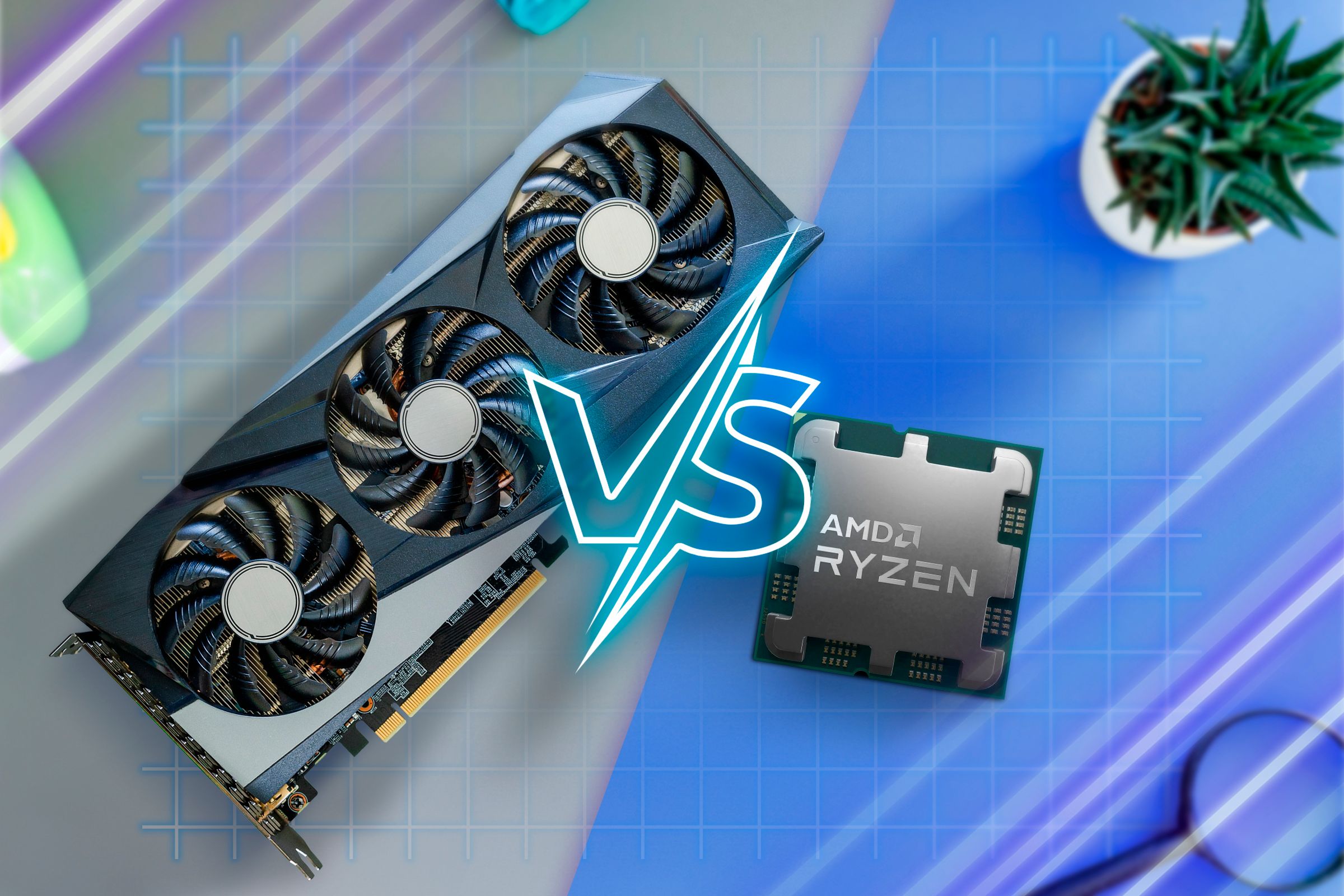
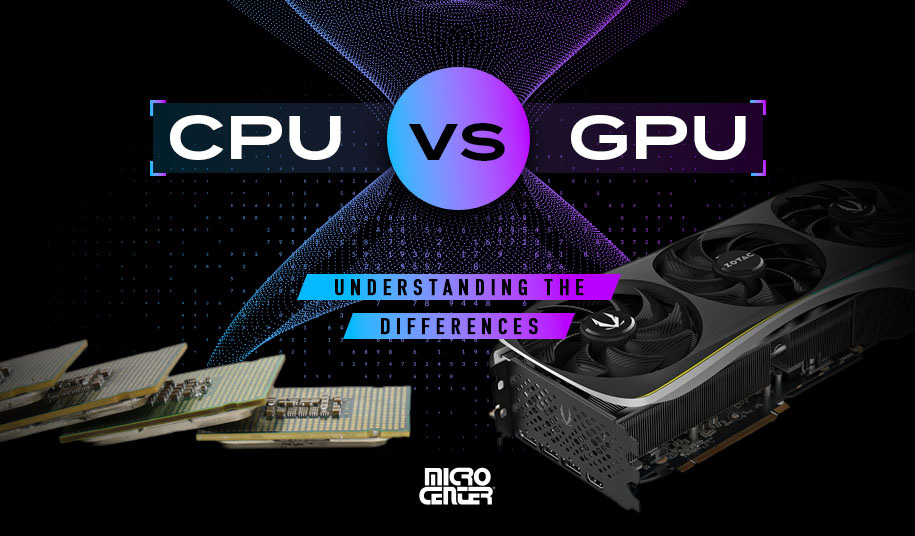
The balance between CPU and GPU plays a key role in gaming performance. When one part works harder than the other, it creates a bottleneck. This bottleneck limits the overall speed and smoothness of games. Understanding CPU vs GPU bottlenecks helps gamers choose the right hardware. It also improves gameplay by reducing lag and frame drops.
Identifying Performance Limits
Performance limits happen when either the CPU or GPU cannot keep up. The CPU handles game logic and physics. The GPU renders images and effects on the screen. If the CPU is slow, the GPU waits for instructions. If the GPU is weak, the CPU waits for frames to be drawn.
Signs of a CPU bottleneck include low frame rates in CPU-heavy games. Signs of a GPU bottleneck appear in high settings or resolutions. Tools like frame rate monitors help find these limits. Knowing the bottleneck type guides hardware upgrades.
Balancing Hardware For Optimal Play
Balanced hardware means the CPU and GPU perform well together. This balance prevents one part from slowing the other down. Choosing components with similar power levels is important. For example, a strong GPU pairs well with a fast CPU.
Upgrading only one part may not improve gaming much. Both CPU and GPU should match game requirements. This approach ensures smoother gameplay and better visuals. Balanced systems run games efficiently and reduce wasted power.
Game Types And Hardware Demands
Different games require different hardware strengths. Some games rely heavily on the processor, while others need a powerful graphics card. Understanding these demands helps choose the right parts for smooth gameplay. This section explains how game types relate to CPU and GPU needs.
Cpu-intensive Games
Strategy games and simulations often need a strong CPU. These games handle many calculations and logic rules at once. Examples include real-time strategy and city-building games. The CPU processes game physics, AI, and player commands quickly. A good processor keeps these games running without slowdowns.
Gpu-heavy Titles
Action games and shooters depend mostly on the GPU. These games have detailed graphics and fast movements. The graphics card renders textures, lighting, and effects in real-time. A powerful GPU improves frame rates and visual quality. Players enjoy smoother and more immersive experiences with a strong GPU.
Hybrid Demands In Modern Games
Many new games need both CPU and GPU power. Open-world and role-playing games are examples. They combine complex worlds with rich graphics. The CPU manages game logic and AI, while the GPU handles visuals. Balanced hardware gives the best performance in these games.
Benchmark Comparisons
Benchmark comparisons give clear insight into gaming performance. They show how CPUs and GPUs handle different games and settings. Gamers can see which parts affect gameplay the most. Testing popular models helps guide better choices. Metrics reveal the real impact on frame rates and smoothness.
This data helps decide if the CPU or GPU matters more. It also highlights the best hardware for different game types. Understanding these results can improve gaming setups and experiences.
Popular Cpu Models Tested
Benchmarks often include CPUs like Intel Core i5 and i7. AMD Ryzen 5 and Ryzen 7 are also tested. These models cover a wide price and performance range. Tests show how CPUs handle game logic and background tasks. Strong CPUs improve minimum frame rates and reduce stutters. They keep games running smoothly during intense moments.
Top Gpus In Gaming Scenarios
Graphics cards like NVIDIA RTX 3060 and 3080 are common in benchmarks. AMD Radeon RX 6600 and 6700 XT also appear frequently. GPUs mainly handle game visuals and effects. Higher-end GPUs boost frame rates at higher resolutions. They deliver sharper images and smoother gameplay. Gaming scenarios test various settings to show GPU limits.
Performance Metrics To Watch
Frame rate is the key metric for smooth gameplay. Higher frames per second (FPS) mean better experience. Minimum FPS is crucial for avoiding lag spikes. CPU usage shows if the processor is a bottleneck. GPU load reveals how hard the graphics card works. Temperature and power consumption indicate efficiency. Watching these helps understand hardware strengths and weaknesses.
Credit: helloastrologer.com
Future Trends In Gaming Hardware
The future of gaming hardware is shaping how players enjoy games. Technology moves fast, and both CPUs and GPUs are evolving to meet new demands. Understanding these trends helps gamers choose the right gear for better experiences.
Emerging Cpu Technologies
CPUs are becoming faster and more efficient. New designs focus on more cores and better power use. This helps games run smoother, especially those that need strong processing. CPUs also improve in handling tasks like AI and physics in games.
Advancements In Gpu Design
GPUs continue to grow in power and speed. New models offer better graphics and support higher resolutions. Ray tracing and AI-based features improve visuals and effects. These changes make games look more real and immersive.
Impact Of Cloud Gaming
Cloud gaming changes how hardware matters. Games run on remote servers, not just local PCs. This reduces the need for powerful CPUs or GPUs at home. Players can enjoy high-quality games on simple devices with fast internet.
Choosing The Right Hardware
Choosing the right hardware for gaming is important to get the best experience. Both CPU and GPU play big roles in how games run. Knowing which part to invest in depends on several factors. Understanding your needs helps you make smart choices. This saves money and boosts game performance.
Budget Considerations
Your budget often decides which hardware to buy. GPUs usually cost more than CPUs. If money is tight, focus on the component that fits your games best. Some games need a strong GPU, others need a better CPU. Balance spending to avoid bottlenecks. Spending too much on one part can limit overall gaming performance.
Gaming Resolution And Settings
Higher resolutions like 1440p or 4K demand more from the GPU. At these settings, the GPU matters more. Lower resolutions such as 1080p may rely more on the CPU. Settings like shadows and textures also affect hardware needs. Choose hardware that matches your preferred resolution and settings for smooth gameplay.
Upgrading Vs Building New
Upgrading parts can save money and improve gaming. Check if your current system supports new CPUs or GPUs. Sometimes upgrading the GPU gives a better boost than the CPU. Building a new PC allows full control over hardware choice. Decide based on budget, time, and how much improvement you want.
Credit: www.microcenter.com
Frequently Asked Questions
Does Cpu Or Gpu Impact Gaming Performance More?
GPU usually impacts gaming performance more by handling graphics rendering. However, CPU affects game logic and physics. Both work together, but GPU plays a bigger role in frame rates and visual quality.
Can A Weak Cpu Bottleneck A Strong Gpu In Games?
Yes, a weak CPU can bottleneck a strong GPU. It limits data processing speed, reducing overall gaming performance. Balanced CPU and GPU ensure smooth gameplay and prevent performance drops.
Which Is More Important For Esports Gaming, Cpu Or Gpu?
For esports gaming, CPU is often more important. It handles fast game logic and low latency. A good CPU ensures smoother performance in competitive, fast-paced games, even with mid-range GPUs.
How Does Cpu Affect Gaming Frame Rates?
CPU affects frame rates by managing game instructions and physics calculations. A powerful CPU processes data faster, reducing frame drops and stuttering. It supports the GPU to deliver consistent, high frame rates.
Conclusion
Choosing between CPU and GPU depends on the game you want to play. Some games need a strong CPU for smooth play. Others rely on a good GPU to show better graphics. Both parts work together to give a good experience.
A balanced system often helps avoid slowdowns or glitches. Think about your favorite games and their needs before buying. This way, you get the best performance for your money. Gaming is about fun, so pick what fits your style. Simple and smart choices make gaming more enjoyable.
