
Have you ever wondered if your PC is really safe when it starts to heat up? Overheating isn’t just uncomfortable for your machine—it can silently damage your valuable PC parts.
If you’ve noticed your computer running hot or slowing down, you need to understand what’s happening inside. This article will reveal how overheating can harm your PC and what you can do to protect it before it’s too late. Keep reading to make sure your computer stays fast, reliable, and long-lasting.
Credit: www.reach-technologies.com
Causes Of Pc Overheating
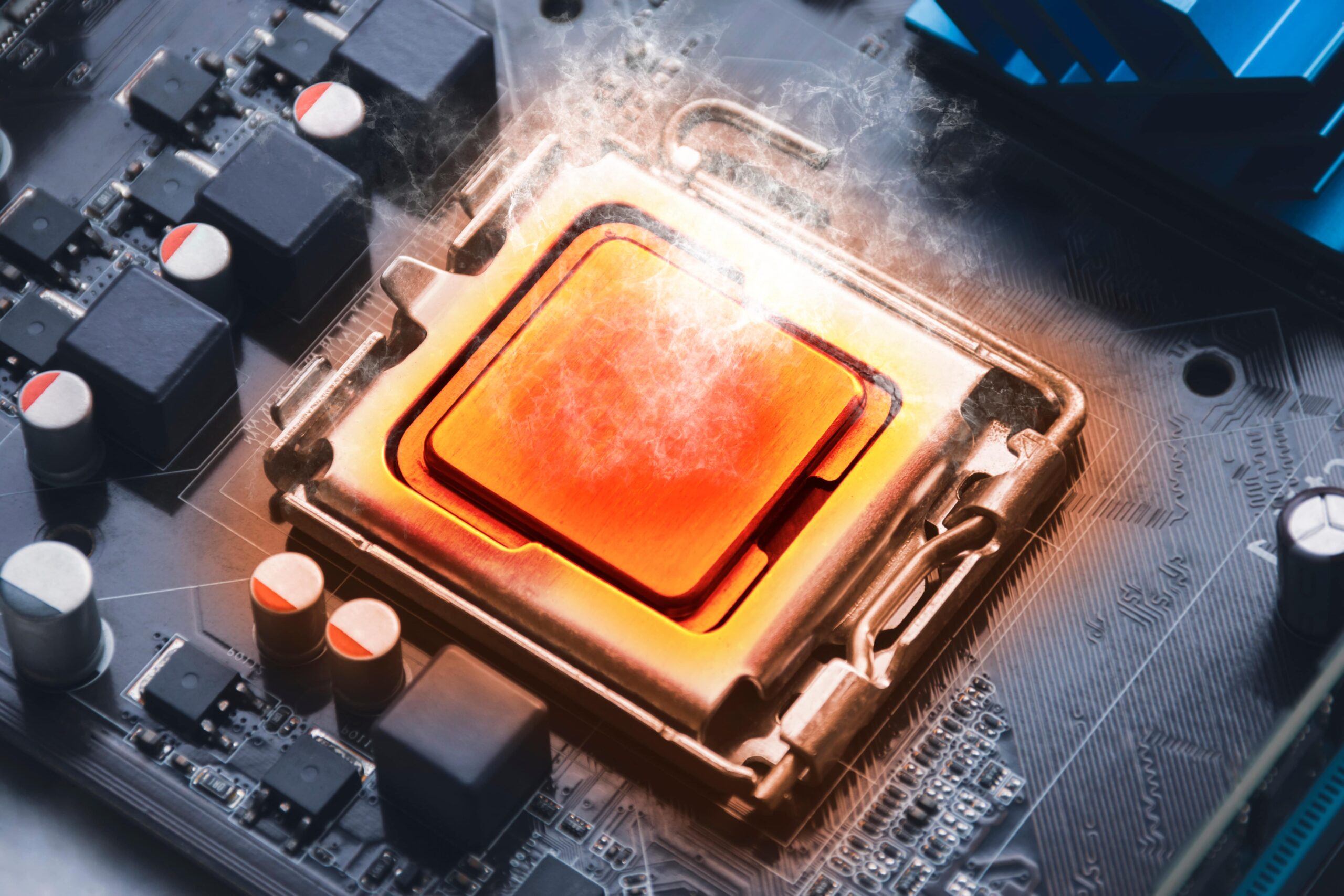
PC overheating happens when the internal temperature rises beyond safe limits. This can cause serious damage to your computer’s parts. Several factors cause this heat buildup. Understanding these causes helps keep your PC cool and working well.
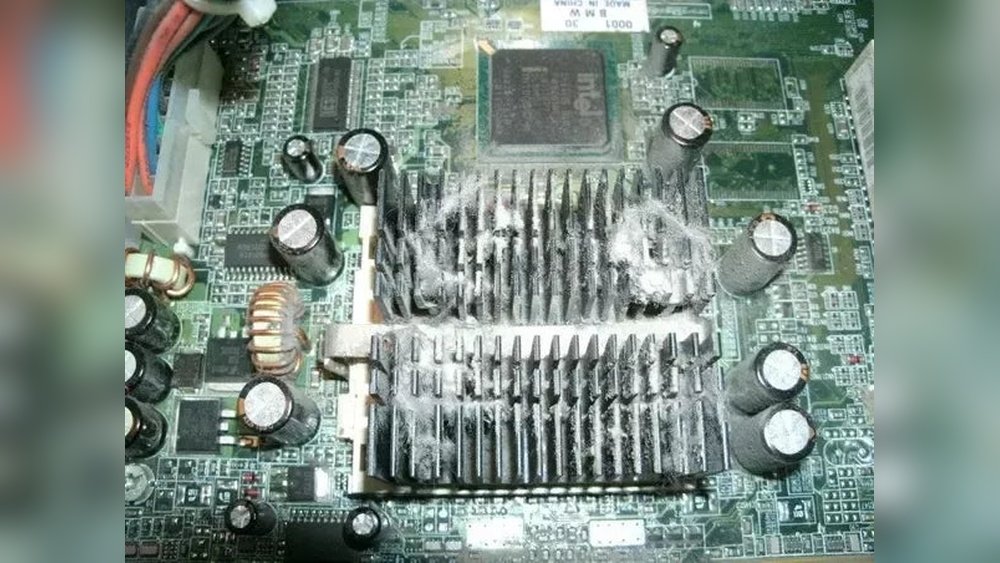
Dust And Dirt Accumulation
Dust and dirt block airflow inside the PC case. Fans cannot spin freely. Air vents get clogged. This prevents heat from escaping. Over time, heat builds up and damages parts like the CPU and GPU. Regular cleaning reduces this risk.
Poor Ventilation
Poor ventilation means less fresh air enters the PC. Placing the computer in tight spaces blocks airflow. Without enough air, heat stays trapped. This makes cooling systems work harder. It also raises the chance of overheating and hardware failure.
Faulty Cooling Systems
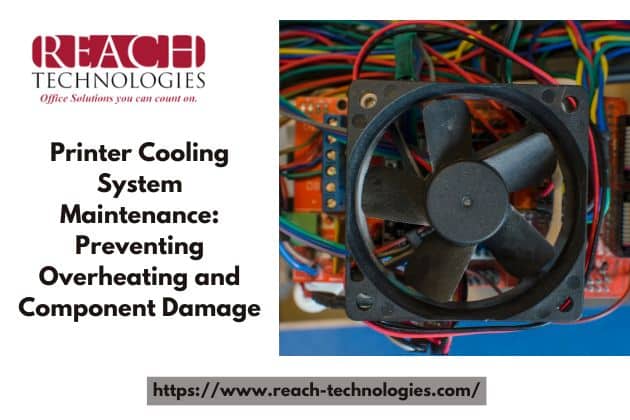
Cooling systems include fans, heat sinks, and liquid coolers. If these parts fail, heat cannot leave the PC. A broken fan or dried thermal paste causes temperature spikes. Checking cooling components often keeps the PC safe from heat damage.
Overclocking Risks
Overclocking pushes the CPU or GPU beyond factory speeds. This produces extra heat. Without proper cooling, components get too hot quickly. Overclocking requires better cooling solutions. Otherwise, it increases the risk of permanent damage.
Credit: mycomputerworks.com
Common Signs Of Overheating
Overheating can harm your PC parts and reduce performance. It is important to recognize the signs early. Spotting these issues helps protect your device from damage. Here are the common signs of overheating to watch for.
Unexpected Shutdowns
Your computer may turn off without warning. This happens to prevent damage from high heat. Sudden shutdowns often occur during heavy use or gaming. Frequent shutdowns signal overheating and need attention quickly.
System Slowdowns
The PC might become unusually slow or lag. Overheating forces the processor to reduce speed. This cooling method keeps the parts safe but lowers performance. Noticeable slowdowns during simple tasks can mean heat problems.
Fan Noise Increase
The cooling fan speeds up and gets louder. Fans work harder to cool hot components. Constant loud fan noise means the system runs too hot. Ignoring this can lead to more serious hardware issues.
Visual Temperature Alerts
Some computers show warning messages about high temperature. Software tools may display temperature readings. Bright red or orange alerts often indicate overheating. These warnings help you take action before damage occurs.
How Overheating Affects Pc Components
Overheating can harm your PC parts in many ways. Each component reacts differently to high temperatures. Understanding these effects helps protect your computer. This section explains how overheating damages key PC parts.
Cpu Damage
The CPU is the brain of your computer. Excess heat can cause it to slow down or crash. Prolonged heat can shorten its lifespan. In extreme cases, the CPU may stop working completely. Proper cooling keeps the CPU stable and fast.
Gpu Risks
The GPU handles graphics and gaming tasks. Overheating can cause visual glitches or poor performance. High temperatures may reduce the GPU’s efficiency. Continuous heat stress can lead to permanent damage. Cooling solutions prevent overheating and maintain smooth graphics.
Hard Drive Failures
Hard drives store all your data. Heat can cause parts inside the drive to expand. This expansion increases the chance of mechanical failure. Data loss or corruption can result from overheating. Keeping hard drives cool helps protect your important files.
Motherboard Issues
The motherboard connects all PC components. Overheating can damage its circuits and chips. This damage can cause system instability or failure. Heat can also weaken the motherboard over time. Good airflow is essential to keep it safe.
Preventing Overheating
Preventing overheating is key to keeping your PC safe and running well. High temperatures can harm parts and cause crashes. Simple steps help stop heat build-up. These actions keep your computer cool and stable.
Regular Cleaning
Dust blocks air vents and fans. It traps heat inside your PC. Clean your PC often. Use a soft brush or compressed air. Remove dust from fans, vents, and other parts. This helps air flow and cool your computer better.
Improving Airflow
Good airflow moves hot air out and cool air in. Arrange cables neatly to avoid blocking vents. Keep your PC in a cool, open space. Avoid placing it on soft surfaces like beds or carpets. These steps make air move freely and reduce heat.
Upgrading Cooling Solutions
Stock coolers may not be enough for some PCs. Consider upgrading to better fans or liquid cooling. These options cool parts faster. Choose cooling systems that fit your PC case. Better cooling protects your PC from overheating damage.
Monitoring Software Tools
Software tools check your PC’s temperature in real time. Use free programs to watch CPU and GPU heat levels. Set alerts for high temperatures. These tools help you act quickly before damage happens. Stay aware and keep your PC safe.
When To Seek Professional Help
Knowing when to seek professional help is key if your PC overheats. Overheating can cause serious damage. Sometimes, fixing it yourself is not enough. A technician can find hidden issues and stop damage early. This section explains signs to watch for and what to expect from repair services.
Persistent Overheating Problems
Overheating that keeps happening needs expert attention. Cleaning fans or changing thermal paste might not solve it. Professionals use special tools to check temperature and airflow. They detect if the problem is deeper, like a faulty sensor or broken fan. Ignoring constant heat risks harming your PC parts.
Hardware Replacement Decisions
A tech can tell if parts need replacement. Overheated CPUs, GPUs, or motherboards may fail soon. Experts assess damage and suggest the best choice. Sometimes, replacing one part saves the whole PC. Other times, a full upgrade is better. Professionals guide you to avoid costly mistakes.
Warranty And Repair Options
Many PCs come with a warranty covering overheating damage. Professionals know how to check warranty status. They help you use warranty services correctly. Repair shops offer options for out-of-warranty cases too. Choosing the right service saves money and ensures quality repairs.
Credit: www.blisscomputers.net
Frequently Asked Questions
Can Overheating Cause Permanent Pc Hardware Damage?
Yes, overheating can permanently damage PC parts like the CPU, GPU, and motherboard. Excess heat degrades components and reduces lifespan. Consistent overheating may cause system crashes and data loss. Proper cooling helps maintain hardware integrity and performance.
What Are Common Signs Of Pc Overheating?
Common signs include frequent shutdowns, loud fan noise, system slowdowns, and unexpected restarts. You may notice high temperature readings in monitoring software. Overheating can also cause graphical glitches and freezing during tasks.
How Can I Prevent My Pc From Overheating?
Ensure proper airflow by cleaning dust filters and fans regularly. Use high-quality thermal paste and keep cooling systems functional. Avoid blocking air vents and consider additional cooling solutions like extra fans or liquid cooling.
Does Overheating Affect Pc Performance?
Yes, overheating can cause thermal throttling, reducing CPU and GPU speeds to lower temperature. This leads to slower performance, lag, and stuttering during gaming or heavy tasks. Keeping your PC cool maintains optimal speed and responsiveness.
Conclusion
Overheating can cause serious damage to PC parts. It makes your computer slow and can cause crashes. Heat wears out important components like the CPU and graphics card. Keeping your PC cool helps it last longer and work better. Simple steps like cleaning dust and using fans really help.
Don’t ignore high temperatures; they can lead to costly repairs. Protect your PC by watching its temperature often. A cool PC means a happy and healthy machine.
