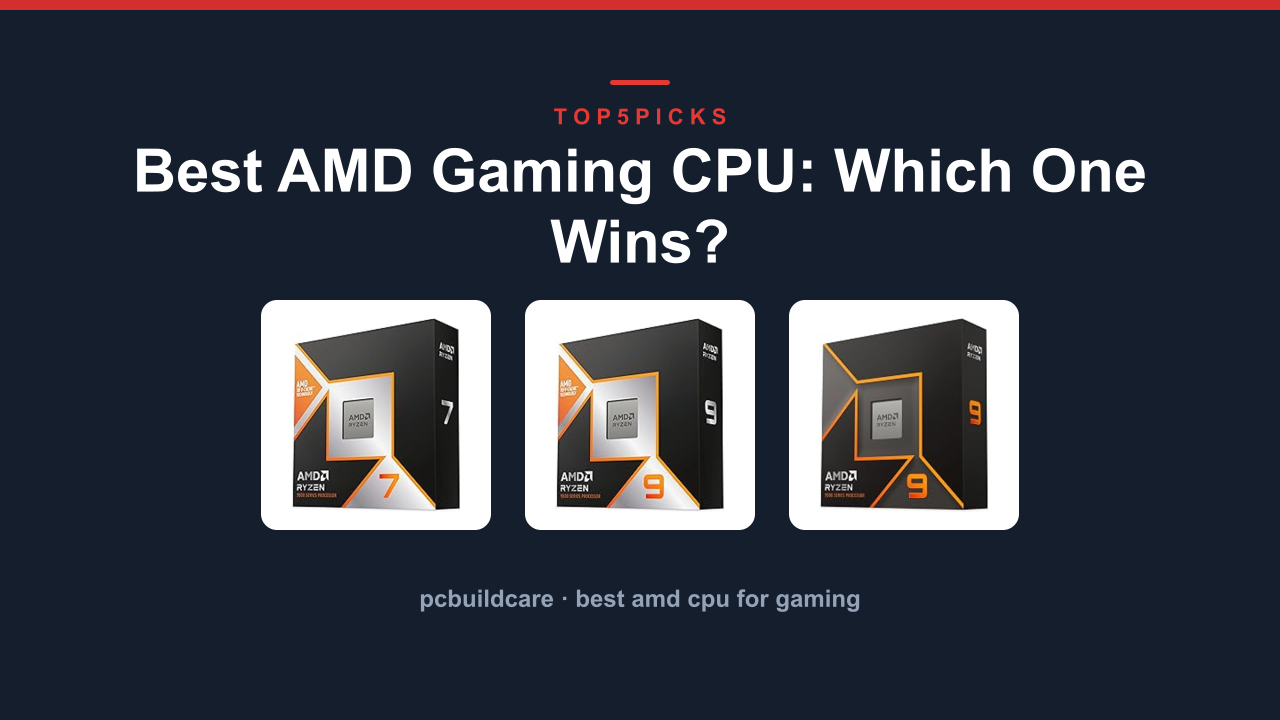
Want a massive core count for both gaming and heavy multitasking instead? The Ryzen 9 9950X3D 16-Core gets you there, as long as you know that those extra cores come with a higher price and more power draw.
Before you spend a dime on any of these processors, here’s what this guide covers that other lists skip: who should not buy a gaming CPU at this price bracket at all. If you are purely an esports player on a tight budget or you are building a silent media PC, this category may not be for you.
Everything below comes from current Amazon product data, specs, and each chip’s owner track record, not from hands-on lab testing. I have read through thousands of buyer reports and compared the official manufacturer numbers so you don’t have to.
The Ryzen 7 9800X3D is the overall winner for pure gaming performance.
Thinking about building a budget PC or a silent office machine instead? Jump to Who Should NOT Buy below before you spend anything.
Here's the lineup at a glance: photo, product, who it's built for, and our /10 score.
Ryzen 7 7800X3D is actually a better gaming chip for less money.
⚠Performance: The 9900X lacks 3D V-Cache. For pure gaming, the 8-core 7800X3D or 9800X3D will outperform it.
Pros
- ✓12 cores provide strong multi-threaded performance for code compiling
- ✓Uses the new Zen 5 architecture for improved IPC
- ✓Runs cooler than the 16-core 9950X under load
- ✓AM5 socket keeps your motherboard relevant for years
Cons
- ✕No 3D V-Cache means lower gaming FPS than X3D chips
- ✕Priced higher than better gaming-focused alternatives
- ✕Gaming performance is not a huge leap over a 7600X
Best for: The developer or engineer who needs a fast CPU for compiles and simulations but still wants decent gaming on the side.
Ryzen 7 7800X3D 8-Core: Best Value X3D Chip
Ryzen 7 7800X3D 8-Core: Best Value X3D Chip
#4
RyzenLast-Gen Hero
9.1OUT OF 10
Gaming FPS9.6
Value9.2
Power Efficiency9.0
Ecosystem Fit8.7
This is the smartest value pick for gamers who want top-tier frame rates without paying for the newest architecture. The 7800X3D uses the previous Zen 4 generation but still packs the same 3D V-Cache technology. Aggregate user reviews consistently show it beating the Core i9-13900K in gaming, often at a much lower system cost.
It features 8 cores, 16 threads, and a boost clock of 5.0 GHz. The 96 MB of L3 cache is the key to its performance in simulation and strategy games. Buyers report it pairs beautifully with a B650 motherboard, keeping the total build cost down.
Flaws but not dealbreakers. It is a last-gen chip, so you lose some of the newer Zen 5 features like improved memory controller. Also, it is not the best for heavily multi-threaded workstation tasks.
For streaming and editing, you should step up to the
Ryzen 9 9950X3D for those extra cores. But for pure gaming on a budget, this is unbeatable.
⚠Compatibility: This is an AM5 chip. It requires DDR5 RAM and an AM5 motherboard. It will not fit older AM4 boards.
Pros
- ✓3D V-Cache delivers elite gaming performance on a budget
- ✓Runs cool enough for standard air coolers
- ✓Proven track record with over 4.8 stars from thousands of buyers
- ✓Great pairing with affordable B650 motherboards
Cons
- ✕Last-gen Zen 4 means fewer platform upgrades ahead
- ✕Not ideal for high-end productivity, only gaming
- ✕Gets beaten by the 9800X3D in newer titles at 1080p
Best for: The savvy gamer who wants near-flagship gaming performance while saving money for a top-tier graphics card.
Ryzen™ 5 9600X 6-Core: Best Budget Entry to AM5
Ryzen™ 5 9600X 6-Core: Best Budget Entry to AM5
#5
Ryzen™Affordable AM5
8.2OUT OF 10
Gaming FPS8.0
Value9.0
Power Efficiency8.5
Ecosystem Fit9.3
This is the cheapest ticket onto the AM5 platform for gamers on a strict budget who still want modern performance. The 6-core, 12-thread Zen 5 processor offers a major upgrade over older Ryzen 5000 series chips without breaking the bank. Verified buyers report excellent frame rates in esports titles like Valorant and CS2.
AMD lists a 5.4 GHz boost clock and a 65W TDP, making it one of the most power-efficient chips in the lineup. That low power draw means you can use a budget air cooler and a lower-end B650 motherboard. Aggregate reviews give it a stellar 4.9 out of 5 stars.
Flaws but not dealbreakers. This chip lacks 3D V-Cache entirely, so it falls behind in CPU-bound AAA titles. It is also only 6 cores, which may feel limiting if you try to stream and game at the same time.
If you can stretch your budget, the
Ryzen 7 7800X3D is a massive leap in gaming performance. But for a pure entry-level build, this is the right starting point.
⚠Limitations: No 3D V-Cache means this chip will not match the gaming performance of the 7800X3D or 9800X3D in demanding titles.
Pros
- ✓Lowest cost entry point to the AM5 platform
- ✓65W TDP runs cool on stock coolers and budget air coolers
- ✓Zen 5 architecture provides solid IPC gains over Zen 4
- ✓Excellent for esports and older game titles
Cons
- ✕No 3D V-Cache, so lags in CPU-heavy games
- ✕Only 6 cores limits multitasking and streaming
- ✕Not a huge upgrade over a Ryzen 5 7600X
Best for: The budget-conscious gamer building a new PC who wants an upgrade path to future Ryzen chips without starting from scratch.
Buying Guide: Cores, Cache, Socket, and Your Real Needs
Choosing a gaming CPU can feel overwhelming. You see terms like cores, threads, cache, and boost clocks. But you really only need to focus on a few key factors to make the right choice.
Here is how they affect your gaming experience.
How Many Cores Do You Actually Need for Gaming?
A common myth is that you need 16 cores for gaming. That is not true. Most modern games use 6 to 8 cores well.
Anything beyond that helps more with streaming, video editing, and rendering.
For example, the 8-core Ryzen 7 7800X3D often beats the 12-core Ryzen 9 9900X in gaming because it has the 3D V-Cache that the 9900X lacks. If you only game, 8 cores with a large cache is the sweet spot. The 16-core Ryzen 9 9950X3D only makes sense if you also edit videos or run virtual machines.
You can learn more about how to tell if your CPU is holding you back by checking for a bottleneck before you buy.
The Magic of 3D V-Cache
AMD's 3D V-Cache is the single biggest feature for gaming performance. It stacks extra L3 cache directly on top of the CPU die. This lets the processor hold more game data close at hand, reducing the time it spends waiting for the main memory.
The 9800X3D and 7800X3D both benefit from this. The 9950X3D uses it on one of its two chiplets. The 9900X and 9600X do not have it at all.
If you play simulation games like Microsoft Flight Simulator or strategy titles like Civilization, the V-Cache chips can be 20-30% faster. On the other hand, if you mostly play GPU-bound games and check your CPU performance and see low usage, the non-V-Cache chips will still feel fast.
AM5 vs AM4: What You Need to Know
All the processors in this guide use the AM5 socket. That is a crucial point. AM5 requires DDR5 RAM and a new motherboard like a B650 or X870.
You cannot put these chips into an older AM4 board.
If you are building a new PC from scratch, AM5 is the smart choice. It gives you a future upgrade path to next-gen Ryzen chips. But if you already have a perfectly good AM4 motherboard and DDR4 RAM, upgrading to a Ryzen 7 5800X3D may be cheaper than buying a whole new platform.
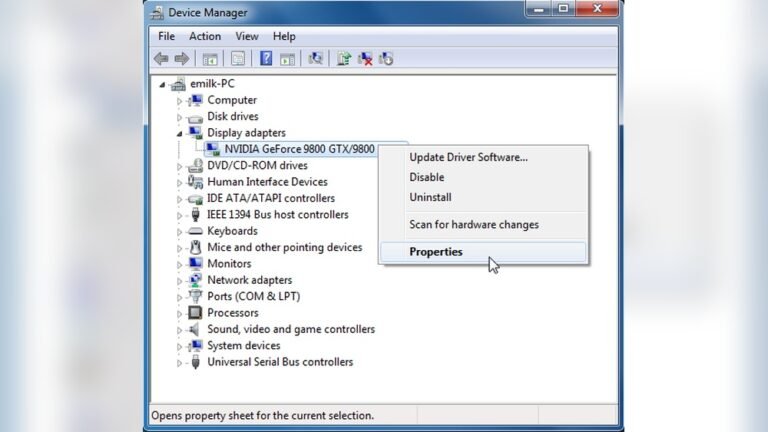
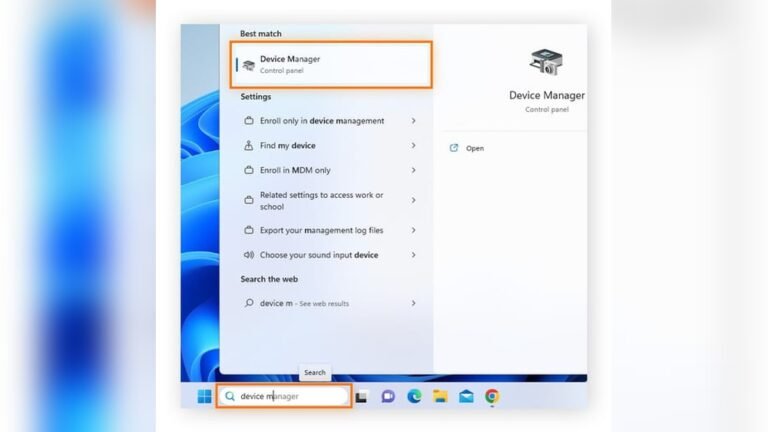
Check the system details in your OS to see what socket you currently have.
Power and Cooling: Matching the Heat
These chips have different power needs. The Ryzen 5 9600X runs at just 65W, so a cheap air cooler works fine. The Ryzen 7 9800X3D and 7800X3D run around 120W under load and need a decent tower cooler or a 240mm AIO.
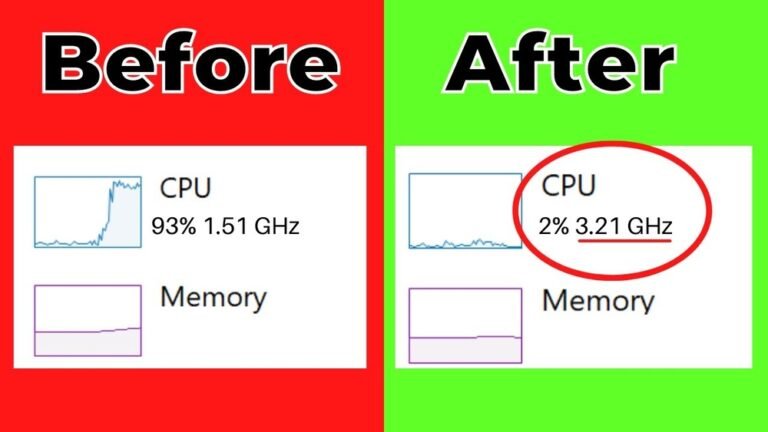
The Ryzen 9 9950X3D pulls over 200W in all-core workloads and demands a 360mm AIO or custom loop. If you are not sure about your current cooler, cleaning your CPU cooler can improve performance.
To see how these factors play out on real picks, compare the RYZEN 7 9800X3D 8-Core, Ryzen 9 9950X3D 16-Core Processor and the Ryzen™ 9 9900X 12-Core reviewed above.
Who Should NOT Buy Best Amd Cpu for Gaming
These processors are fantastic for the right person. But they are the wrong purchase for several kinds of buyers. Here is who should look elsewhere.
You Need a Silent Office or Media PC
If you are building a machine for web browsing, spreadsheets, or quiet movie watching, these gaming CPUs are overkill and too power-hungry. They require active cooling fans that are audible under load.
Look at the AMD Ryzen 5 7600 or even the Ryzen 3 8300 series instead. These have lower TDPs and can often be cooled passively or with very quiet fans. You will save money and get a much quieter experience.
You Are on a Strict Budget for the Entire PC
If your total build budget is tight, spending a large chunk on a CPU like the 9800X3D or 9950X3D leaves very little for the graphics card. In gaming, the GPU matters more at higher resolutions.
A balanced approach is better. Budget $250-300 on a CPU like the Ryzen 5 9600X and put the saved money into a better graphics card like an RTX 4060 or Radeon RX 7700 XT. You will get more gaming performance that way.
You Already Have a Great AM4 System
If you own a Ryzen 5000-series CPU on an AM4 board, upgrading to an AM5 platform means buying a new motherboard, CPU, and RAM. That upgrade can cost $500 or more.
Instead, consider a drop-in upgrade to the Ryzen 7 5700X3D. It uses the same AM4 socket and DDR4 RAM you already have. You can gain a lot of gaming performance for under $200 without rebuilding your whole system.
Follow a step-by-step CPU replacement guide to swap it out safely.
Final Verdict
The Ryzen 7 9800X3D is the best gaming CPU you can buy right now. It combines the new Zen 5 architecture with AMD's 3D V-Cache for unbeatable frame rates at 1080p and 1440p. There is simply no faster chip for pure gaming.
Want the same gaming chops but also need to edit video or stream? Get the Ryzen 9 9950X3D. It is the ultimate all-arounder for the creative gamer.
Need to save money? The Ryzen 7 7800X3D is still a beast and leaves room in your budget for a top-tier GPU. For a budget starter build, the Ryzen 5 9600X gets you on the AM5 platform cheaply.
Still not sure? Jump back up to the Who Should NOT Buy section. If you fit that description, save your money and buy something else.
Best CPUs for ANY New Graphics Card
via Zach’s Tech Turf
FAQ
What's the best Amd Cpu for Gaming overall?
The Ryzen 7 9800X3D is the best overall. It offers the highest gaming performance thanks to Zen 5 and 3D V-Cache.
Is the Ryzen 9 9950X3D good for gaming?
Yes, it is excellent for gaming. It uses 3D V-Cache on one chiplet for top-tier frame rates while offering 16 cores for heavy multitasking.
Does the Ryzen 5 9600X have 3D V-Cache?
No, the 9600X does not have 3D V-Cache. It relies on standard Zen 5 architecture, which is still fast but lags behind the X3D chips in CPU-bound games.
Can I use an AMD stock cooler with the Ryzen 7 9800X3D?
Some users report it works at stock settings, but a better aftermarket cooler is strongly recommended. The chip pulls around 120W under load.
What motherboard do I need for these chips?
You need a motherboard with the AM5 socket. B650 and X870 chipsets are the most common choices for these processors.
How do I know if my CPU is bottlenecking my GPU?
You can check your CPU utilization while gaming. If one or two cores are pegged at 100% while your GPU is under 90%, your CPU is the bottleneck. See our guide on detecting a CPU bottleneck for more details.