How to Lower Cpu Usage in Games: Ultimate Tips for Smooth Play
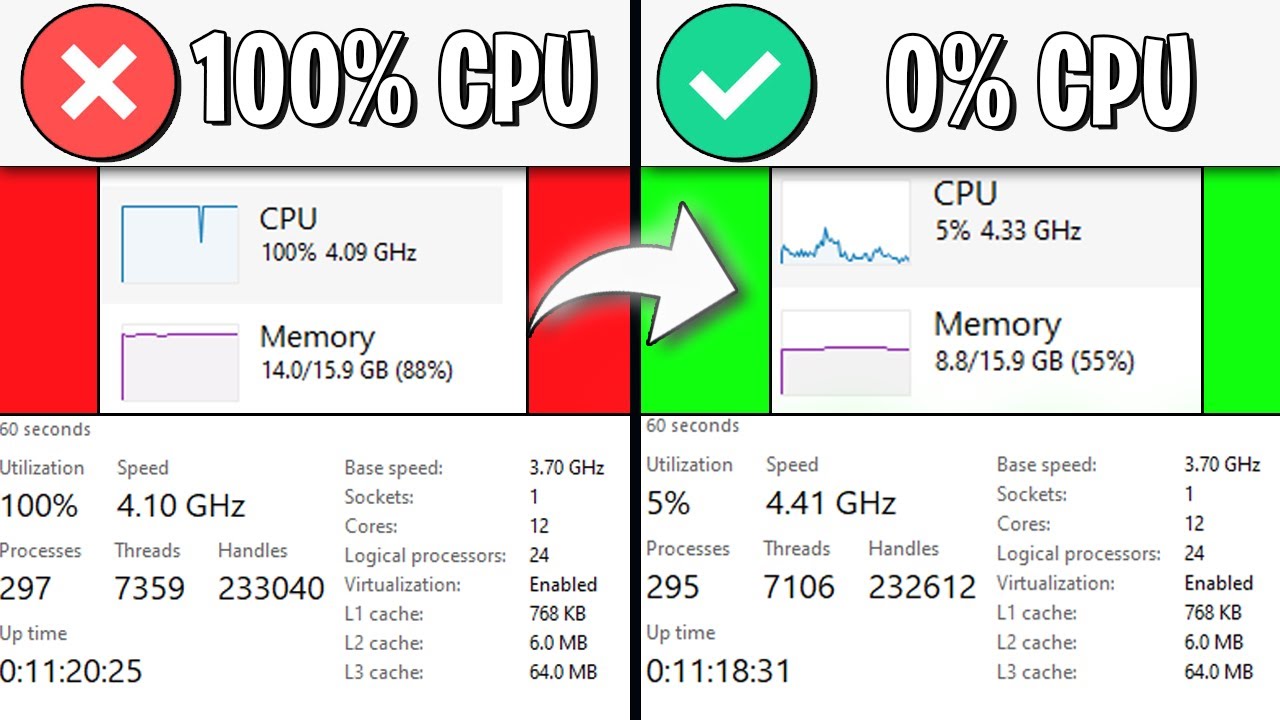
Are your games running slower than they should? High CPU usage can cause lag, stuttering, and a frustrating gaming experience.
But don’t worry—you have the power to fix this. You’ll discover simple and effective ways to lower your CPU usage while gaming. By following these tips, your games will run smoother, and your computer will thank you. Ready to get the most out of your system?
Let’s dive in and take control of your CPU now.

Credit: softwareg.com.au
Identify Cpu Usage Causes
High CPU usage can cause games to lag or freeze. Finding the cause helps you fix the problem fast. Many factors can raise CPU use during gaming. Knowing these factors helps keep your computer running smooth.
Background Processes Impact
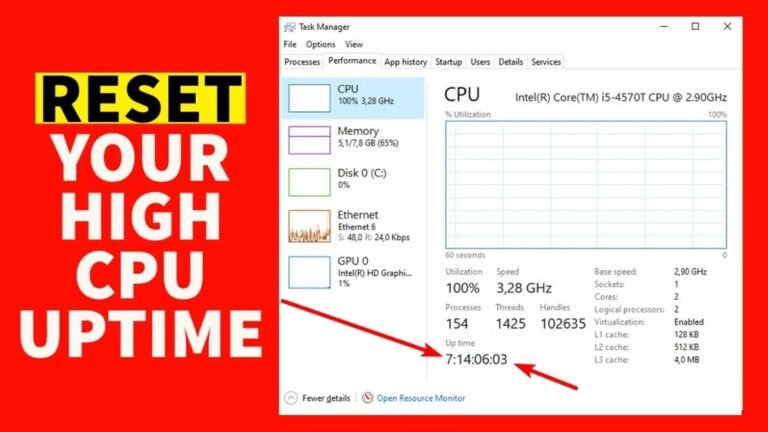
Programs running in the background use CPU power. These include antivirus scans, updates, and apps. They slow down your game by taking CPU cycles. Close unnecessary apps before starting your game. Use Task Manager to check running processes. End tasks that are not important. This frees up CPU for better game performance.
Game Settings Influence
Game settings affect how much CPU is used. High graphics and resolution settings require more CPU work. Features like shadows and physics also increase load. Lower these settings to reduce CPU demand. Choose settings that balance quality and performance. This helps your game run smoother without lag.
Hardware Limitations
Older or weaker CPUs struggle with modern games. Limited cores and low clock speed reduce performance. Your CPU might not handle game demands well. Upgrading hardware can improve CPU usage in games. Check if your CPU meets the game’s minimum requirements. Sometimes, a new CPU or more RAM is needed.

Credit: softwareg.com.au
Optimize Game Settings
Optimizing game settings helps reduce CPU usage and improves gameplay. It balances visuals and performance for a smoother experience. Small changes in settings can lower the CPU load significantly. This saves power and keeps your system cooler during long sessions.
Adjust Graphics Quality
Lower the graphics quality to reduce CPU strain. Choose medium or low settings for textures and shadows. Turn off high-detail features like reflections and ambient occlusion. This cuts down on processing power needed for visuals.
Limit Frame Rate
Set a frame rate cap to control CPU workload. High frame rates increase CPU use and heat. A limit of 30 or 60 frames per second is often enough. This prevents your CPU from working too hard without losing smoothness.
Disable Unnecessary Features
Turn off background effects like motion blur and depth of field. Disable extra visual effects that do not add much to gameplay. These features use CPU resources without improving play quality. Removing them frees up CPU power for better performance.
Manage System Resources
Managing system resources helps your computer run games smoothly. Games need a lot of processing power. Other programs can take that power away. Freeing up resources lets the game use more CPU. This lowers CPU usage and can reduce lag and stutter.
Close Unneeded Applications
Close all programs you do not need while gaming. Web browsers, chat apps, and background tools use CPU and memory. Shutting them down frees up resources for the game. Check the task manager to find and end extra processes.
Update Drivers
Drivers control how hardware works with software. Old or broken drivers can cause high CPU use. Keep your graphics and CPU drivers up to date. Visit the manufacturer’s website for the latest versions. Updated drivers improve performance and stability.
Use Game Mode
Game Mode is built into Windows to optimize gaming. It prioritizes game processes over background tasks. Turn on Game Mode in the system settings before playing. This helps reduce CPU load and keeps your game running better.
Upgrade Hardware Components
Upgrading hardware components can significantly reduce CPU usage in games. Better hardware handles tasks faster and smoother. This lowers the load on your CPU and improves game performance. Focus on key parts like the CPU, RAM, and cooling system. Each upgrade helps your computer run games with less strain.
Cpu Upgrades
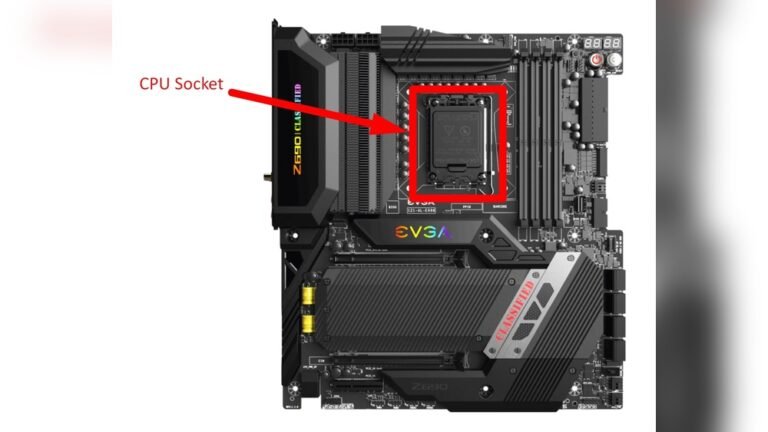
The CPU is the brain of your computer. A stronger CPU processes game data faster. This reduces bottlenecks and lowers CPU usage. Choose a CPU with higher clock speeds and more cores. Modern games benefit from multi-core processors. Ensure your motherboard supports the new CPU model.
Add More Ram
RAM stores game data your CPU needs quickly. Too little RAM forces your CPU to work harder. Adding more RAM frees up resources for the CPU. This leads to smoother gameplay and less lag. Aim for at least 16GB for modern games. Match the RAM speed with your motherboard for best results.
Improve Cooling Solutions
Overheating causes the CPU to slow down. Better cooling keeps the CPU temperature low. Use high-quality fans, heatsinks, or liquid cooling systems. Cooler CPUs perform better and use less power. Check your case airflow and clean dust regularly. Good cooling extends hardware life and boosts game stability.
Use Software Tools
Using software tools can help lower CPU usage in games. These tools show how your CPU works and let you control its power. They help keep your computer cool and fast during gaming. Below are some types of software tools to try.
Performance Monitoring
Performance monitoring tools show real-time data about your CPU. You see how much CPU power games use. This helps find programs that slow down your PC. You can close apps that use too much CPU. Popular tools include Task Manager and MSI Afterburner.
Cpu Throttling Utilities
CPU throttling tools adjust CPU speed to reduce heat and usage. They lower CPU frequency when full power is not needed. This stops your CPU from working too hard. These utilities prevent overheating and improve game stability. Examples are ThrottleStop and Intel Extreme Tuning Utility.
Game Boosters
Game boosters improve gaming by managing background processes. They pause or stop unnecessary apps to free CPU power. This gives your game more resources and smoother play. Some boosters also optimize system settings for games. Try tools like Razer Cortex and Wise Game Booster.
Maintain System Health
Maintaining system health is key to lowering CPU usage in games. A clean and well-updated computer runs smoother. This helps games use less CPU power and perform better. Keep your system healthy with simple, regular steps.
Regular System Scans
Run antivirus scans often. These scans find and remove harmful software. Viruses and malware use CPU power without your knowledge. Clean your system to free up resources for gaming. Use trusted antivirus programs for best results.
Disk Cleanup
Delete unnecessary files regularly. Temporary files, cache, and old downloads slow your system. Use built-in disk cleanup tools to clear space. More free space means better CPU performance. Keep your drive tidy for smoother gameplay.
Update Operating System
Install OS updates as soon as they are available. Updates fix bugs and improve system efficiency. A well-updated system uses CPU resources wisely. Check for updates often to keep your PC running well. This helps games run with less CPU strain.
Credit: www.youtube.com
Frequently Asked Questions
How Can I Reduce High Cpu Usage In Games?
Close unnecessary background apps to free CPU resources. Lower in-game settings like shadows and textures. Update drivers and optimize game settings for better performance.
Does Updating Drivers Lower Cpu Usage In Games?
Yes, updated drivers improve hardware efficiency. They fix bugs and optimize performance, reducing CPU load during gaming sessions.
What Game Settings Most Affect Cpu Usage?
Settings like shadow quality, draw distance, and physics calculations heavily impact CPU usage. Lowering these reduces the processor workload.
Can Overclocking Help Reduce Cpu Usage In Games?
Overclocking increases CPU speed but doesn’t reduce usage. It improves performance but may cause overheating if not managed properly.
Conclusion
Lowering CPU usage in games improves performance and reduces lag. Close unnecessary apps to free up your processor. Adjust game settings to balance quality and speed. Keep your drivers updated for smoother gameplay. Regularly clean your PC to prevent overheating issues.
Small changes can make a big difference in gaming. Play with ease and enjoy better frame rates. Your CPU will thank you with longer life and stability. Simple steps lead to a smoother gaming experience every time.