How to Pick a Cpu Cooler: Ultimate Guide for Maximum Performance
Choosing the right CPU cooler can make a huge difference in your computer’s performance and lifespan. If your PC runs hot or makes loud noises, the problem might be your cooler.
But with so many options out there, how do you pick the one that fits your needs perfectly? In this guide, you’ll discover simple yet powerful tips to help you find a cooler that keeps your CPU chill, quiet, and running smoothly.
Keep reading, and you’ll learn exactly what to look for—no technical jargon, just straightforward advice that works.
Types Of Cpu Coolers
Choosing the right CPU cooler is important for your computer’s performance. Different coolers work in different ways. Knowing the types helps you pick what fits your needs and budget.
Air Coolers
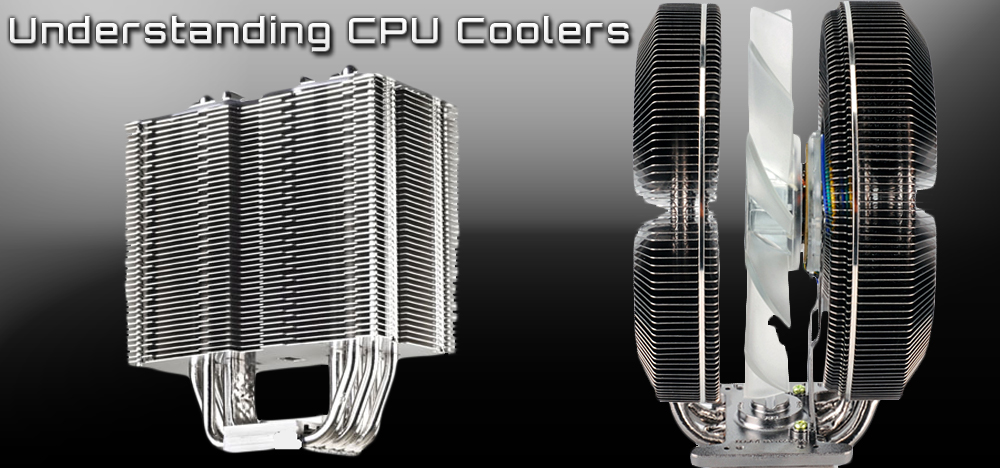
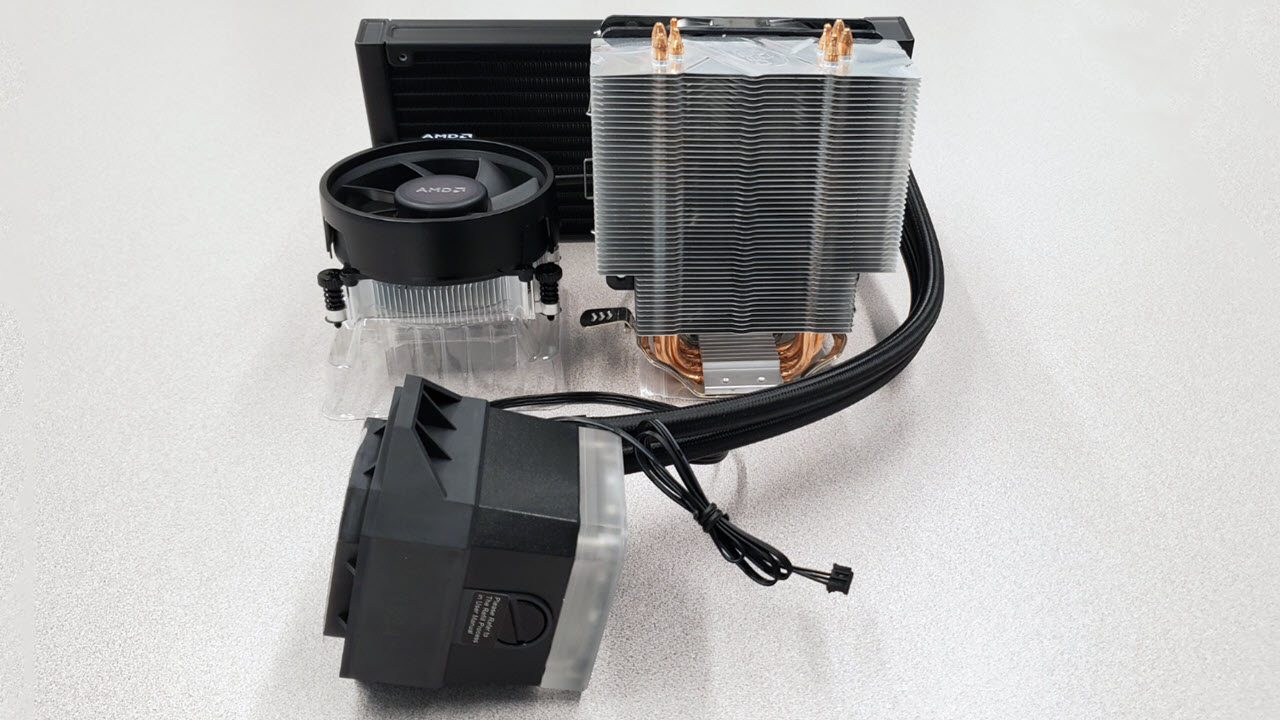
Air coolers use fans and heat sinks to move heat away from the CPU. They are common and easy to install. Most air coolers are affordable and reliable. They work well for everyday tasks and light gaming. Some models have large fans and metal fins for better cooling. Air coolers are usually quieter with bigger fans running slower.
Liquid Coolers
Liquid coolers use water or coolant to carry heat from the CPU. They have a pump, tubes, and a radiator with fans. These coolers are good for high-performance computers. They keep the CPU cooler under heavy loads. Liquid coolers are often quieter than air coolers at full speed. They need more space and careful installation.
Passive Coolers
Passive coolers have no fans. They rely on metal heat sinks to spread heat naturally. These coolers are silent and need no power. They work best for low-power CPUs or small computers. Passive cooling is simple but less effective for strong processors. Good for quiet setups and basic tasks.
Credit: gamersnexus.net
Key Cooling Performance Metrics
Choosing the right CPU cooler needs understanding key cooling metrics. These metrics show how well the cooler works. They help find the best match for your CPU and budget.
Knowing these metrics saves time and avoids problems later. It guides you to pick a cooler that keeps your CPU safe and quiet.
Thermal Design Power (tdp)
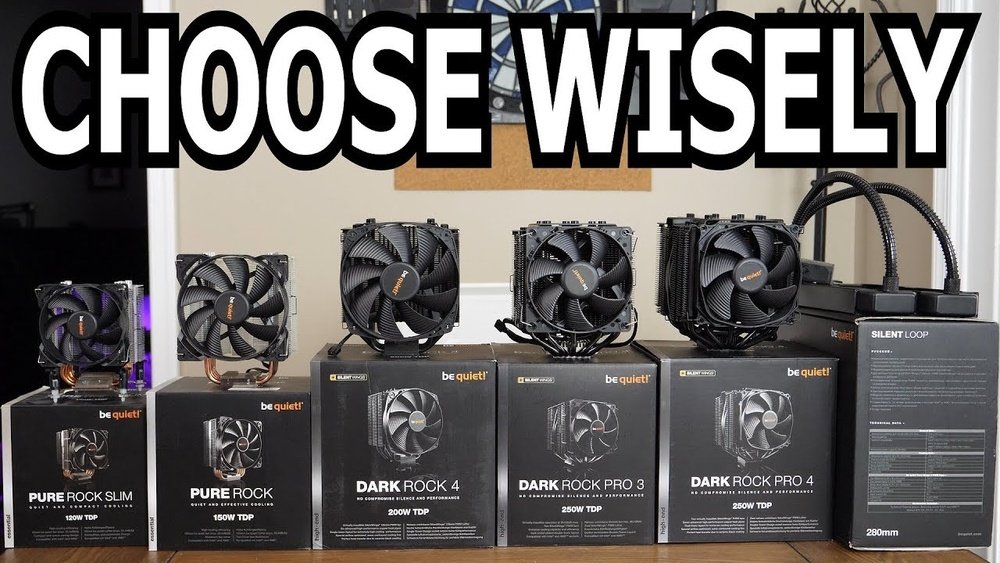
TDP measures how much heat a CPU generates under normal use. A cooler’s TDP rating shows how much heat it can handle. Pick a cooler with a TDP rating equal to or higher than your CPU’s TDP. This prevents overheating and ensures smooth performance.
Noise Levels
Noise levels tell how loud a cooler gets during work. Cooler fans produce sound measured in decibels (dB). Lower dB means quieter operation. Choose a cooler with low noise for a peaceful environment. Quiet coolers work well for offices or bedrooms.
Cooling Efficiency
Cooling efficiency means how fast and well the cooler removes heat. Good efficiency keeps CPU temperature low. It improves computer speed and life span. Check reviews and test results to compare efficiency. Efficient coolers use less power and reduce noise too.
Compatibility Factors
Choosing the right CPU cooler means checking several compatibility factors. These factors ensure the cooler fits well and works efficiently with your computer parts. Ignoring compatibility can cause installation problems or poor cooling performance. Focus on three key areas: CPU socket types, case size and clearance, and RAM and motherboard layout.
Cpu Socket Types
CPU coolers must match your processor’s socket type. Different CPUs use different sockets, such as Intel’s LGA or AMD’s AM series. Each cooler supports specific socket types. Check your CPU model and find a cooler designed for that socket. Using the wrong socket type can prevent proper mounting and cause poor cooling.
Case Size And Clearance
Your computer case size limits cooler height and width. Large air coolers may not fit in small cases. Measure the available space inside your case before buying. Consider cooler height and fan size. Also, check if the cooler blocks other parts or cables. Proper clearance ensures good airflow and easy installation.
Ram And Motherboard Layout
Cooler design affects RAM and motherboard component space. Some coolers block RAM slots, especially tall memory modules. Check the cooler’s shape and size against your RAM height. Also, look at motherboard layout for nearby components. Choose a cooler that fits without blocking slots or ports. This prevents hardware conflicts and makes upgrades easier.
Installation Considerations
Choosing a CPU cooler is not just about size and performance. Installation matters a lot. A cooler that is hard to install can cause frustration. It might also harm your CPU or motherboard. This section covers key points to check before installing your cooler.
Mounting Mechanisms
Check how the cooler attaches to the CPU socket. Some use screws, others use clips or brackets. Make sure the mounting system matches your motherboard. A secure fit keeps the cooler stable and effective. Avoid coolers with complex or unclear mounting steps.
Thermal Paste Application
Thermal paste fills gaps between the cooler and CPU. It helps heat move efficiently. Many coolers come with pre-applied paste. If not, you must apply it yourself. Use a small pea-sized drop in the center. Spread it evenly when pressing the cooler down. Too much or too little paste reduces cooling.
Maintenance Requirements
Some coolers need regular cleaning to keep working well. Dust can block airflow and raise temperatures. Fans may need occasional oiling or replacement. Water coolers require checking for leaks and fluid levels. Choose a cooler that fits your comfort with maintenance tasks.
Budget And Brand Choices
Choosing the right CPU cooler depends a lot on your budget and brand preferences. Balancing cost and quality helps you get the best value. Some coolers offer solid performance at low prices. Others provide advanced features but come at a higher price. Knowing your options helps you pick a cooler that fits your needs and wallet.
Affordable Options
Budget-friendly CPU coolers work well for most everyday tasks. They keep your processor cool without costing too much. Many models use simple air cooling with quiet fans. These coolers fit easily in most cases. They offer decent performance for standard computers. Ideal for users who do light gaming or office work.
Premium Models
Premium CPU coolers provide better cooling and quieter operation. They often use liquid cooling or advanced air designs. These models suit high-performance PCs and gaming rigs. They help keep temperatures low under heavy loads. Premium coolers usually last longer and look stylish. They come with features like RGB lighting and customizable fans.
Trusted Brands
Choosing a cooler from a trusted brand ensures reliability. Well-known brands have tested their products thoroughly. They provide good customer support and warranties. Popular brands include Noctua, Cooler Master, and Corsair. These companies offer a range of coolers for different budgets. Buying from trusted brands reduces the risk of problems later.
Credit: www.tomshardware.com
Additional Features To Look For
Choosing a CPU cooler is more than just size and cooling power. Extra features can make your experience better. These features add value and improve how your computer runs. They also offer more control and style. Here are some key features to check.
Rgb Lighting
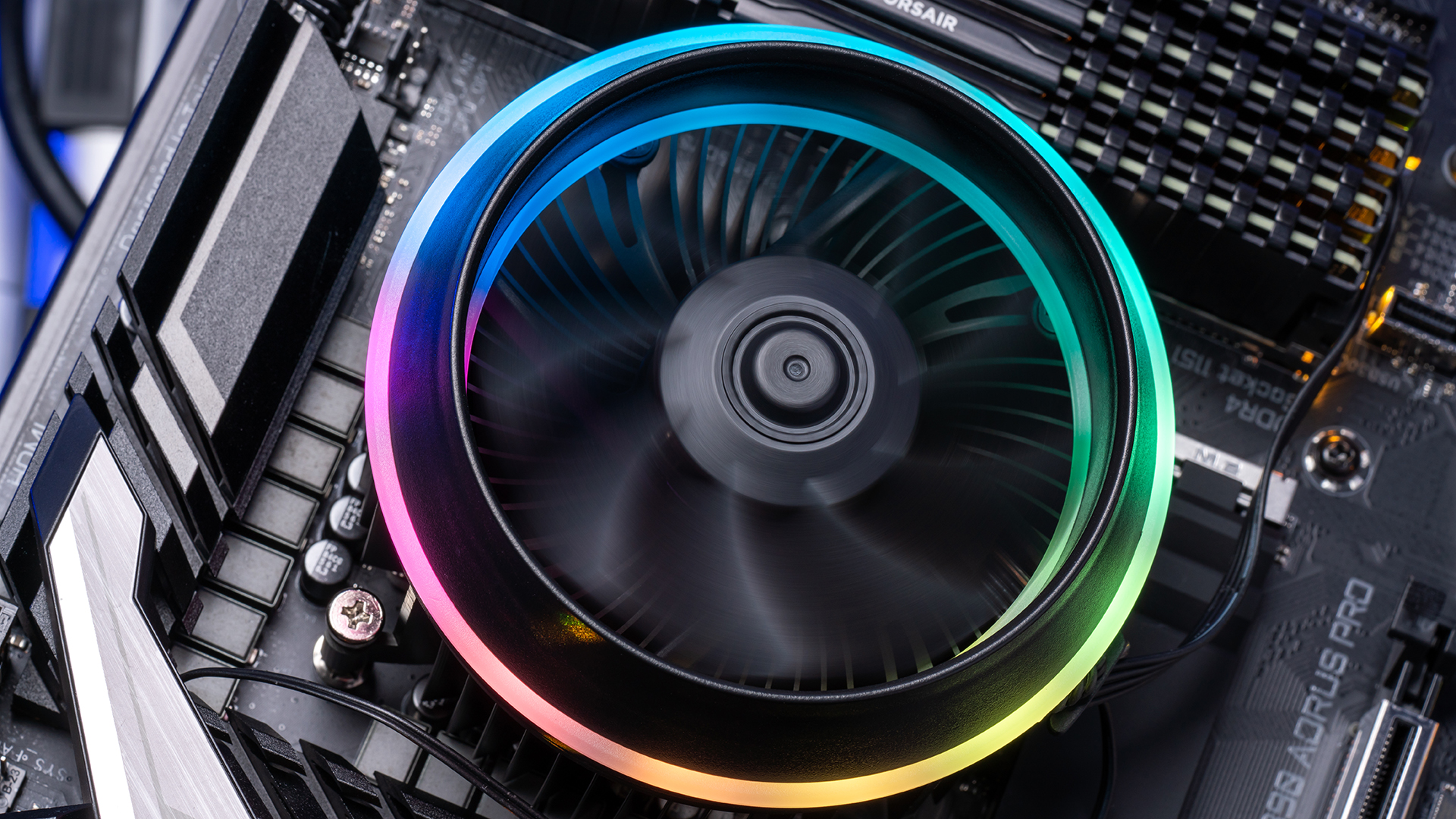
RGB lighting can brighten your PC build. It adds color and style. Many coolers have customizable lights. You can match your PC’s theme or mood. Lights can pulse, change colors, or stay steady. This feature is popular among gamers and PC builders.
Fan Control Software
Fan control software helps you adjust speed and noise. You can set fans to run quietly or cool faster. Some software offers automatic control based on temperature. This keeps your CPU safe and your PC quiet. It gives you more control over cooling.
Warranty And Support
A good warranty shows confidence in the product. Check how long the warranty lasts and what it covers. Support is important if problems arise. Good customer service can save you time and stress. Choose coolers with reliable warranty and support options.
Tips For Optimizing Cpu Cooling
Optimizing your CPU cooling helps keep your computer fast and safe. Good cooling stops your CPU from getting too hot. It also makes your computer last longer. Follow these tips to improve your CPU cooling system easily.
Proper Airflow Setup
Airflow moves heat away from your CPU. Place fans so air flows smoothly inside the case. Front fans should pull cool air in. Rear fans push hot air out. Avoid blocking airflow with cables or parts. Keep space around fans clear for better cooling.
Regular Cleaning
Dust builds up on fans and heat sinks. It blocks airflow and reduces cooling. Clean your CPU cooler every few months. Use a soft brush or compressed air. Remove dust from fans, vents, and heat sinks. A clean cooler works better and lasts longer.
Monitoring Temperatures
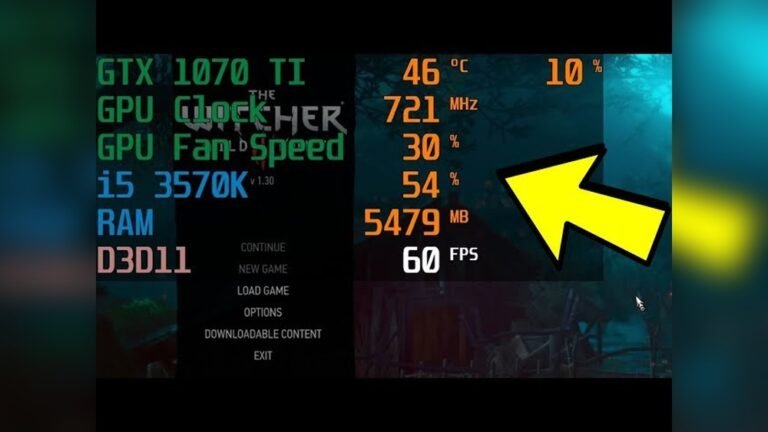
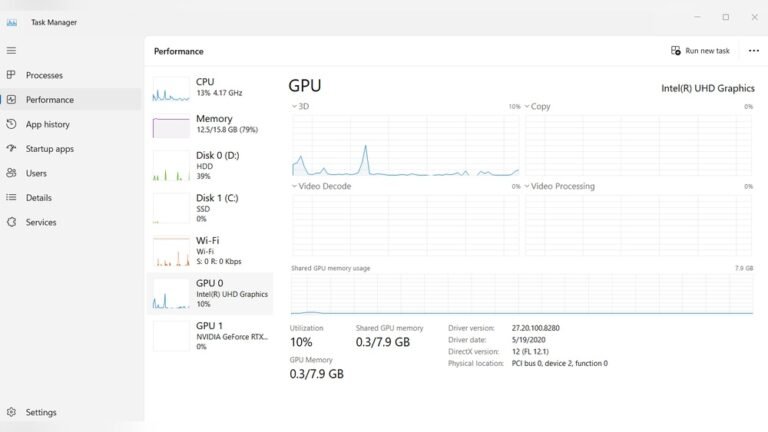
Keep an eye on your CPU temperature. Use simple software tools to check heat levels. High temperatures mean your cooler may not work well. Watch for sudden temperature spikes. If temperatures stay high, improve cooling or check for issues. Cool CPUs run faster and stay healthy.
Credit: www.newegg.com
Frequently Asked Questions
What Factors Matter When Choosing A Cpu Cooler?
Consider compatibility with your CPU socket, cooler size, airflow, and noise levels. Efficient heat dissipation and quiet operation are key for performance and comfort.
How Do Air And Liquid Cpu Coolers Differ?
Air coolers use fans and heatsinks, while liquid coolers circulate coolant. Liquid coolers typically offer better cooling but are costlier and complex to install.
Is A Cpu Cooler Necessary For All Processors?
Most CPUs benefit from a cooler for optimal performance and longevity. High-performance or overclocked CPUs especially require efficient cooling solutions.
Can A Bigger Cpu Cooler Improve Gaming Performance?
A larger cooler keeps your CPU cooler under load, preventing thermal throttling. This helps maintain consistent frame rates and smooth gameplay during intense sessions.
Conclusion
Choosing the right CPU cooler keeps your computer safe and fast. Consider size, noise, and cooling power carefully. Match the cooler to your CPU and case space. Good cooling means better performance and longer computer life. Take your time to compare different models before buying.
A proper cooler helps your PC run quietly and smoothly. Keep these tips in mind for a cool, happy computer.