Do You Need Cpu Cooler for Pc: Essential Guide to Stay Cool
Are you wondering if your PC really needs a CPU cooler? You might think your computer can handle the heat on its own, but without proper cooling, your system could slow down or even get damaged.
Whether you’re gaming, working, or just browsing, keeping your CPU cool is key to making sure your PC runs smoothly and lasts longer. You’ll discover why a CPU cooler is more important than you might expect—and how it can protect your investment.
Keep reading to find out if your PC needs one and what to look for when choosing the right cooler for you.
Why Cpu Cooling Matters
CPU cooling is a key part of keeping your computer healthy. Without proper cooling, a CPU can get too hot. This heat can cause many problems. Understanding why CPU cooling matters helps you protect your PC and keep it running smoothly.
Heat Generation In Processors
CPUs work by processing many calculations every second. This work creates heat inside the chip. The more tasks the CPU handles, the more heat it produces. Without a way to remove this heat, the CPU temperature rises quickly.
Effects Of Overheating On Performance
High temperatures cause a CPU to slow down. This is called thermal throttling. It reduces the speed to cool the chip. Overheating can also cause errors and crashes. Your computer may freeze or restart unexpectedly.
Risks Of Inadequate Cooling
Poor cooling increases the risk of permanent damage. Excess heat can shorten the CPU’s lifespan. It may also affect other parts inside the PC. Dust build-up and poor airflow make cooling less effective. Investing in good cooling protects your system and saves money.

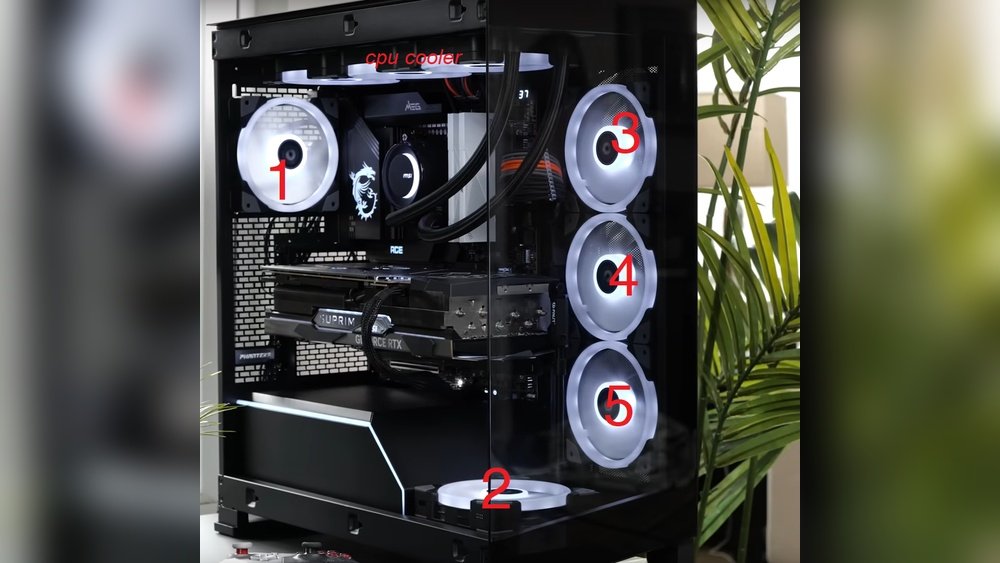
Credit: www.reddit.com
Types Of Cpu Coolers
Choosing the right CPU cooler is key for keeping your computer safe. Different coolers suit different needs. Some are quiet, some are powerful, and others save space. This section explains the main types of CPU coolers. It helps you find the best fit for your PC.
Air Coolers
Air coolers use fans and metal fins to cool the CPU. They move heat away from the processor fast. Most PCs use air coolers because they are simple and cost less. They work well for everyday tasks and light gaming. Some air coolers are very quiet, which helps reduce noise.
Liquid Coolers
Liquid coolers use water or coolant to move heat away from the CPU. They have tubes, a pump, and a radiator. Liquid coolers cool better than air coolers for heavy tasks. They are popular with gamers and creators who need extra power. These coolers can be larger and cost more but keep temperatures low.
Passive Cooling Solutions
Passive coolers have no fans. They use big metal heatsinks to absorb and spread heat. These coolers run silently since they have no moving parts. They work best for low-power computers or silent builds. Passive cooling is simple but may not suit high-performance PCs.
Factors Influencing Cooler Choice
Choosing the right CPU cooler is important for your PC’s health and performance. Many factors affect which cooler fits best. These factors help balance cooling power, noise, size, and cost. Understanding them helps you pick a cooler that matches your needs.
Each PC build is unique. The cooler that works well for one may not suit another. Knowing what to check makes the choice easier and smarter.
Processor Type And Tdp
The processor type affects cooler choice a lot. Different CPUs produce different heat levels. TDP, or Thermal Design Power, shows the heat a CPU generates. Higher TDP means the CPU needs a stronger cooler. Low TDP CPUs can work with smaller coolers. Match the cooler to your CPU’s TDP for safe temperatures.
Case Size And Airflow
Your PC case size limits cooler options. Big coolers may not fit in small cases. Check the maximum cooler height your case allows. Good airflow inside the case helps coolers work better. Cases with many fans improve airflow. Choose a cooler that fits well and complements your case’s airflow.
Noise Levels
Coolers make noise when running fans. Some coolers are quieter than others. If you want a silent PC, pick low-noise coolers. Larger fans often run quieter at lower speeds. Some coolers use passive cooling with no fan noise. Balance cooling power and noise based on your comfort level.
Budget Considerations
Coolers come in many price ranges. High-end coolers offer better cooling and low noise. Budget coolers still protect your CPU but may be louder. Decide how much you want to spend. Spend wisely to get good cooling without overspending. Sometimes mid-range coolers give the best value.

Credit: www.corsair.com
When You Might Skip A Cpu Cooler
Not every PC build needs a separate CPU cooler. Some setups can run safely without one. Understanding when you might skip a CPU cooler helps save money and effort.
Low Power Processors
Low power CPUs produce less heat than high-end models. Many small or budget processors run cool naturally. They often do not need extra cooling hardware. This reduces noise and cuts costs.
Pre-installed Cooling Solutions
Some CPUs come with a stock cooler included. These coolers match the processor’s heat output. They provide enough cooling for everyday use. Using the included cooler avoids extra purchases.
Minimal Usage Scenarios
If you use your PC for light tasks, cooling needs drop. Basic web browsing or document editing creates little heat. In these cases, passive cooling or case fans may suffice. Skipping a CPU cooler might work here.
Installing And Maintaining Cpu Coolers
Installing and maintaining a CPU cooler is key to keeping your PC running well. A properly installed cooler stops your processor from overheating. Regular upkeep helps the cooler work at its best. This keeps your PC stable and extends its life.
Proper Installation Tips
Start by reading the cooler’s manual carefully. Make sure the cooler fits your CPU socket. Handle the cooler gently to avoid damage. Attach the cooler firmly but not too tight. Connect the fan cable to the right motherboard header. Check that the fan spins freely before closing the case.
Thermal Paste Application
Apply a small pea-sized amount of thermal paste on the CPU. Spread it evenly if the cooler requires it. The paste fills gaps between the CPU and cooler base. This improves heat transfer and cooling efficiency. Avoid using too much paste to prevent mess and poor contact.
Regular Cleaning And Upkeep
Dust buildup reduces cooling performance. Clean the cooler and fans every few months. Use compressed air or a soft brush for cleaning. Remove dust from vents and heatsinks carefully. Check fan operation regularly and replace faulty fans. Keep your PC in a dust-free environment to reduce cleaning needs.
Signs Your Cpu Cooler Needs Attention
A CPU cooler keeps your processor at a safe temperature. When it stops working well, your PC can have problems. Watch for signs that show your cooler needs help. These signs can protect your PC from damage and keep it running smoothly.
Rising Temperatures
One clear sign is rising CPU temperatures. Check your PC’s temperature using software tools. If it goes higher than normal during regular use, the cooler might be failing. High heat can slow down your computer or cause it to shut off.
Unusual Noise
Listen for strange sounds from your PC. Loud, grinding, or buzzing noises can mean the cooler’s fan is damaged or dirty. Fans should run quietly. Noise often shows the fan bearings or blades have issues that need fixing.
System Instability
Frequent crashes or freezes can also signal cooling problems. When the CPU overheats, your system may become unstable. Programs might close unexpectedly or the computer may reboot without warning. This instability points to possible cooler failure.
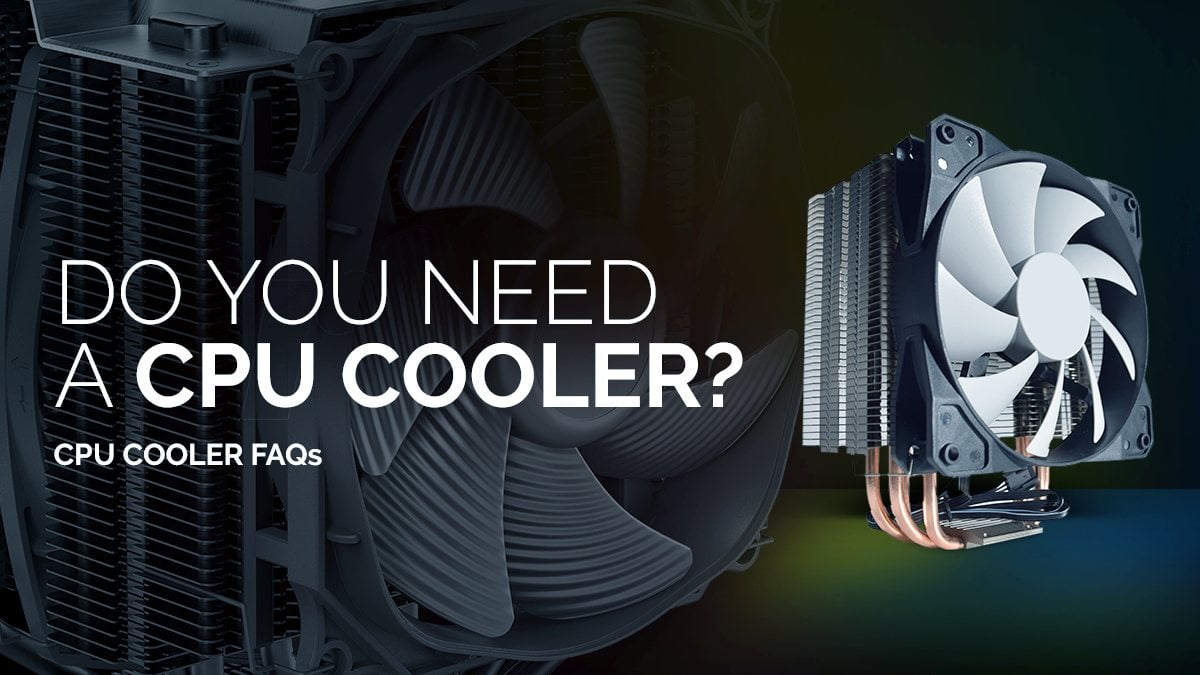
Credit: www.cgdirector.com
Frequently Asked Questions
Do All Pcs Need A Cpu Cooler?
Yes, all PCs require a CPU cooler to prevent overheating. It ensures stable performance and prolongs CPU lifespan by maintaining optimal temperatures.
Can I Use A Pc Without A Cpu Cooler?
Using a PC without a CPU cooler can cause overheating. It may lead to system crashes, reduced performance, or permanent damage to your CPU.
What Types Of Cpu Coolers Are Available?
There are two main types: air coolers and liquid coolers. Air coolers use fans and heat sinks, while liquid coolers use coolant for better heat dissipation.
How To Know If My Cpu Cooler Is Working Properly?
Check your CPU temperature using software tools. If temperatures stay within recommended limits, your cooler works well. Loud noises or high temps may indicate issues.
Conclusion
A CPU cooler keeps your computer from getting too hot. Overheating can slow down or damage your PC. Quiet and efficient cooling helps your system run smoothly. Even basic coolers protect your CPU during daily tasks. Choosing the right cooler depends on your PC use and budget.
Don’t ignore the heat—it matters for performance and lifespan. A good cooler is a simple way to keep your PC safe. Cool and steady means better work and longer life.