What Wattage PSU Do I Need for My PC: Ultimate Guide 2026
Choosing the right power supply unit (PSU) wattage for your PC can feel confusing. You might wonder, “How much power does my computer really need?” Getting this wrong can cause your system to crash or even damage your components.
But don’t worry—this guide will help you find the perfect PSU wattage for your setup. By the end, you’ll know exactly what to look for to keep your PC running smoothly and safely. Keep reading to make sure your computer gets the power it deserves.
Credit: www.velocitymicro.com
Choosing The Right Psu Wattage
Choosing the right PSU wattage is crucial for building a stable PC. The power supply unit (PSU) delivers electricity to all parts of your computer. Picking a PSU with the correct wattage ensures your system runs smoothly. Too little power can cause crashes or damage. Too much power wastes energy and money. This guide helps you find the right wattage for your needs.
Factors Influencing Psu Wattage
The main factor is the power needs of your components. High-end graphics cards and processors need more power. More RAM and storage devices also add to the load. Cooling fans and extra USB devices draw power too. Think about future upgrades that might increase power use. Quality and efficiency ratings affect wattage needs as well.
Common Wattage Ranges
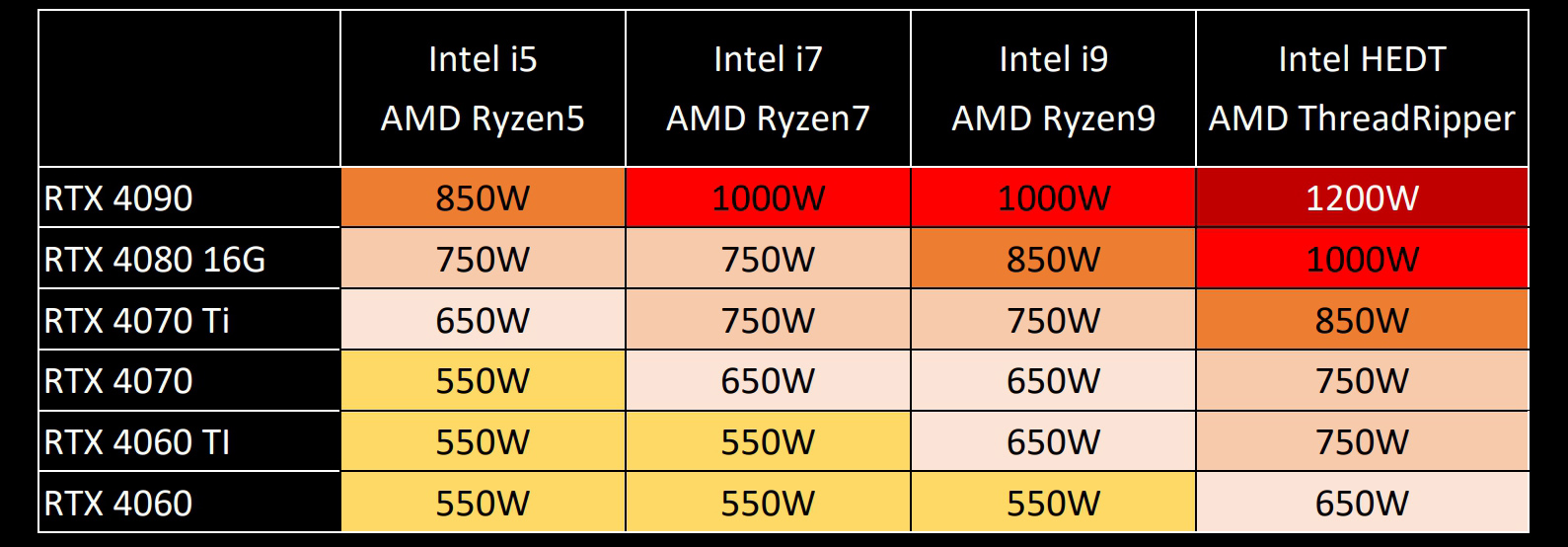
Most PCs use PSUs between 400 and 750 watts. Basic office computers need about 300 to 450 watts. Mid-range gaming or workstations often require 500 to 650 watts. High-end systems with multiple graphics cards can need 700 watts or more. Choose a PSU slightly above your total power estimate for safety.
Impact Of Overclocking
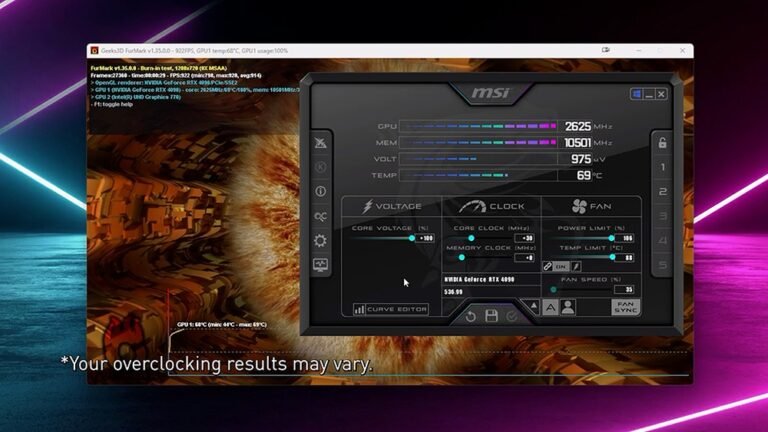
Overclocking increases power consumption significantly. Boosting CPU or GPU speeds requires extra electricity. This extra power can strain a PSU with low wattage. Choose a PSU with a higher wattage than your overclocked system needs. This prevents instability and protects your hardware.
Calculating Your Pc’s Power Needs
Calculating the power needs of your PC is important. A power supply unit (PSU) must provide enough energy for all parts. Too little wattage can cause crashes or damage. Too much wattage can waste electricity and cost more. Knowing how to calculate your PC’s power needs helps you choose the right PSU.
This section explains how to estimate the power usage of different components. It guides you through checking the CPU, GPU, other parts, and using online tools.
Assessing Cpu Power Consumption
The CPU is one of the biggest power users. Check the TDP (Thermal Design Power) rating of your processor. This number shows the maximum power the CPU uses. Most CPUs have a TDP between 35W and 125W. High-performance CPUs may need more power. Use this value as a starting point for your calculation.
Estimating Gpu Requirements
The graphics card often uses the most electricity. Look up the GPU’s power consumption on the manufacturer’s website. Gaming or professional GPUs can use 150W to 350W or more. Remember to add some extra watts for overclocking or future upgrades. The GPU wattage is a major part of your total power needs.
Considering Other Components
Don’t forget other parts like RAM, storage drives, and fans. Each hard drive or SSD uses about 5 to 10 watts. RAM sticks usually use 2 to 5 watts each. Case fans and cooling systems add small amounts, around 5 to 15 watts total. Add these numbers to your CPU and GPU power to get a full estimate.
Using Online Psu Calculators
Online PSU calculators simplify the process. Enter your PC components into the calculator. It totals the power needs for you. Some popular calculators include those from OuterVision and Cooler Master. Use these tools to double-check your manual estimates. They help ensure you pick a PSU with enough wattage and some safety margin.
Efficiency Ratings And Their Importance
Choosing the right power supply unit (PSU) wattage is important. Efficiency ratings help you pick a PSU that saves energy and reduces heat. A more efficient PSU wastes less power. This means lower electricity bills and longer PSU life. Understanding efficiency ratings can guide your choice.
Understanding 80 Plus Certifications
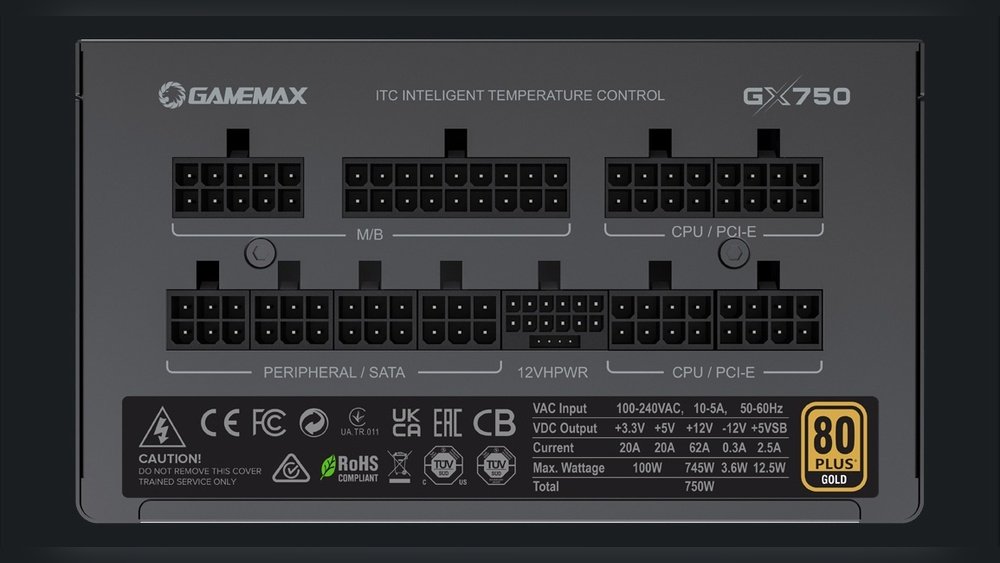
The 80 Plus certification shows PSU efficiency. It means the PSU converts at least 80% of power into usable energy. The rest becomes heat. Higher certifications like Bronze, Silver, Gold, Platinum, and Titanium show better efficiency. Each level has strict testing rules. This helps buyers trust PSU quality.
How Efficiency Affects Power Draw
Efficiency affects how much power your PC uses. A less efficient PSU draws more electricity for the same output. This wastes energy and increases your bills. Efficient PSUs run cooler and last longer. They reduce noise by needing less fan speed. Choosing a good efficiency rating saves money over time.
Choosing Between Gold, Platinum, And Titanium
Gold, Platinum, and Titanium are top efficiency ratings. Gold PSUs have about 87-90% efficiency. Platinum reaches 90-94%. Titanium offers 94% or higher. Higher ratings cost more but save electricity. They also produce less heat. For most users, Gold is a solid choice. For high-end PCs, Platinum or Titanium fits better.
Credit: rog.asus.com
Future-proofing Your Psu
Choosing the right power supply unit (PSU) wattage for your PC matters a lot for the future. A PSU with enough power helps your computer run smoothly as you add new parts. It saves money and hassle later. Planning ahead means your PC stays strong and ready.
Allowing Headroom For Upgrades
Pick a PSU with more wattage than your current needs. This extra power is headroom for future upgrades. New graphics cards or processors often need more electricity. A PSU with headroom stops your system from crashing or slowing down. It also keeps your PC safe from power issues.
Planning For Additional Components
Think about adding parts like extra hard drives, fans, or RGB lights. Each part uses some power. Calculate the total power your PC might need with these extras. Choose a PSU that can handle this total. It avoids problems when you want to improve your PC later.
Balancing Cost And Longevity
Higher wattage PSUs cost more but last longer. They do not work at full capacity all the time. This lowers heat and wear inside the PSU. A well-sized PSU saves money over time. Buy a PSU that fits your budget and future needs.
Common Psu Wattage Recommendations
Choosing the right power supply unit (PSU) wattage is important for a stable PC. Different types of systems need different wattage levels. This guide covers common PSU wattage recommendations for various PC builds. It helps you pick the right power supply based on your PC’s needs.
Budget Builds
Budget PCs usually have basic parts like entry-level CPUs and integrated graphics. They need less power. A 300 to 450 watt PSU often works well for these systems. This wattage supports standard components without extra power waste. Budget builds benefit from efficient and reliable power supplies in this range.
Mid-range Systems
Mid-range PCs include better CPUs and mid-level graphics cards. These systems need more power than budget builds. A 500 to 650 watt PSU is a good choice here. This wattage range can support gaming and work tasks comfortably. It also allows room for upgrades like extra drives or more powerful GPUs.
High-end Gaming Pcs
High-end gaming PCs use powerful CPUs and top-tier graphics cards. They require more electricity to run smoothly. A PSU with 700 to 850 watts is recommended for these builds. This wattage handles intense gaming and heavy multitasking. It also supports extra cooling and lighting features without risk.
Workstations And Servers
Workstations and servers need the most power. They have multiple CPUs, GPUs, and many drives. A 900 watt or higher PSU is often necessary. These systems run demanding software and large workloads. A strong and stable power supply ensures reliability and performance for professional use.
Signs Of Inadequate Psu Wattage
Knowing the signs of inadequate PSU wattage helps protect your PC. The power supply unit (PSU) needs enough wattage to run all parts safely. Without enough power, your system shows clear warnings. These signs tell you it’s time to check your PSU’s capacity.
System Instability
Your PC may freeze or crash often. Programs might close by themselves without warning. The screen can flicker or show strange colors. These issues happen because the PSU cannot deliver steady power. This causes the system to act unpredictably.
Unexpected Shutdowns
The computer may turn off suddenly during work or play. It might restart without any message. This happens when the PSU cannot supply enough power for peak loads. Sudden shutdowns protect hardware but interrupt your tasks.
Component Damage Risks
Low wattage can harm your PC parts over time. Components may overheat or get damaged from power fluctuations. A weak PSU can shorten your hardware’s life. Protect your investment by ensuring proper wattage for your system.
Tips For Selecting And Installing Your Psu
Choosing the right PSU for your PC is important for smooth performance. The PSU powers all parts of your computer. Selecting and installing it correctly keeps your system safe and efficient.
Follow these tips to pick the best PSU and set it up properly. This helps avoid problems like overheating or power failure.
Checking Compatibility
Check if the PSU fits your PC case. PSU sizes vary, so measure space inside your case. Confirm the PSU supports your motherboard and CPU power needs. Look for the correct connectors for your graphics card and drives. Using a PSU without the right connections can cause hardware issues.
Modular Vs Non-modular Psus
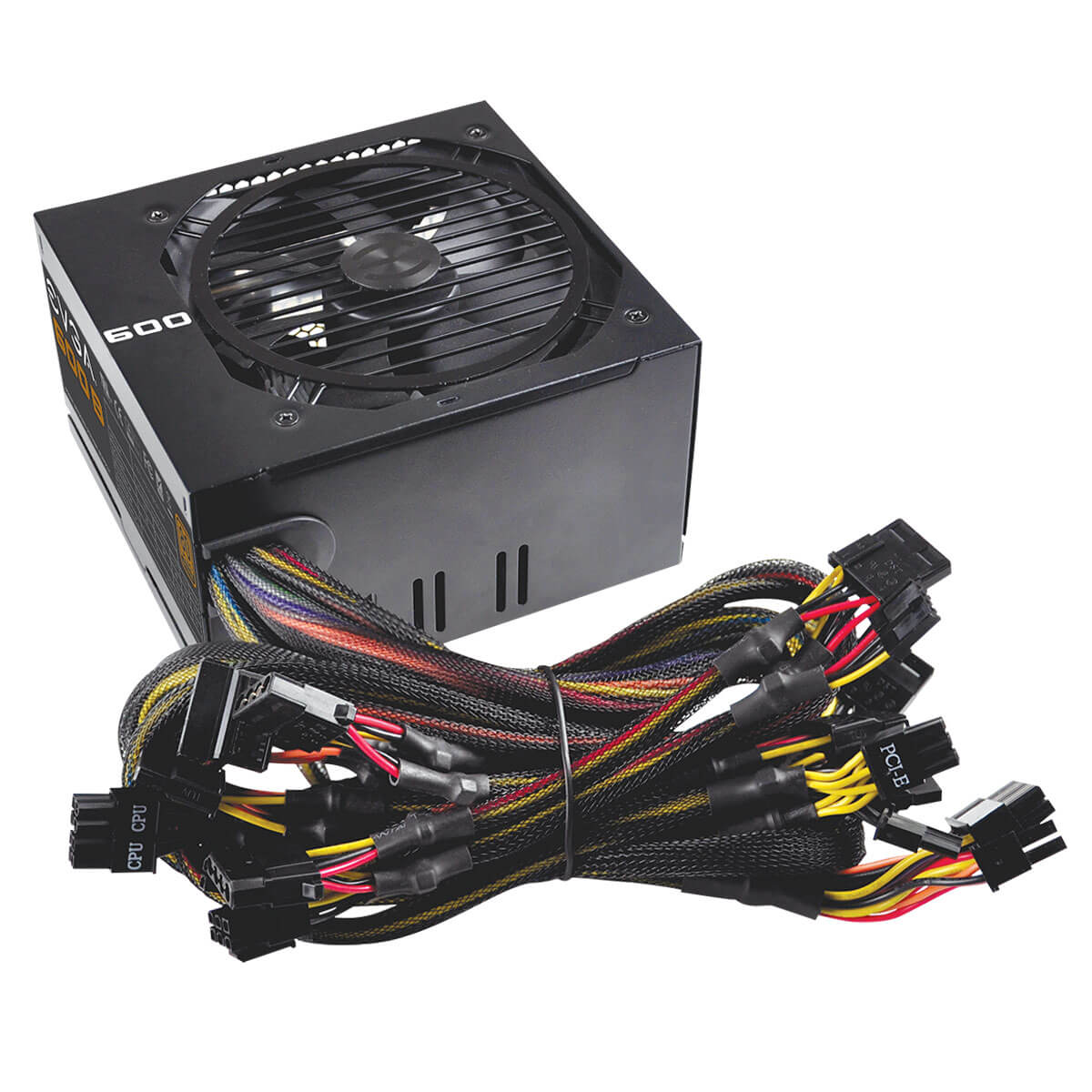
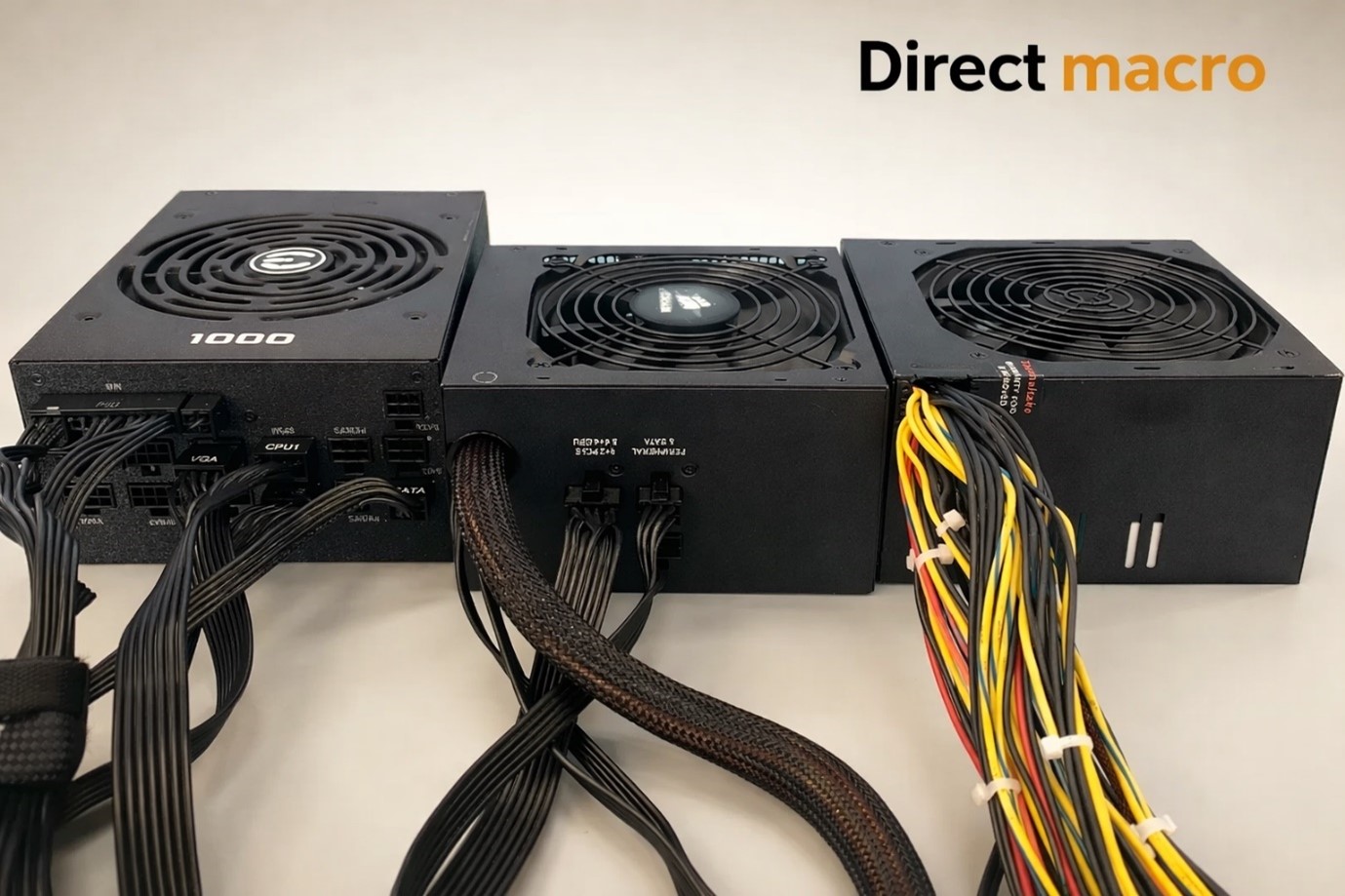
Modular PSUs let you connect only the cables you need. This reduces clutter inside your PC. Non-modular PSUs have all cables attached, which can make wiring messy. Modular PSUs are easier to manage but cost more. Choose based on your budget and how neat you want your build.
Proper Cable Management
Organize cables to improve airflow and cooling. Use cable ties or Velcro straps to bundle wires neatly. Keep cables away from fans to prevent blockage. Proper cable management also makes future upgrades easier. A tidy PC looks better and runs cooler.
Credit: directmacro.com
Frequently Asked Questions
What Wattage Psu Is Needed For Gaming Pcs?
Gaming PCs generally require PSUs between 500W and 750W. High-end GPUs and CPUs demand more power. Always check component specs to choose the right wattage. Opt for a PSU with some overhead for future upgrades and stability.
How To Calculate Psu Wattage For My Pc?
Add the wattage of all components like CPU, GPU, and drives. Use online PSU calculators for accuracy. Include extra wattage for future upgrades. Choose a PSU with 20-30% more wattage than the total calculated.
Can A Low Wattage Psu Damage Pc Components?
Yes, a low wattage PSU can cause instability and crashes. It may fail to provide enough power under load. This can shorten component lifespan or cause damage. Always use a PSU that meets or exceeds your system’s power needs.
Is A Higher Wattage Psu More Efficient?
Not necessarily. Efficiency depends on PSU rating, not wattage. Choose a PSU with an 80 PLUS certification for better efficiency. Higher wattage PSUs run cooler and quieter when not fully loaded. Select wattage based on actual power needs.
Conclusion
Choosing the right PSU wattage keeps your PC safe and stable. Calculate your components’ power needs first. Add extra wattage for future upgrades and safety. A good PSU avoids crashes and damage. Don’t pick too low or too high wattage.
Balance efficiency and cost carefully. This helps your PC run smoothly every day. Simple steps lead to a reliable power supply choice. Your PC deserves the right power to perform well.