Is Higher Watt PSU Safe for PC: Ultimate Safety Guide 2026
Are you wondering if using a higher watt power supply unit (PSU) is safe for your PC? Choosing the right PSU can feel confusing, especially with so many options claiming to be better.
You might think that a higher watt PSU automatically means better performance or safety—but is that really true? You’ll discover the facts behind PSU wattage, how it affects your computer, and what you should consider before upgrading. Keep reading to make sure your PC stays safe and runs smoothly.

Credit: www.amazon.com
How Psu Wattage Affects Pc Safety
Power Supply Unit (PSU) wattage plays a key role in PC safety. It affects how well the system runs and protects components. Choosing the right wattage keeps your PC stable and prevents damage. Understanding wattage effects helps avoid common power issues.
Role Of Wattage In Power Supply
Wattage shows how much power a PSU can deliver. It must match the PC’s needs. Too low wattage means the PSU works too hard. This causes overheating and shutdowns. Proper wattage ensures smooth power delivery and system stability.
Impact Of Overpowering Components
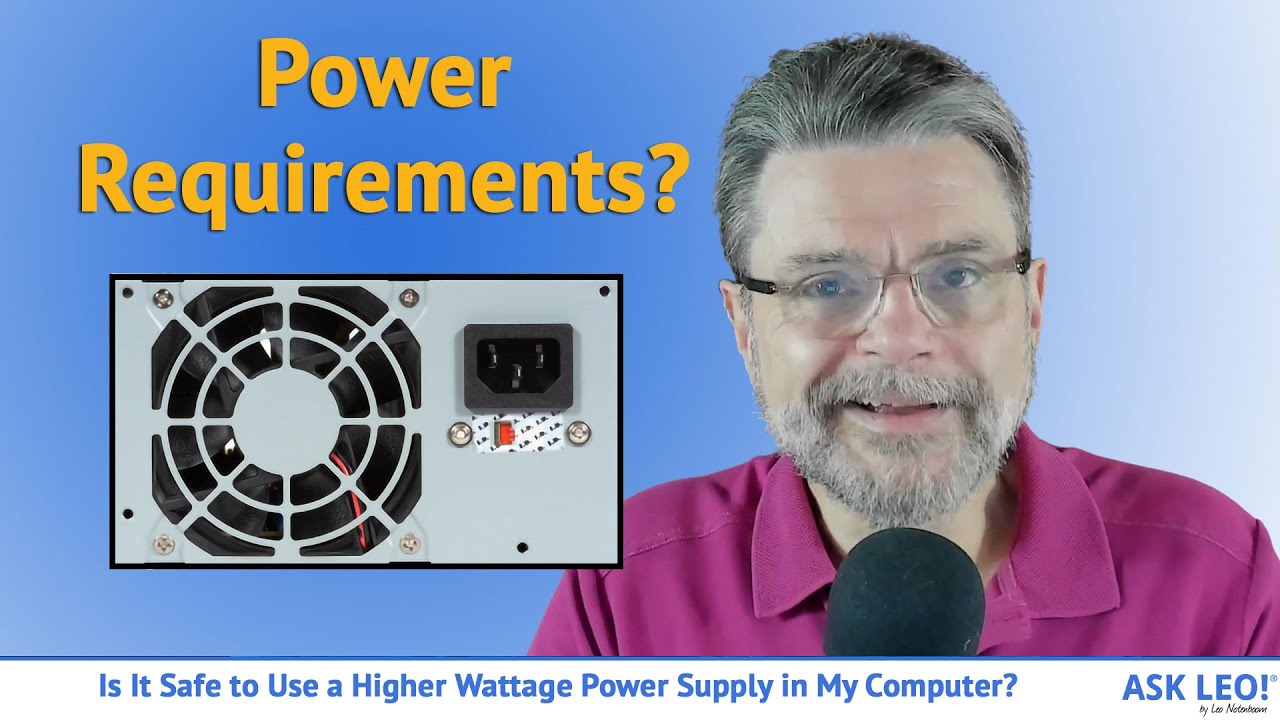
Using a PSU with higher wattage than needed is usually safe. The PSU will supply only what the PC requires. It runs cooler and lasts longer. Overpowering protects against sudden power spikes. It also gives room for future upgrades without safety risks.
Risks Of Underpowered Psus
An underpowered PSU cannot meet the system’s demand. It may cause random restarts and crashes. Components may not get stable power, risking damage. Overloading the PSU increases heat and noise. It reduces the PSU’s lifespan and PC safety.
Credit: www.youtube.com
Choosing The Right Wattage
Choosing the right wattage for your PC’s power supply unit (PSU) is important. It affects your computer’s safety and performance. A PSU with too low wattage might cause instability. On the other hand, a PSU with too high wattage is not always better. Understanding your PC’s power needs helps pick a suitable wattage. This ensures your PC runs smoothly without wasting energy.
Calculating Your Pc’s Power Needs
Start by checking the power consumption of each component. This includes the CPU, GPU, motherboard, and drives. Add the wattage of all parts to get a total. Use online PSU calculators for easy estimation. Aim for a PSU wattage slightly higher than your total needs. This gives your PC room to run safely and prevents overload.
Considering Future Upgrades
Think about possible upgrades in the future. Adding new parts may increase power demand. Choose a PSU with extra wattage to support upgrades. This avoids the need to buy a new PSU later. Planning ahead saves money and effort. It keeps your PC ready for changes and growth.
Efficiency Ratings And Safety
PSUs come with efficiency ratings like 80 Plus Bronze or Gold. Higher ratings mean less power waste and less heat. Efficient PSUs are safer and last longer. They help protect your PC from power surges and damage. Look for a PSU with a good efficiency rating for safety and savings.
Common Myths About High Wattage Psus
Many people have wrong ideas about high wattage power supply units (PSUs). These myths create fear about using a PSU with more wattage than needed. Understanding the truth helps you make better choices for your PC.
Does Higher Wattage Cause Damage?
A common myth says a high wattage PSU can damage PC parts. This is not true. The PSU only gives the power your PC needs. It does not force extra power into the system. So, a bigger watt PSU is safe and will not harm your components.
Power Consumption Misconceptions
Some think a high watt PSU uses more electricity all the time. Actually, PSUs draw power based on your PC’s needs. A 600W PSU does not use 600 watts constantly. It adjusts power use, so your electricity bill does not increase unnecessarily.
Heat And Noise Factors
People worry that bigger PSUs produce more heat and noise. A good quality high watt PSU often runs cooler and quieter. It works efficiently and does not stress the fan. Noise and heat depend more on PSU quality than wattage size.
Safety Features In Modern Psus
Modern power supply units (PSUs) come with many safety features. These features protect your PC from electrical problems. They help prevent damage from power surges and overheating. Safety features also ensure stable power delivery. This keeps your PC running smoothly and safely.
Overvoltage And Overcurrent Protection
Overvoltage protection stops too much voltage from reaching your PC parts. It cuts off power if voltage exceeds safe levels. Overcurrent protection limits the current flowing through the PSU. This prevents wires and components from overheating or burning out. These protections reduce the risk of hardware damage.
Short Circuit Safeguards
Short circuits can cause sparks and damage inside your PC. Modern PSUs detect short circuits quickly. They shut down power to stop harm to your PC parts. This fast response protects your motherboard, CPU, and other parts. Short circuit safeguards add a strong layer of safety.
Thermal Management Systems
Heat can harm your PSU and PC components. Thermal management controls the temperature inside the PSU. Fans and sensors work together to keep things cool. If the PSU gets too hot, it lowers power or turns off. This prevents overheating and extends the PSU’s life.
Signs Of Psu Problems
Power supply units (PSUs) are vital for your PC’s health. They provide the right power for all components. Signs of PSU problems can tell you if your unit is failing. Catching these early can save your PC from damage.
Unusual Noises Or Smells
Strange sounds like buzzing or clicking can mean trouble. Burning smells or any odd odor near the PSU also signal issues. These signs suggest electrical problems or overheating inside the unit.
System Instability And Crashes
Your PC might restart suddenly or freeze often. Programs could crash without warning. These issues often happen because the PSU cannot supply stable power to the system.
Physical Damage And Wear
Look for visible damage on the PSU case or cables. Swollen capacitors, burn marks, or loose wires are warning signs. Wear and tear reduce PSU efficiency and safety over time.
Tips For Safe Psu Installation
Installing a power supply unit (PSU) safely is very important for your PC’s health. A higher watt PSU can be safe if you follow the right steps. Careful installation helps avoid damage and ensures your PC runs smoothly. Use these tips to keep your PSU setup secure and efficient.
Proper Wiring And Connections
Check all wires before connecting them. Use the correct cables for each component. Avoid forcing plugs into sockets. Loose or wrong connections can cause short circuits. Make sure cables are not pinched or bent sharply. Secure cables to prevent movement inside the case. This reduces wear and the risk of disconnections.
Ventilation And Cooling
Keep your PSU in a well-ventilated area. Airflow removes heat and keeps parts cool. Avoid blocking PSU fans with cables or objects. Use case fans to improve air circulation. Overheating can reduce PSU life and cause failures. Clean dust filters regularly to maintain airflow. Good cooling helps the PSU work efficiently and last longer.
Regular Maintenance Checks
Inspect your PSU every few months. Look for dust, loose wires, or unusual sounds. Dust can clog fans and cause overheating. Tighten any loose connections you find. Replace damaged cables immediately. Regular checks prevent problems before they start. A clean and well-maintained PSU supports stable power delivery.
When To Replace Your Psu
Knowing the right time to replace your PSU is important for PC safety and performance. A power supply unit that no longer works well can cause problems or damage other parts. Replacing it at the right time keeps your PC stable and secure. Here are key signs that show when a PSU needs replacement.
Aging Components And Degradation
PSUs wear out over time. Inside, parts like capacitors degrade and lose efficiency. This can cause unstable power delivery. An old PSU may fail to support your PC’s power needs. Most PSUs last about 5 to 7 years. If your PSU is older, consider replacing it to avoid sudden failures.
Upgrading For New Hardware
New hardware often needs more power. Upgrading your CPU, GPU, or adding drives can increase total power use. A PSU with too low wattage may not supply enough energy. Using a higher watt PSU can improve safety by providing stable power. Check your hardware’s power requirements before upgrading your PSU.
Identifying Performance Issues
Random shutdowns or restarts can point to PSU problems. Strange noises or burning smells are warning signs. Low power can cause poor PC performance or crashes. Testing your PSU with a power meter helps find issues. Replace the PSU if you notice these problems to protect your PC.

Credit: www.youtube.com
Frequently Asked Questions
Is A Higher Watt Psu Better For My Pc?
A higher watt PSU provides more power than needed, ensuring stability and future upgrades. It prevents overloads and protects components, making it a safer choice for your PC.
Can A High Watt Psu Damage My Computer?
No, a high watt PSU won’t damage your PC. It only supplies the power your system requires, not more. Quality PSUs regulate output to prevent harm to components.
Should I Match Psu Wattage Exactly With Pc Needs?
Matching PSU wattage exactly isn’t necessary. It’s better to have some extra wattage for safety and upgrades. A slightly higher watt PSU ensures consistent performance and longevity.
Does A Higher Watt Psu Consume More Electricity?
A higher watt PSU doesn’t consume more power by itself. Your PC only draws the power it needs. Efficiency ratings impact electricity usage more than wattage alone.
Conclusion
Choosing a higher watt PSU can be safe for your PC. It provides extra power for future upgrades or heavy tasks. Make sure to pick a quality brand to avoid problems. Avoid using a PSU with too low wattage; it may cause instability.
Remember, more wattage does not mean more power is always used. A good PSU helps your PC run smoothly and last longer. Think about your needs and budget before buying. A higher watt PSU can be a smart choice when done right.