What Pc Parts Affect Noise Level: Key Components Revealed
Have you ever noticed your PC making more noise than you’d like? That constant hum or sudden whir can be distracting, especially when you’re trying to focus or enjoy your favorite game.
But what if you could pinpoint exactly which parts of your computer are causing that noise? Understanding what PC parts affect noise levels gives you the power to make smart upgrades or adjustments. Keep reading, and you’ll discover simple ways to create a quieter, more enjoyable computing experience tailored just for you.
Sources Of Pc Noise
PC noise can be a big problem for many users. Understanding where noise comes from helps reduce it. Noise often comes from different parts inside the computer. Some parts make sound because they move. Others create noise due to electrical signals. Knowing these sources can guide better choices for a quieter PC.
Mechanical Components
Fans are the main mechanical parts that create noise. They spin to cool down the PC parts. Faster spinning means louder noise. Hard drives also make noise when they read or write data. Their moving parts create clicking or whirring sounds. Optical drives, like DVD players, spin discs and add more noise. Loose screws or parts can cause extra vibrations and rattling sounds.
Electrical Interference
Electrical parts can cause noise too. Coil whine is a common electrical noise. It comes from power supplies or graphics cards. The sound is a high-pitched buzzing or whining. This happens when electricity flows through coils or capacitors. Electrical interference can also affect audio devices. It causes static or humming sounds from speakers or headphones.

Credit: en.wikipedia.org
Role Of Fans
Fans play a big role in how noisy a PC can be. They help cool down parts by moving air. But spinning fans can also make noise. Different fans inside the PC can affect the sound level in different ways. Understanding these fans helps control noise better.
Cpu Fans
The CPU fan cools the processor. It spins fast when the CPU gets hot. Fast spinning makes more noise. Some CPU fans have better designs to reduce noise. Quiet CPU fans use bigger blades or special shapes.
Case Fans
Case fans move air through the whole computer case. They help cool many parts at once. Case fans run all the time. If they spin fast, they can be loud. Larger case fans can run slower and still cool well. This lowers noise without hurting performance.
Gpu Fans
GPU fans cool the graphics card. They start spinning faster under heavy work. This can cause noise spikes. Some GPU fans stop spinning when the card is cool. This feature helps keep noise down during light use.
Impact Of Hard Drives
Hard drives play a key role in the noise level of a PC. They are mechanical devices with moving parts. These parts create sounds during operation. The type of hard drive affects how much noise you hear. Understanding the noise characteristics helps in choosing quieter components.
Hdd Noise Characteristics
HDDs (Hard Disk Drives) use spinning disks and a moving read/write head. This motion causes sounds like whirring and clicking. The speed of the disks, measured in RPM, influences noise level. Faster disks tend to be louder. The age and condition of the drive also matter. Older HDDs may produce more noise due to wear. Vibrations from the spinning disks can create humming sounds. Noise varies by brand and model. Some HDDs have better noise reduction features.
Ssd Noise Benefits
SSDs (Solid State Drives) have no moving parts. They store data on flash memory chips. This design makes SSDs completely silent during operation. No spinning disks or moving heads means zero mechanical noise. SSDs also run cooler, reducing fan noise in your PC. They offer faster data access with no sound. Using an SSD can greatly reduce your PC’s overall noise level. They are a smart choice for quiet systems.
Power Supply Unit Noise
The power supply unit (PSU) is a key part of a PC that can affect noise levels. It converts power from the wall into usable energy for the computer. During this process, the PSU can produce sound that some users find distracting. Understanding what causes PSU noise helps in choosing quieter components.
Fan Operation
The PSU has a fan to keep it cool. This fan spins faster when the computer works harder. Fast spinning makes more noise. Some PSUs use larger fans that spin slower and are quieter. Dust buildup can also make the fan noisier over time. Cleaning the fan helps keep noise low.
Coil Whine
Coil whine is a high-pitched sound from the PSU’s electrical components. It happens when coils vibrate as electricity passes through. This noise varies between units and may be louder in some models. Coil whine is normal but can be annoying. Using a high-quality PSU often reduces this sound.
Graphics Card Noise Factors
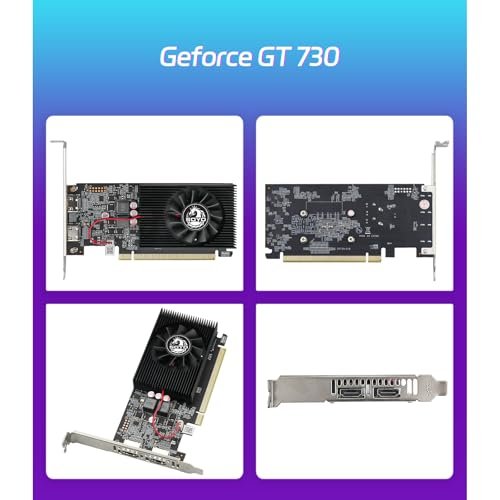
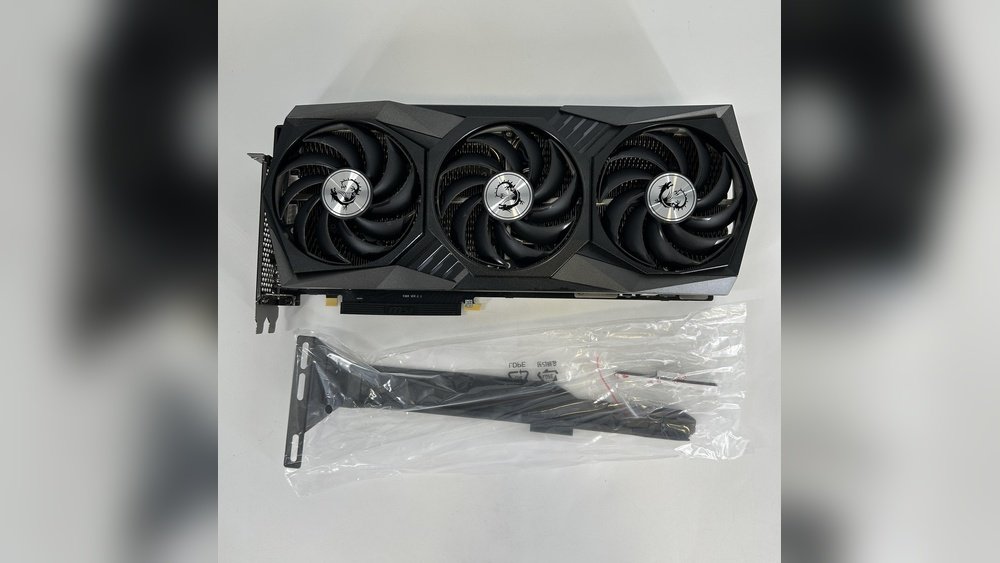
Graphics cards play a big role in your PC’s noise level. They generate heat that must be cooled. The cooling system affects how loud the card sounds. Some cards are quieter than others. Understanding noise factors helps you pick the right card for a quiet PC.
Fan Speed And Design
Fan speed is one of the main noise sources. Faster fans move more air but create more sound. Some cards use large fans that spin slower. This reduces noise while keeping the card cool. Fan blade shape also matters. Smooth, curved blades cut noise better than sharp edges. Some graphics cards have multiple fans to spread cooling. This helps keep each fan quiet.
Thermal Management
Thermal management controls how hot the card gets. Good cooling means fans run slower and less often. Heat pipes and metal heatsinks help move heat away from the GPU. Some cards use advanced materials like vapor chambers. These spread heat more evenly. Better thermal design means less noise. Cards with poor cooling need fans to run faster and louder.
Motherboard And Electrical Noise
The motherboard plays a big role in the noise level of your PC. It connects all parts and controls power flow. Some electrical noises come from the motherboard. These sounds can be annoying during quiet moments. Understanding these noises helps in choosing better parts.
Coil Whine Sources
Coil whine is a high-pitched noise from the motherboard. It happens when electrical coils vibrate at certain frequencies. These coils handle power delivery to the CPU and GPU. The noise gets louder under heavy load. Poor design or weak coils increase coil whine chances. It is not harmful but can distract users.
Component Quality
Motherboard quality affects electrical noise levels. Cheap parts often cause more noise. High-quality capacitors and coils reduce vibrations and hums. Well-built motherboards have better power regulation circuits. They keep electrical signals stable and quiet. Investing in quality parts lowers the chance of noise problems.
Cooling Solutions And Noise Levels
Cooling solutions play a big role in how much noise your PC makes. The type of cooling system affects fan speed and sound levels. Different cooling methods work in unique ways, each with its own noise impact. Choosing the right cooling can keep your PC quiet and cool at the same time.
Air Cooling
Air cooling uses fans to push air across heat sinks. Fans can get loud if they spin fast. Larger fans often run slower, making less noise. Quality air coolers use good fans that balance airflow and quietness. Dust buildup can make fans work harder and louder. Regular cleaning helps keep noise down.
Liquid Cooling
Liquid cooling moves heat using liquid inside tubes. It usually has a pump and radiators with fans. Pumps create a steady hum but are often quiet. Radiator fans can be big and slow, which reduces noise. Liquid cooling often runs cooler and quieter than air cooling. Proper setup matters to avoid noisy pumps or fans.
Hybrid Systems
Hybrid systems combine air and liquid cooling parts. They use liquid to cool the CPU and fans to cool other parts. These systems balance cooling power and noise well. Fans in hybrids may run slower due to liquid cooling support. Hybrid setups can be quieter than pure air cooling but louder than full liquid cooling. Choosing good parts is key for low noise.
Case Design And Noise Control
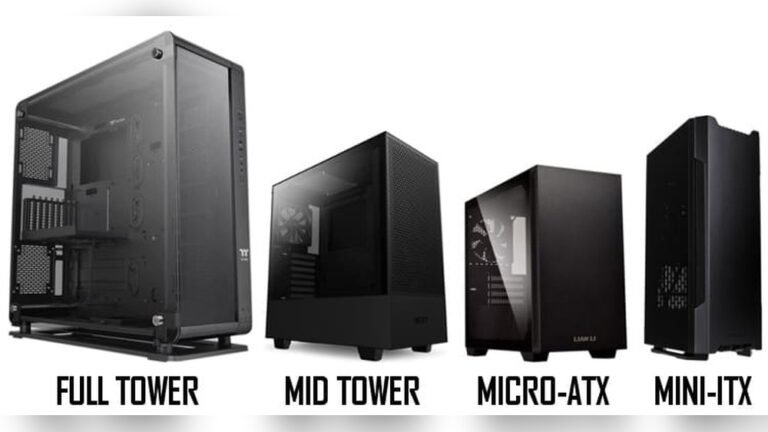
The design of a PC case plays a big role in noise control. It can reduce or increase the sound your computer makes. A good case design balances cooling and quietness. It keeps parts cool while limiting noise. Choosing the right case helps build a silent PC.
Sound Dampening Materials
Sound dampening materials absorb noise inside the case. These materials include foam, rubber, and special fabric. They stop vibrations from metal parts. The case walls often have these materials attached. This lowers noise from fans and hard drives. Cases with sound dampening materials are quieter than those without.
Ventilation And Airflow
Proper airflow keeps your PC cool and quiet. Cases with good ventilation let air move freely. This means fans can run slower and quieter. Poor airflow forces fans to work harder. More fan speed means more noise. Cases with large vents and well-placed fans reduce noise effectively.
Tips To Reduce Pc Noise
Reducing noise from your PC makes using it much more pleasant. Loud sounds can distract and cause stress. There are simple ways to make your PC quieter. Some involve changing parts, while others focus on how you care for your computer. Small changes often lead to big improvements in noise levels.
Component Upgrades
Choosing quiet parts helps reduce noise a lot. Look for fans labeled as “silent” or “low noise.” Replacing your hard drive with an SSD cuts noise since SSDs have no moving parts. Use a CPU cooler designed for quiet operation. These parts work well and keep sound low.
Regular Maintenance
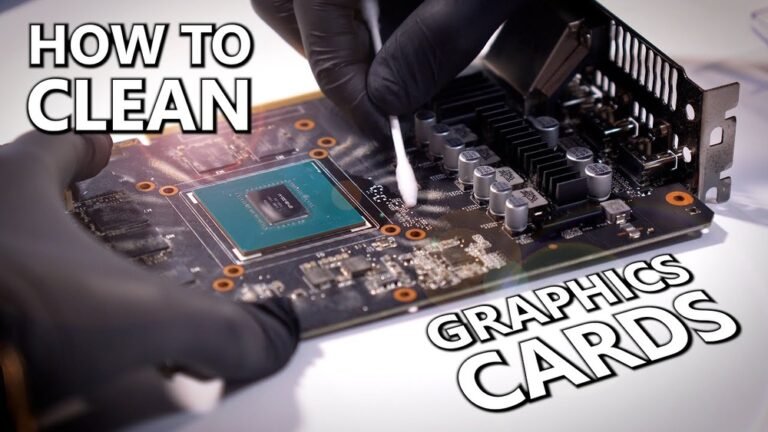
Dust buildup makes fans louder and less effective. Clean your PC often with compressed air or a soft brush. Check fan blades for dirt or damage. Tighten screws if any part vibrates. Good upkeep keeps your PC running smoothly and quietly.
Optimizing Fan Curves
Fan curves control how fast fans spin based on temperature. Setting them properly lowers noise during light tasks. Use software from your motherboard maker to adjust fan speed. Set fans to run slower at low temperatures and speed up only when needed. This reduces constant noise without risking overheating.

Credit: soundgas.com

Credit: www.youtube.com
Frequently Asked Questions
Which Pc Parts Create The Most Noise?
The main noise sources are fans, hard drives, and power supplies. Fans spin rapidly, creating continuous sound. Mechanical hard drives produce clicking noises. Power supplies have cooling fans that contribute to overall noise.
How Do Cpu Coolers Affect Noise Levels?
CPU coolers with larger, slower fans reduce noise effectively. Stock coolers tend to be louder due to smaller fans. Liquid coolers can be quieter but depend on pump and fan quality.
Does The Gpu Impact Pc Noise?
Yes, GPUs have fans that increase noise during heavy use. High-performance GPUs generate more heat, requiring faster fan speeds. Some GPUs offer passive cooling for silent operation at low loads.
Can Pc Cases Influence Noise Levels?
Yes, PC cases with sound-dampening materials lower noise significantly. Well-ventilated cases reduce fan speed by improving airflow. Case design affects how much internal noise escapes outside.
Conclusion
PC noise mostly comes from fans, hard drives, and graphics cards. Choosing quieter parts helps reduce sound significantly. Good cooling solutions keep your system cool and quiet. Regular cleaning also stops dust buildup that raises noise. Remember, a calm PC makes work and play much better.
Small changes can lead to a much quieter experience. Keep noise in check by picking the right components. Your ears will thank you.