

Have you ever wondered how long your PC’s CPU will keep up with your needs? Whether you’re gaming, working, or just browsing, your processor is at the heart of everything your computer does.
Knowing how long a CPU lasts can help you decide when it’s time to upgrade or take better care of your system. You’ll discover the key factors that affect your CPU’s lifespan and what signs to watch for before it starts slowing down.
Keep reading to make sure your PC stays powerful and reliable for years to come.

Credit: www.corsair.com
Cpu Lifespan Factors
The lifespan of a CPU depends on several key factors. Each factor affects how long the CPU works well inside a PC. Understanding these elements helps you take better care of your processor.
Some CPUs last many years without issues. Others may slow down or fail sooner. The difference often comes from how the CPU is made and used.
Manufacturing Quality
CPUs from top brands usually last longer. They use better materials and stricter tests. Cheaper CPUs might have more defects or wear out faster. Quality control during production is vital for durability.
Usage Patterns
How you use your PC matters a lot. Heavy tasks like gaming or video editing stress the CPU more. Light use like browsing or word processing causes less wear. Continuous high usage can shorten the CPU’s life.
Thermal Management
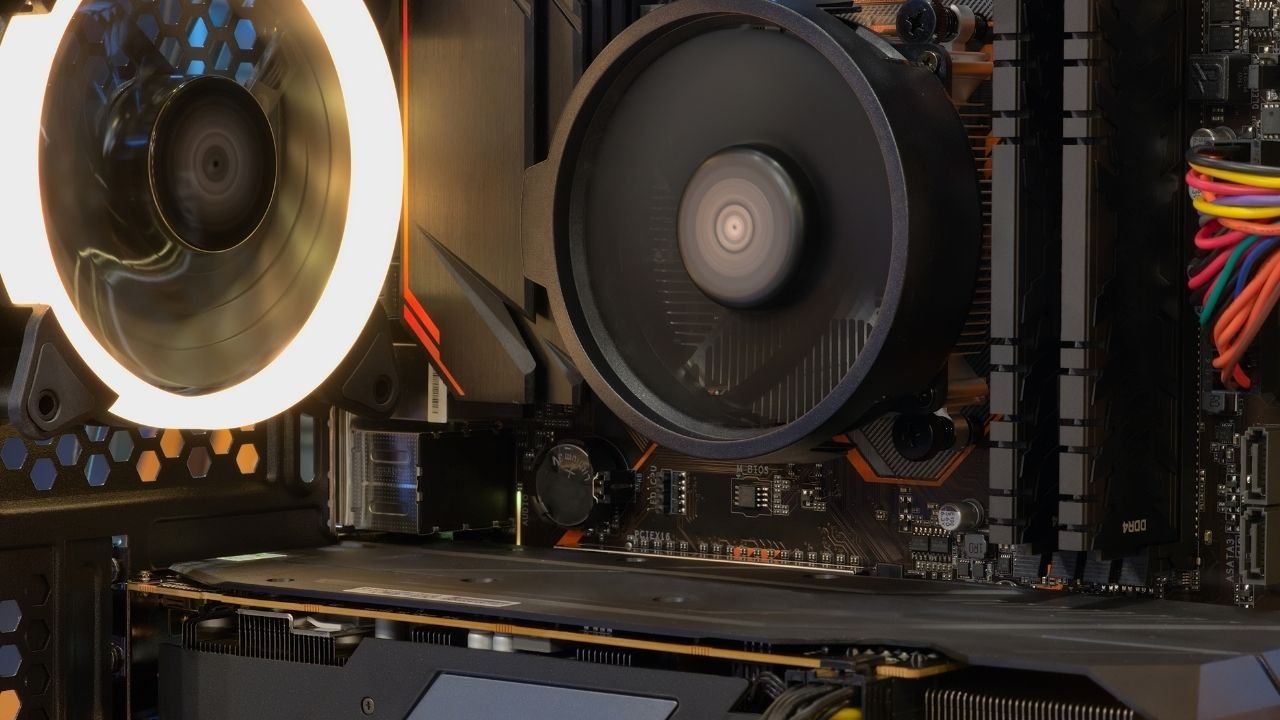
Heat is the enemy of all electronics. Good cooling keeps the CPU temperature low. Fans, heat sinks, and thermal paste help remove heat. Poor cooling leads to overheating, which damages the CPU over time.
Overclocking Effects
Overclocking pushes the CPU beyond its normal speed. This creates more heat and power use. Overclocked CPUs may fail faster if cooling is not improved. Careful overclocking with good cooling can still be safe.
Typical Cpu Lifespan
The typical lifespan of a CPU in a PC depends on many factors. These include the quality of the CPU, how it is used, and the environment it works in. Most CPUs last several years before they start to show signs of aging. Understanding this timeline helps users plan upgrades and maintenance.
Average Years Of Service
Most CPUs work well for about 5 to 10 years. Some high-quality CPUs can last even longer. The actual lifespan varies by model and usage. Light users may see their CPUs last over a decade. Heavy users or gamers might need to replace sooner.
Signs Of Aging
Older CPUs may run hotter than before. They can also cause the PC to crash or freeze more often. Over time, they might struggle with new software or updates. These signs show the CPU is aging and may need attention soon.
Performance Degradation
CPU performance can slow down with age. Tasks take longer to complete. Multitasking becomes harder. Newer programs may not run smoothly. This happens as the CPU’s technology becomes outdated compared to new software demands.
Extending Cpu Life
Extending the life of your CPU helps you avoid early replacement costs. A well-cared-for CPU keeps your PC running smoothly for years. Simple steps can protect your processor and improve overall performance.
Proper Cooling Solutions
Heat damages CPUs over time. Use good cooling systems like fans or liquid coolers. Keep air flowing inside your PC case. Clean dust from vents and fans regularly. Lower temperatures help your CPU last longer.
Regular Maintenance
Check your PC often for dust and dirt. Dust can block cooling and raise temperatures. Use compressed air to clean inside your case. Update your PC’s BIOS and drivers to keep things stable. Regular care prevents problems that hurt your CPU.
Safe Overclocking Practices
Overclocking makes your CPU faster but adds stress. Increase speeds slowly and watch temperatures closely. Use better cooling if you overclock. Avoid pushing your CPU beyond safe limits. Careful overclocking can extend life, but reckless use shortens it.
Software Optimization
Run fewer programs at the same time. Close apps you do not use. Avoid heavy software that makes the CPU work hard. Use system tools to check CPU health and usage. Software management reduces CPU load and heat.
Credit: koolingmonster.com
When To Replace Your Cpu
Knowing when to replace your CPU is important for keeping your PC running smoothly. The CPU handles many tasks, and over time, it may not keep up with new software or demands. Watching for signs helps decide the right time for a new processor.
Performance Bottlenecks
Slow computer speed can mean the CPU is struggling. Programs take longer to open or run. This lag often shows the CPU cannot handle current workloads. Upgrading the CPU can improve speed and overall performance.
Compatibility Issues
New software and games need modern CPUs. Older processors might not support latest features or updates. This limits what your PC can do. Replacing the CPU ensures your system can run new applications smoothly.
Hardware Failures
CPUs can fail due to heat, age, or defects. Symptoms include unexpected shutdowns or errors. Faulty CPUs can cause crashes and data loss. Changing the CPU prevents further damage and restores stability.
Future Cpu Durability Trends
Future CPU durability trends show great promise for longer-lasting processors. As technology advances, CPUs become more reliable and efficient. These trends aim to extend CPU lifespan and improve overall performance. Understanding these trends helps users make better decisions about their PCs.
Advancements In Technology
New manufacturing methods reduce defects in CPUs. Smaller transistors increase performance and lower heat output. Better designs protect CPUs from wear and tear. These improvements help CPUs last longer under heavy use.
Improved Materials
Stronger materials resist damage from heat and electrical stress. Enhanced coatings protect sensitive parts inside the CPU. These materials reduce the chance of breakdowns over time. Users can expect CPUs to stay functional for many years.
Energy Efficiency Impact
Energy-efficient CPUs generate less heat during operation. Cooler CPUs face less stress and last longer. Lower power consumption also reduces wear on other PC components. This trend supports the overall durability of the entire system.

Credit: www.overclockers.co.uk
Frequently Asked Questions
How Long Does A Cpu Typically Last In A Pc?
A CPU usually lasts between 7 to 10 years with proper care. Factors like usage, cooling, and power stability affect its lifespan.
What Factors Affect A Cpu’s Lifespan?
Heat, voltage fluctuations, and heavy usage impact a CPU’s longevity. Good cooling and stable power supply help extend its life.
Can A Cpu Fail Suddenly Without Warning?
Yes, CPUs can fail suddenly due to electrical damage or overheating. Regular maintenance reduces the risk of unexpected failure.
How To Know If A Cpu Is Dying?
Signs include frequent crashes, slow performance, and overheating. Monitoring temperatures and system stability helps detect CPU issues early.
Conclusion
A CPU can last many years with proper care. It depends on how you use your PC daily. Avoid overheating and clean dust often. Upgrading other parts may keep your system fast longer. Watch for signs like slow speed or crashes.
Replacing a CPU only makes sense if your tasks need more power. Most CPUs stay reliable for at least 5 to 10 years. Taking simple steps helps your computer run smoothly. So, treat your CPU well to get the most life from it.
