Do You Need a Gpu for Normal Pc Use: Essential Facts Revealed
Are you wondering if your everyday computer really needs a GPU? Maybe you use your PC for browsing, streaming, or working on documents.
You might think a dedicated graphics card is only for gamers or designers. But what if having one could change your experience in ways you didn’t expect? You’ll discover when a GPU is necessary and when it’s not, helping you make the best choice for your needs and budget.
Keep reading to find out if your PC setup truly needs that extra power or if you’re better off without it.
Credit: aecmag.com
Role Of A Gpu
A Graphics Processing Unit, or GPU, helps your computer show images on the screen. It works with the computer’s main processor to display graphics smoothly. This makes videos, pictures, and animations look better and faster.
Even for normal PC use, the GPU has important tasks. It handles visual data so the CPU can focus on other jobs. This balance keeps your computer running well.
Basic Gpu Functions
The GPU processes images and videos. It draws pixels to create pictures you see. It also helps with tasks like playing videos and running apps that need graphics.
The GPU speeds up how fast images appear. Without it, the computer would be slower in showing visuals. It also helps with multiple screens and higher resolutions.
Difference Between Gpu And Cpu
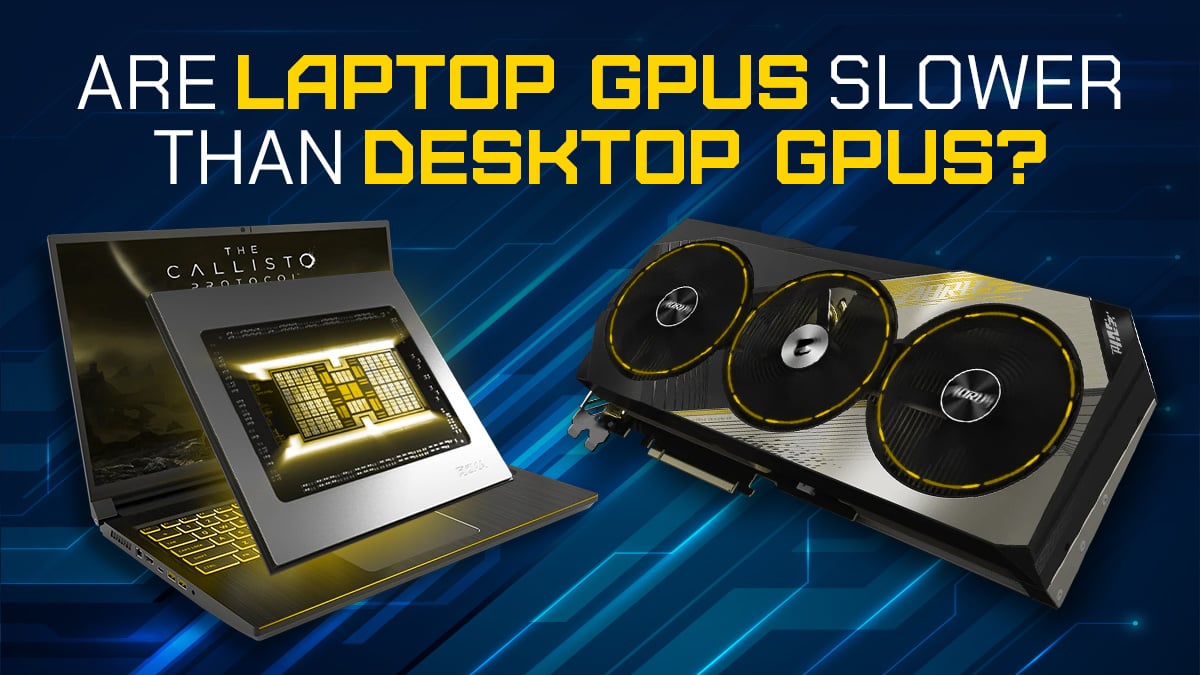
The CPU is the brain of the computer. It handles all general tasks and instructions. The GPU focuses only on graphics and images.
The CPU is good at many tasks but slower for graphics. The GPU works on many graphics tasks at once. This makes it faster for visual jobs.
Both work together to make the computer run smoothly. The CPU manages logic and decisions. The GPU manages what you see on the screen.
Credit: www.cgdirector.com
Typical Pc Tasks
Typical PC tasks often do not demand heavy computer power. Many people use their computers for simple activities. These tasks include browsing the internet, writing documents, watching videos, and playing light games. Understanding these tasks helps decide if a GPU is necessary.
Web Browsing And Office Work
Browsing websites and using office programs need very little graphics power. Most CPUs can handle these tasks easily. You do not need a separate GPU for smooth scrolling or typing. Basic integrated graphics in many processors work well for these tasks.
Media Consumption
Watching videos and streaming movies is common on many PCs. Modern processors can decode video files without a GPU. This means you get smooth video playback on most laptops and desktops. Only very high-resolution videos might need extra graphics support.
Casual Gaming
Playing simple games does not always require a GPU. Many older or less demanding games run fine on integrated graphics. Casual gamers can enjoy titles like card games or puzzles without extra hardware. More advanced games might need a GPU for better performance.
Integrated Graphics Vs Dedicated Gpu
Choosing between integrated graphics and a dedicated GPU matters for normal PC use. Integrated graphics come built into the CPU. Dedicated GPUs are separate hardware parts. Both have clear strengths and weaknesses. Understanding these can help you decide what fits your needs best.
Performance Comparison
Integrated graphics share the CPU’s memory. This limits their speed and power. They handle basic tasks like web browsing and video playback well. Dedicated GPUs have their own memory. They perform much better for games and heavy software. For everyday use, integrated graphics usually work fine.
Power Consumption
Integrated graphics use less energy. This helps laptops last longer on battery. Dedicated GPUs consume more power. They can make your PC run hotter. For normal use, integrated graphics save energy and reduce noise.
Cost Considerations
Integrated graphics come at no extra cost. They are included with the CPU. Dedicated GPUs increase the overall price of your PC. If you do not need high graphics power, integrated graphics help keep costs low.
When A Gpu Becomes Necessary
A GPU, or graphics processing unit, is not always needed for everyday PC tasks. Many normal activities run fine on a computer’s built-in graphics. Still, certain tasks demand more power to handle images and videos smoothly. This is the moment a GPU becomes necessary.
Understanding these tasks helps decide if a GPU is worth adding to your PC. Some jobs require fast and strong graphics processing to work well. Let’s explore the main situations where a GPU is needed.
Graphic-intensive Applications
Programs that create or edit 3D models, animations, or large images need a GPU. These apps use a lot of graphics power to show details clearly. Without a GPU, they might run slow or not work properly. Designers and artists often rely on GPUs for smooth work.
Video Editing And Rendering
Editing videos needs strong graphics support to preview and export files quickly. A GPU speeds up rendering, saving hours of waiting time. Video editors benefit from a GPU because it handles high-resolution clips better. This makes the editing process faster and more pleasant.
High-end Gaming
Games with detailed graphics and fast action need a GPU to run smoothly. A GPU helps show sharp images and quick movements without lag. Players enjoy better visuals and higher frame rates with a GPU. For serious gamers, a GPU is essential for the best experience.
Choosing The Right Gpu
Choosing the right GPU depends on your needs and budget. Not every user needs a powerful graphics card. Many normal tasks run fine without a dedicated GPU. Yet, some tasks benefit from having one. Knowing your options helps you pick the best fit.
This guide breaks down choices into budget-friendly, mid-range, and high-end GPUs. Each category suits different users and tasks. Read on to find out which GPU matches your normal PC use.
Budget-friendly Options
Budget-friendly GPUs offer basic performance for everyday tasks. These cards handle web browsing, office work, and video streaming easily. They use less power and generate less heat. Great for those who want a simple upgrade. These GPUs usually cost under $150. They work well with older systems too.
Mid-range Gpus
Mid-range GPUs provide better speed and graphics quality. They suit users who do light photo editing or casual gaming. These cards can run multiple monitors without lag. They cost between $150 and $300. Mid-range GPUs balance performance with affordability. A good choice for most normal PC users.
High-end Gpus
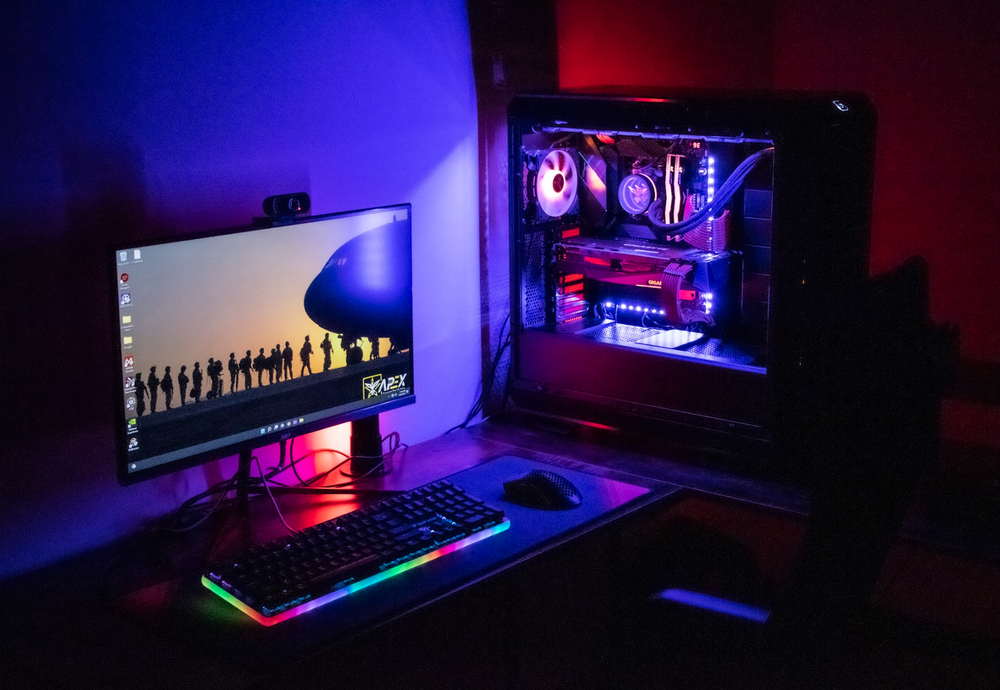
High-end GPUs deliver top performance for demanding tasks. They handle video editing, 3D rendering, and heavy gaming smoothly. These cards cost over $300 and use more power. They may be too much for simple daily use. Best for professionals or serious gamers who need speed.
Credit: apexgamingpcs.com
Future-proofing Your Pc
Planning a PC that lasts a long time saves money and effort. Future-proofing means choosing parts that keep your computer useful for years. A GPU plays a key role in this. It helps with tasks beyond gaming, like video editing and new software features. Understanding upcoming needs and upgrade options guides better choices.
Upcoming Software Demands
Software gets more complex every year. Many programs use graphics power to run smoothly. Even web browsers and video apps rely on GPUs now. Some new tools need a GPU to work well or at all. Without one, your PC might slow down or miss features. A GPU prepares your system for future software changes.
Upgradability Factors
Not all PCs allow easy upgrades. Some have limited space or power for new parts. A PC with a GPU slot lets you add or replace the card later. This keeps your computer up to date without buying a new one. Choosing a motherboard and case that support GPU upgrades is smart. It saves money and keeps your PC fast over time.
Frequently Asked Questions
Do I Need A Gpu For Basic Pc Tasks?
For basic tasks like browsing and word processing, an integrated GPU is sufficient. A dedicated GPU is not necessary unless you run graphic-intensive applications or games.
Can I Use A Pc Without A Dedicated Gpu?
Yes, most modern CPUs have integrated graphics that handle everyday tasks well. A dedicated GPU is only essential for gaming, video editing, or 3D rendering.
How Does A Gpu Impact Normal Pc Performance?
A GPU mainly boosts graphics and video processing. For normal PC use, it has minimal impact since integrated graphics handle standard applications efficiently.
Is A Dedicated Gpu Worth It For Casual Pc Users?
Casual users typically do not benefit significantly from a dedicated GPU. It adds cost and power consumption without improving everyday computing tasks.
Conclusion
A GPU is not always needed for normal PC tasks. Basic activities like browsing, writing, and watching videos run fine on most computers without one. Integrated graphics handle these jobs well enough. But if you want better visuals or plan to play games, a GPU helps.
It also improves performance in photo or video editing. For simple daily use, saving money on a GPU makes sense. Think about what you really need. Choose what fits your computer use best.