Can Mismatched Pc Parts Cause Issues? Avoid Costly Mistakes Now!
Have you ever wondered if mixing different PC parts could cause problems? When you build or upgrade your computer, every component needs to work well together.
Using mismatched parts might seem like an easy way to save money or reuse old hardware. But could it lead to slow performance, crashes, or even damage? Understanding how your PC parts interact is key to avoiding costly headaches. Keep reading to find out why matching your components matters and how it affects your computer’s health.
Credit: www.rgvelectricalsupply.com
Common Pc Part Mismatches
Common PC part mismatches cause many problems. These mismatches stop your computer from working well. Knowing the usual mismatches helps you avoid trouble. Here are some common issues to watch for.
Incompatible Cpu And Motherboard
A CPU must fit the motherboard socket. Different CPUs need different sockets. Using a wrong socket means the CPU won’t fit. Even if it fits, the motherboard might not support the CPU model. This leads to no power or errors. Check CPU and motherboard compatibility before buying.
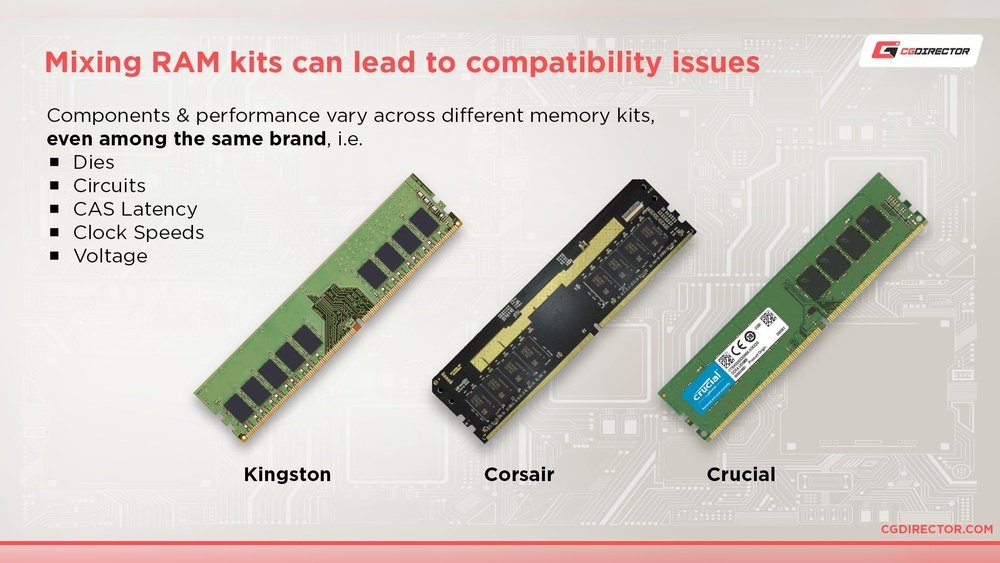
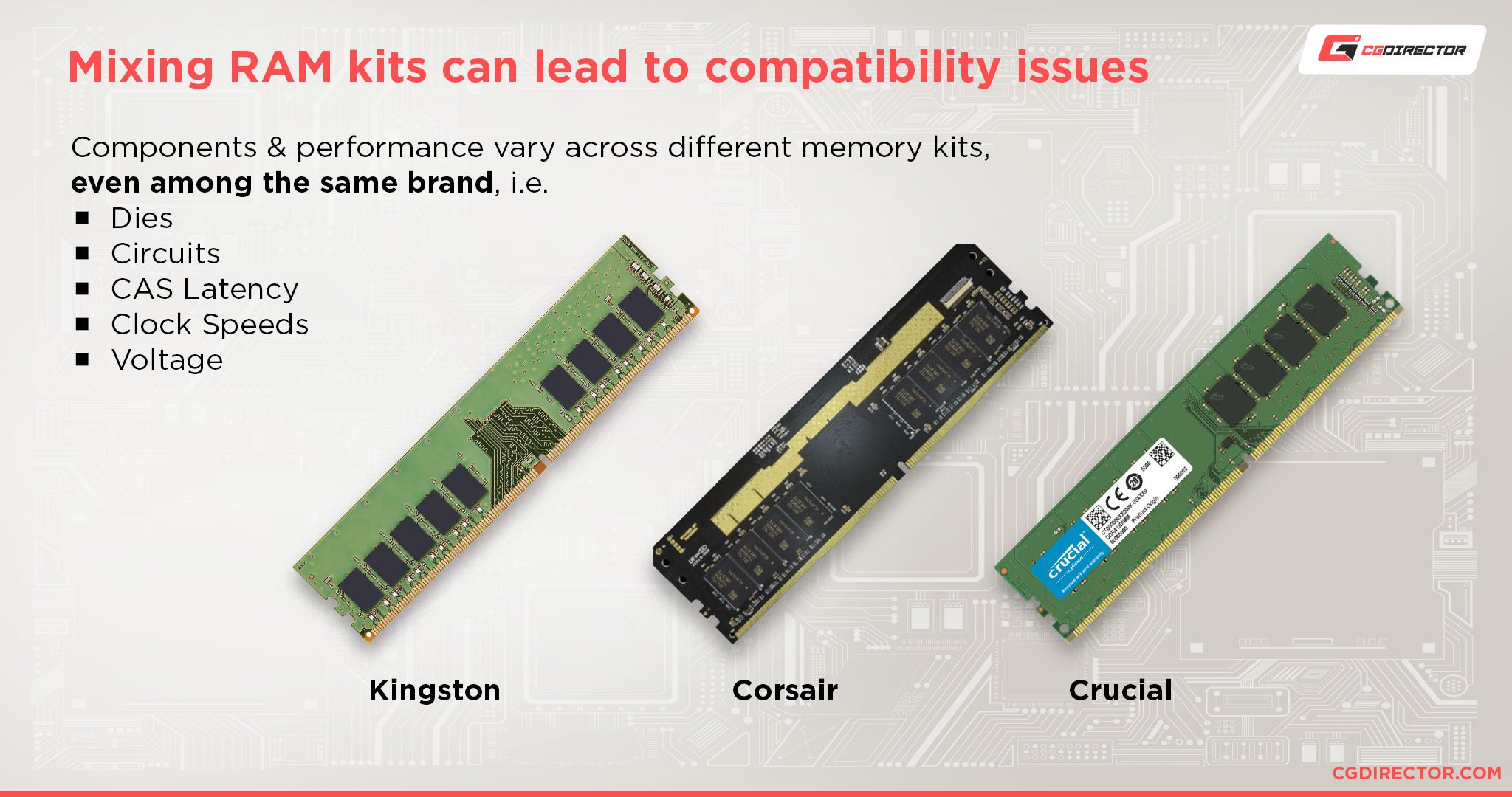
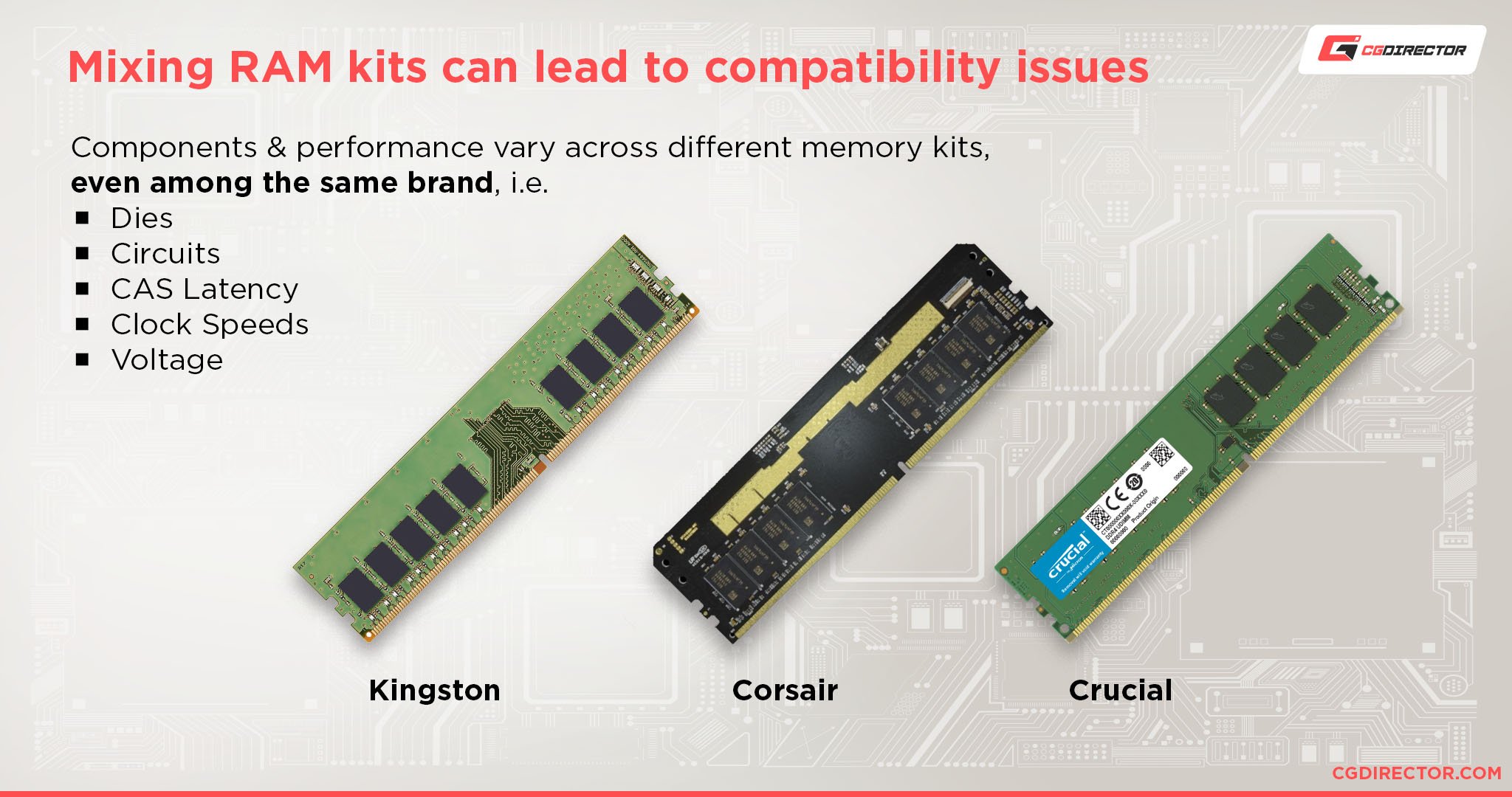
Ram Speed And Type Conflicts
RAM must match your motherboard’s type and speed. DDR3 RAM won’t work in a DDR4 slot. Mixing RAM speeds slows down the system. Some motherboards may not boot with wrong RAM types. Use RAM that matches motherboard specs for best performance.
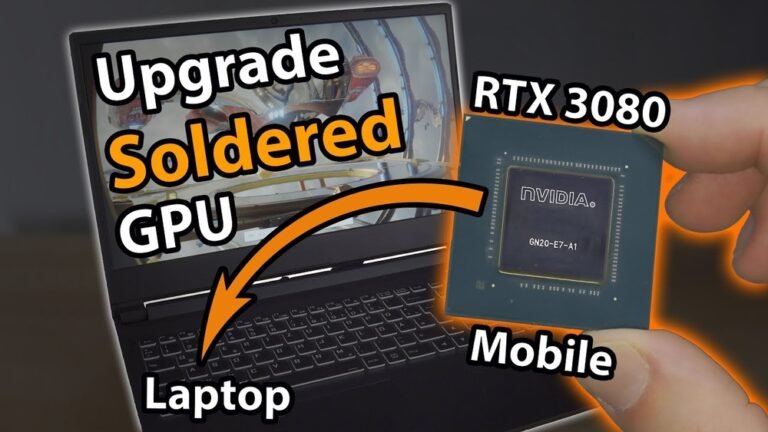
Gpu And Power Supply Issues
Graphics cards need enough power to run. A weak power supply causes crashes or no display. Some GPUs require special power connectors. Missing these connectors means the GPU will not work. Check power supply wattage and connectors before installing a GPU.
Credit: vixencomposites.com
Symptoms Of Mismatched Components
Mismatched PC parts often cause hidden problems. These issues affect how your computer runs daily. Recognizing symptoms early helps fix problems fast.
Problems from mismatched components can show in many ways. From random crashes to slow performance, these signs warn of hardware conflicts.
System Instability And Crashes
Your PC may freeze or crash without warning. Programs might close suddenly or fail to open. These crashes happen because parts cannot work well together. Unstable memory or incompatible drivers often cause these issues.
Performance Bottlenecks
Slow response times and lagging apps are common signs. Some parts limit others, stopping your system from running smoothly. For example, a slow hard drive can hold back a fast processor. This imbalance reduces overall speed and efficiency.
Boot Failures And Errors
Your computer might not start or show error messages at boot. Wrong or mismatched hardware can prevent the system from loading properly. You may see blue screens or hear beep codes indicating hardware trouble. These errors suggest critical compatibility problems.
How Mismatches Affect Pc Performance
Mismatched PC parts often cause problems with how your computer runs. Different components need to work well together for the best results. When parts do not match, your PC may slow down or face other issues. This section explains how mismatches affect PC performance.
Reduced Processing Speeds
When PC parts do not match, the processor may slow down. The CPU relies on compatible memory and motherboard to work fast. Using slower RAM with a fast CPU limits data flow. This mismatch causes delays and reduces overall speed. Your computer takes longer to complete tasks.
Overheating Risks
Parts that do not fit well can cause heating problems. For example, a powerful graphics card with a weak cooling system may overheat. Overheating leads to crashes and damage to parts. Poor airflow from mismatched cases or fans adds to the heat. Keeping parts compatible helps maintain safe temperatures.
Limited Upgrade Potential
Mismatched parts can block future upgrades. A motherboard may not support newer CPUs or faster RAM. This limits your ability to improve your PC over time. You may need to replace multiple parts at once. Choosing compatible components keeps upgrade options open.
Avoiding Costly Pc Part Mistakes
Building a PC can be exciting but also tricky. Choosing parts that do not work well together can cause problems. These issues may cost you extra money and time. It is important to avoid mistakes early. Careful planning helps you build a smooth and efficient PC. Follow simple steps to make sure your parts fit and work properly.
Researching Compatibility
Start by checking if parts fit together. Look at the motherboard socket type and CPU model. Check RAM type and speed supported by your motherboard. Make sure your power supply can handle your parts’ needs. Read product specifications carefully. This step stops many common problems before they happen.
Using Pc Building Tools
Use online tools made for PC builders. These tools help you pick compatible parts easily. They show if your chosen parts will work together. Some tools suggest alternative parts if there is a conflict. This saves time and prevents costly errors. Many tools also estimate power use and size fit.
Consulting Expert Reviews
Read reviews from trusted experts and users. Reviews often mention compatibility issues and tips. Experts test parts in real situations. User experiences reveal hidden problems or benefits. Use this information to make smart choices. This helps you avoid parts that cause trouble.
Troubleshooting Mismatched Parts
Troubleshooting mismatched PC parts can solve many common issues. Parts that do not work well together may cause crashes, slow performance, or failure to boot. Checking each component carefully helps find the root of the problem. This process saves time and money by avoiding unnecessary replacements.
Testing Individual Components
Test each part on its own to see if it works properly. Use known good parts to compare performance. For example, test the RAM sticks one by one. Try a different power supply or graphics card if possible. This method isolates the faulty component quickly. It also confirms compatibility between parts.
Updating Firmware And Drivers
Old firmware or drivers may cause parts to clash. Visit the manufacturer’s website for updates. Update your motherboard BIOS first. Then update drivers for the GPU, sound card, and other devices. New updates often fix bugs and improve compatibility. Keep your system software current to reduce errors.
Seeking Professional Help
Some problems need expert diagnosis. Professionals have tools and knowledge for complex issues. They can test parts more deeply and provide accurate advice. Consider taking your PC to a technician if problems persist. This step prevents further damage and ensures proper fixes.

Credit: www.blisscomputers.net
Frequently Asked Questions
Can Mismatched Pc Parts Cause System Instability?
Yes, mismatched PC parts can lead to system instability. Incompatible components may cause crashes, freezes, or failure to boot. Ensuring compatibility between parts like CPU, motherboard, and RAM is crucial for smooth performance.
How Do Mismatched Pc Parts Affect Performance?
Mismatched parts can reduce your PC’s performance. Components that don’t work well together may throttle speeds or cause bottlenecks. Properly matched parts optimize efficiency and provide the best user experience.
What Are Common Issues From Incompatible Pc Parts?
Common issues include system crashes, overheating, and hardware failures. Incompatible parts may also prevent the PC from powering on or cause driver conflicts. Compatibility checks help avoid these problems.
Can Mismatched Ram Cause Pc Problems?
Yes, mismatched RAM can cause errors and slow performance. Different speeds or sizes may lead to crashes or system instability. Using matched RAM sticks ensures better stability and speed.
Conclusion
Mismatched PC parts can lead to various problems. Your computer might run slower or crash often. Some parts may not work well together. This can cause frustration and extra costs. Choosing compatible components helps your PC run smoothly. Always check part specifications before buying.
A well-matched system saves time and money. It also improves your overall experience. Remember, careful planning makes a big difference. Avoiding mismatched parts keeps your PC stable and fast.