What Pc Parts Affect Electricity Usage: Ultimate Energy Guide
Have you ever wondered why your electricity bill spikes when you use your PC more often? The truth is, not all computer parts use the same amount of power.
Some components can quietly drain more energy than you realize, making your setup less efficient and more costly to run. If you want to save money and keep your PC running smoothly, understanding which parts affect electricity usage is key.
Keep reading to discover the main culprits and how you can make smarter choices for your computer—and your wallet.
Power Supply Unit
The Power Supply Unit (PSU) plays a key role in your PC’s electricity use. It converts power from the wall outlet to the parts inside your computer. The PSU’s quality and features impact how much electricity your PC consumes. Choosing the right PSU helps save energy and lowers your electric bill.
Efficiency Ratings
Efficiency ratings show how well a PSU changes AC power to DC power. Higher efficiency means less energy waste. Look for 80 PLUS ratings like Bronze, Silver, Gold, or Platinum. A Gold-rated PSU wastes less electricity than a Bronze one. This reduces heat and lowers electricity use.
Wattage And Load
Wattage is the total power a PSU can supply. Your PC needs a PSU that fits its power demand. A PSU working near its full load uses electricity more efficiently. Too high wattage may waste power at low loads. Pick a PSU with wattage close to your PC’s needs.
Modular Vs Non-modular
Modular PSUs let you connect only the cables you need. This improves airflow and keeps your PC cool. Non-modular PSUs have all cables fixed, which can cause clutter. Better airflow means less cooling power needed, saving electricity. Modular PSUs help keep your build clean and energy-friendly.
Processor Impact
The processor, also called the CPU, plays a big role in a PC’s electricity use. It is the brain of the computer and works constantly to run programs and processes. Different processors use different amounts of power. Understanding how the processor impacts electricity helps in choosing energy-efficient parts and saving on electric bills.
Power Consumption Differences
Not all processors use the same amount of power. Some use more electricity to run faster or handle more tasks. High-end processors often consume more power than basic models. The number of cores and manufacturing technology also affect power use. Older processors usually use more energy than newer, more efficient ones.
Effect Of Clock Speed
Clock speed is how fast a processor works, measured in gigahertz (GHz). Higher clock speeds mean the CPU runs faster but uses more electricity. Lower clock speeds save power but may slow down tasks. Many processors adjust their clock speed based on the work needed. This helps balance performance and power use.
Energy Saving Features
Modern processors come with energy-saving features. They can reduce power use when the computer is idle or under light load. Technologies like Intel’s SpeedStep or AMD’s Cool’n’Quiet lower clock speeds automatically. These features help save electricity without affecting performance much. Choosing a processor with these options can reduce overall energy consumption.
Graphics Card Usage
The graphics card is one of the key parts of a PC that uses a lot of electricity. It helps create the images and videos you see on your screen. The power a graphics card uses can change a lot depending on what you do with your computer. Understanding how graphics cards draw power helps manage your PC’s electricity use better.
Gaming Vs Idle Power Draw
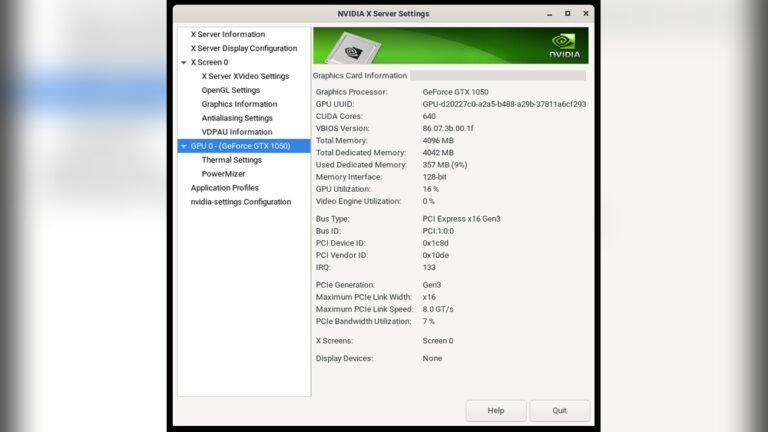
When you play games, the graphics card works hard. It uses much more electricity than when the PC is idle. At idle, the graphics card runs at low power to save energy. During gaming, the card’s power use can be several times higher. This difference affects your overall electricity bill.
Vram And Power Needs
VRAM stores images and data for the graphics card. Cards with more VRAM usually need more power. High VRAM helps with smooth images and faster performance. But it also means the card uses extra electricity. Choosing the right VRAM size can balance power use and performance.
Overclocking Effects
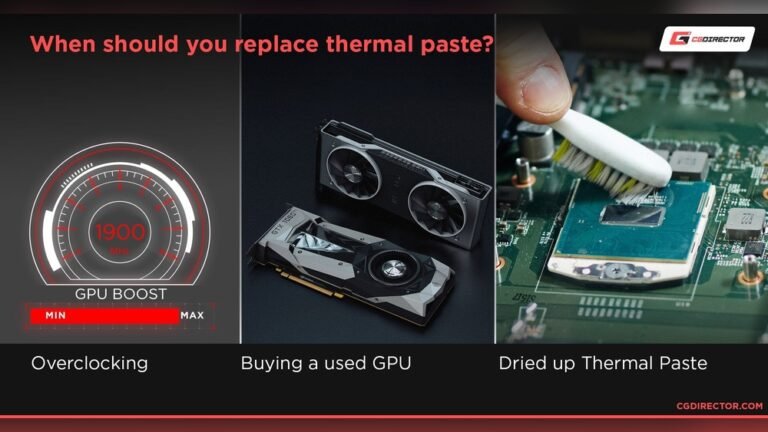
Overclocking makes the graphics card run faster than normal. This boosts performance but raises power consumption. Overclocked cards can use much more electricity than standard settings. Overclocking also increases heat, which can need more cooling power. This means higher electricity use overall.
Credit: www.bestbuy.com
Memory And Storage
Memory and storage are key parts of a PC that affect electricity use. These components work continuously to keep your data ready and your programs running. Their power needs can change how much electricity your computer uses.
Ram Power Requirements
RAM uses power to keep data active. The more RAM you have, the more electricity it may need. Different types of RAM use different amounts of energy. DDR4 RAM usually uses less power than older DDR3. Keeping RAM cool also helps reduce power use.
Ssd Vs Hdd Energy Use
Solid State Drives (SSDs) use less power than Hard Disk Drives (HDDs). SSDs have no moving parts, so they consume less electricity. HDDs spin disks and move heads, which uses more energy. Using SSDs can lower your PC’s power use, especially during start-up and file access.
Multiple Drives Impact
Having many drives in your PC increases electricity use. Each drive needs power to run and stay ready. More drives mean more power drawn from your system. Turning off drives when not in use can save energy. Choosing fewer or more efficient drives helps reduce power needs.
Motherboard And Chipset
The motherboard and chipset play a key role in a PC’s electricity use. They act as the main hub connecting all parts of the computer. The design and features of these components affect how much power the system needs. Understanding their impact helps manage energy use better.
Power Delivery
The motherboard controls power flow to the CPU and other parts. It uses voltage regulators to keep power steady and safe. Efficient power delivery reduces waste and lowers electricity use. Some motherboards use advanced circuits that save more energy during low activity. This means less power is drawn when the PC is idle or running simple tasks.
Additional Features And Energy Use
Extra features on a motherboard can increase power consumption. Built-in Wi-Fi, RGB lighting, and extra ports need more electricity. Chipsets also add to energy use by managing data flow between parts. Newer chipsets often have better energy-saving technologies. Choosing a motherboard with fewer extras can help reduce electricity bills.
Cooling Systems
Cooling systems play a key role in a PC’s electricity use. They keep the parts from getting too hot. Without good cooling, the PC can slow down or even break. Different cooling methods use different amounts of power. Understanding these can help lower electricity bills and keep the PC safe.
Air Cooling Vs Liquid Cooling
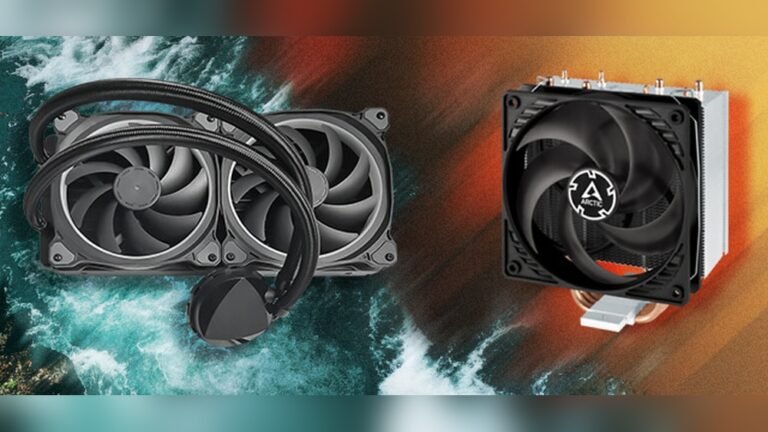
Air cooling uses fans to move air over hot parts. It is simple and uses less power. Liquid cooling moves heat with water or special liquid. It can cool better but uses more electricity. Liquid cooling has pumps that always run. Air cooling fans run only when needed. Choosing between them affects power use and noise levels.
Fan Power Consumption
Fans need electricity to spin. Bigger fans usually use more power. But they can run slower and still cool well. Small fans spin faster and use more power. The number of fans matters too. More fans mean more electricity use. Controlling fan speed can save power. Many PCs adjust fan speed based on temperature.
Impact On Overall Efficiency
Good cooling helps the PC work better. Cooler parts use energy more efficiently. If the PC gets too hot, it slows down. This makes it use more power for the same work. Efficient cooling systems reduce waste. They keep the PC stable and save electricity. Choosing the right cooling system improves overall power use.
Peripheral Devices
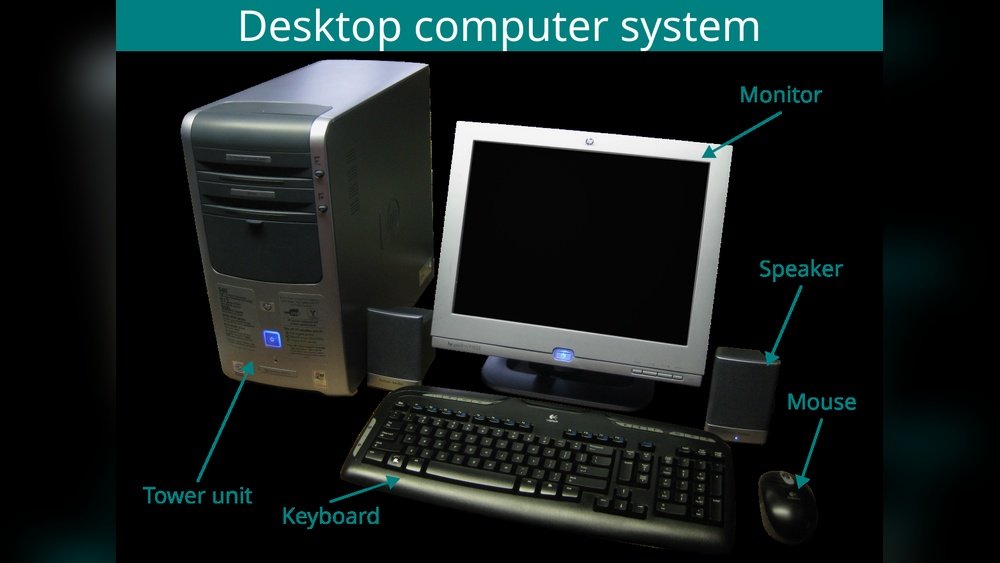
Peripheral devices connect to your PC and add extra functions. They use electricity too. Understanding their power use helps manage your energy bills. Some devices use more power than others.
Monitors And Their Energy Use
Monitors are often the largest power users among peripherals. Bigger screens consume more electricity. Older models use more power than newer, energy-efficient ones. LCD and LED monitors use less energy than CRT screens. Brightness settings affect energy use. Lower brightness saves electricity. Turning off the monitor when not in use reduces power waste.
External Drives And Accessories
External hard drives and USB devices also draw power. Portable drives use less energy than desktop external drives. Accessories like keyboards, mice, and speakers use minimal power. Some devices stay powered even when the PC is off if connected. Disconnecting unused accessories can cut electricity use. Choose low-power accessories to save energy.

Credit: www.amazon.com
Power Management Settings
Power management settings play a key role in controlling your PC’s electricity use. They help reduce power consumption without affecting performance. Adjusting these settings can save energy and lower your electricity bill. Small changes in power options can make a big difference over time.
Operating System Controls
Your operating system offers built-in power management options. Windows, macOS, and Linux all include settings to control sleep mode, screen brightness, and CPU usage. These controls let you balance power saving and performance. You can set your PC to enter sleep mode after inactivity or reduce screen brightness to save energy.
Bios And Firmware Options
The BIOS or firmware controls hardware-level power settings. You can access these by restarting your PC and pressing a special key. BIOS settings may include CPU power limits and fan control. Tweaking these options can reduce power use but requires care. Incorrect changes might cause system instability.
Third-party Software Tools
Some programs offer advanced power management beyond the operating system. These tools monitor hardware and adjust settings automatically. They can optimize CPU speed, manage GPU power, and control hard drive spin-down. Many tools are free and easy to use. They help fine-tune power use for different tasks.
Tips To Reduce Pc Energy Use
Reducing your PC’s energy use helps lower electricity bills and protects the environment. Small changes can make a big difference in power consumption. Knowing how to manage your PC’s parts and habits is key.
Choosing Energy-efficient Components
Select parts that use less power but still perform well. Look for CPUs and GPUs labeled as energy-efficient. Solid-state drives (SSDs) consume less electricity than traditional hard drives. Use power supplies with high efficiency ratings like 80 Plus certification. These parts save energy without slowing your computer.
Optimizing Usage Habits
Turn off your PC when not in use. Use sleep or hibernate modes to reduce power during breaks. Lower your screen brightness to save energy. Close unused programs and background apps. This reduces the workload and power draw from your PC.
Regular Maintenance Practices
Keep your PC clean and dust-free. Dust buildup can cause overheating and make fans work harder. Update your software and drivers to improve efficiency. Check for malware that can increase CPU usage. Well-maintained PCs run cooler and use less electricity.

Credit: en.wikipedia.org
Frequently Asked Questions
Which Pc Parts Consume The Most Electricity?
The GPU and CPU are the biggest power consumers in a PC. High-performance models use more electricity. Cooling systems and power supplies also affect overall consumption.
How Does The Power Supply Affect Electricity Usage?
A power supply’s efficiency impacts electricity use. Higher efficiency units waste less power as heat, reducing overall electricity consumption. Choosing an 80 Plus certified PSU can save energy.
Do Storage Drives Impact Pc Electricity Usage?
Yes, storage drives like HDDs use more power than SSDs. SSDs are more energy-efficient and reduce electricity consumption during data access.
Can Upgrading Pc Parts Lower Electricity Bills?
Upgrading to energy-efficient components like newer CPUs, GPUs, and SSDs can reduce power consumption. Efficient parts generate less heat, lowering cooling needs and saving electricity.
Conclusion
Choosing the right PC parts can save a lot of electricity. Components like the CPU, GPU, and power supply affect power use the most. Using energy-efficient parts lowers your electric bills. It also helps the environment by reducing waste. Remember, simple changes can make a big difference.
Check your PC’s parts before buying or upgrading. Small steps lead to smarter energy use and better performance. Keep your setup balanced for both power and efficiency.