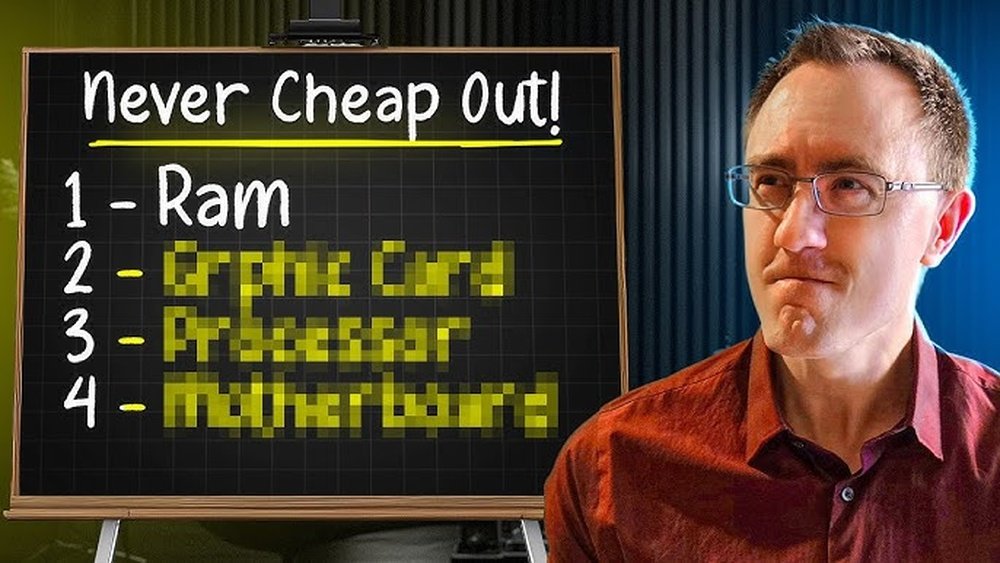
What Pc Parts Should Never Be Cheap: Essential Quality Choices
When building or upgrading your PC, it’s tempting to cut costs wherever you can. But some parts are too important to cheap out on.
Choosing the wrong components can lead to headaches, poor performance, or even hardware failure. You want your computer to run smoothly and last for years, right? That’s why knowing which PC parts you should never buy cheap can save you time, money, and frustration.
Keep reading to discover the key components where quality truly matters—and how making smart choices will protect your investment and boost your experience.
Critical Components To Invest In
Building a PC means choosing parts that last and work well. Some components affect the system more than others. Spending a little more on certain parts can save money and trouble later. These critical components help your PC run smoothly and stay reliable over time.
Processor Performance And Reliability
The processor is the brain of your computer. It handles all tasks and calculations. A slow or weak processor can cause lag and frustration. Choose a processor that offers good speed and stability. Reliable processors keep your system running fast and avoid crashes.
High-quality Graphics Cards
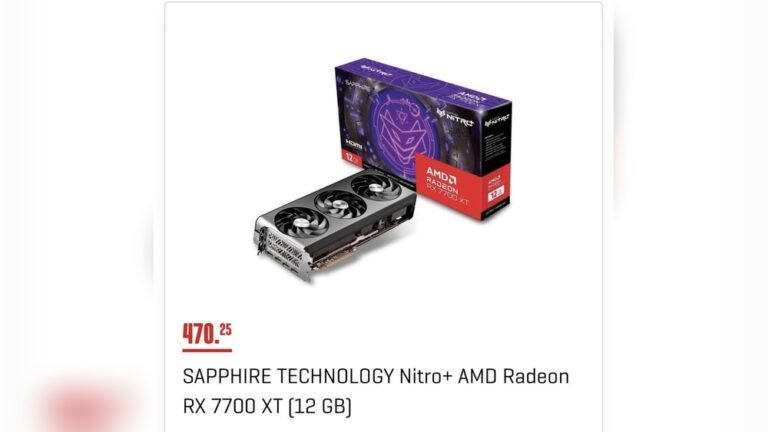
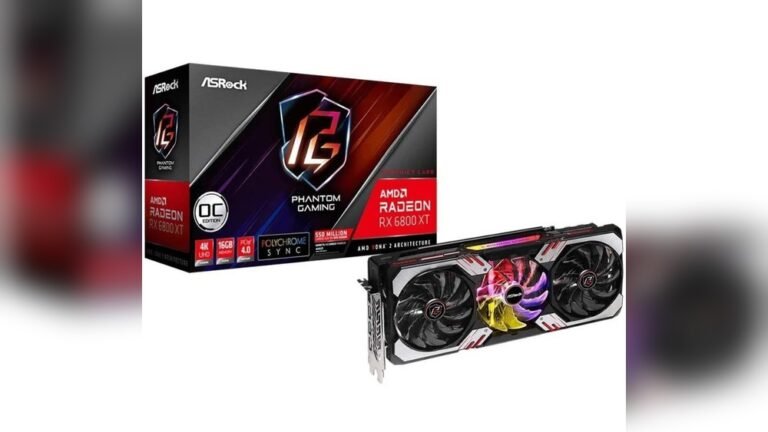
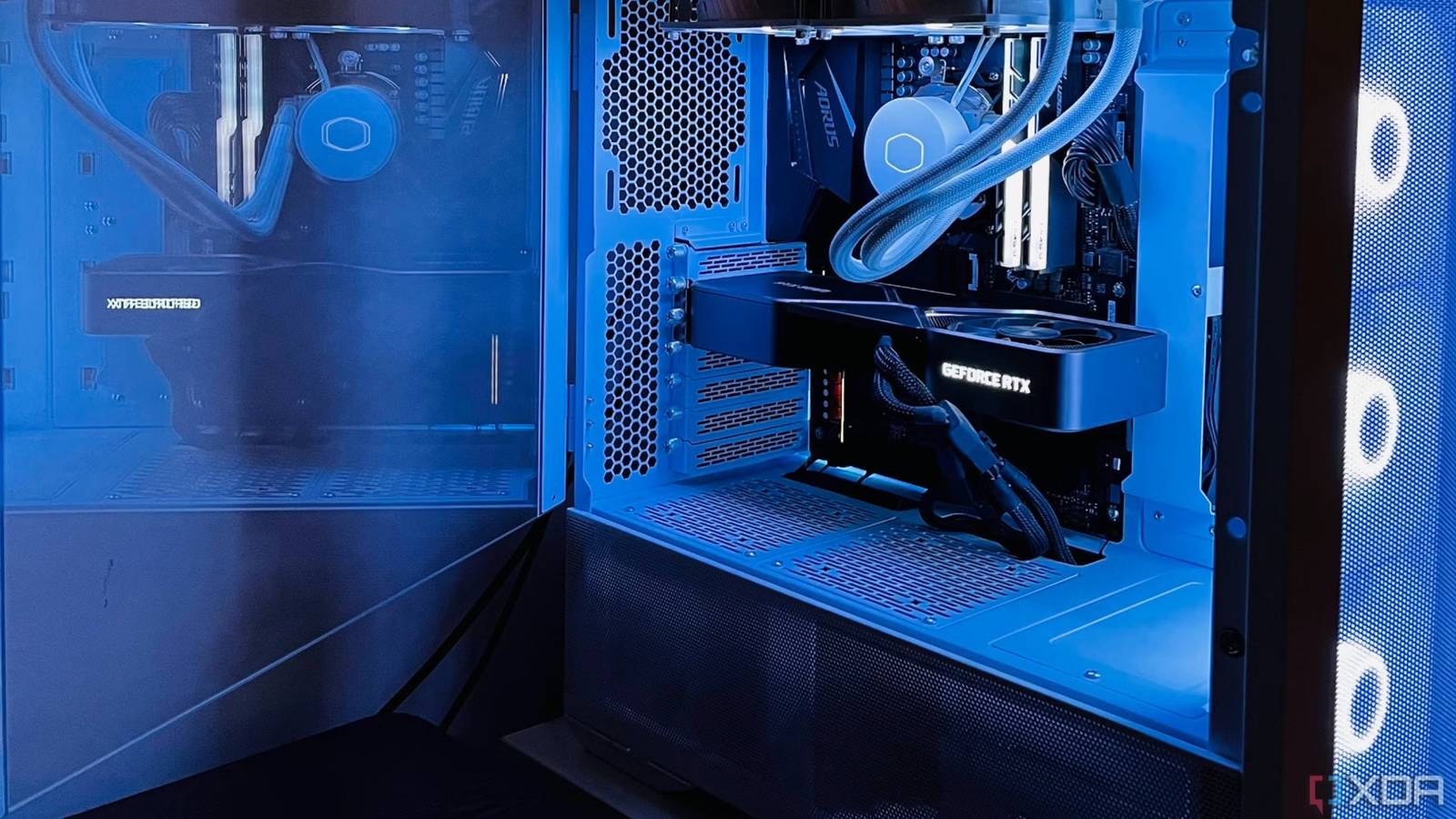
The graphics card controls how images show on the screen. It is important for video editing, gaming, and design work. Cheap cards may cause glitches or poor visuals. Investing in a good graphics card ensures clear pictures and smooth video playback. It also supports new software and games better.
Durable Motherboards
The motherboard connects all PC parts together. A weak motherboard can cause hardware failures and errors. Look for motherboards with quality materials and solid build. Durable motherboards offer stable connections and last longer. They also allow easy upgrades and expansions.
Efficient Power Supplies
The power supply feeds electricity to all components. Poor power supplies can damage parts or cause shutdowns. Choose an efficient power supply with enough wattage for your system. High-quality power supplies protect your PC and help it run steadily. They also use less energy and produce less heat.
Credit: www.xda-developers.com
Memory And Storage Essentials
Memory and storage are the heart of any PC. They hold your data and run your programs. Choosing good quality parts here means your computer works smoothly and lasts longer. Cheap memory or storage can cause crashes, slow speeds, and lost files. Invest wisely in these essentials for better performance and reliability.
Reliable Ram For Stability
RAM stores data your PC uses now. Bad or cheap RAM can cause errors and crashes. Reliable RAM keeps your system stable and fast. It helps programs run without freezing or closing. Choose RAM from trusted brands with good reviews. This prevents many common problems in everyday use.
Solid-state Drives Vs. Hdds
SSDs and HDDs store your files and software. HDDs are slower and use moving parts. SSDs have no moving parts and work much faster. They start your PC and load apps quickly. Cheap drives may fail early or lose data. Spend more on quality SSDs for speed and durability. They improve your overall experience a lot.
Importance Of Storage Speed
Fast storage means quick access to your files. It reduces waiting times and speeds up tasks. Slow drives cause lag and slow loading. Good speed helps with gaming, editing, and multitasking. Opt for drives with high read/write speeds. This keeps your PC responsive and efficient.
Cooling And Case Considerations
Cooling and case choices play a big role in PC performance. Cheap parts here often cause problems. Overheating can slow down your system or even damage parts. A good case helps parts fit well and stay cool. Both need careful selection for a smooth PC experience.
Effective Cooling Solutions
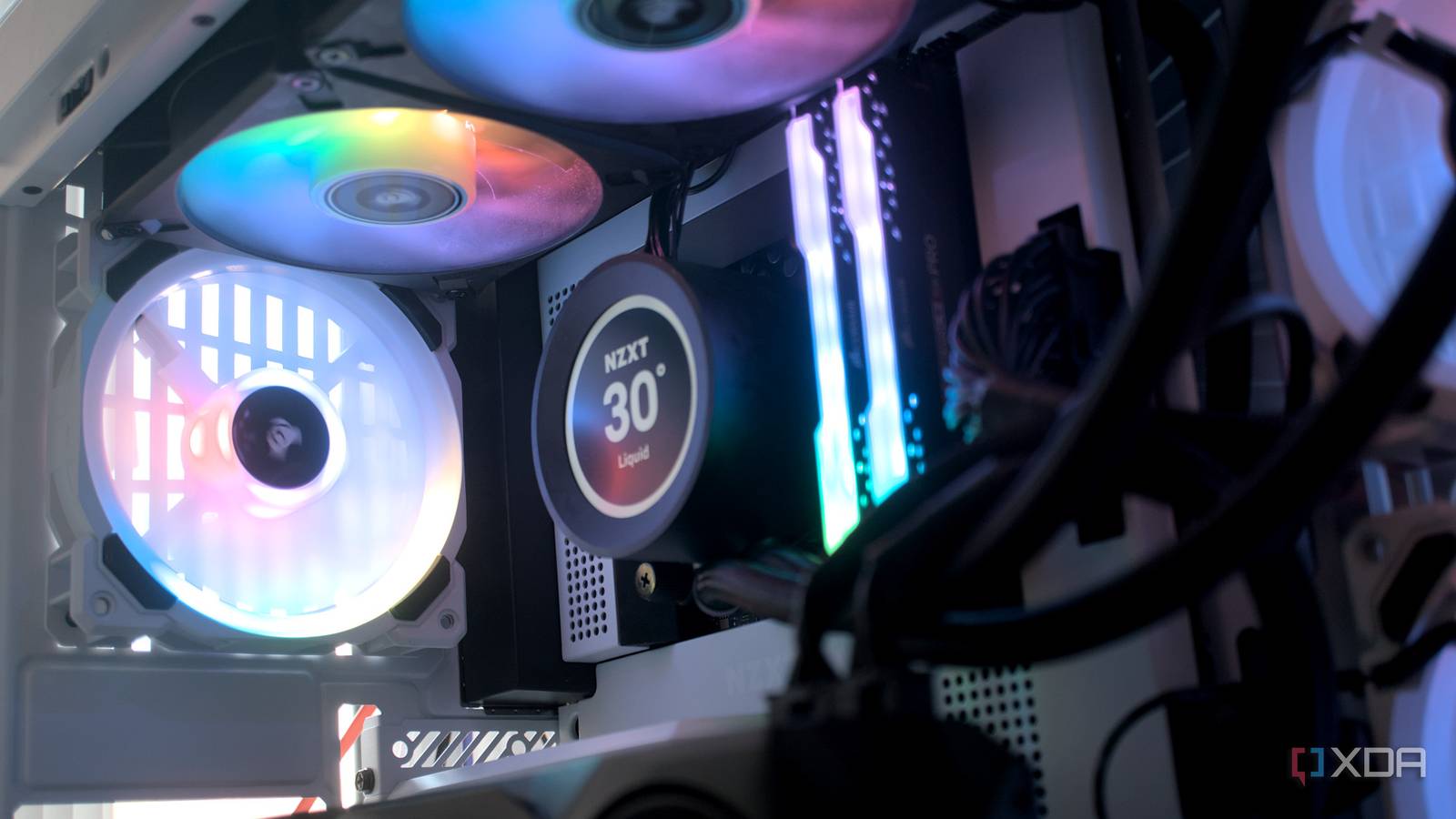
Cooling stops your PC from getting too hot. Cheap cooling parts usually fail fast. They may not move enough air or cool well. Good fans or liquid coolers keep temperatures low. This protects your CPU and GPU from damage. Quiet cooling also makes your PC pleasant to use. Spend more on cooling to avoid heat issues later.
Sturdy And Spacious Cases
Cases hold all your PC parts together. A strong case protects parts during moves or accidents. Cheap cases can break or bend easily. Space inside matters too. A roomy case allows better airflow and easier upgrades. Small cases can trap heat and limit parts. Choose a case that fits your needs and keeps parts cool.
Peripherals Worth Spending On
Choosing the right peripherals can change your whole PC experience. Cheap devices often feel slow or break fast. Spending a bit more on key peripherals gives comfort and better performance. It saves money over time by avoiding frequent replacements.
Focus on parts you touch and see every day. These affect how you work and play. Good peripherals reduce strain and improve accuracy. Let’s explore which peripherals deserve your attention and budget.
Quality Monitors For Better Display
A good monitor shows clear images and bright colors. Cheap screens can blur text and make eyes tired. Investing in a quality monitor helps you read and work longer. Look for screens with high resolution and good color accuracy. Bigger screens or dual monitors can boost productivity. A sharp display also makes watching videos more enjoyable.
Durable Keyboards And Mice
Your keyboard and mouse are your main tools. Cheap ones can break or feel uncomfortable quickly. A durable keyboard lasts years and feels better to type on. Mechanical keyboards offer a satisfying click and last longer. A good mouse fits your hand well and moves smoothly. It helps with precision in tasks and games. Choosing sturdy, comfortable models improves your daily use.
Risks Of Choosing Cheap Parts
Choosing cheap PC parts may seem like a good way to save money. Many buyers focus on price without thinking about quality. This choice can cause many problems. Cheap parts often lead to poor experience and extra costs over time. Knowing the risks helps you make smarter decisions.
Potential For Hardware Failure
Cheap parts often use low-quality materials. These parts break down faster than premium ones. A failed part can stop your PC from working. Replacing broken parts costs time and money. Hardware failure can also cause data loss. Avoiding cheap parts reduces these risks.
Impact On System Performance
Cheap components usually have lower performance. Your PC may run slower or lag during tasks. This affects gaming, video editing, and everyday use. Poor performance makes your PC frustrating to use. Investing in better parts ensures smoother operation and speed.
Long-term Cost Implications
Cheap parts can mean spending more later. Frequent repairs and replacements add up quickly. Some cheap parts use more electricity, raising bills. A low-quality part may damage other components. Buying reliable parts saves money in the long run.
Credit: www.howtogeek.com
Tips For Balancing Budget And Quality
Balancing budget and quality matters when building a PC. Spending wisely keeps costs down and parts reliable. Choosing the right parts affects performance and lifespan. Some components need more investment, while others can be cheaper. Here are tips to help balance cost and quality.
Prioritizing Components
Focus on parts that affect speed and durability. The processor, graphics card, and motherboard are key. These parts handle the most work. Spend more on them to avoid slowdowns. Memory and storage matter too, but can be mid-range. Power supply should be reliable to protect other parts.
Recognizing Trusted Brands
Choose brands known for quality and support. Trusted brands offer better warranties and fewer defects. Read reviews and check user feedback. Avoid unknown brands with low prices but poor quality. Reliable brands may cost more but save money long-term.
When To Upgrade
Upgrade parts only when needed. Check if your PC runs slow or crashes often. Sometimes adding memory or a new hard drive helps. Avoid buying new parts if the old ones still work well. Plan upgrades around your budget and needs.
Credit: www.xda-developers.com
Frequently Asked Questions
What Pc Parts Should I Never Buy Cheap?
Never buy cheap CPU, GPU, motherboard, RAM, and power supply. These parts impact performance and stability most. Quality components ensure durability and better experience.
Why Avoid Cheap Power Supplies In Pcs?
Cheap power supplies can cause system instability and damage parts. They often lack proper protections and deliver inconsistent power. Investing in a quality PSU protects your PC and ensures reliability.
Is A Cheap Motherboard A Bad Choice?
Yes, cheap motherboards may lack features, durability, and good VRMs. This limits upgrade options and may cause system crashes. A reliable motherboard supports stable performance and future upgrades.
Should I Compromise On Pc Ram Quality?
No, low-quality RAM can lead to crashes and slow speeds. Quality RAM ensures faster, stable multitasking and better gaming or work performance. Always choose reputable brands for your memory.
Conclusion
Choosing the right PC parts matters a lot. Cheap parts can cause problems later. Your computer’s performance depends on quality components. Spending more on key parts saves money and time. Avoid cutting corners on the motherboard, CPU, and power supply.
These parts keep your PC stable and fast. Better parts last longer and work smoother. A good investment now means fewer headaches later. Build your PC with care and smart choices. It pays off in the end.