How Many Cores Does a Pc Really Need: Ultimate Guide 2026
Are you confused about how many cores your PC actually needs? With so many options out there, it’s easy to feel overwhelmed.
You might think more cores always mean better performance, but that’s not always true. Understanding how core count affects your daily tasks can save you money and help you get the most from your computer. Keep reading to discover exactly what core count fits your needs and how to make the smartest choice for your PC.

Credit: www.youtube.com
Core Basics
Understanding the basics of CPU cores helps you choose the right PC. Cores are key parts of a computer’s processor. They determine how well your PC runs tasks.
Knowing what a core does and how cores affect performance guides your buying decisions. This knowledge helps you avoid paying for more power than you need.
What Is A Cpu Core
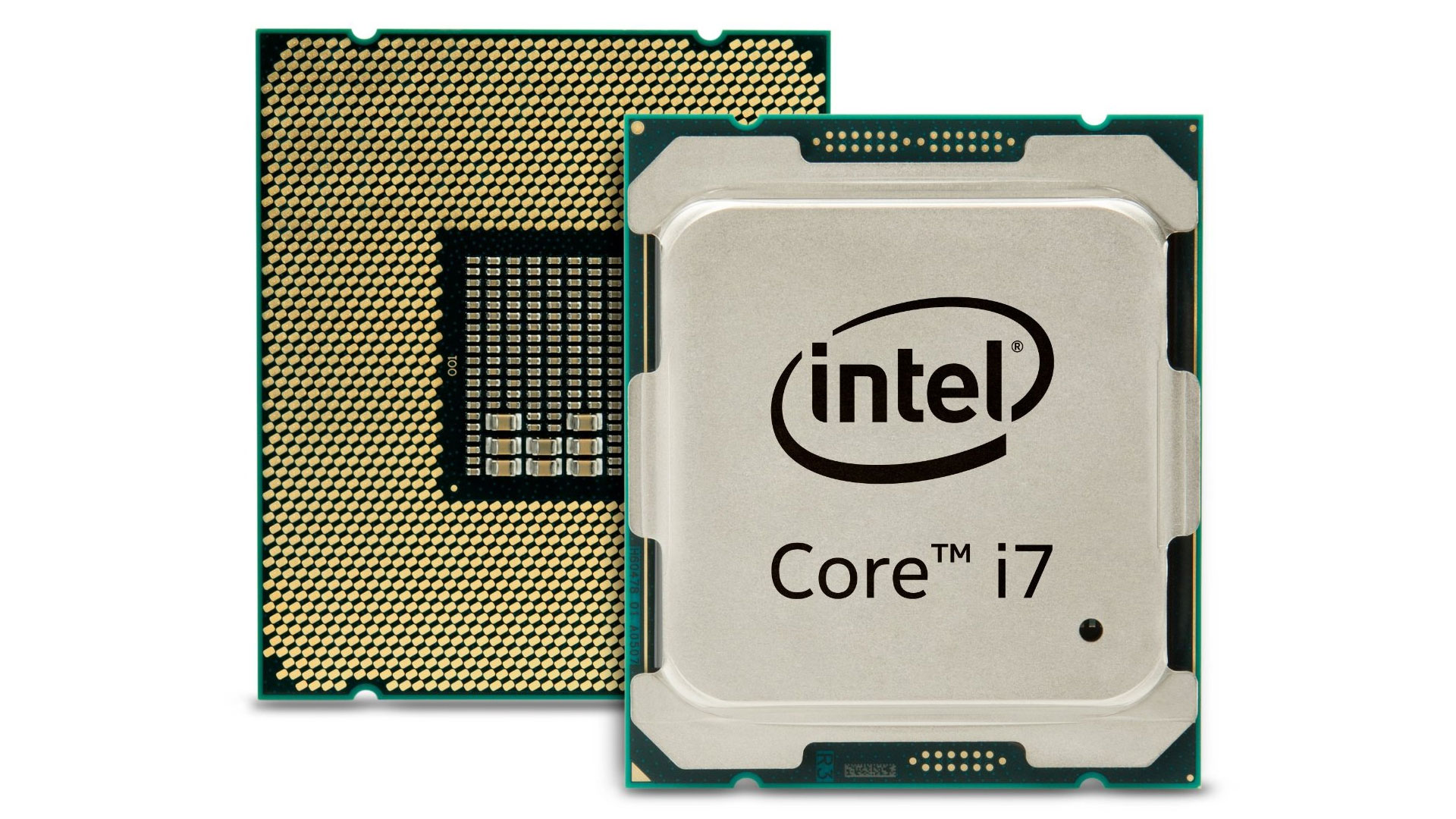
A CPU core is a small processor inside the main chip. Each core can handle its own tasks independently. More cores mean a processor can do more at once.
Think of cores as workers in an office. More workers can finish jobs faster by working together.
How Cores Affect Performance
Cores boost a PC’s ability to run multiple programs smoothly. Tasks like web browsing, watching videos, or light work do not need many cores.
Heavy tasks, such as video editing or gaming, benefit from more cores. More cores help split the work, speeding up the process.
Yet, not all software uses many cores well. Some programs run just fine with fewer cores but higher speed.
Credit: www.pcgamer.com
Core Counts And Usage
Core counts in a PC affect how it handles tasks and runs programs. Each core works like a small brain inside the processor. More cores can mean better multitasking and faster performance in certain applications. Choosing the right number of cores depends on what you want to do with your computer.
Single-core Vs Multi-core Cpus
Single-core CPUs have only one core to process data. They work fine for simple tasks like browsing the web or writing documents. Multi-core CPUs have two or more cores. These cores split tasks to work at the same time. This helps with heavy tasks like video editing or running games. Most modern software uses multiple cores to run smoothly.
Common Core Counts Today
Today, most PCs have between 4 and 8 cores. Entry-level computers often have 4 cores. This is enough for daily tasks and light multitasking. Mid-range PCs usually have 6 or 8 cores. These handle gaming and creative work well. High-end PCs can have 12 cores or more. These are best for professionals who need fast performance in demanding software.
Gaming Needs
Gaming performance depends on many parts of a PC. The number of CPU cores plays a key role. Games use cores to run smoothly and fast. Knowing how many cores are needed helps choose the right PC.
Different games need different core counts. Some games run well with fewer cores. Others need more cores to avoid slowdowns. Understanding core needs can improve your gaming experience.
Minimum Cores For Modern Games
Most modern games need at least four cores. Four cores handle game logic, physics, and AI well. Some games use more cores for better performance. Running games on fewer than four cores can cause lag. Four cores balance cost and playability for many gamers.
Core Impact On Frame Rates
More cores can improve frame rates in some games. Extra cores help run background tasks and game processes. However, after six cores, gains become smaller. Games rely more on core speed than core count. Fast cores with good architecture boost frames more than many slow cores.
Productivity And Workloads
Choosing the right number of cores for your PC depends on the tasks you perform daily. Different workloads need different amounts of processing power. Understanding how many cores benefit each type of work helps you get the best performance without wasting money.
Cores For Video Editing
Video editing uses many cores to speed up rendering and exporting. More cores mean faster processing of effects and transitions. For basic editing, four to six cores work well. For high-resolution videos or complex projects, eight or more cores improve performance significantly.
Cores For 3d Rendering
3D rendering is very demanding on the processor. It uses all available cores to finish tasks faster. A higher core count, like 10 to 16 cores, reduces wait times. This helps professionals complete projects more quickly and efficiently.
Cores For Software Development
Software development benefits from multiple cores during compilation and testing. Four to eight cores provide smooth multitasking and quick builds. Larger projects and running virtual machines may require even more cores to avoid slowdowns.
Everyday Computing
Everyday computing covers simple tasks on your PC. These tasks include browsing the internet, writing documents, and watching videos. Such activities do not need very powerful hardware. However, the number of cores in your processor still matters. It can affect how smooth and fast your PC feels during daily use.
Cores For Browsing And Office Tasks
Most web browsers and office software run well on dual-core or quad-core processors. These cores handle multiple tabs and documents easily. More cores do not always speed up simple tasks. Instead, faster cores with good efficiency improve performance. A four-core processor is usually enough for smooth browsing and office work.
Core Benefits For Multitasking
Multitasking means running several apps at once. More cores help your PC switch between programs without slowing down. For example, you can listen to music, chat, and edit a document at the same time. Six cores or more are useful for heavy multitasking. They keep your system responsive and reduce delays.
Future-proofing Your Pc
Future-proofing your PC means choosing parts that stay useful for years. The number of cores in your processor plays a big role. More cores can help your computer handle new programs better. But just adding cores is not enough. Understanding trends and balancing with other specs is key.
Trends In Core Development
Processors today have more cores than before. Software is also starting to use these cores better. Tasks like video editing, gaming, and multitasking benefit from many cores. Yet, some programs still use fewer cores. Future software will likely depend on many cores. Buying a processor with enough cores helps your PC stay fast longer.
Balancing Cores And Clock Speed
Cores are not the only factor in speed. Clock speed shows how fast each core works. A chip with many slow cores might be worse than one with fewer fast cores. The best choice balances core count and clock speed. This balance gives good performance for many tasks. Think about your needs before picking the right processor.
Choosing The Right Cpu
Choosing the right CPU is key to building a balanced PC. The CPU core count affects speed, multitasking, and power use. Picking the right number of cores depends on your tasks and budget. Not all users need the same CPU power. Understanding your needs helps avoid paying for unused features.
Many think more cores always mean better performance. That is not true for every situation. Some software runs well on fewer cores. Others benefit from many cores working at once. Balance is important to get the best value and performance.
Budget Considerations
CPU prices rise with core counts. More cores cost more money. Setting a budget helps narrow choices. Spending wisely means not overpaying for unused cores. Sometimes a mid-range CPU fits better than a high-end one. Save money for other parts like RAM or storage.
Matching Cores To Needs
Think about your typical PC use. Simple tasks like browsing or office work need fewer cores. Four cores often work well here. Heavy tasks like video editing or 3D rendering need more cores. Eight or more cores speed up these jobs. Gaming mostly uses fewer cores but needs good speed. Choose a CPU core count that fits your daily tasks best.

Credit: www.youtube.com
Frequently Asked Questions
How Many Cores Do I Need For Everyday Tasks?
For everyday tasks like browsing and office work, 2 to 4 cores are sufficient. This ensures smooth performance without wasting power or money.
Are More Cores Better For Gaming Performance?
Most games benefit from 4 to 6 cores. Beyond that, extra cores rarely improve gaming, as many games rely on higher clock speeds.
Do Video Editing And Rendering Need More Cores?
Yes, video editing and rendering software utilize multiple cores efficiently. For faster processing, 6 to 8 or more cores are recommended.
How Do Cores Affect Multitasking On A Pc?
More cores improve multitasking by handling multiple processes simultaneously. 4 to 6 cores are ideal for smooth multitasking without slowdowns.
Conclusion
Choosing the right number of cores depends on your needs. Basic tasks run well on fewer cores. More cores help with multitasking and heavy software. Too many cores may not improve everyday use. Balance your budget with the performance you want.
Think about how you use your PC daily. A good core count makes your computer fast and smooth. Remember, more cores don’t always mean better speed. Pick what fits your tasks and budget best.