Does Power Supply Affect Performance: Uncover the Truth Now
Have you ever wondered if your power supply could be holding back your computer’s performance? You might think it’s just about plugging in your device, but the truth is, your power supply plays a crucial role in how well your system runs.
If it’s weak or unstable, your computer might slow down, crash, or even get damaged. You’ll discover exactly how your power supply affects your device’s speed, stability, and overall health. Keep reading to learn what you need to know to get the most out of your setup.
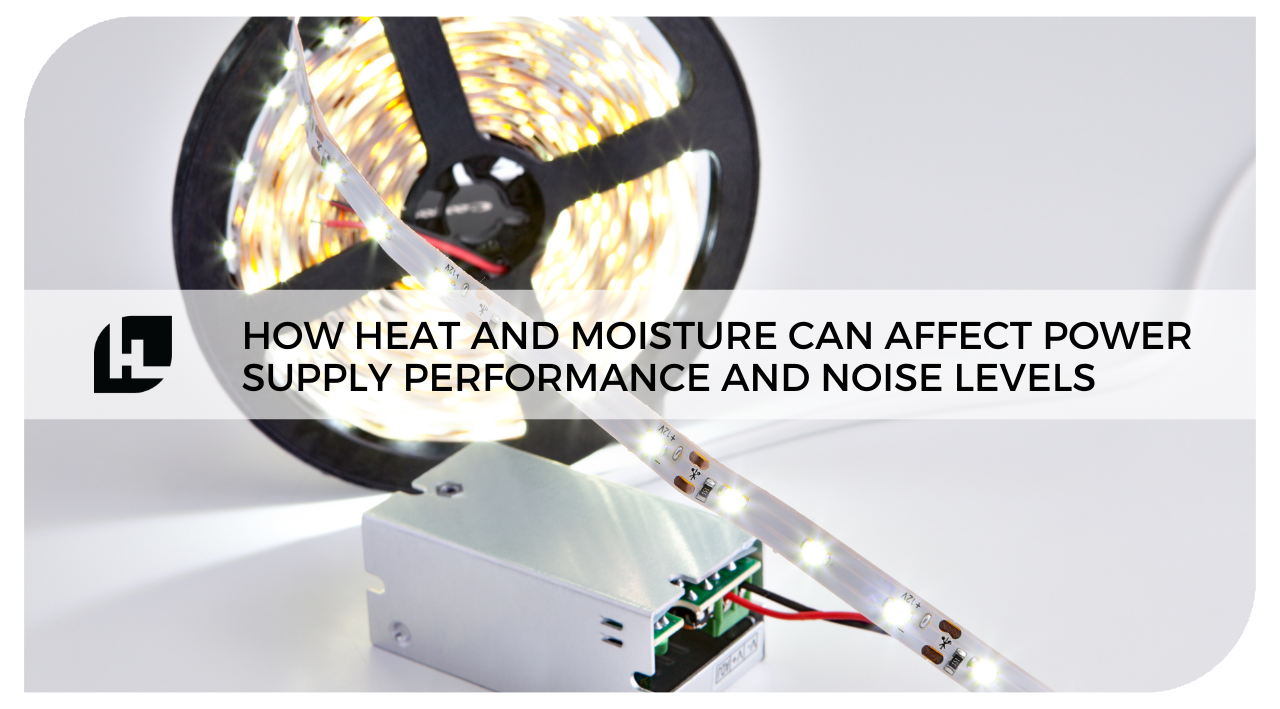
Credit: hitlights.com
Role Of Power Supply In Systems
The power supply is a key part of any computer system. It changes the electricity from your wall outlet into a form your computer can use.
Without a good power supply, your system may face problems. These include crashes, slow performance, or even damage to parts.
The power supply keeps the system stable. It sends the right amount of power to each component. This helps your system run smoothly and safely.
Power Supply Basics
A power supply unit (PSU) converts AC power to DC power. Computers need DC power to work. The PSU also controls the voltage to protect parts.
PSUs come in different sizes and power levels. Choosing the right one depends on your system’s needs. Too little power causes instability. Too much is usually safe but costs more.
Components Dependent On Power
Many parts inside a computer rely on the power supply. The CPU, graphics card, hard drives, and memory all need power to function.
If the power supply is weak, these parts may not work well. The CPU may slow down. The graphics card might fail under load. Storage devices can become unreliable.
Stable power ensures all parts get enough energy. This keeps your system fast and reliable during use.
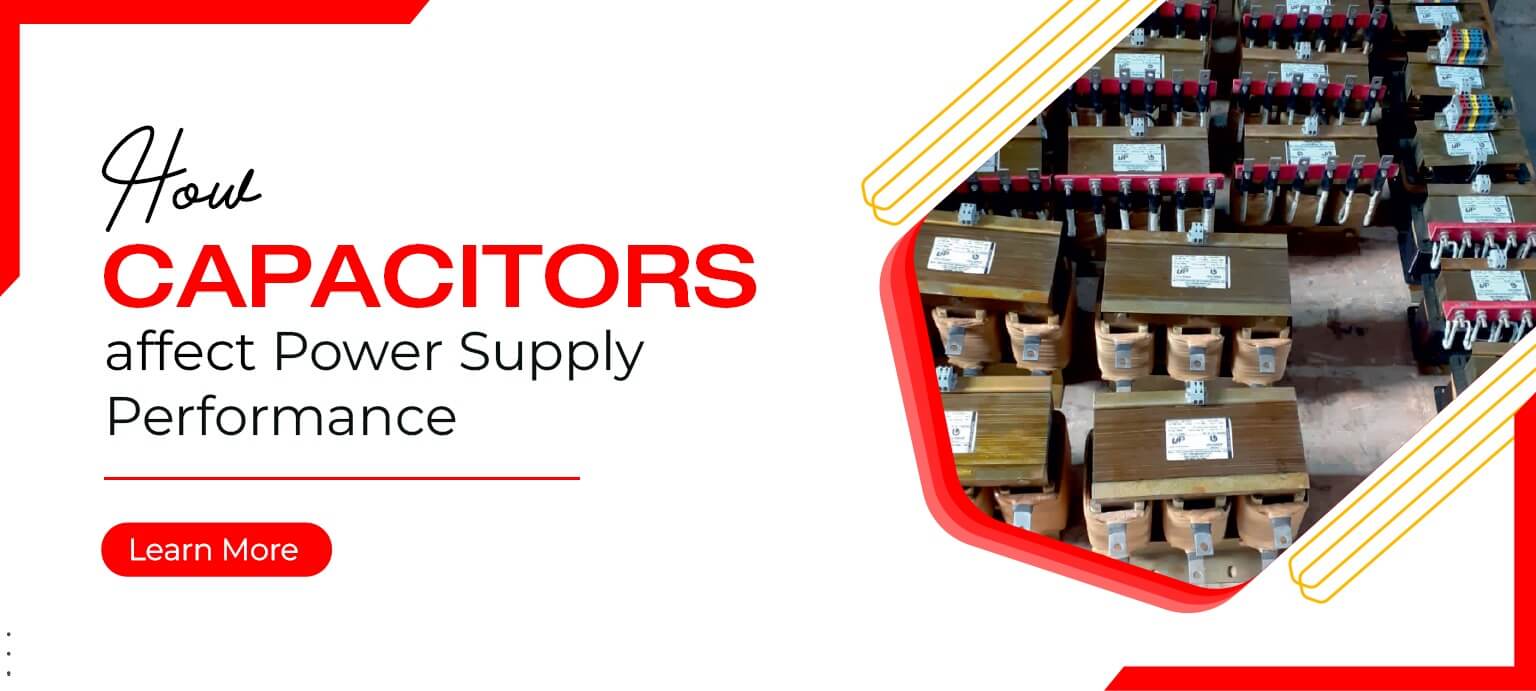
Credit: ushapower.com
Power Supply And Performance Link
The power supply unit (PSU) plays a key role in your computer’s overall performance. It delivers the necessary energy to all parts, including the CPU and GPU. A poor or weak power supply can limit how well these components work. Understanding the link between power supply and performance helps you pick the right PSU for your system.
Impact On Cpu And Gpu
The CPU and GPU need stable power to run efficiently. If the PSU cannot provide enough power, these parts may slow down. This slowdown protects them from damage. A good power supply ensures the CPU and GPU get steady power. This allows them to perform at their best.
Effects On Stability And Speed
A weak power supply can cause crashes and freezes. Systems with unstable power may reboot suddenly or fail to start. Speed can also suffer if the PSU is not reliable. A strong power supply keeps the system stable and running smoothly. It helps maintain consistent speed during heavy tasks.
Signs Of Power Supply Issues
Power supply issues can cause many problems in your computer. These problems affect how well your system works. Knowing the signs helps catch issues early. It can save your hardware from damage. Watch for unusual behavior. It often points to power supply trouble.
Below are common signs that show power supply problems. These signs impact system stability and performance.
System Instability Symptoms
Your computer may restart or shut down without warning. This happens when the power supply fails to deliver steady power. You might see random freezing or screen flickering too. Hardware components can behave oddly. Fans running loudly or erratically is one sign. Be alert to strange noises from inside the case. These symptoms suggest power issues affecting your system’s stability.
Performance Drops And Crashes
Slowdowns and crashes often relate to power supply problems. Your PC may lag during normal tasks or games. Programs might close unexpectedly. The system may show blue screen errors. These crashes indicate unstable power delivery to components. Low-quality or failing power supplies struggle to keep up. This causes the CPU and GPU to underperform. Watch for these signs to spot power supply faults early.
Choosing The Right Power Supply
Choosing the right power supply is key to a stable and efficient computer. A good power supply keeps your parts safe and helps the system run smoothly. It delivers the right power without wasting energy or causing problems.
Many factors matter when picking a power supply. Two important ones are wattage and efficiency. Also, the difference between quality and budget options affects performance and reliability.
Wattage And Efficiency Ratings
Wattage shows how much power a supply can give. Choose one with enough wattage for all your parts. Too little power can cause crashes or damage. Too much power wastes money and energy.
Efficiency ratings tell how well a power supply uses electricity. Higher ratings mean less power loss and lower bills. Look for supplies with 80 Plus certification for better efficiency.
Quality Vs. Budget Options
Cheap power supplies may save money first but can cause issues later. Poor quality parts can lead to failure and harm your components. Quality supplies use better parts for steady power and longer life.
Spending a bit more on a good power supply protects your system. It prevents crashes, reduces noise, and runs cooler. A reliable power supply is a smart choice for any build.
Power Supply Myths Debunked
Power supplies often get misunderstood in PC builds. Many believe they directly boost speed or performance. This section clears up common myths. It explains what a power supply really does and does not do.
Overrated Effects On Speed
Some think a power supply can make a computer faster. The truth is, it only provides power to parts. Speed depends on the CPU, RAM, and storage. A weak power supply can cause crashes, not slow speeds. A good power supply keeps the system stable. It does not increase processing speed or frame rates.
Misconceptions About Overclocking
Overclocking means running parts faster than their base speed. People assume a stronger power supply helps overclock better. While a reliable power supply supports overclocking safely, it does not boost the overclock itself. The CPU and cooling system decide how far you can go. A power supply only ensures enough power is available without failure.
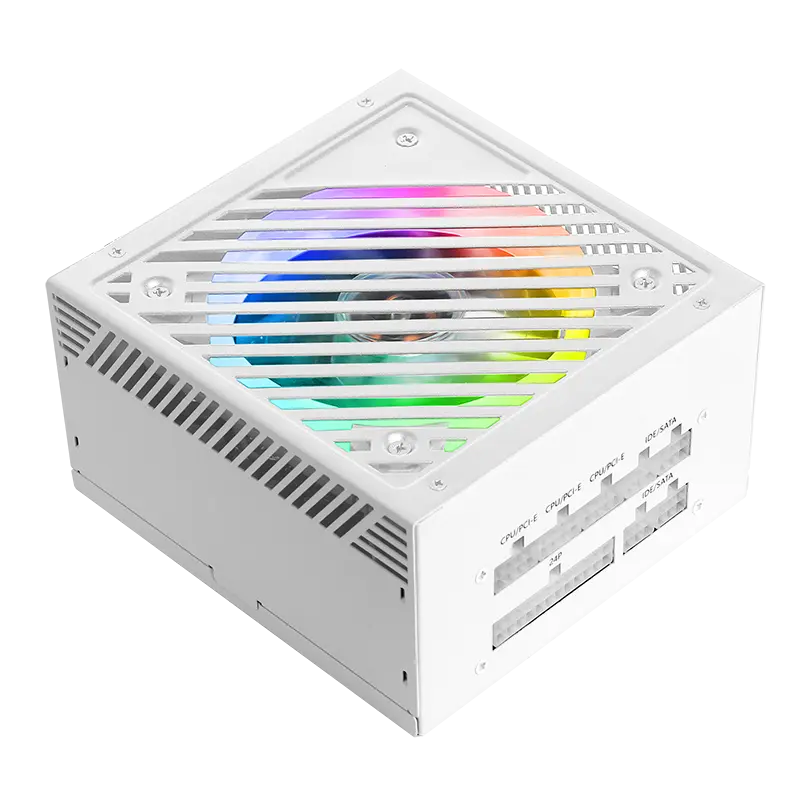
Credit: www.esgamingpc.com
Tips To Optimize Power Delivery
Optimizing power delivery is important for steady computer performance. Power supply issues can cause instability or slowdowns. Simple steps can improve how power flows to your PC parts. These tips help keep your system running smoothly and safely.
Cable Management And Cooling
Organize cables neatly inside the case. Messy cables block airflow and cause heat buildup. Heat reduces power supply efficiency and can harm components. Use cable ties or sleeves to bundle wires. Keep cables away from fans and vents. Good airflow helps the power supply stay cool. Cooler power supplies work better and last longer.
Regular Maintenance Practices
Clean dust from power supply vents and fans often. Dust blocks air and raises temperatures inside the PSU. Check power cables for damage or loose connections. Replace any worn or faulty cables immediately. Monitor your system’s power usage to avoid overloads. Updating your BIOS and drivers can improve power management. Regular checks prevent power issues and improve system stability.
Frequently Asked Questions
Does Power Supply Wattage Impact Pc Performance?
Yes, wattage affects performance indirectly. Insufficient wattage can cause instability or crashes, limiting component efficiency and speed.
Can A Poor Power Supply Damage Hardware?
A low-quality power supply can harm components by delivering unstable or incorrect voltages, risking hardware damage or reduced lifespan.
How Does Power Supply Efficiency Affect Performance?
Higher efficiency means less energy loss and heat. This leads to more stable power delivery and potentially better overall system performance.
Is A Modular Power Supply Better For Performance?
Modular power supplies improve cable management and airflow, which can enhance cooling and indirectly support better system performance.
Conclusion
A good power supply helps your computer run smoothly. It gives stable energy to all parts. Weak power supplies can cause crashes and slowdowns. Choosing the right wattage matters for strong performance. Don’t overlook power quality when building or upgrading.
A reliable power supply keeps your system safe and steady. Remember, power affects how well your PC works. Simple but important for better results.