Does Overclocking Reduce Gpu Lifespan? Truth Revealed!
Are you thinking about overclocking your GPU to get that extra boost in gaming or performance? It’s tempting to push your graphics card beyond its limits for smoother gameplay and faster rendering.
But have you ever wondered if this extra speed comes at a cost? Does overclocking actually shorten your GPU’s lifespan? Before you dive in, it’s important to understand the risks and how they might affect your investment. Keep reading, and you’ll discover the truth behind overclocking and what it means for your GPU’s durability.
Credit: koolingmonster.com
How Overclocking Works
Overclocking a GPU means making it run faster than the factory settings. This process pushes the graphics card beyond its normal speed limits. It can improve performance but also affects how the GPU works inside.
The GPU has a base clock speed that controls how fast it processes tasks. Overclocking raises this clock speed to increase the number of operations per second. This makes games and applications run smoother and faster.
Basics Of Gpu Overclocking
GPU overclocking involves increasing the clock speed and voltage. The clock speed is how fast the GPU core runs. Voltage is the power supplied to the GPU chip. Higher clock speeds and voltage boost performance but also increase heat.
Overclocking must be done carefully to avoid damage. It often requires testing to find the best stable settings. Too high a clock or voltage can cause crashes or hardware failure.
Impact On Performance
Overclocking improves frame rates and reduces lag in games. It also speeds up rendering and other GPU tasks. The performance gain depends on the GPU model and how much it is overclocked.
Some GPUs handle overclocking better than others. A small increase in clock speed can give noticeable improvements. But pushing too far may cause instability and lower performance due to overheating.
Common Overclocking Methods
Users often use software tools to adjust clock speeds and voltages. Popular programs include MSI Afterburner and EVGA Precision X1. These tools offer sliders to change settings and monitor temperatures.
Another method is adjusting settings in the computer BIOS. This is less common and more complex. Most users prefer software for easier control and safety features.
Credit: tech4gamers.com
Factors Affecting Gpu Lifespan
The lifespan of a GPU depends on several key factors. These factors influence how long your graphics card can perform well. Understanding them helps you maintain your GPU better and avoid early damage.
Each factor plays a role in how the GPU handles stress and workload. Some factors relate to how the GPU is used, while others come from its build quality. Let’s look at the main factors affecting GPU lifespan.
Heat And Thermal Stress
Heat is the biggest enemy of a GPU. High temperatures cause parts to wear out faster. Overclocking raises the GPU’s heat output, increasing thermal stress. Poor cooling makes this worse. Constant heat can damage the GPU’s circuits and reduce lifespan.
Good cooling systems help keep temperatures low. Lower heat means less stress and longer life. Fans, heatsinks, and proper airflow all matter. Regular cleaning of dust also helps maintain cooling efficiency.
Voltage And Power Consumption
Voltage affects how much power the GPU uses. Overclocking often increases voltage to keep the GPU stable at higher speeds. Higher voltage means more power consumption and more heat. This extra power can strain the GPU’s components.
Excessive voltage can cause electronic parts to degrade faster. Running the GPU at safe voltage levels protects its lifespan. Monitoring power use and avoiding extreme voltage boosts are important.
Manufacturing Quality
Not all GPUs are made equally. The quality of materials and manufacturing affects durability. High-quality GPUs have better components that can handle stress well. Cheaper GPUs might use lower-grade parts that wear out sooner.
Good quality GPUs also have better cooling and power delivery systems. This helps them last longer under heavy use or overclocking. Choosing a reliable brand can improve your GPU’s lifespan.
Overclocking And Heat Generation
Overclocking a GPU pushes it beyond its factory speed. This extra power causes the GPU to generate more heat. Heat is a key factor in the lifespan of a graphics card. Understanding how overclocking affects heat can help you manage your GPU better.
Increased Temperatures Explained
Overclocking raises the GPU’s clock speed and voltage. This causes the GPU to work harder and produce more heat. The higher the temperature, the faster the GPU components wear out. Heat can damage the GPU’s silicon and other parts. Excess heat may cause crashes and reduce performance over time.
Cooling Solutions For Overclocked Gpus
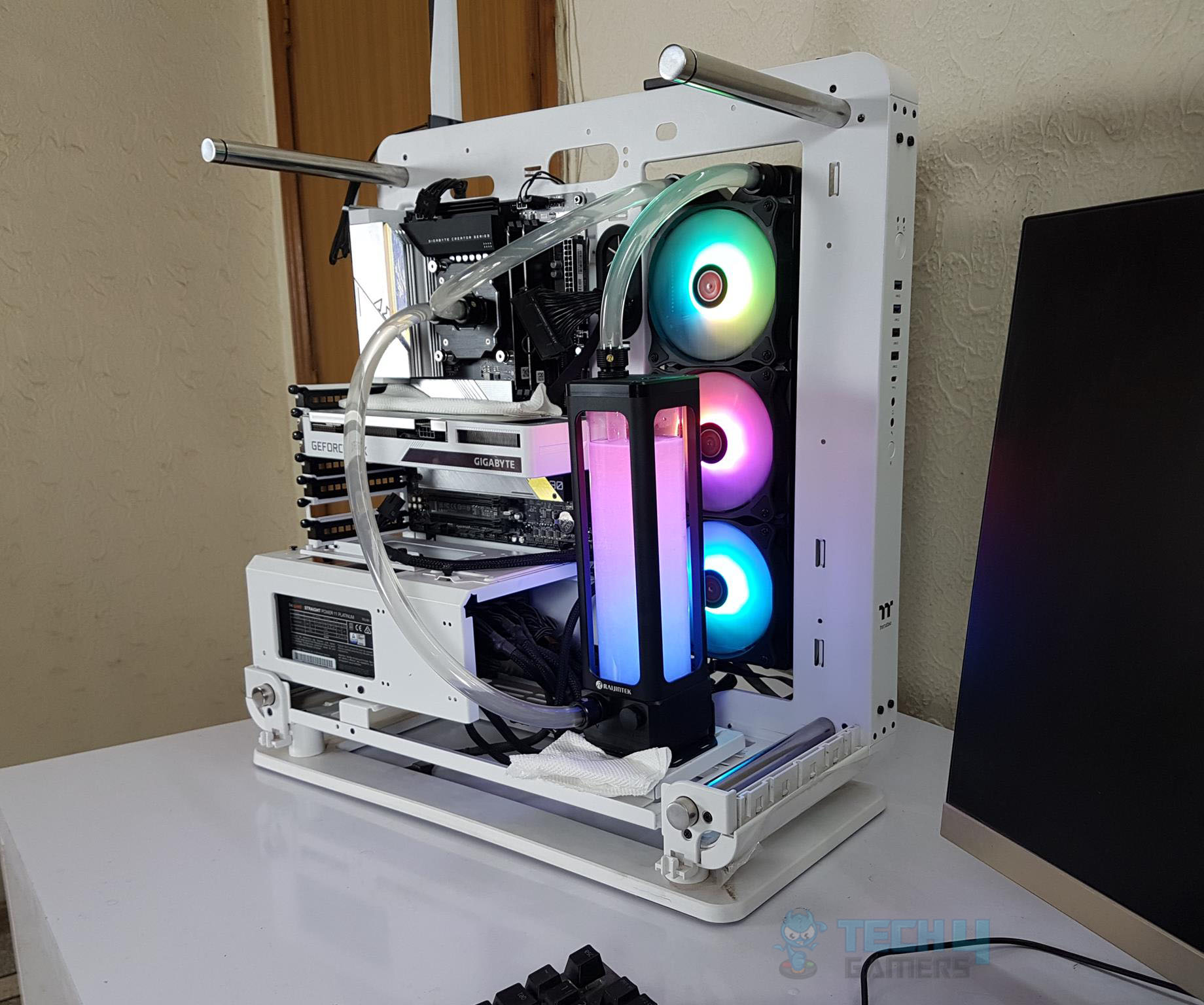
Good cooling is essential for overclocked GPUs. Most users add better fans or liquid cooling systems. These help keep temperatures in a safe range. Cleaning dust from your PC also improves cooling. Proper airflow inside the case lowers GPU temperature. Cooler GPUs last longer and perform more reliably.
Voltage, Stability, And Damage Risks
Voltage, stability, and damage risks play a big role in overclocking your GPU. Overclocking means running your graphics card faster than its normal speed. This can give better performance but can also cause problems. The voltage you apply affects how stable your GPU runs and how long it lasts. Too much voltage can cause damage over time. It is important to understand how voltage impacts your GPU and what signs show instability.
Role Of Voltage In Overclocking
Voltage powers your GPU. Increasing voltage helps the GPU run at higher speeds. This is why many overclockers raise voltage levels. More voltage can improve performance by making the GPU more stable at faster speeds. But every GPU has a limit. Exceeding this limit can cause heat and stress on the parts. Proper voltage adjustment is key to safe overclocking.
Risks Of Excessive Voltage
Too much voltage can damage your GPU. It creates extra heat inside the chip. Heat wears out the GPU faster. It can also cause permanent damage to circuits. Over time, the GPU may fail or perform worse. High voltage also increases power consumption. This makes your system less efficient and may harm other components.
Signs Of Instability
Instability shows the GPU struggles at high speeds. You may see screen flickering or crashes. Games can freeze or show glitches. The system may restart without warning. These signs mean the voltage or clock speed is too high. Lowering voltage or clock speed often fixes these problems. Ignoring instability risks permanent GPU damage.
Real-world Effects On Gpu Longevity
Overclocking a GPU means running it faster than the factory setting. This can make games and apps run smoother. But many wonder if this extra speed harms the GPU over time. Real-world effects on GPU lifespan depend on many factors. These include cooling, voltage, and how hard the GPU works. Let’s explore what studies and users say about this issue.
Studies And User Experiences
Some studies test GPUs by running them at higher speeds for long hours. These tests show small changes in lifespan under good cooling. Many users share their stories online. Most say mild overclocking did not break their GPUs. A few report failures, but these often involved high voltage or poor cooling.
Typical Lifespan Changes
GPUs usually last several years with normal use. Overclocking can shorten life by a small margin. This reduction varies from months to a couple of years. Good cooling and careful settings keep this loss minimal. Running a GPU slightly faster does not cause instant failure.
When Damage Is Likely
Damage happens when overclocking is too extreme. High voltage and poor cooling are main risks. Heat builds up and parts wear out faster. Constant crashes or errors may signal damage. Avoid pushing the GPU beyond safe limits to protect its lifespan.
Best Practices For Safe Overclocking
Overclocking a GPU can boost its performance but carries risks. Safe overclocking lowers the chance of hardware damage. Following best practices helps protect your GPU and extends its lifespan. Careful steps and good tools are essential to avoid overheating and system crashes.
Monitoring Tools And Software
Use reliable software to track your GPU’s temperature and usage. Programs like MSI Afterburner and HWMonitor show real-time data. Watch for spikes in temperature or power draw. Monitoring helps you stop overclocking before damage starts. Regular checks keep your GPU safe and stable.
Incremental Overclocking Steps
Increase clock speeds slowly and in small steps. Test stability after each change using stress tests. Avoid large jumps that cause crashes or errors. Patience is key to finding the right balance. Incremental changes reduce the risk of pushing the GPU too far.
Maintaining Proper Cooling
Good cooling prevents heat buildup that harms the GPU. Clean fans and heatsinks regularly to keep airflow clear. Use additional cooling solutions like extra case fans or liquid cooling. Lower temperatures help maintain performance and extend GPU life. Never ignore signs of overheating during overclocking.
Is Overclocking Worth The Risk?
Overclocking a GPU means running it faster than its official speed. This can boost performance in games and apps. But it also adds stress to the hardware. Many wonder if the extra speed is worth the possible damage. Let’s explore the key points to help decide if overclocking fits your needs.
Performance Gains Vs Lifespan Tradeoff
Overclocking can increase frame rates and reduce lag. These gains are often noticeable in demanding games. Yet, pushing the GPU beyond limits raises heat and power use. This extra stress may shorten the GPU’s life. The lifespan reduction depends on how much and how long you overclock. Mild overclocking with good cooling has less risk. Extreme overclocking can cause permanent damage sooner.
Suitability For Different Users
Casual users usually do not need overclocking. Default GPU speeds are enough for everyday tasks. Gamers and power users may benefit more from extra speed. They often understand the risks and monitor temperatures closely. Beginners risk overheating or instability without proper knowledge. Overclocking suits those who can manage and accept hardware risks.
Alternatives To Overclocking
Upgrading to a better GPU is a safer way to get more power. Adjusting game settings can improve performance without hardware stress. Using optimized drivers and software updates also helps. Improving PC cooling keeps the GPU cooler at stock speeds. These options reduce risk while keeping good performance.
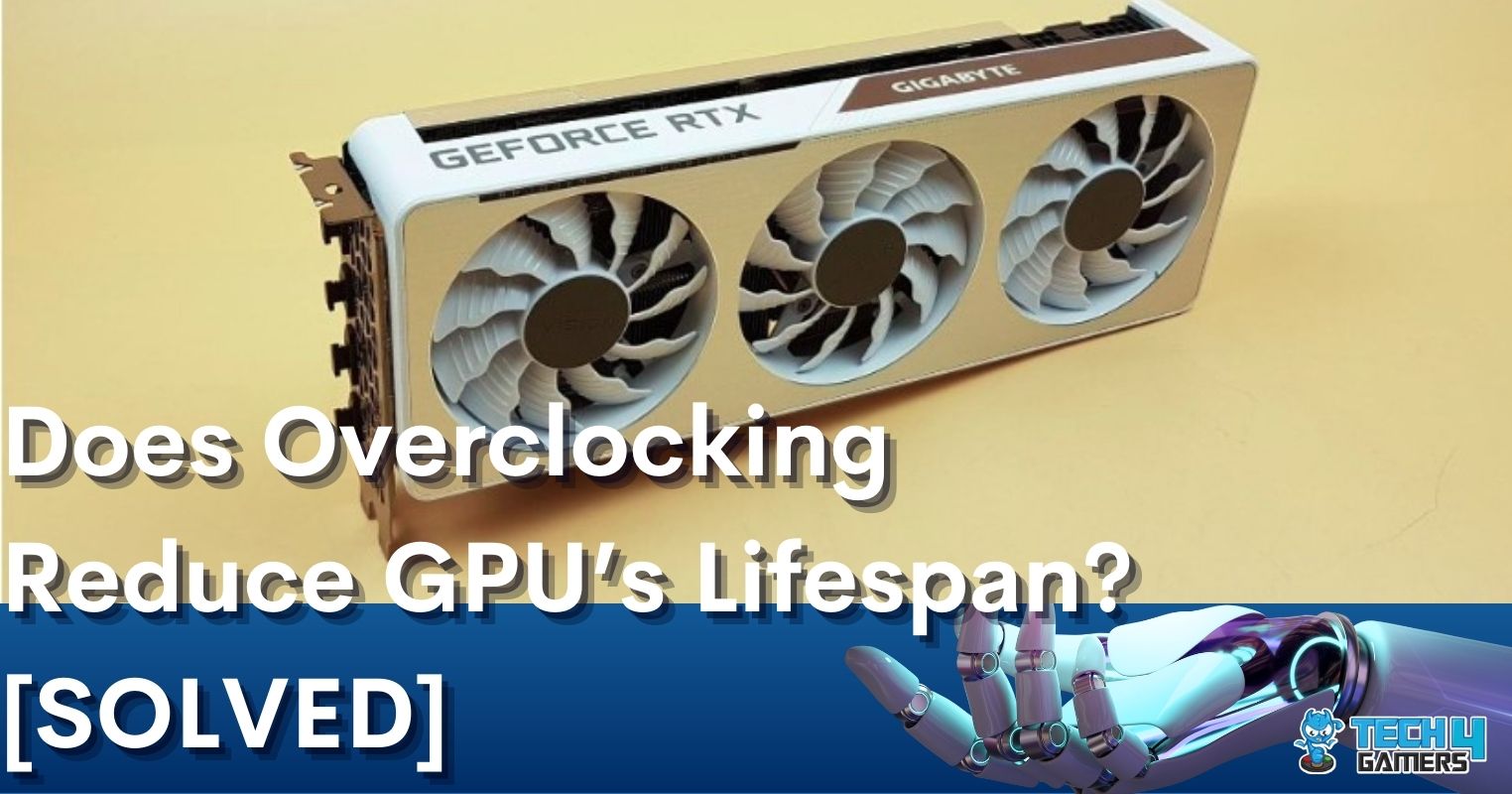
Credit: tech4gamers.com
Frequently Asked Questions
Does Overclocking Damage Gpu Permanently?
Overclocking can increase GPU heat and stress, risking permanent damage if not managed well. Proper cooling and stable settings reduce this risk, extending GPU life while enhancing performance.
How Much Does Overclocking Reduce Gpu Lifespan?
Overclocking may shorten GPU lifespan slightly due to increased heat and voltage. With good cooling and moderate overclocking, lifespan reduction is minimal and often unnoticeable.
Can Overclocking Void Gpu Warranty?
Yes, many GPU manufacturers consider overclocking as warranty voiding. It depends on the brand and policy, so check your GPU warranty terms before overclocking.
Is Gpu Overheating Caused By Overclocking?
Overclocking raises GPU temperature, which can cause overheating if cooling is insufficient. Proper cooling solutions are essential to prevent overheating during overclocking.
Conclusion
Overclocking can make your GPU run faster but adds extra stress. This stress may shorten the GPU’s lifespan over time. Cooling and careful settings help reduce risks. Many users enjoy better performance with small risks. Know your limits and watch your GPU’s temperature.
Regular maintenance keeps your hardware safe and working well. Balance speed and safety for the best results. Think twice before pushing your GPU too hard. Your GPU’s health matters for lasting performance.