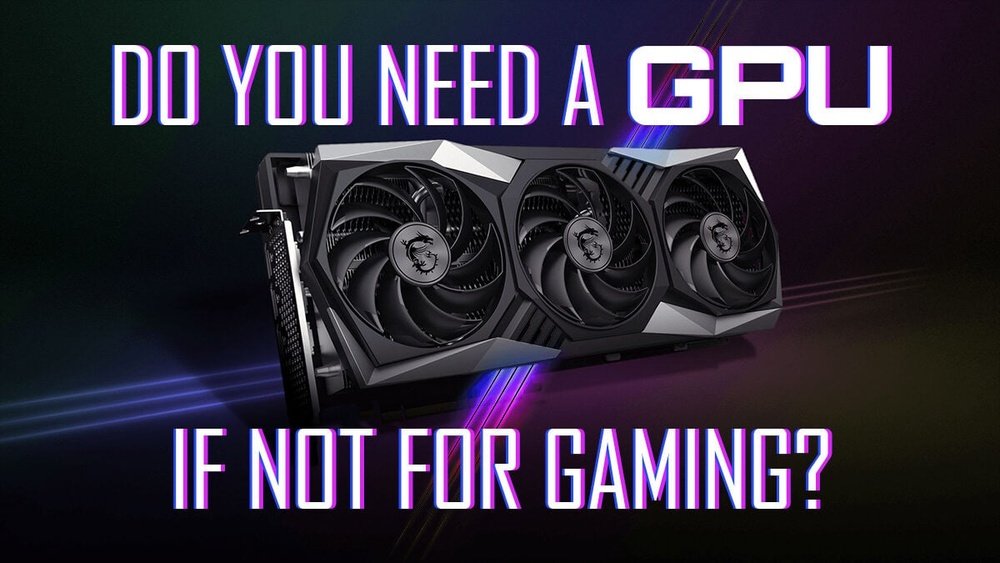
Do You Need a Gpu for a Pc: Essential Guide for Every User
Are you wondering if you really need a GPU for your PC? Maybe you’re building a computer for work, gaming, or just everyday use, and the choice isn’t clear.
The truth is, a GPU can make a big difference—or it might be something you can skip. Understanding when and why you need one can save you money and boost your PC’s performance. Keep reading, and you’ll discover exactly what a GPU does and whether it’s essential for your setup.
This simple insight could change the way you build or upgrade your computer.

Credit: www.avadirect.com
Role Of A Gpu In A Pc
The GPU, or Graphics Processing Unit, plays a key role in a PC’s performance. It handles images, videos, and animations that appear on the screen. Without a GPU, your computer might struggle to display smooth graphics or run visual tasks well.
GPUs are important for tasks like gaming, video editing, and 3D design. They take the load off the CPU by managing graphics-related work. This helps the PC run faster and more smoothly in graphic-heavy tasks.
How Gpus Work
GPUs process many small tasks at the same time. This makes them very good at handling images and videos. They break down images into tiny pieces called pixels and work on them all at once. This parallel processing speeds up rendering and display.
Unlike the CPU, GPUs focus mainly on visual data. They use special cores designed to handle graphics calculations. This allows them to create detailed images quickly and efficiently.
Difference Between Cpu And Gpu
The CPU is the brain of the computer. It handles general tasks and runs programs one at a time. The GPU is more like a specialist that focuses on graphics and visuals. It can do many tasks at once but only within its area.
CPUs have fewer cores but are very powerful for complex instructions. GPUs have thousands of smaller cores made for simple, repeated tasks. This makes GPUs faster at rendering images than CPUs.
Integrated Vs Dedicated Gpus
Integrated GPUs are built into the CPU or motherboard. They share the computer’s memory and use less power. These are good for basic tasks like web browsing and video playback.
Dedicated GPUs are separate hardware with their own memory. They offer stronger performance for games and graphic design. Dedicated GPUs cost more but provide better speed and quality for demanding tasks.
When A Gpu Is Necessary
A GPU, or graphics processing unit, is a special part of a computer. It helps with tasks that need fast image or data processing. Not every PC needs one. Some tasks run fine with just a CPU. But certain activities benefit greatly from a GPU. This section explains when a GPU becomes necessary.
Gaming Requirements
Modern games use detailed graphics and effects. A GPU handles these visuals smoothly. Without a GPU, games might lag or look poor. For playing popular or new games, a GPU is needed. It keeps gameplay fast and images clear.
Video Editing And Rendering
Editing videos needs lots of power. A GPU speeds up rendering and playback. It helps apply effects and transitions quickly. Without a GPU, these tasks take much longer. Video creators benefit from a strong GPU.
3d Modeling And Design
3D design software shows complex shapes and details. A GPU renders these models in real time. It allows smooth rotation and editing of 3D objects. Designers rely on GPUs for better work flow. Without one, the software runs slowly.
Machine Learning And Ai Tasks
Machine learning needs many calculations at once. GPUs process these calculations faster than CPUs. They help train AI models quickly and efficiently. For serious AI work, a GPU is almost required. It makes data work easier and faster.
When A Gpu Might Not Be Needed
Not every PC needs a dedicated GPU. Many tasks run well with just the CPU’s built-in graphics. This saves money and reduces power use. Knowing when a GPU is unnecessary helps you build the right PC.
Basic Computing Tasks
Simple tasks like checking emails and writing documents do not need a GPU. The CPU can handle these jobs smoothly. This keeps your PC affordable and quiet. No extra graphics power is required.
Office Work And Browsing
Working with spreadsheets, presentations, and web browsing is light on graphics. Most modern CPUs include enough graphics power for these tasks. You can open many tabs without lag. A GPU is not essential here.
Streaming And Media Consumption
Watching videos and streaming shows use little graphics power. The CPU’s integrated graphics can play high-definition videos easily. You get good picture quality without a dedicated GPU. This suits casual viewers well.
Choosing The Right Gpu
Choosing the right GPU for your PC can feel confusing. The right choice depends on your needs, budget, and the PC you have. A good GPU can improve your computer’s speed and graphics. It helps run games, videos, and design programs smoothly.
Think about what you want your PC to do. This will guide you to the best GPU for your setup. Below are key points to consider when selecting a GPU.
Budget Considerations
Set a clear budget before buying a GPU. Prices vary widely from entry-level to high-end models. Decide how much you can spend without overspending. Cheaper GPUs may work for basic tasks. More expensive ones suit gaming and heavy software.
Performance Levels
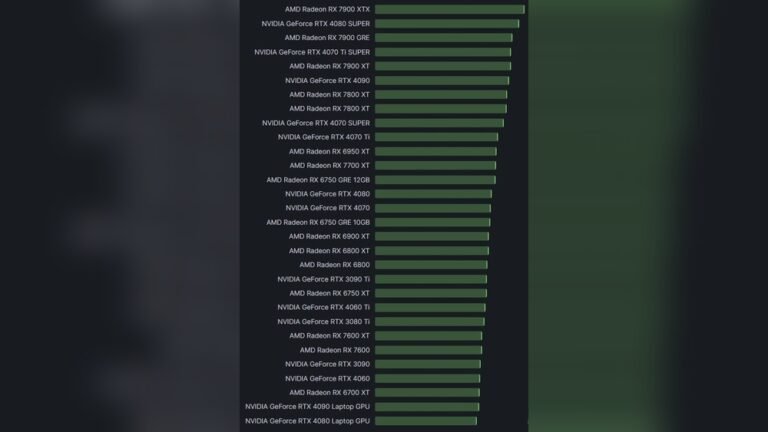
Match the GPU’s power with your needs. Simple tasks like browsing or office work need less power. Gaming and video editing require stronger GPUs. Check benchmark tests for performance ideas. This helps pick a GPU that fits your daily use.
Compatibility With Your Pc
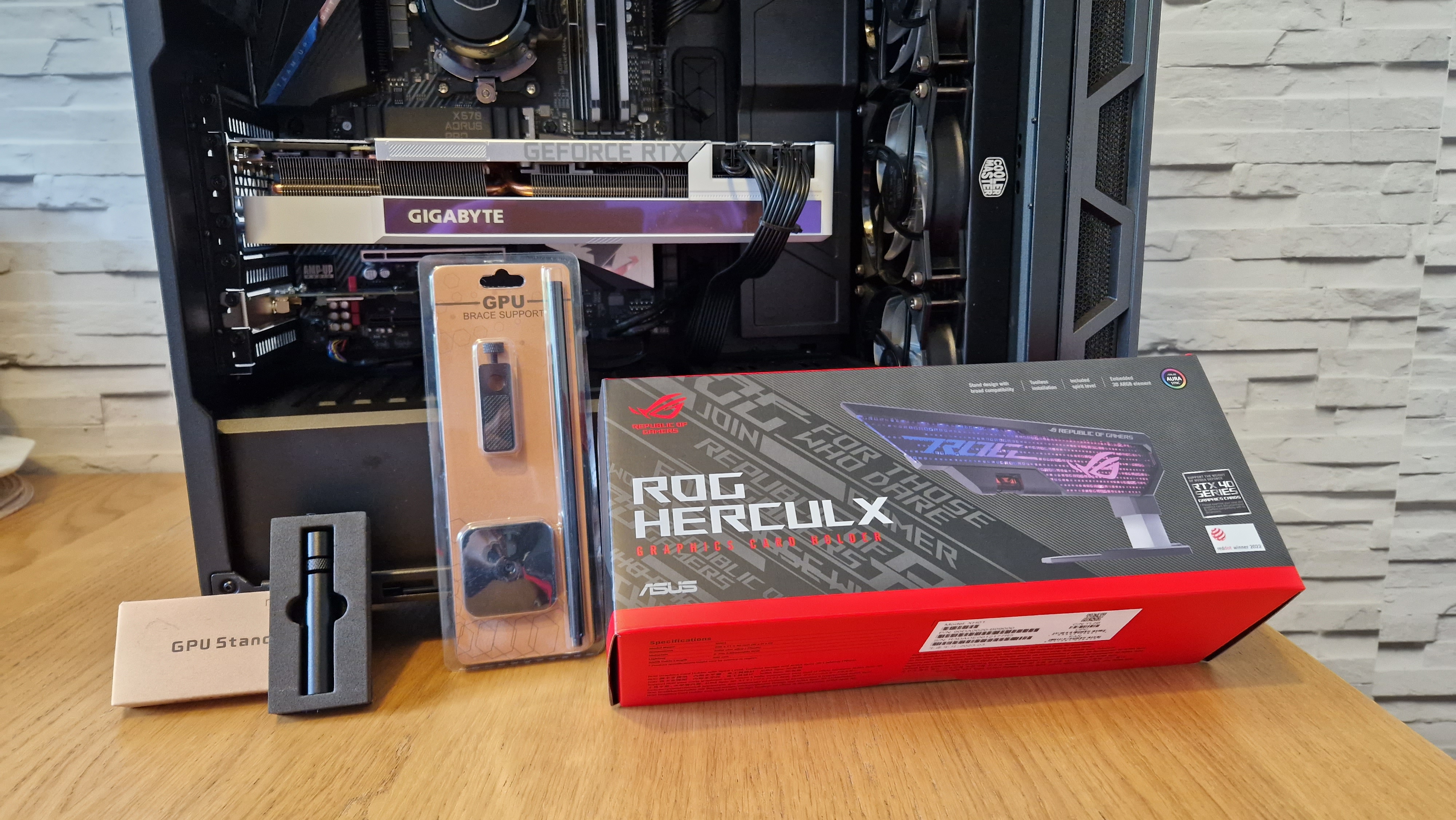
Ensure the GPU fits your computer’s hardware. Check your motherboard for the right slot type, usually PCIe. Verify your power supply can handle the GPU’s energy needs. Also, confirm the GPU fits physically inside your PC case.
Future-proofing Your Setup
Think about how long you want the GPU to last. Choose one that meets future software and game demands. A slightly stronger GPU now can save upgrades later. This keeps your PC ready for new tasks and programs.
Alternatives To Dedicated Gpus
Not everyone needs a dedicated GPU for their PC. There are other ways to get good graphics performance. These alternatives work well for many users. They save money and space. They also use less power. Let’s explore some popular options.
Using Integrated Graphics
Most modern CPUs come with built-in graphics. These are called integrated graphics. They handle everyday tasks like watching videos and browsing the web. Some can even run light games smoothly. Integrated graphics use less power and cost nothing extra. Perfect for basic computer use.
Cloud Gaming And Streaming Services
Cloud gaming lets you play games on remote servers. The game runs on powerful computers online. Your PC only needs to stream the video. This means no need for a strong GPU. Services like these work well with a good internet connection. Great for gaming without expensive hardware.
External Gpus
External GPUs connect to your PC through ports like Thunderbolt. They add extra graphics power outside the computer case. This option suits laptops or small PCs without room inside. It costs less than buying a new desktop with a GPU. Offers flexibility for better graphics when needed.
Credit: www.gamesradar.com
Impact Of Gpus On Power And Cooling
GPUs affect both power use and heat in a PC. They need more electricity than many other parts. This makes managing power and heat important for a good PC experience.
Understanding how GPUs impact power and cooling helps you build a better PC. It also helps avoid problems like overheating or power shortages.
Power Consumption
GPUs use more power than most PC parts. High-end GPUs can consume hundreds of watts. This can increase your electricity bill. Power supply units must be strong enough to handle this load. Low-power GPUs use less electricity but may limit performance.
Heat Generation
GPUs generate a lot of heat during use. This heat can raise the inside temperature of your PC case. Too much heat can slow down or damage parts. Proper heat management keeps your GPU working well and lasting longer.
Cooling Solutions
Cooling helps reduce GPU heat and protect your PC. Most GPUs come with built-in fans or heatsinks. Some PC builders add extra case fans or liquid cooling. Good airflow inside the case is key to cooling. Cooling solutions keep your PC stable and safe.

Credit: www.youtube.com
Frequently Asked Questions
Do All Pcs Need A Dedicated Gpu?
Not all PCs require a dedicated GPU. Basic tasks like browsing and word processing run fine on integrated graphics. A dedicated GPU is essential for gaming, video editing, and 3D rendering, where higher graphical power is needed for better performance and visuals.
Can I Build A Pc Without A Gpu?
Yes, you can build a PC without a dedicated GPU if your CPU has integrated graphics. This setup works well for everyday use, office tasks, and media consumption but is not suitable for high-end gaming or professional graphic work.
How Does A Gpu Affect Pc Performance?
A GPU significantly boosts performance in graphics-intensive tasks. It processes images, videos, and 3D graphics faster than a CPU alone. This results in smoother gameplay, faster video rendering, and improved multitasking with graphic applications, enhancing overall user experience.
Is An Integrated Gpu Enough For Casual Users?
Integrated GPUs are sufficient for casual users who do not run demanding applications. They handle web browsing, streaming, and light photo editing smoothly. However, they struggle with modern games and professional graphic software that require higher graphic processing power.
Conclusion
Choosing a GPU depends on what you want from your PC. Basic tasks like browsing and documents need little power. But gaming, video editing, or 3D work need a strong GPU. Budget and future plans matter too. A good GPU can make your PC faster and better.
Think about your needs before buying. This helps you avoid paying for parts you don’t use. A balanced PC build gives the best experience. Your decision shapes how your PC performs every day.