Does a Higher Refresh Rate Use More Gpu? Uncover the Truth!
Are you wondering if a higher refresh rate on your monitor makes your GPU work harder? It’s a common question, especially if you want smooth gameplay without slowing down your system.
Understanding how refresh rates affect your GPU can help you get the best performance and avoid unnecessary upgrades. Keep reading to discover the truth about refresh rates and GPU usage—so you can make smarter choices for your setup and enjoy every frame without compromise.
What Refresh Rate Means
Refresh rate is a key term when discussing screen quality and performance. It tells us how many times a screen updates its image each second. This is important for smooth visuals and clear motion. Understanding refresh rate helps in choosing the right monitor or TV for your needs.
Basics Of Refresh Rate
Refresh rate is measured in hertz (Hz). It shows how often the screen redraws the image per second. A higher refresh rate means smoother movement on the screen. For example, a 60Hz screen updates 60 times every second. This reduces blur and flicker, making videos and games look better.
Common Refresh Rate Values
Most screens have refresh rates like 60Hz, 75Hz, or 120Hz. Standard monitors often use 60Hz. Gaming monitors might offer 144Hz or even 240Hz. Higher values give smoother motion but may need more from your graphics card. Choosing the right refresh rate depends on your activities and hardware.
How Refresh Rate Affects Gpu
Understanding how refresh rate affects your GPU is important for better gaming and video experience. The refresh rate shows how many times your screen updates per second. This can impact how hard your GPU works. Let’s explore how refresh rate changes the GPU workload and the difference between frame rate and refresh rate.
Gpu Workload And Frame Rendering
The GPU creates images or frames that appear on your screen. A higher refresh rate means the screen wants more frames each second. This can make the GPU work harder to keep up. If the GPU cannot render frames fast enough, the screen might show repeated frames.
More frames mean the GPU uses more power and produces more heat. This can affect your system’s performance and battery life on laptops. Some games or apps limit frame rates to reduce GPU load. This saves energy and keeps the device cooler.
Frame Rate Vs Refresh Rate
Refresh rate is how often your monitor updates the image every second. Frame rate is how many frames your GPU creates per second. These two must match closely for smooth visuals.
If frame rate is lower than refresh rate, the screen repeats frames. This can cause stuttering or tearing. If frame rate is higher than refresh rate, extra frames are wasted, adding load on the GPU without visible benefit.
Choosing the right balance between frame rate and refresh rate can keep your GPU working efficiently. This leads to better visuals and longer device life.
Higher Refresh Rate And Gpu Usage
A higher refresh rate means your screen updates more times per second. This can make images and videos look smoother. But it also affects the GPU, the part of your computer that creates these images. Understanding how a higher refresh rate affects GPU usage helps you choose the right settings for your device.
Increased Frame Demand
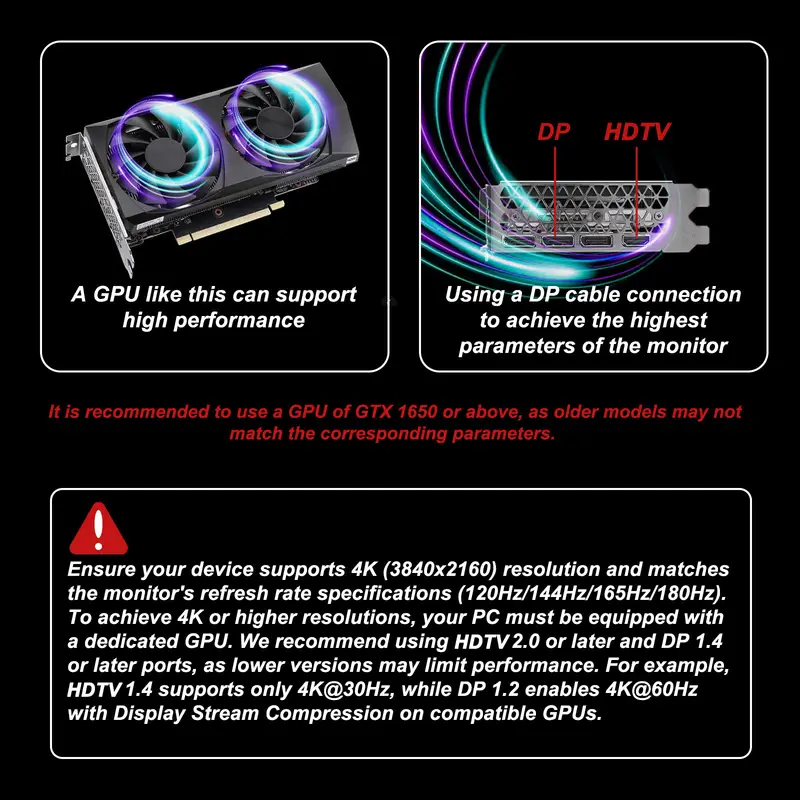
A higher refresh rate asks the GPU to create more frames every second. For example, a 60Hz screen shows 60 frames per second. A 120Hz screen needs 120 frames per second. The GPU works harder to keep up with this speed. This means it must process and render more images quickly. The faster the refresh rate, the more work for the GPU.
Impact On Gpu Power Consumption
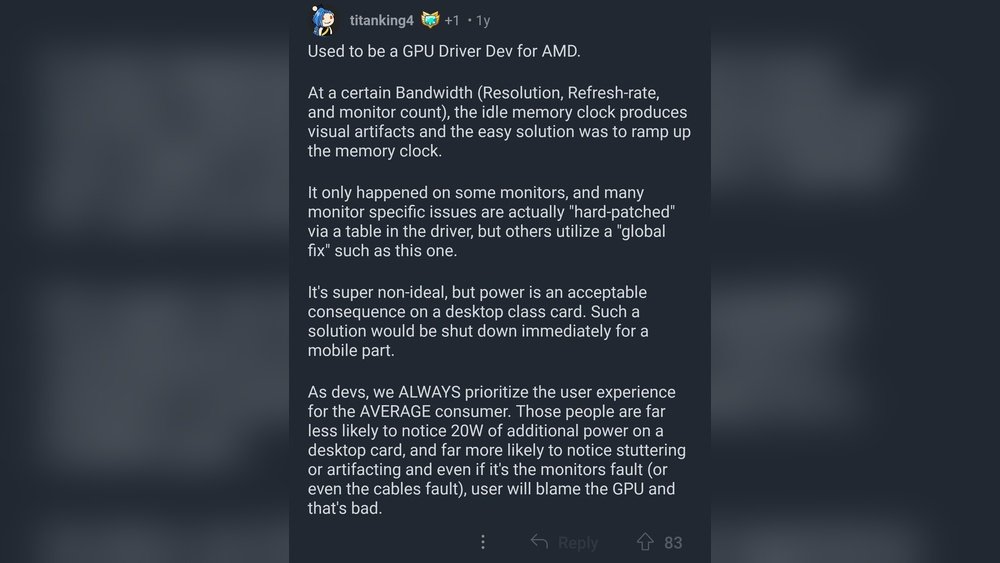
More work means the GPU uses more power. It needs extra energy to produce the higher number of frames. This can lead to higher electricity use and more heat from the GPU. Devices may run louder because fans work harder to cool the GPU. So, a higher refresh rate can cause the GPU to consume more power than at lower rates.
Credit: www.totalplumbingfl.com
Games And Applications Influence
Games and applications affect how much work a GPU does at higher refresh rates. Not all software uses the GPU the same way. The type of game or app changes the GPU load and power use.
Some games push the GPU hard to create smooth images, especially at high refresh rates. Others are lighter and do not need as much GPU power. Understanding this helps explain why a higher refresh rate may use more GPU or not.
Variable Frame Rates In Gaming
Games often have changing frame rates during play. Fast action scenes raise the frame rate, needing more GPU power. Slow or static scenes lower the frame rate, reducing GPU use.
Higher refresh rates allow games to show more frames per second. This can make gameplay smoother but also increases GPU load. Not all games benefit equally from higher refresh rates though.
Gpu Load In Different Software
Different software uses the GPU in different ways. Video editing apps may use the GPU steadily at a moderate level. Some design programs demand bursts of high GPU power.
Games usually have variable GPU load based on graphics and refresh rate settings. Simple apps may not increase GPU use much with higher refresh rates. The GPU load depends on the app’s needs and how it handles frames.
Balancing Refresh Rate And Performance
Balancing refresh rate and performance is key for smooth visuals and good GPU use. Higher refresh rates show more frames per second. This can make games and videos look better. But it also needs more power from your GPU. Finding the right balance helps avoid wasted energy and keeps your system cool.
Adjusting settings like V-Sync or using adaptive sync tech helps keep this balance. These tools manage how many frames your GPU sends to the screen. They stop your GPU from working too hard. This way, your gaming experience stays smooth without slowing down your system.
V-sync And Frame Limiting
V-Sync matches your game’s frame rate to your monitor’s refresh rate. This stops screen tearing and saves GPU power. Frame limiting sets a max frame rate your GPU will produce. It prevents the GPU from rendering extra frames. Both reduce GPU load and improve performance stability.
Adaptive Sync Technologies
Adaptive sync tech like G-Sync and FreeSync adjusts refresh rates dynamically. It syncs the monitor’s refresh rate to the GPU’s output. This avoids screen tearing and reduces stutter. The GPU only works as hard as needed. This saves power and keeps gameplay smooth on high refresh rate screens.
Real-world Testing Results
Testing a higher refresh rate in real-world scenarios reveals how it affects GPU usage. Many expect the GPU load to rise sharply. The results, however, show a more balanced picture. Understanding these findings helps gamers and users decide on their display settings.
Benchmark Studies
Benchmarks show higher refresh rates increase GPU workload. More frames per second require more processing power. Tests with popular games confirm this trend. Yet, the rise in GPU use is not always large. Some titles show only a slight increase. This depends on the game’s graphics intensity. Less demanding games cause minimal GPU strain. Heavy games push the GPU harder at higher refresh rates.
User Experience Insights
Many users notice smoother gameplay at higher refresh rates. This smoothness comes from more frames per second. Users report better response times and less motion blur. GPU usage can spike but stays manageable on modern cards. Some users find their GPU runs hotter with higher rates. Others see no major difference in everyday tasks. Overall, higher refresh rates improve visuals without overwhelming the GPU.
Tips To Optimize Gpu Usage
Optimizing GPU usage helps balance performance and power use. It keeps your system cool and saves energy. Small changes can improve how your GPU handles higher refresh rates.
Focus on settings that reduce load without losing much quality. This makes your computer run smoother and last longer.
Adjusting Refresh Rate Settings
Lowering your refresh rate can reduce GPU strain. Choose a refresh rate that matches your task. For simple tasks, a lower rate works well.
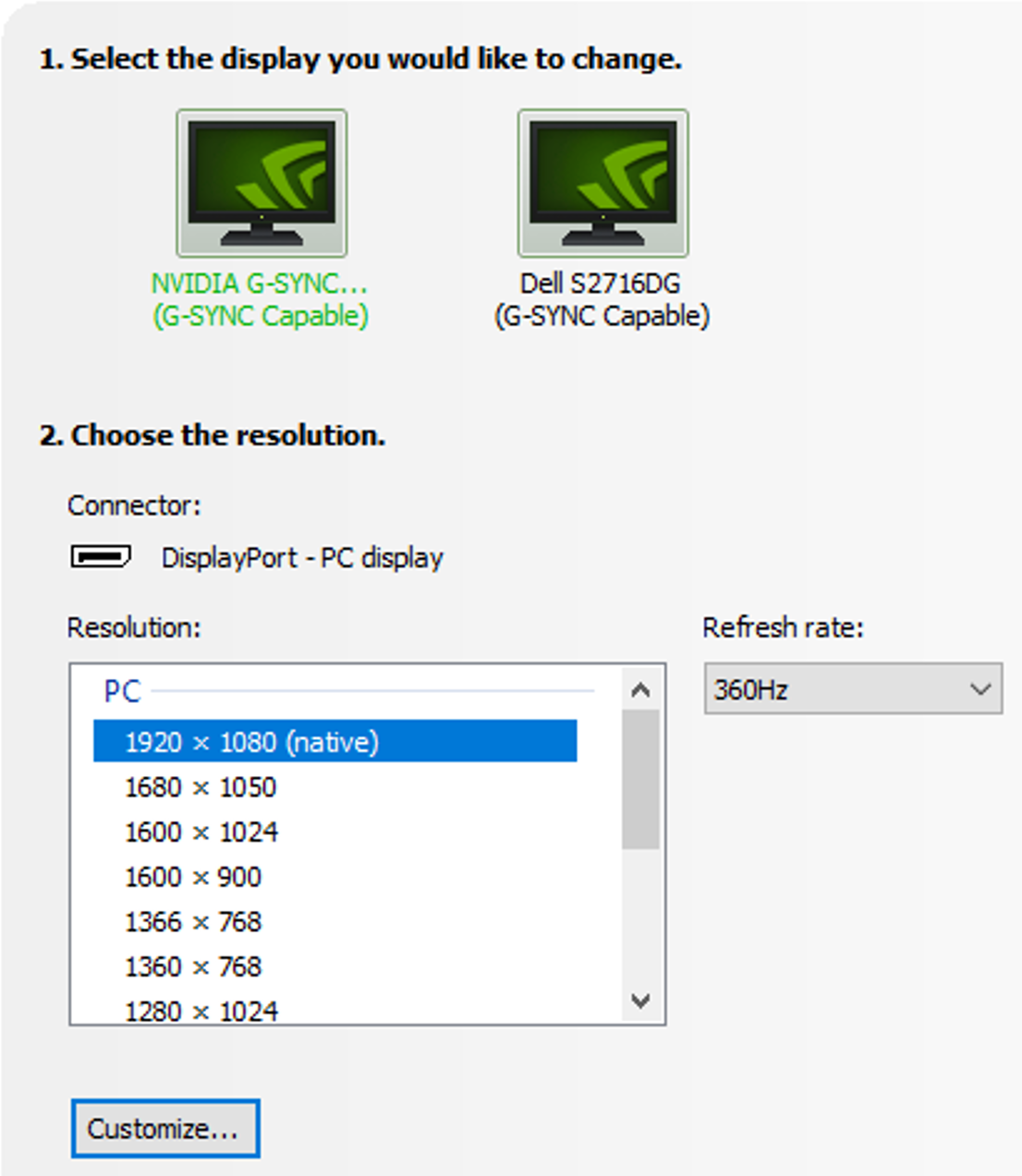
Match the refresh rate to your monitor’s native rate. Avoid rates that cause screen tearing or lag. This keeps visuals smooth and reduces GPU effort.
Graphics Settings For Efficiency
Turn off extra effects like shadows or reflections. These use more GPU power and may not be needed. Lowering resolution also eases GPU workload.
Use presets like “balanced” or “performance” in games. These settings cut GPU use but keep good visuals. Keep drivers updated for best GPU performance.

Credit: www.reddit.com
Credit: www.nvidia.com
Frequently Asked Questions
Does Higher Refresh Rate Demand More Gpu Power?
Yes, higher refresh rates require the GPU to render more frames per second. This increases GPU workload and power usage. A GPU must work harder to maintain smooth performance at higher refresh rates.
How Does Refresh Rate Affect Gpu Usage?
Refresh rate affects GPU usage by determining how many frames are rendered each second. Higher refresh rates mean more frames, increasing GPU load. This can lead to higher power consumption and heat generation in the GPU.
Will A 144hz Monitor Use More Gpu Than 60hz?
Yes, a 144Hz monitor demands more GPU resources than a 60Hz display. The GPU must render 144 frames per second instead of 60, increasing its workload and power usage.
Can Gpu Handle High Refresh Rates Without Overheating?
Modern GPUs can handle high refresh rates if adequately cooled. However, sustained high frame rates increase heat output. Proper cooling solutions and monitoring are essential to prevent overheating during intense use.
Conclusion
Higher refresh rates often demand more GPU power to run smoothly. This means your graphics card works harder to show extra frames. Not all GPUs handle high refresh rates the same way. Choosing the right balance between refresh rate and GPU ability matters.
Playing games or watching videos feels better with smooth motion. But pushing your GPU too much can cause lag or stutter. Understanding this helps you get the best experience from your setup. Keep your GPU’s limits in mind for a smooth, enjoyable display.