Can a Motherboard Bottleneck a Gpu: Essential Facts Revealed
Are you worried that your motherboard might be holding back your GPU’s full power? You’ve invested in a great graphics card, but is your system really letting it shine?
Understanding whether a motherboard can bottleneck a GPU is key to getting the performance you deserve. Keep reading, because what you learn here could save you from wasted money and frustration. Let’s dive into how your motherboard affects your gaming or creative experience—and what you can do about it.
Motherboard And Gpu Basics
The motherboard and GPU are two key parts of a computer. They work together to show images and run programs smoothly. Understanding how they function helps you know if one can slow down the other.
This section explains the basics of motherboards and GPUs. It also shows how they connect and affect each other’s performance.
Role Of The Motherboard
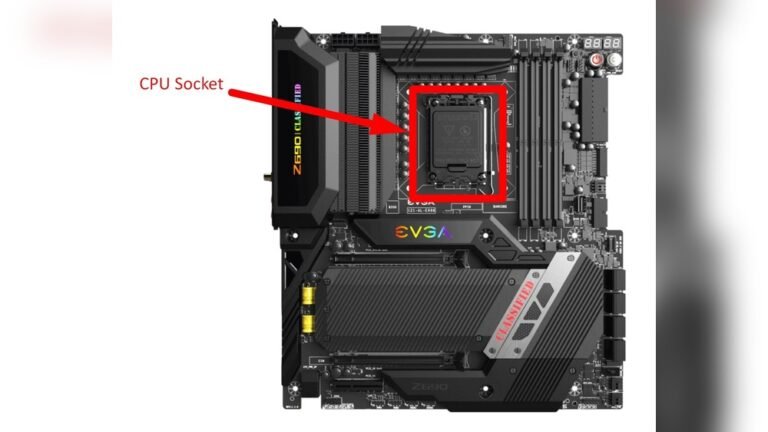
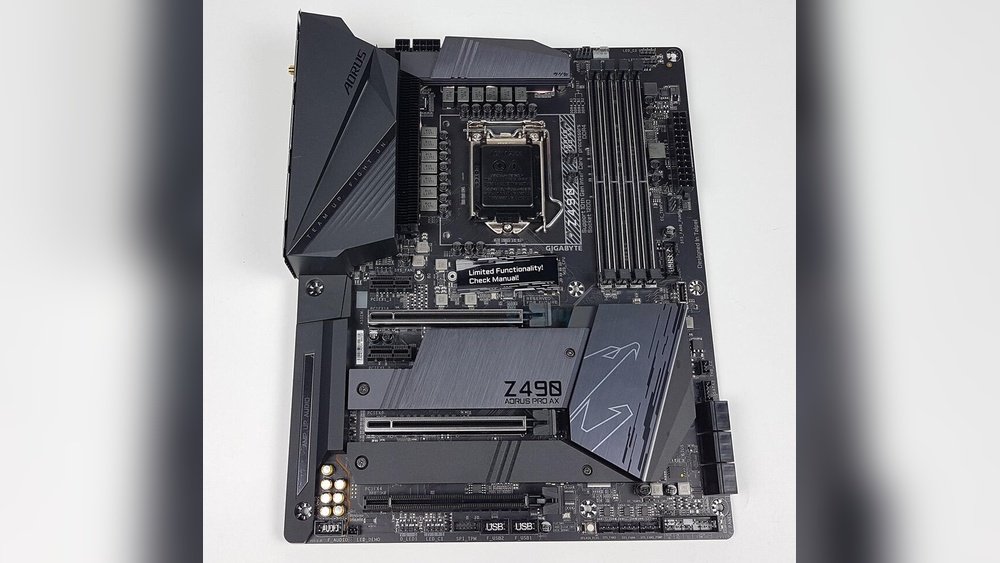
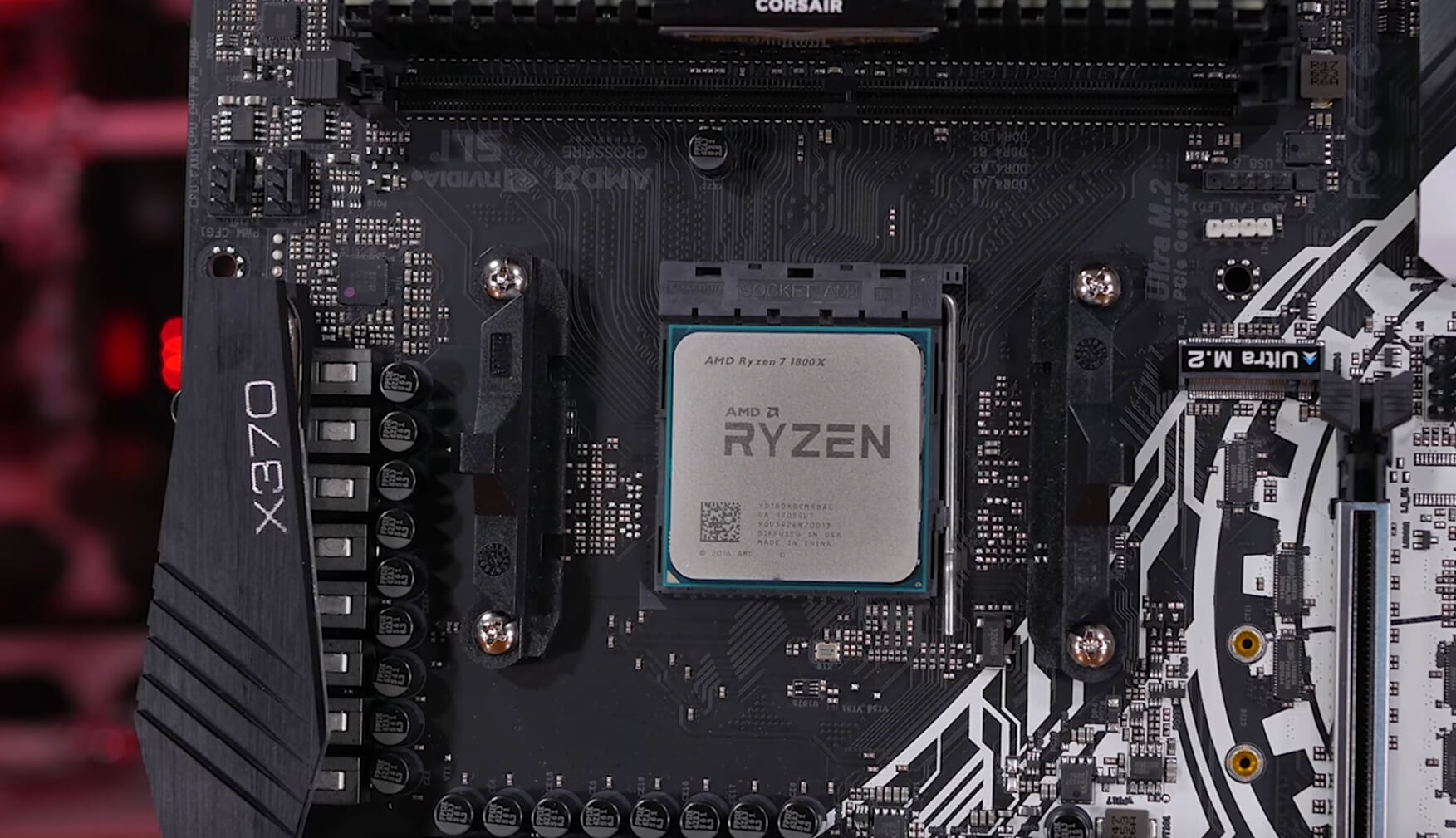
The motherboard is the main circuit board inside a computer. It connects all parts, like the CPU, memory, and storage. It also holds the slot for the GPU. The motherboard controls data flow between components. It provides power and communication paths for the GPU to work.
Functions Of A Gpu
The GPU, or graphics processing unit, creates images on the screen. It handles graphics tasks like video playback and gaming. The GPU processes data faster than the CPU for visual tasks. It has its own memory and cores to manage complex graphics.
How They Interact
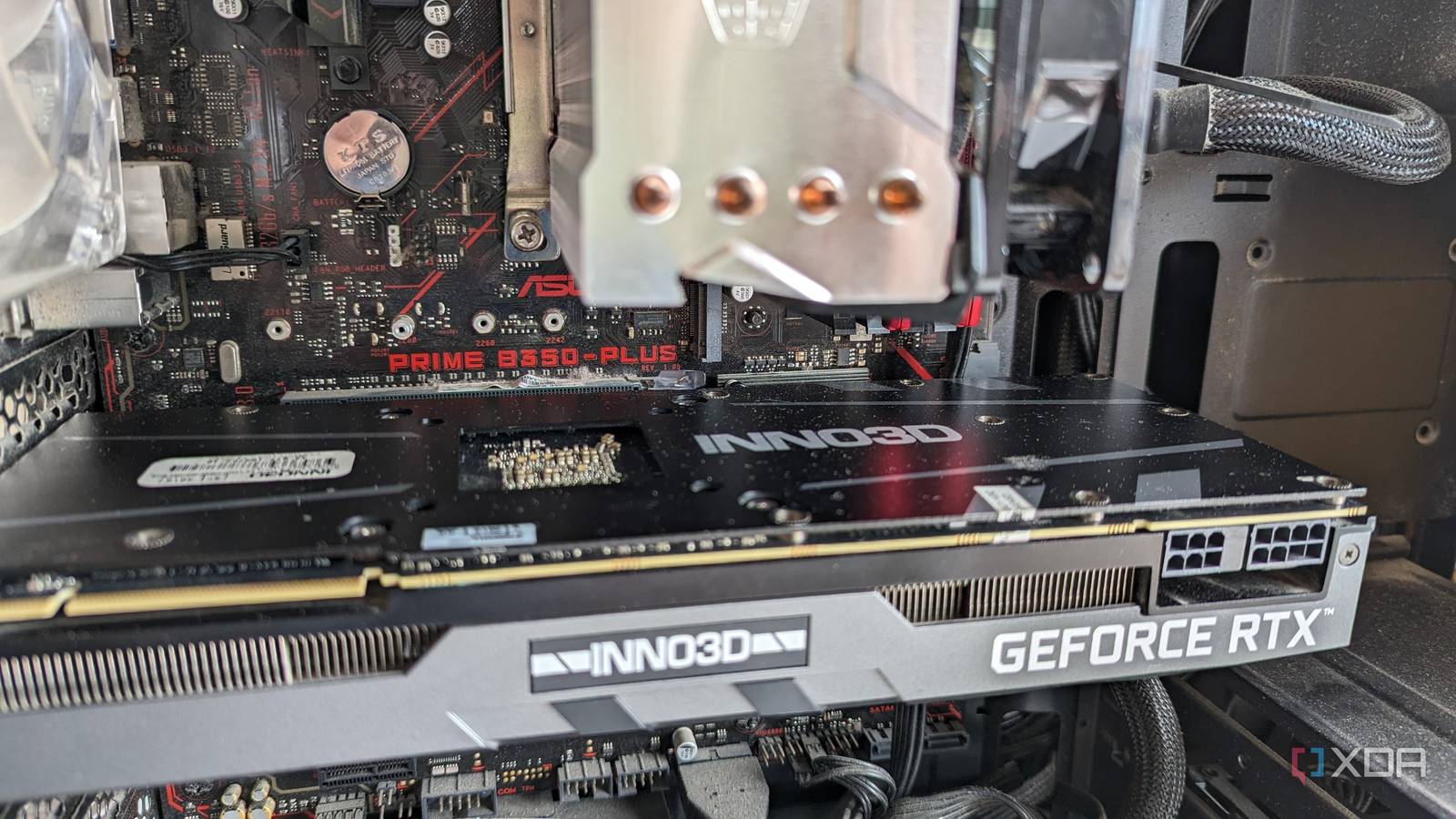
The motherboard and GPU connect through a slot called PCIe. This slot lets data move between the GPU and CPU. The speed of this connection can affect GPU performance. If the motherboard has an older or slower PCIe version, it may limit the GPU’s speed. Both must be compatible to work well together.
Credit: www.techspot.com
Signs Of A Bottleneck
Signs of a bottleneck reveal when your motherboard limits your GPU’s power. These signs help you know if your system parts work well together or hold each other back. Spotting these signs early can save you from slow performance and frustration.
What Causes Bottlenecks
Bottlenecks happen when one part is slower than another. A motherboard can cause a bottleneck if it has an old chipset or slow PCIe slots. Limited data paths and weak power delivery also slow the GPU down. The GPU waits for the motherboard to catch up, cutting performance.
Performance Indicators
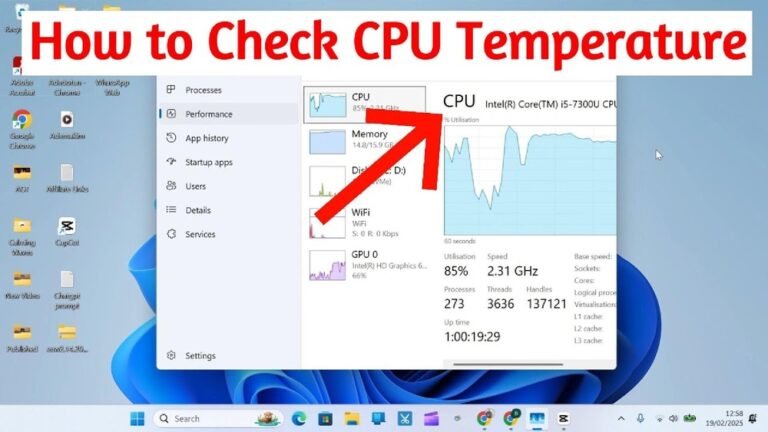
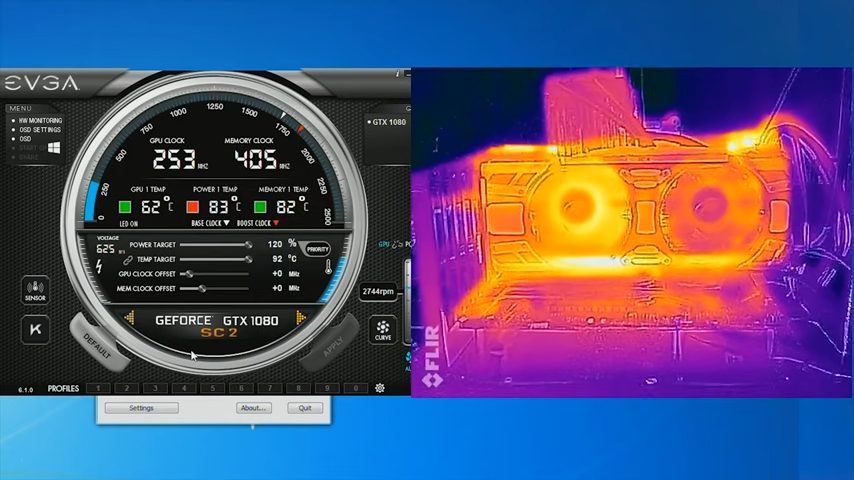
Low frame rates in games show a bottleneck. You may see the GPU at low usage while the CPU runs full speed. Slow loading times and stuttering also signal a problem. Monitoring tools help check if the GPU or motherboard limits speed.
Common Symptoms
Games lag or freeze even with a strong GPU. The screen may drop in resolution or quality automatically. Frame times become uneven, making gameplay choppy. Your PC’s overall speed feels slow despite new hardware. These symptoms point to a motherboard bottleneck.
Factors Influencing Bottlenecks
Several factors influence whether a motherboard can bottleneck a GPU. These factors affect how well your graphics card performs. Understanding them helps in building a balanced PC system.
Each component must work smoothly with others. Otherwise, the GPU cannot reach its full potential. The motherboard plays a key role in this balance.
Pcie Slot Versions
Motherboards have different PCIe slot versions, such as PCIe 3.0 or PCIe 4.0. Newer versions offer faster data transfer speeds. A slower PCIe version limits the GPU’s bandwidth. This restriction can reduce gaming or rendering performance. Using a GPU with a slower PCIe slot may cause bottlenecks.
Cpu Compatibility
The CPU must work well with the GPU and motherboard. A weak or old CPU can limit the GPU’s performance. This happens because the CPU cannot keep up with data processing. The motherboard’s chipset affects CPU and GPU communication. Choosing compatible CPU and motherboard parts avoids bottlenecks.
Power Delivery
Motherboards supply power to the GPU through the PCIe slot and connectors. If power delivery is weak, the GPU cannot run at full speed. This causes slower performance and instability. Quality motherboards have strong power delivery systems. They ensure the GPU gets enough stable power for heavy tasks.
Credit: tech4gamers.com
Testing For Bottlenecks
Testing for bottlenecks helps identify if the motherboard limits the GPU’s performance. This process shows how well your system parts work together. It also points out any weak links affecting gaming or graphic tasks. Proper testing saves money by avoiding unnecessary upgrades.
Benchmarking Tools
Benchmarking tools measure your GPU and motherboard’s speed. Popular tools include 3DMark, Heaven Benchmark, and UserBenchmark. These programs run tests and give scores based on performance. Comparing scores across different setups reveals bottlenecks quickly. Use the same tool on various systems for fair results.
Real-world Scenarios
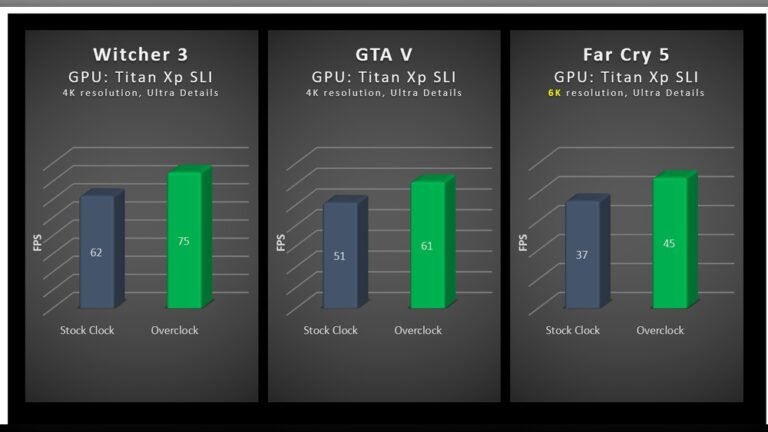
Testing with actual games or software shows real performance limits. Play demanding games or run graphic editing programs to check frame rates. Watch for stutters or slowdowns that hint at a bottleneck. Use different game settings to see how your system reacts. Real tests match everyday usage better than synthetic benchmarks.
Analyzing Results
Look at the data to find patterns in performance drops. A low GPU usage rate means the motherboard or CPU might be holding it back. High temperatures or slow data transfer speeds also signal bottlenecks. Compare your results to similar setups online for context. This analysis guides which component to upgrade first.
Avoiding Motherboard Bottlenecks
Motherboard bottlenecks can limit your GPU’s performance. Avoiding these bottlenecks helps your system run smoothly and fast. Choosing the right parts and planning ahead keeps your PC balanced. This section explains how to avoid motherboard bottlenecks effectively.
Choosing The Right Motherboard
Pick a motherboard that supports the GPU speed and size. Check the PCIe slot version; newer versions offer better data transfer. Ensure the motherboard has enough power phases for stable GPU support. Verify compatibility with your CPU to prevent slowdowns.
Balancing Components
Match the GPU with a CPU that can keep up. Avoid pairing a high-end GPU with a low-end CPU. Use enough RAM to support gaming or editing tasks. Balanced components reduce the chance of bottlenecks and improve performance.
Future-proofing Tips
Choose a motherboard with upgrade options for future GPUs. Look for extra PCIe slots and good power delivery. Consider motherboards with support for faster RAM and storage. Planning ahead saves money and keeps your system current longer.
Credit: www.xda-developers.com
Upgrading Your Setup
Upgrading your computer setup can improve performance and extend its life. Choosing the right parts matters. The motherboard and GPU are key components. Both must work well together. A weak motherboard can limit the power of a strong GPU. Understanding when and how to upgrade these parts helps avoid bottlenecks.
Focus on compatibility and balance. This keeps your system running smoothly and fast. Upgrade steps should match your needs and budget.
When To Upgrade The Motherboard
Upgrade the motherboard if it limits GPU speed. Old motherboards may not support new GPU features. Check your motherboard’s PCIe version. New GPUs need PCIe 4.0 or higher for best speed. Also, if your CPU and RAM are modern, upgrade the motherboard too. This prevents slowdowns and improves stability.
Compatible Gpu Upgrades
Choose a GPU that fits your motherboard’s slots and power limits. Make sure the GPU size fits your case. Check your power supply wattage. Some GPUs need more power connectors. Avoid buying a GPU too powerful for your motherboard. Match GPU and motherboard for good balance and performance.
Cost Vs Performance
Upgrading parts costs money. Compare the price of a new motherboard and GPU. Sometimes upgrading the GPU alone is enough. Other times a full motherboard upgrade is better. Think about how much speed you gain versus the cost. Spend wisely for the best performance boost.
Frequently Asked Questions
Can A Motherboard Limit Gpu Performance?
Yes, a motherboard can limit GPU performance if it lacks the right PCIe version or bandwidth. Older motherboards may bottleneck high-end GPUs by restricting data transfer speeds, affecting overall gaming or rendering performance.
How Does Pcie Version Affect Gpu Bottleneck?
The PCIe version determines data transfer speed between GPU and motherboard. Older PCIe versions like 2. 0 or 3. 0 offer less bandwidth than 4. 0 or 5. 0, potentially causing a GPU bottleneck in demanding applications or games.
Does Motherboard Chipset Impact Gpu Efficiency?
Yes, the chipset influences GPU efficiency by managing data flow and system compatibility. A modern chipset ensures optimal communication with the GPU, reducing bottlenecks and improving performance in high-end gaming or professional tasks.
Can Upgrading Motherboard Reduce Gpu Bottleneck?
Upgrading to a motherboard with newer PCIe versions and better chipset can reduce GPU bottlenecks. This upgrade ensures higher bandwidth and compatibility, allowing the GPU to perform closer to its full potential.
Conclusion
A motherboard can affect how well a GPU performs. The right motherboard helps your GPU work at full speed. Old or weak motherboards may slow down newer GPUs. Check the motherboard’s slot and chipset before buying a GPU. This avoids any slowdowns or mismatches.
A good match between motherboard and GPU keeps your system balanced. This helps your computer run smoothly and fast. Choose parts that work well together for the best results. Simple steps can prevent your GPU from being held back.