Is Coil Whine Bad for GPU: Causes, Risks & Fixes Explained
Have you ever noticed a high-pitched buzzing noise coming from your computer and wondered if it’s harmful? That sound is often called coil whine, and when it comes from your GPU, it can be pretty annoying.
But here’s the big question: is coil whine bad for your GPU or your gaming experience? Understanding what coil whine really means for your hardware can save you from unnecessary worry or costly mistakes. Keep reading to find out if that buzzing noise is something you should be concerned about—and what you can do about it.

Credit: softwareg.com.au
What Is Coil Whine
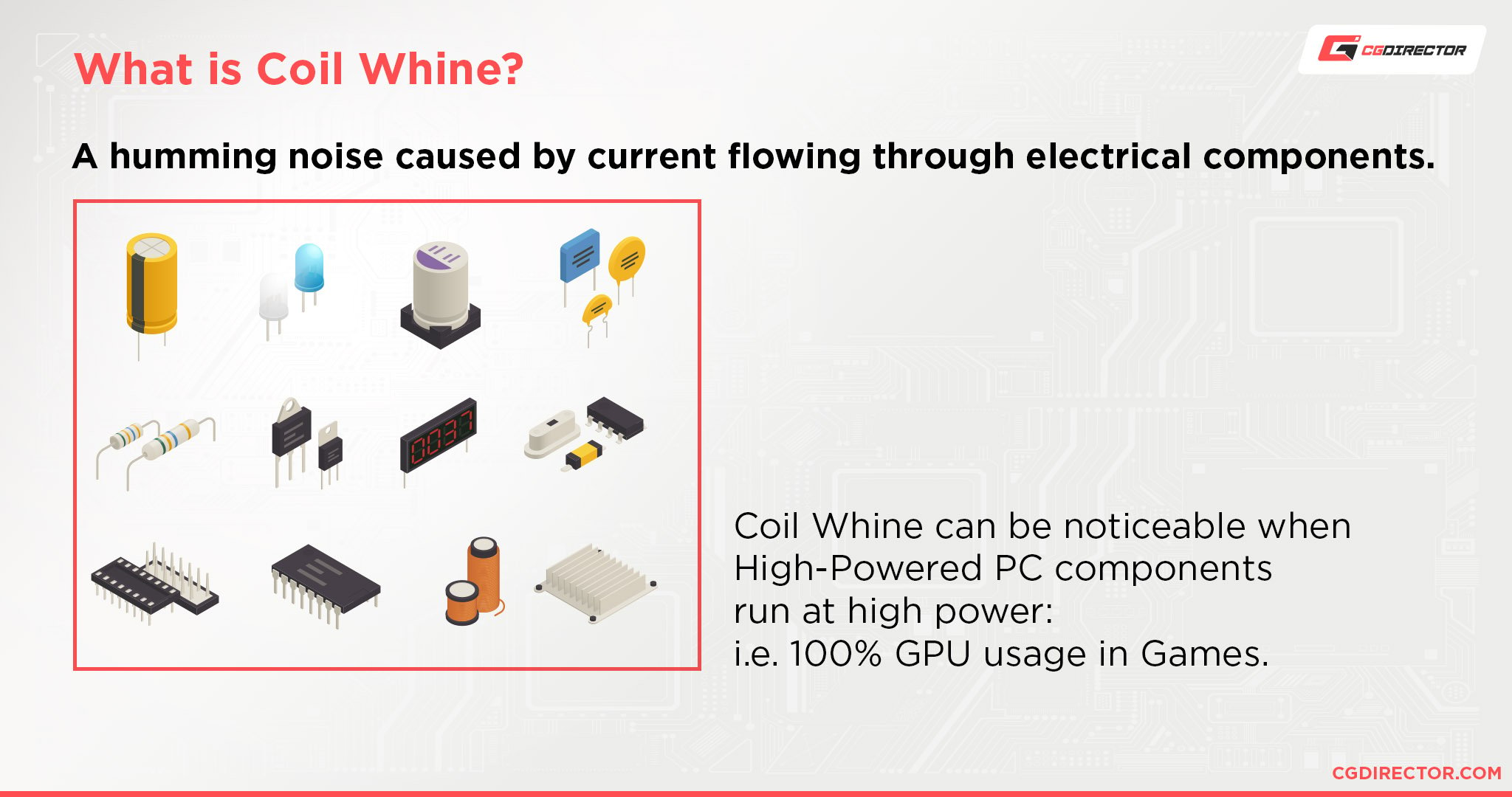
Coil whine is a common issue in many electronic devices, especially in GPUs. It is a high-pitched noise that comes from the hardware. This sound can be annoying to some users, but it does not always mean the GPU is damaged. Understanding coil whine helps you know what causes it and what to expect.
How Coil Whine Occurs
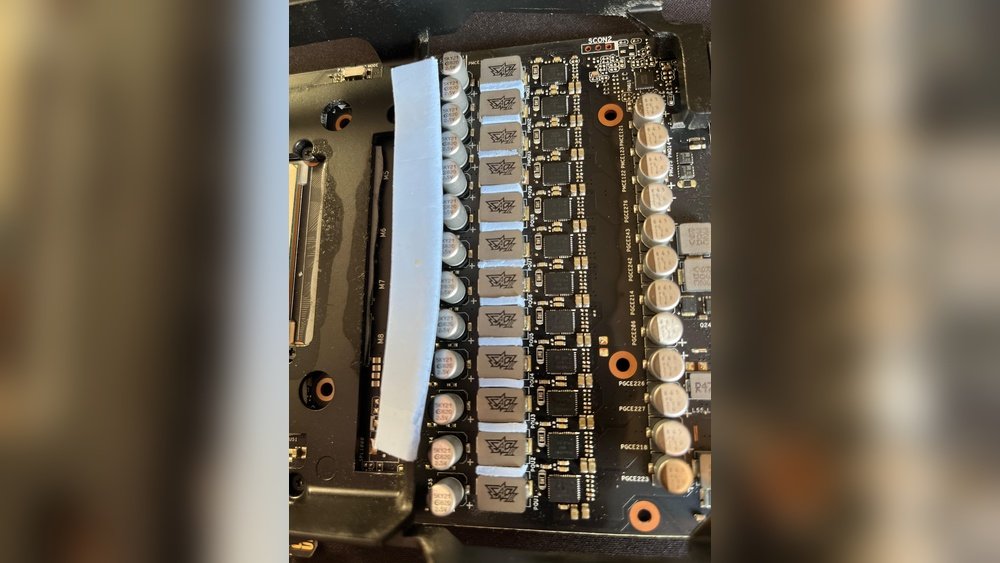
Coil whine happens when electrical current passes through coils inside the GPU. These coils are tiny wires wrapped around a core. The electrical energy causes the coils to vibrate rapidly. These vibrations produce the high-pitched sound known as coil whine. The noise changes with the GPU workload and power usage.
Common Sources In Gpus
The main sources of coil whine in GPUs are inductors and transformers. Inductors store energy in the magnetic field, while transformers change voltage levels. Both have coils that can vibrate and create noise. Capacitors and VRMs (Voltage Regulator Modules) can also cause coil whine. The sound is more noticeable in powerful GPUs running heavy tasks.
Why Coil Whine Happens
Coil whine is a common sound that some GPUs make. It can be annoying but is not always harmful. Understanding why coil whine happens helps reduce worry. The noise comes from tiny vibrations in the GPU’s parts. These vibrations create a buzzing or whining sound during heavy use. Two main causes explain these vibrations.
Electrical Vibrations And Frequency
Inside the GPU, electricity flows through coils. These coils are made of thin wire wrapped tightly. When electricity moves, it causes the coils to vibrate. The speed of electricity changes with GPU load. This change affects the vibration frequency. High frequencies create the high-pitched coil whine. The sound varies by power use and GPU design.
Impact Of Power Delivery Components
The GPU has parts that control power flow. Capacitors and inductors are key components. They work to keep power steady. When power changes quickly, these parts can vibrate. This vibration causes coil whine noise. Different quality and design of parts affect the sound. Good components help lower coil whine but may not stop it fully.
Is Coil Whine Harmful
Coil whine is a high-pitched noise from a GPU. Many users wonder if this sound means harm to their hardware. Understanding whether coil whine affects your GPU’s health is important. This section explains the risks and impact on performance.
Effects On Gpu Performance
Coil whine does not reduce GPU performance. It is only a sound caused by electrical vibrations. Your graphics card will run the same with or without coil whine. Frame rates, speed, and power use stay constant. Coil whine is a noise issue, not a performance problem.
Long-term Hardware Risks
Coil whine does not damage the GPU over time. It is a harmless side effect of power delivery. The GPU components remain safe and stable. No increased chance of failure comes from coil whine alone. The sound can be annoying but does not shorten hardware life.
When To Worry About Coil Whine
Coil whine is a common sound from GPUs, but it is not always a problem. Knowing when to worry about coil whine can save you time and stress. Some sounds are normal, while others signal issues. Learning the difference helps protect your GPU and improves your experience.
Signs Of Serious Issues
Listen for loud, unusual noises that change over time. Sudden cracks or popping sounds are red flags. If the noise gets worse after a few days, take action. Overheating or system crashes might follow strong coil whine. Watch for performance drops or instability. These signs mean your GPU needs attention.
Distinguishing Normal Noise From Damage
Normal coil whine is usually a soft, high-pitched sound. It appears mostly during heavy GPU use, like gaming or rendering. If the sound stays steady and does not grow louder, it is likely harmless. Damage-related noise often varies and may sound irregular. Check if the GPU temperature and fan speed are normal. Quiet, constant noise is common and safe to ignore.
Methods To Reduce Coil Whine
Coil whine can be annoying when it makes high-pitched noises from your GPU. It does not harm your graphics card, but reducing the sound improves your gaming or work experience. Several methods help lower or stop coil whine. These methods adjust how your GPU handles power and frame rates.
Adjusting Power Settings
Changing your GPU’s power settings can reduce coil whine. Lowering the power limit or switching to a quieter mode helps control electrical noise. Use your graphics card’s software to set a balanced power plan. This limits how much power the GPU uses, which can reduce the coil whine sound. It also keeps your GPU cooler and quieter during use.
Using V-sync Or Frame Rate Limits
Enabling V-Sync or setting a frame rate limit can reduce coil whine. These options stop the GPU from running at extremely high frame rates. High frame rates often cause the coil whine noise. V-Sync matches your monitor’s refresh rate, stabilizing GPU output. Frame rate limits set a cap on frames per second, lowering stress on the GPU. Both methods help keep the GPU quieter during gaming or videos.
Credit: www.cgdirector.com
Hardware Fixes For Coil Whine
Coil whine can be annoying, especially during gaming or heavy GPU use. Hardware fixes can help reduce or stop this high-pitched noise. Some methods involve changing parts or adding materials that block or soften the sound.
These fixes require some care but often improve your PC’s quietness and comfort.
Replacing Or Upgrading Components
Sometimes coil whine comes from older or lower-quality parts. Replacing the power supply or GPU with higher-quality models can reduce coil whine. Newer components often use better materials and designs to minimize noise. Upgrading can be an effective way to fix coil whine permanently.
Check reviews and specs before buying to find quieter hardware.
Applying Dampening Materials
Dampening materials absorb or block coil whine sounds. Foam, rubber pads, or soundproof mats can be placed inside the PC case. These materials reduce vibrations that cause coil whine noise. Proper placement around the GPU and power supply helps most.
This method is affordable and does not require replacing parts. It also lowers overall system noise for a quieter experience.
Manufacturer Support And Warranty
Manufacturer support and warranty are important for GPU coil whine issues. They help protect your purchase and give solutions if problems arise. Knowing when to contact support and what the warranty covers can save time and stress.
When To Contact Support
Contact support if coil whine is very loud or new. If the noise worsens or affects your gaming or work, reach out. Some coil whine is normal, but extreme sounds may signal a problem. Support teams can offer advice or help with repairs.
Warranty Coverage For Coil Whine
Many GPU warranties cover coil whine if it affects performance. Coverage depends on the manufacturer and the specific terms. Some brands consider coil whine normal and do not cover it. Check your warranty details to see what is included. Keep your receipt and document the noise for proof.
Preventing Coil Whine In Future Gpus
Preventing coil whine in future GPUs starts with smart choices. Coil whine is an annoying noise caused by vibrations in electrical components. It can affect your gaming or work experience. Reducing coil whine means focusing on the GPU’s build and software support. This helps keep your system quiet and smooth.
Choosing the right parts and keeping software updated are key steps. These efforts improve your GPU’s performance and lower noise risks. Let’s explore how these actions help prevent coil whine.
Choosing Quality Components
High-quality components reduce the chance of coil whine. Manufacturers who use solid capacitors and good coils make a big difference. These parts vibrate less under high power loads. A well-built GPU often has better noise control. Picking GPUs from brands known for quality can help avoid coil whine problems.
Keeping Firmware And Drivers Updated
Firmware and drivers control how your GPU works. Updates often include fixes for power management and performance. Better power control means less strain on components. This can lower coil whine sounds. Regularly updating your GPU’s software keeps it running quietly and efficiently.
Credit: www.reddit.com
Frequently Asked Questions
What Causes Coil Whine In Gpus?
Coil whine is caused by electrical vibrations in GPU components. Inductors or coils vibrate at high frequencies, producing audible noise. This usually happens under heavy load or high frame rates. It is a common side effect of power regulation in modern GPUs.
Is Coil Whine Harmful To Gpu Performance?
No, coil whine does not harm GPU performance or lifespan. It is purely an acoustic issue caused by electrical interference. Your GPU will function normally despite the noise. However, it can be annoying during gaming or intense tasks.
Can Coil Whine Be Fixed Or Reduced?
Yes, coil whine can sometimes be reduced by adjusting frame rate limits or enabling V-Sync. Using a power supply with better quality components may help too. However, complete elimination might not always be possible without replacing hardware.
Should I Return A Gpu With Coil Whine?
Returning a GPU for coil whine depends on your noise tolerance. Coil whine is not a defect, so manufacturers may not accept returns based on noise alone. If the sound is excessively loud or bothersome, consider contacting support for options.
Conclusion
Coil whine can be annoying but it usually does not harm your GPU. It makes a high-pitched noise during heavy use or fast frame rates. Most GPUs with coil whine still work fine and last long. If the noise bothers you, try lowering the frame rate or changing settings.
Some cases also reduce the sound. Remember, coil whine is common and not a sign of damage. Focus on your GPU’s performance instead of the noise. Enjoy your games without worry.