How to Lower Cpu Temps: Easy Tips to Boost Performance
Is your computer running hotter than it should? High CPU temperatures can slow down your system, cause crashes, and even shorten your hardware’s life.
You don’t have to accept overheating as normal. You’ll discover simple and effective ways to lower your CPU temps fast. Whether you’re a gamer, a student, or just using your PC for everyday tasks, these tips will help your computer run cooler and smoother.
Keep reading to protect your device and boost its performance right now.
Causes Of High Cpu Temps
High CPU temperatures can cause your computer to slow down or even shut off. Understanding what causes these heat spikes is important. Many factors can lead to a hot CPU. Some are easy to fix, while others need more attention.
Knowing the causes helps you keep your CPU cool. This keeps your system running smoothly and avoids damage.
Overclocking Effects
Overclocking makes the CPU run faster than its normal speed. This increases power use and heat output. The CPU works harder and produces more heat. Without proper cooling, temperatures rise quickly.
Dust And Dirt Build-up
Dust and dirt collect inside the computer case. They block fans and cooling parts. This stops air from moving freely. Heat gets trapped near the CPU, raising its temperature.
Poor Airflow
Good airflow moves hot air out and brings cool air in. Poor airflow traps heat inside the case. This happens when cables block vents or fans don’t work well. The CPU stays hotter for longer.
Thermal Paste Degradation
Thermal paste helps move heat from the CPU to the cooler. Over time, the paste dries out or cracks. This lowers its ability to transfer heat. The CPU then runs hotter than normal.

Credit: youtu.be
Basic Cooling Solutions
Keeping your CPU cool is important for your computer’s health. Basic cooling solutions help lower CPU temperatures. These steps are simple and effective. They prevent overheating and improve performance. You can do them at home without special tools.
Cleaning Your Pc
Dust blocks air and makes your CPU hot. Open your PC case carefully. Use a soft brush or compressed air to remove dust. Clean fans, vents, and heat sinks. This helps air flow better. Do this regularly to keep your PC cool.
Improving Case Ventilation
Good airflow inside the case lowers CPU temperature. Make sure cables are neat and not blocking air paths. Add extra case fans if needed. Fans should push cool air in and pull hot air out. Place your PC in a cool, open space for better ventilation.
Reapplying Thermal Paste
Thermal paste helps transfer heat from the CPU to the cooler. Old or dried paste can cause high temperatures. Remove the old paste with isopropyl alcohol and a soft cloth. Apply a small, pea-sized amount of new thermal paste on the CPU. This improves heat transfer and lowers CPU temperature.
Upgrading Hardware
Upgrading your computer’s hardware can significantly reduce CPU temperatures. This step helps your system stay cool during heavy use. Cooler hardware means better performance and longer lifespan. Choosing the right parts is essential for effective cooling.
Choosing Better Cpu Coolers
Stock coolers often struggle with high temperatures. Upgrading to a high-quality air cooler improves heat dissipation. Look for coolers with larger heatsinks and multiple heat pipes. Bigger fans move more air quietly. Choose coolers compatible with your CPU socket for easy installation.
Installing Additional Fans
Adding more fans improves airflow inside the case. Place intake fans at the front to bring in cool air. Exhaust fans at the back or top remove hot air. Balanced airflow prevents heat buildup around the CPU. Use fans with adjustable speeds for better control.
Using Liquid Cooling Systems
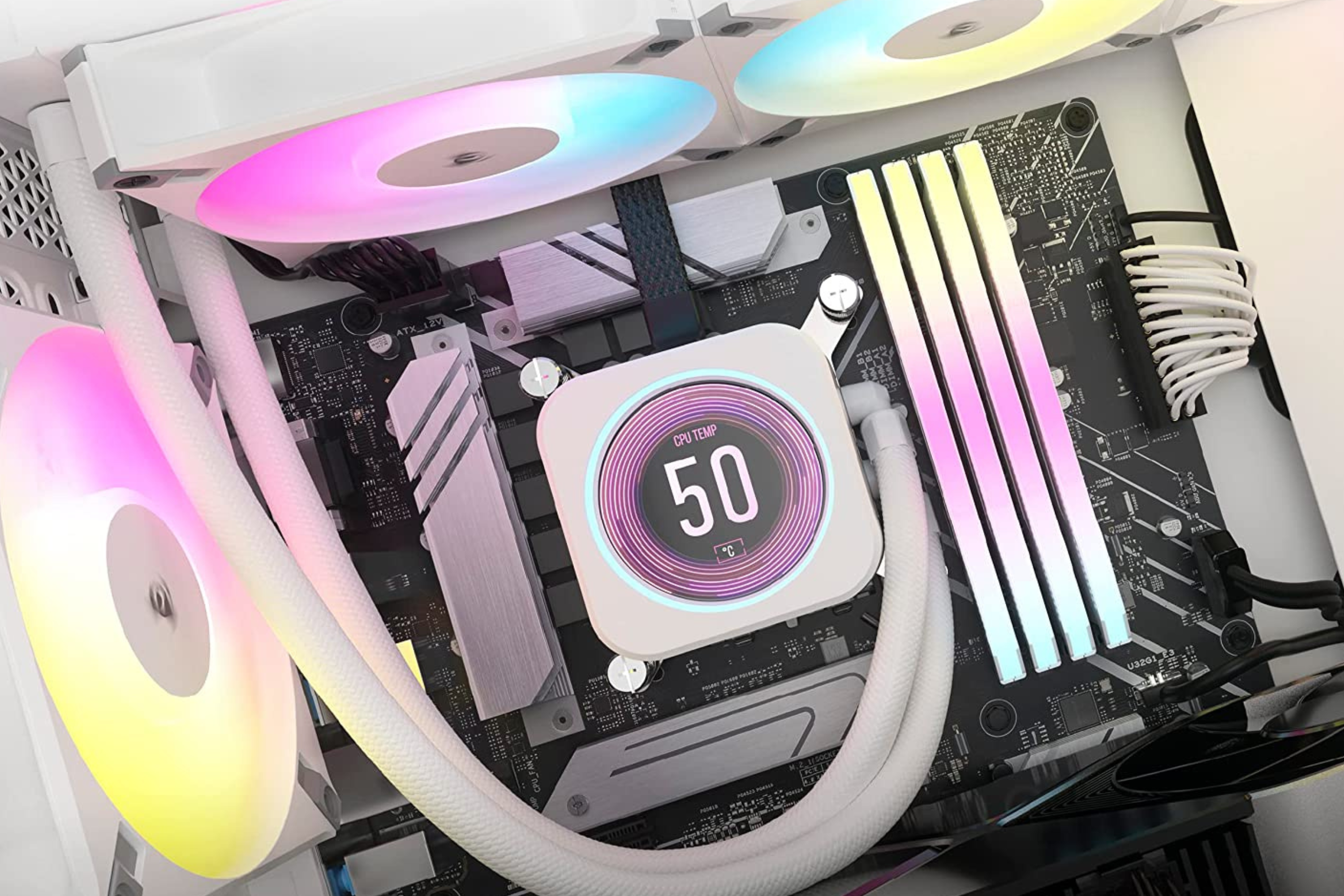
Liquid cooling offers efficient heat removal from the CPU. It uses a pump to circulate coolant through a radiator. Radiators dissipate heat faster than air coolers. These systems keep CPU temperatures low during intense tasks. Installation is more complex but worth the cooling benefits.

Credit: www.reddit.com
Optimizing Software Settings
Optimizing software settings can help reduce your CPU temperature effectively. By adjusting how your computer manages heat and power, you can keep your CPU cooler. This approach uses simple software tweaks that anyone can do. It avoids extra costs and hardware changes.
These settings help control fan speed, limit unnecessary processes, and reduce CPU voltage. Each step plays a part in lowering heat and improving performance. Let’s explore some easy ways to optimize your software for cooler CPU temps.
Adjusting Fan Curves
Fan curves control how fast your fans spin based on CPU temperature. Setting a more aggressive fan curve makes fans run faster at lower temperatures. This helps cool the CPU before it gets too hot.
You can change fan curves using BIOS or software from your motherboard maker. Look for a simple interface to set fan speeds at different temperature points. Faster fans mean better airflow and lower CPU temps.
Managing Background Processes
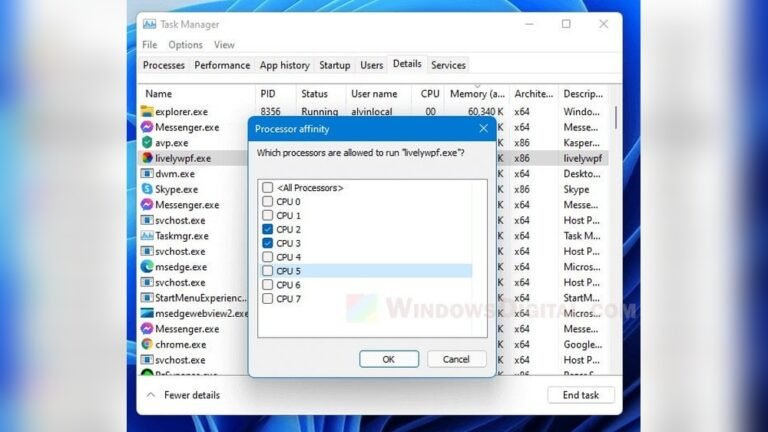
Many programs run in the background and use CPU power unnecessarily. Stopping these programs lowers CPU load and heat. Use Task Manager to find and close unwanted apps.
Disable startup programs you don’t need. This reduces CPU work when your computer turns on. Less CPU work means less heat. Keep only essential apps running.
Undervolting The Cpu
Undervolting reduces the voltage supplied to your CPU without lowering its speed. Lower voltage means less power used and less heat generated. This can cool your CPU significantly.
Use software like Intel XTU or AMD Ryzen Master to adjust voltage safely. Test stability after changes to avoid crashes. Undervolting is a smart way to cut heat without losing performance.
Monitoring Temperature Regularly
Keeping an eye on your CPU temperature helps avoid overheating problems. Regular monitoring lets you spot rising heat early. It protects your computer from damage and keeps it running smoothly. Simple checks can save costly repairs and improve performance.
Using Temperature Monitoring Tools
Many tools show your CPU temperature in real time. Some are free and easy to install. Programs like HWMonitor, Core Temp, and SpeedFan give clear temperature readings. They show data in numbers and graphs. You can check your CPU heat anytime with these tools.
Setting Temperature Alerts
Temperature alerts warn you before heat gets too high. You can set limits in monitoring software. The program sends a notification if the CPU passes your set temperature. This helps you act quickly to cool your CPU. Alerts prevent damage from sudden overheating.
Credit: www.xda-developers.com
Frequently Asked Questions
How Can I Reduce Cpu Temperature Quickly?
To reduce CPU temperature quickly, improve airflow by cleaning dust and using quality thermal paste. Ensure your PC fans work properly and avoid heavy tasks until temperatures drop.
What Is The Ideal Cpu Temperature Range?
The ideal CPU temperature is typically between 30°C and 50°C during idle. Under load, temperatures should stay below 85°C to avoid damage and maintain performance.
Does Applying New Thermal Paste Lower Cpu Temps?
Yes, applying fresh thermal paste improves heat transfer between the CPU and cooler. This can significantly lower CPU temperatures if the old paste is dried or improperly applied.
How Does Case Airflow Affect Cpu Temperature?
Proper case airflow removes hot air and brings in cool air, preventing heat buildup. Good airflow reduces CPU temps and improves overall system stability and performance.
Conclusion
Keeping your CPU cool helps your computer run well and last longer. Small changes, like cleaning fans or improving airflow, make a big difference. Using good thermal paste and quality coolers also helps lower temperatures. Regularly checking your CPU temperature keeps problems away.
Cooler CPUs mean fewer crashes and better performance. Take these easy steps today to protect your PC. Stay cool, stay safe.